


Choose your measurement grade
H310-TS180C accuracy grades: 0.1°, 0.01° or 0.001°. Select the configuration for your working range and site conditions.

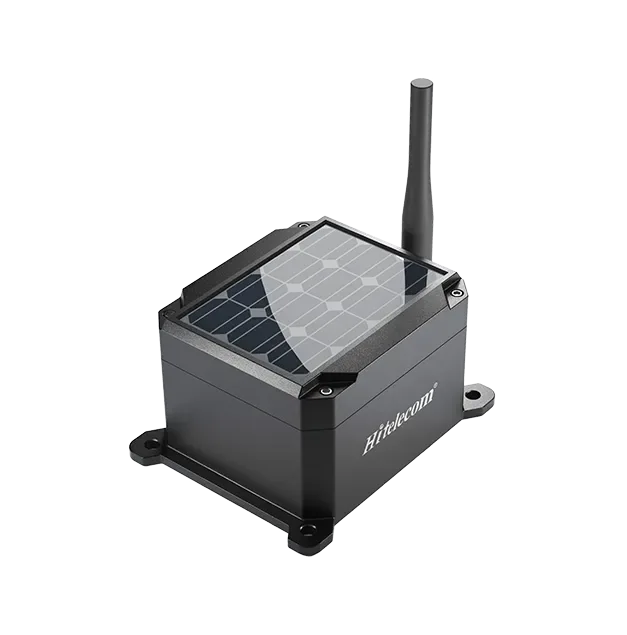
The Hitelecom H Series wireless tilt sensor is an inclinometer that measures changes in angle at its mounting point. It is designed for monitoring poles, towers, bridge elements and warehouse rack uprights. Depending on the model, readings are transmitted over 4G, NB-IoT or LoRa for remote monitoring and configured alerts. Choose the model by measurement performance, reporting requirements, installation conditions and platform compatibility.
KEY FEATURES
Match measurement performance, installation and connectivity to the asset you need to observe.
H310-TS180C accuracy grades: 0.1°, 0.01° or 0.001°. Select the configuration for your working range and site conditions.
Metal IP68 or plastic IP66 enclosure options, selected with the mounting arrangement and installation environment.
4G, NB-IoT and LoRa configurations provide different routes from the measurement point to your monitoring platform.
NFC activation and local device configuration support installation and commissioning.
OTA firmware updates support device maintenance after installation.
Define the angle reference, threshold and required notification time for the selected device and platform configuration.
A CLEARER VIEW OF CHANGE
A wireless tilt sensor measures inclination where it is mounted. Compare later readings with the installation baseline to follow the direction and size of local rotation. Connect each measurement point to a named asset, so your team can review changes alongside inspection and maintenance records.
Find your applicationA consistent reference makes the angle history easier to interpret at each monitored point.
Fix the sensor to the selected element. Record the asset, mounting position, sensor axes and initial angle after installation.
Select the measurement and reporting schedule, then connect through the wireless route available at the site.
Use the project’s review thresholds and notification process to direct inspections to the monitored points.
DESIGNED FOR LONG-TERM MONITORING
For the H310-TS180C operating profile stated by Hitelecom, 240 measurement cycles take place between scheduled reports. Measurement frequency and reporting frequency are specified separately to match the monitoring task.
An angle measurement every minute.
240 measurement cycles per reporting interval.
Hitelecom-stated life for this operating profile.
Laboratory capability reported by Hitelecom.
The service-life figure applies to the stated H310-TS180C profile and varies with the supplied battery, enabled functions, radio conditions and temperature. Laboratory cycle capability is a separate test statement. Agree report contents and any event-reporting requirements for the selected configuration.
APPLICATIONS
Explore what to monitor, where to mount and which details help us configure a sensor for your project.
9 industry categories 54 monitoring tasks
Application illustrations show monitoring environments; they are not customer installation records.

Warehouse racks, automated storage and mezzanine supports
Monitor inclination at selected warehouse rack uprights and follow changes against the commissioning baseline. Link each reading to a rack location so warehouse teams can review persistent changes alongside loading patterns, handling activity and the scheduled rack inspection record.
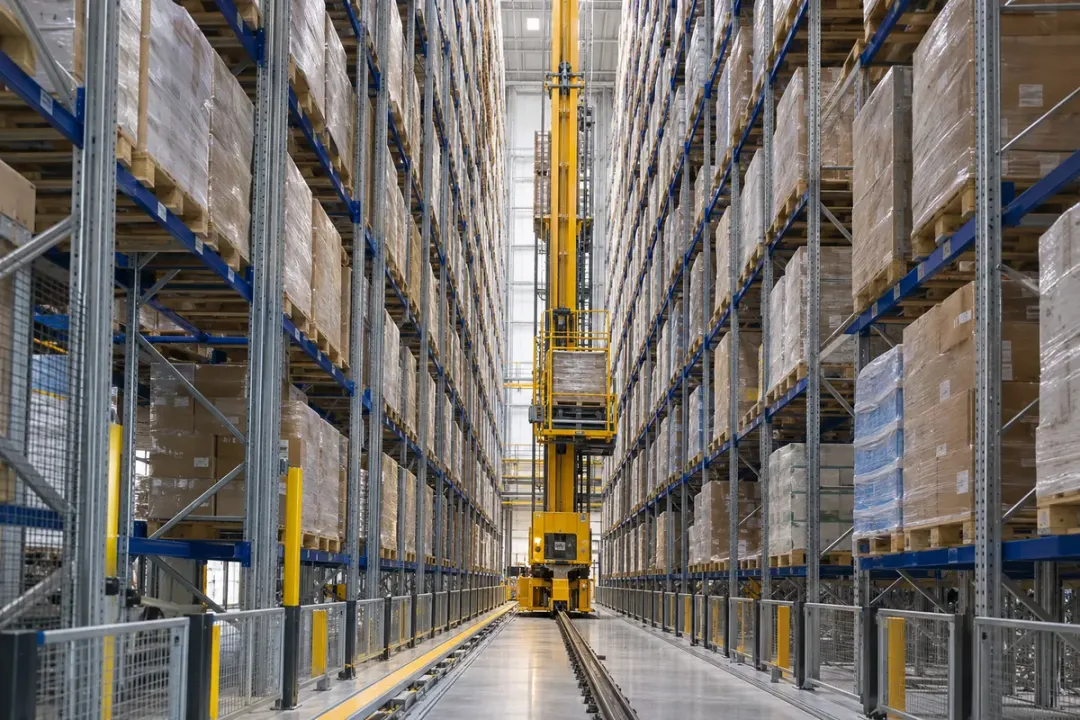
Track local inclination at defined uprights within an automated high-bay warehouse. Identify each point by rack row and service location so changes can be reviewed with loading, maintenance and equipment-interaction records. Choose accessible fixing positions outside stacker-crane and shuttle operating envelopes, with a repeatable baseline for the selected structural member.
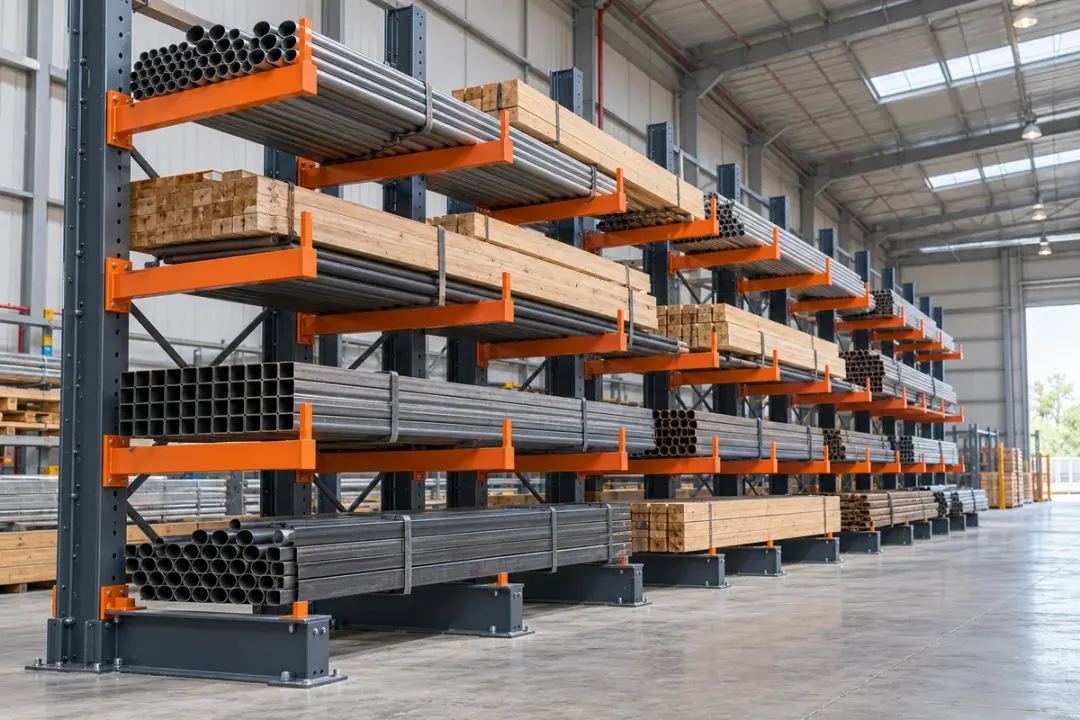
Monitor inclination at selected upright columns in cantilever racks used for long or bulky goods. Identify each point by rack row and bay, then compare the angle history with recorded loading arrangements, handling activity and rack inspections. A consistent baseline helps the warehouse team review persistent changes after impact reports, support adjustments or changes in the lengths and weights stored on the arms.

Follow inclination at selected uprights in drive-in or drive-through pallet racking. Associate each sensor with a storage lane and rack member so observations can be reviewed against loading sequences, forklift activity and planned inspections. Compare readings with the commissioning reference and documented loading conditions to help warehouse teams locate a persistent change in the particular rack structure being monitored.
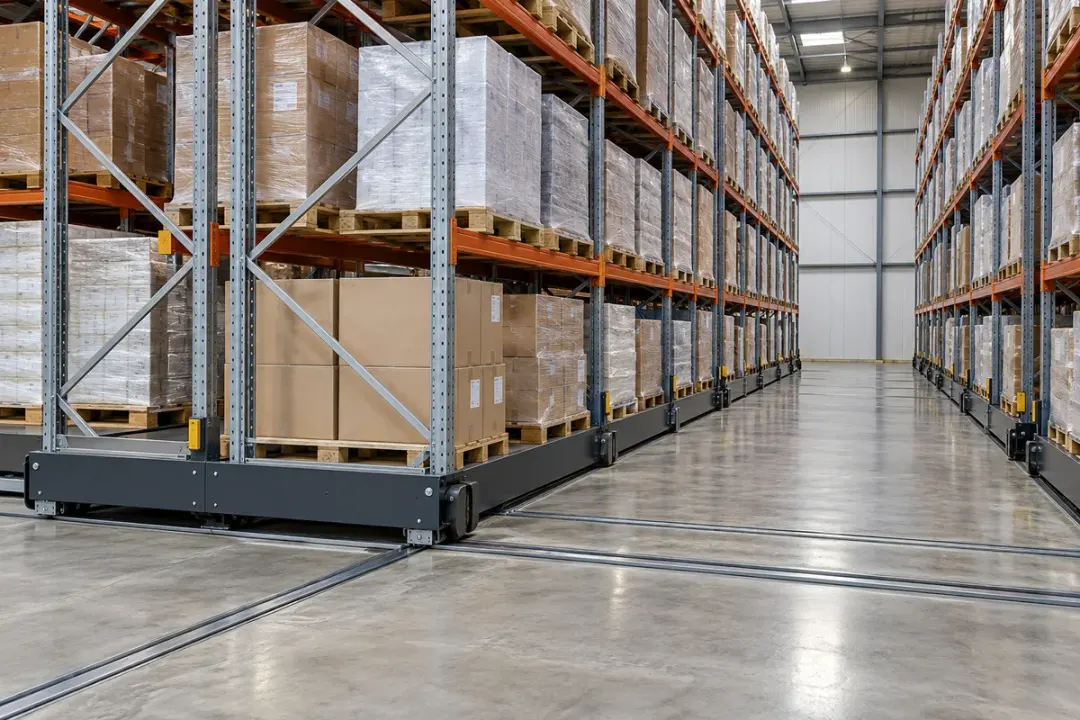
Compare inclination at selected uprights on mobile pallet-rack systems when the racks are parked in a defined reference position. Record the rack location and loading state so later readings represent comparable conditions. The resulting angle history helps warehouse maintenance teams review persistent upright changes after relocation, wheel or rail servicing, loading changes and scheduled rack inspections.
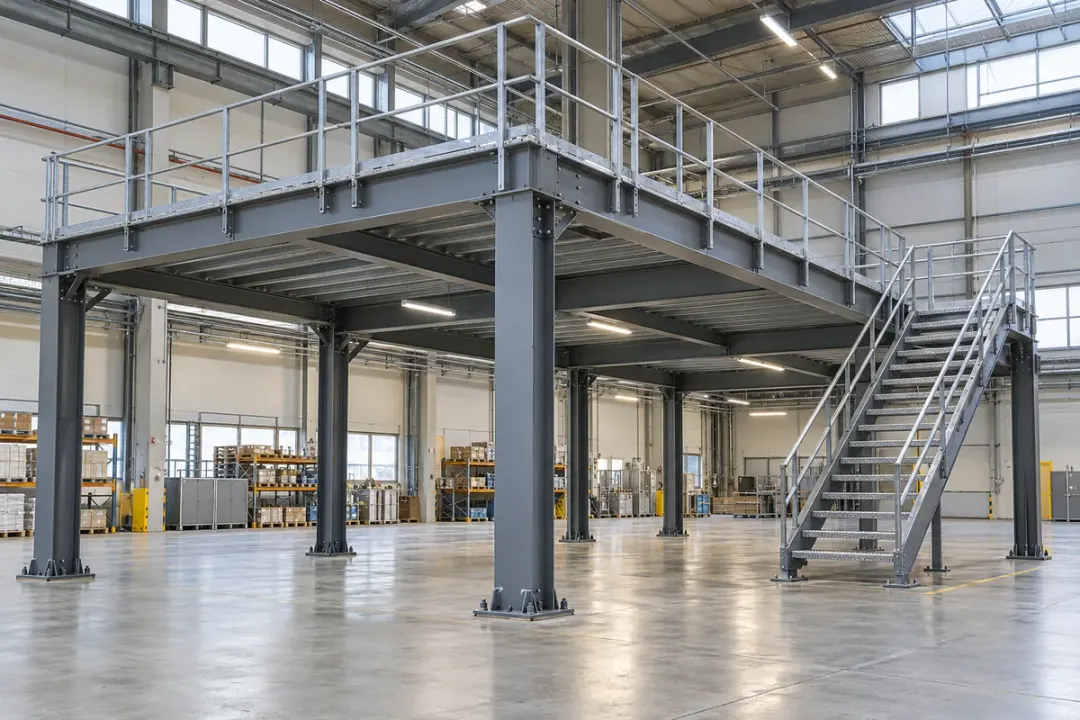
Observe inclination at selected columns supporting an industrial mezzanine or storage platform. Associate the angle history with the column grid, platform use and documented load changes. The records help the facilities team plan inspection of the named member after layout alterations, equipment relocation or maintenance affecting the support arrangement.
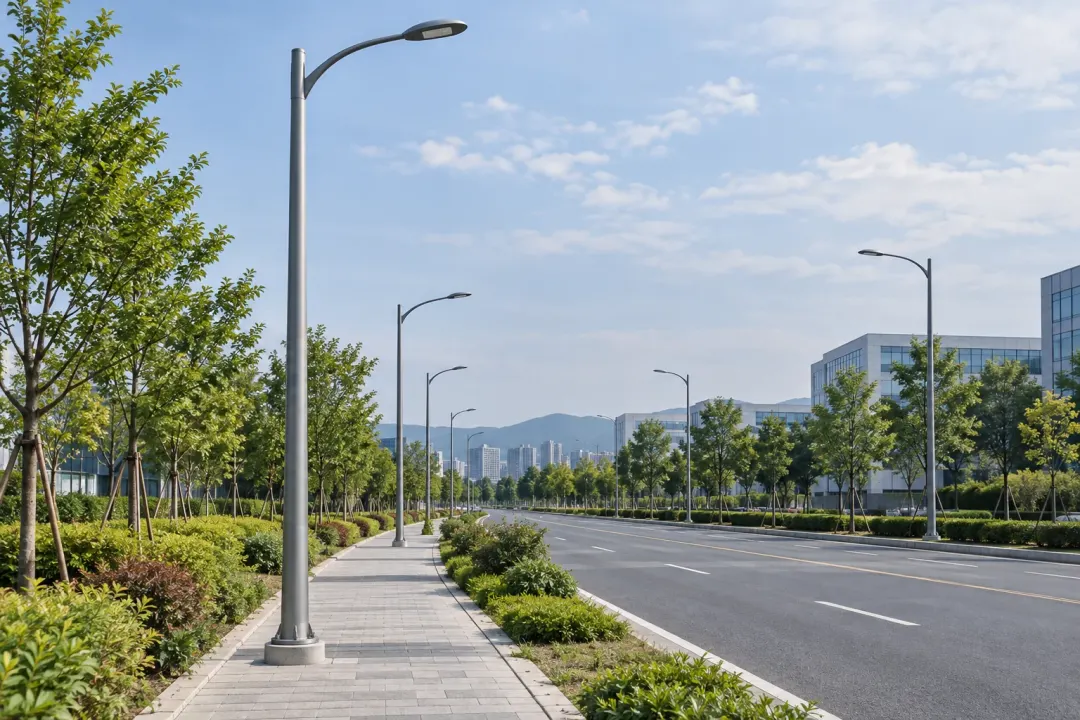
Lighting, utility, telecom and roadside support structures
Track changes in the inclination of street light poles across a road, campus or industrial park. An angle history at named pole locations helps maintenance teams focus checks after severe weather, nearby works or a persistent change from the installation reference.
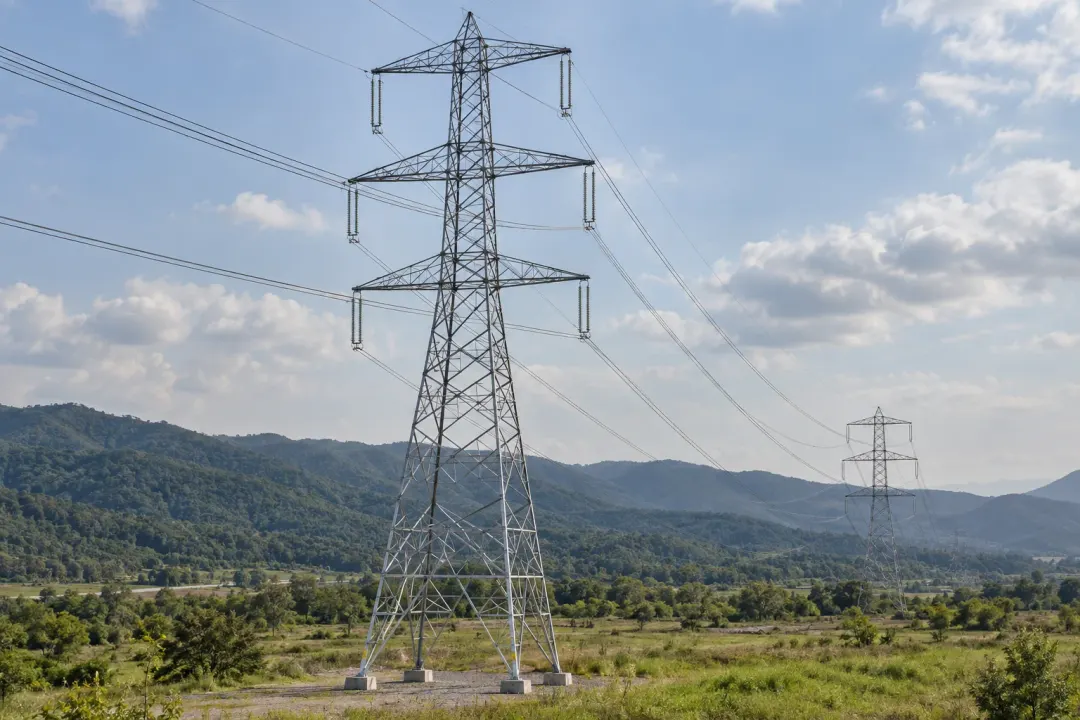
Follow local rotation at selected transmission-tower members and compare it with the installation baseline. Combine the angle trend with tower inspections and foundation observations to help review changes over time, particularly when wind, temperature or nearby works affect the site.
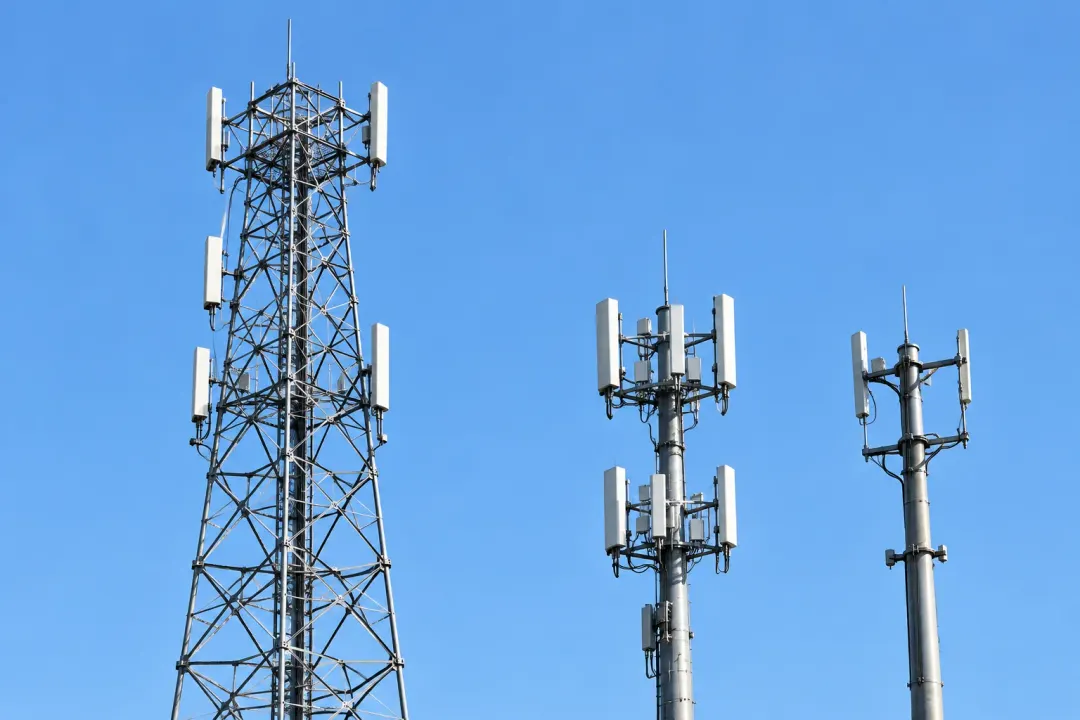
Monitor inclination at defined telecom mast or tower-support locations. Associate every sensor with its structural member and compare changes across maintenance periods, antenna work and recorded wind conditions to support inspection planning for individual sites or a distributed tower portfolio.

Observe changes in inclination at billboard support poles or frames. Comparing readings with a documented reference helps the site team review persistent changes alongside wind conditions, maintenance work and inspections following significant weather or activity around the support foundation.

Observe local inclination on poles carrying traffic cameras, roadside monitoring equipment or intersection devices. Record the measurement axis and baseline against the pole asset record. Angle trends can support inspections after equipment replacement, foundation-area works or vehicle impact, with the monitored pole section distinguished from adjustable camera brackets and equipment mounts.
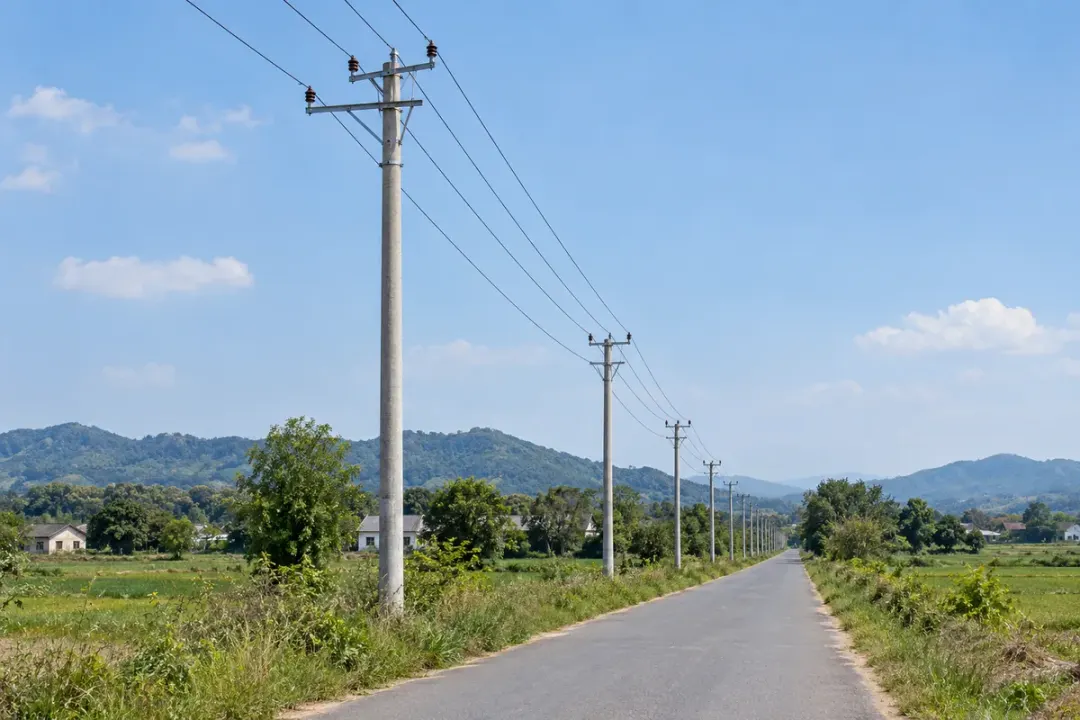
Build local inclination records for selected distribution poles along urban, rural or industrial feeders. Tie measurements to pole numbers and a consistent baseline, allowing teams to review changes around roadworks, drainage changes or pole-mounted equipment servicing. Pole condition and foundation observations give the angle record its site context for maintenance planning.
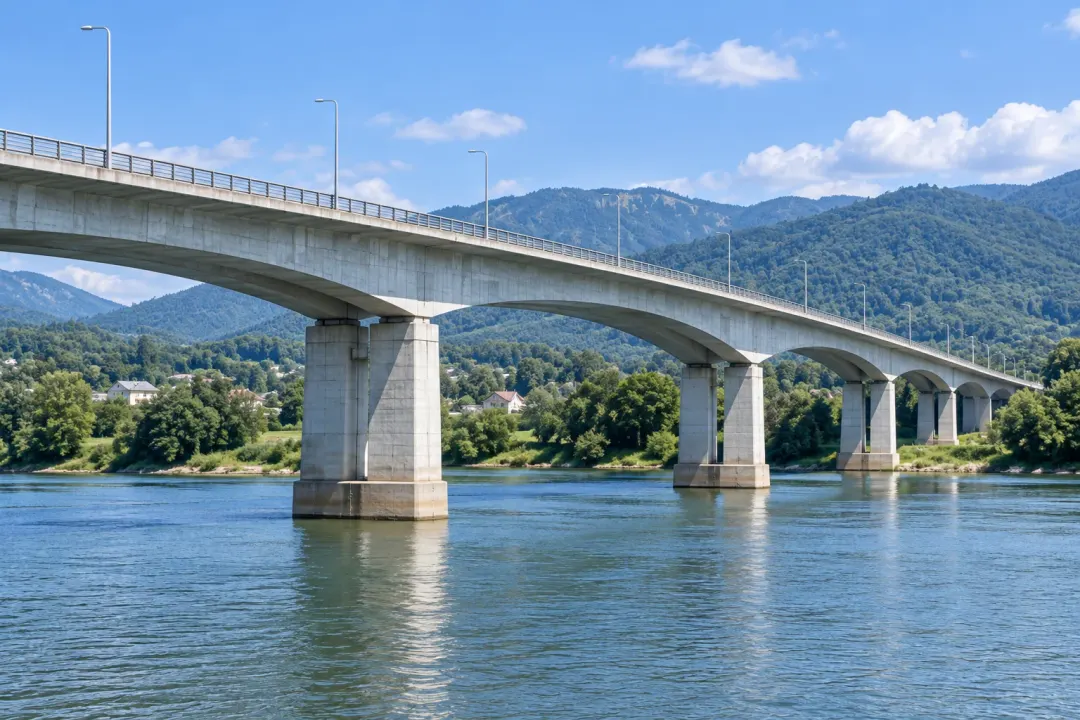
Selected bridge, retaining-wall and marine support members
Monitor local rotation at selected bridge piers, abutments or structural members. Compare the angle trend with traffic conditions, temperature observations and inspection records to support engineering review during routine operation, adjacent construction or a defined period of bridge maintenance work.
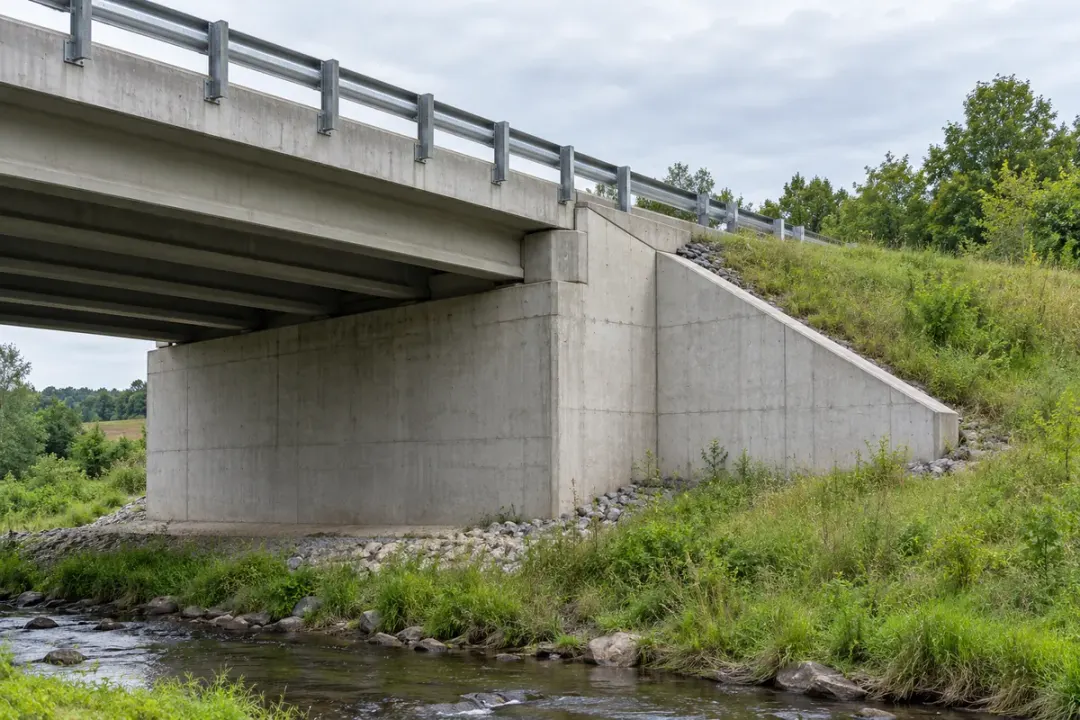
Observe local rotation at a selected bridge abutment or wing wall where approach works, drainage conditions or nearby excavation form part of the monitoring brief. Mount directly to the chosen structural element and record its initial orientation. Compare the angle history with site inspection and maintenance records to support reviews of changes at that specific location.
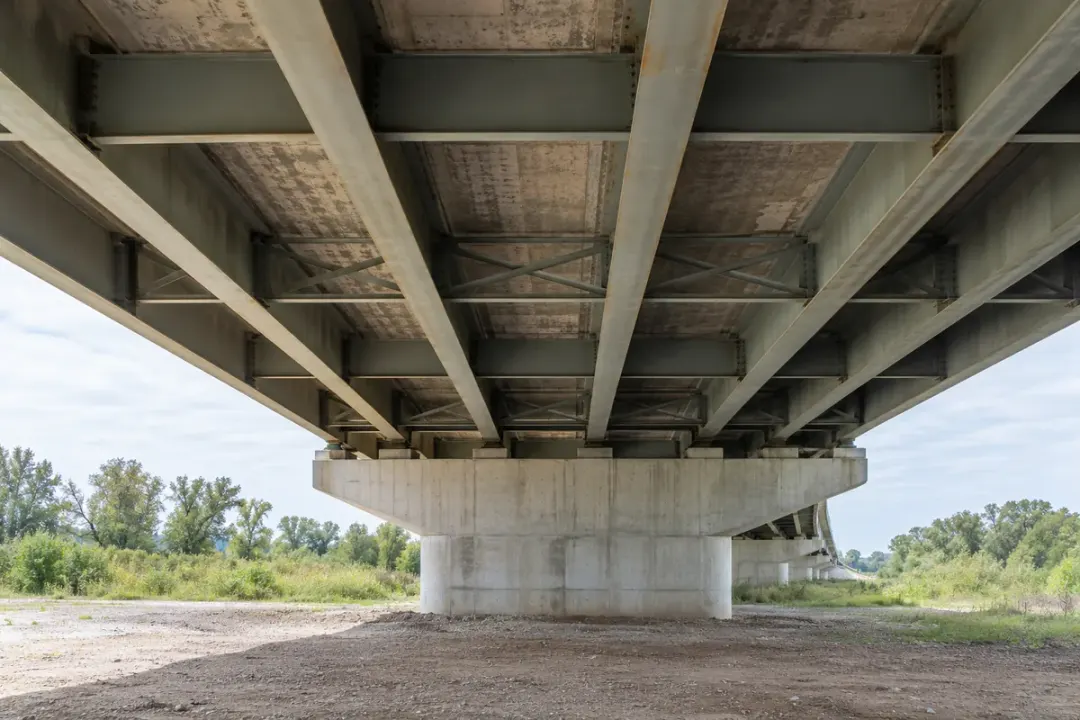
Record inclination at an engineer-selected point on a bridge-deck member to follow gradual rotation across planned observation periods. Use a rigid connection to the member and document the measurement axis. Comparing observations under similar traffic and operating conditions helps engineers review angular trends alongside their separate inspection and structural measurement records.
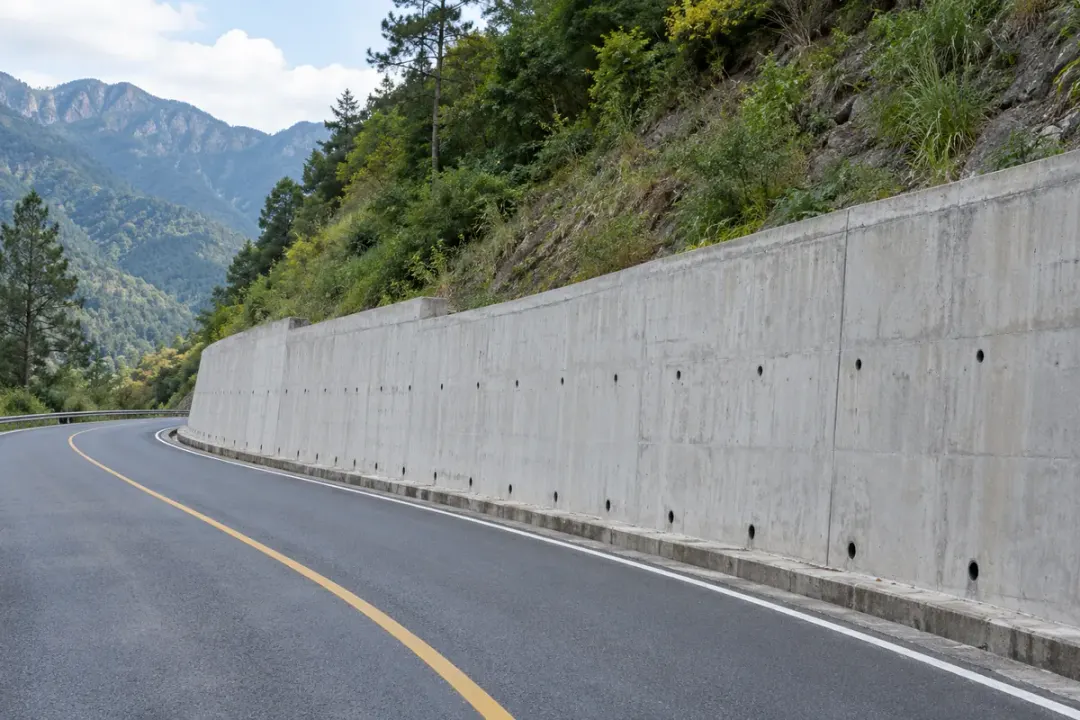
Monitor gradual angle changes at selected highway retaining-wall sections along cuttings, ramps or embankments. Give each sensor a wall-section reference and establish its baseline after mounting. Comparing point histories with drainage inspections, rainfall records and nearby earthworks helps maintenance teams decide which locations merit closer examination during scheduled corridor inspections.
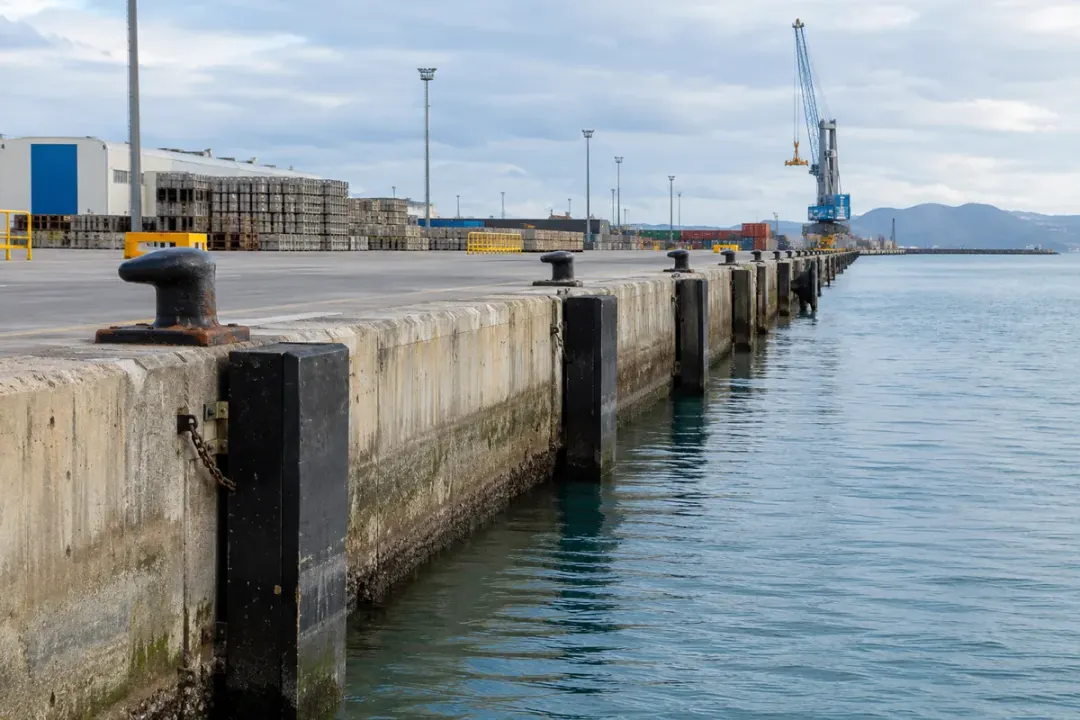
Follow local rotation at a selected quay-wall element during routine port operation or nearby construction. Rigidly couple the sensor to the monitored wall element, then record its baseline and orientation. Reviewing observations against documented tidal conditions, loading arrangements and inspection findings helps the port team compare the same location across successive monitoring periods.
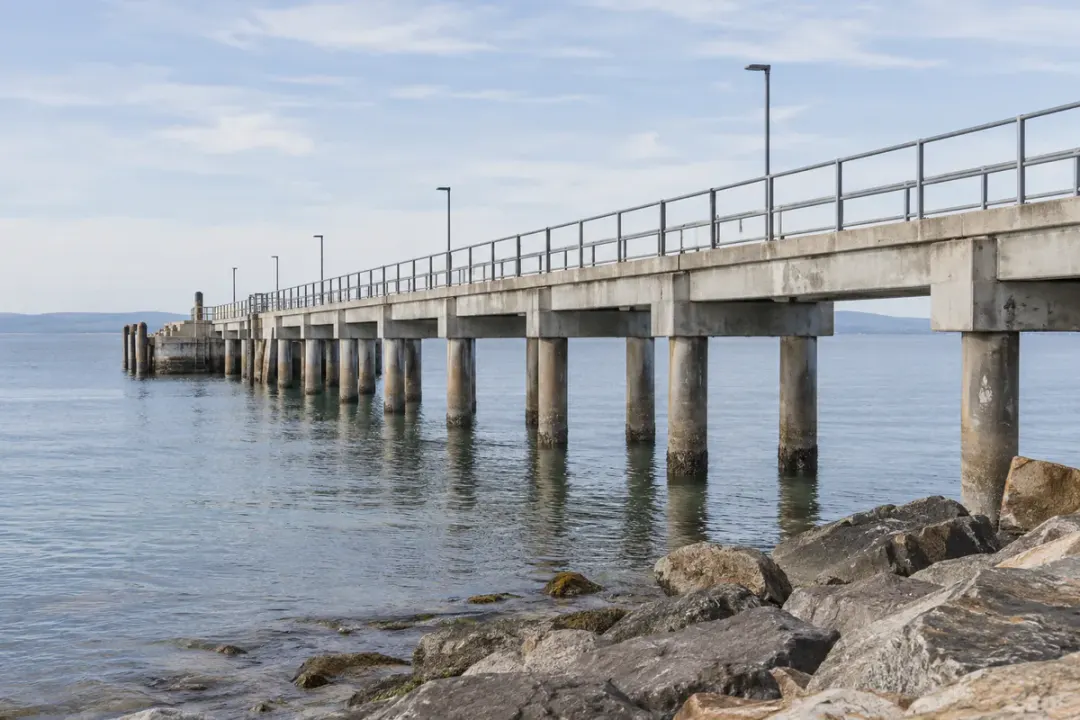
Observe gradual inclination changes at selected fixed supports of a jetty. Attach to the structural member identified in the monitoring plan and establish a repeatable baseline. Comparing observations made under documented water-level and operating conditions helps engineers review that support’s angular history alongside inspection records and planned maintenance activities.
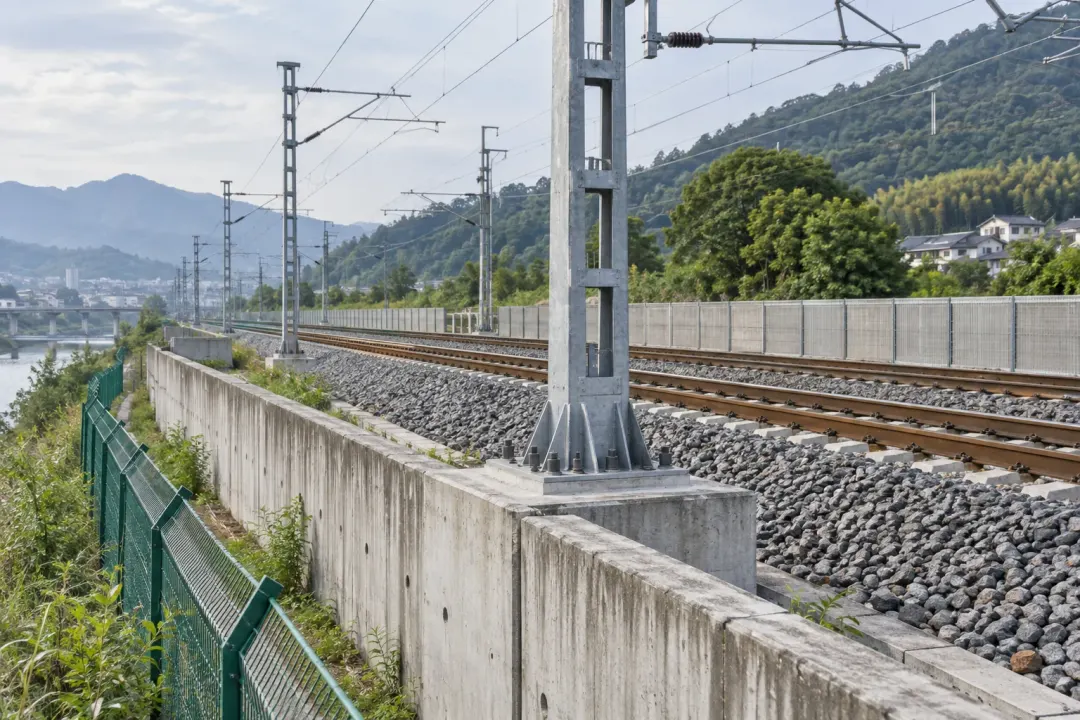
Railway, tunnel and metro structures at defined monitoring points
Follow inclination at selected railway retaining walls, catenary supports and other stationary structures. A recorded baseline and repeatable measurement conditions help the monitoring team relate local angle changes to trackside works, train activity and the wider infrastructure inspection programme.
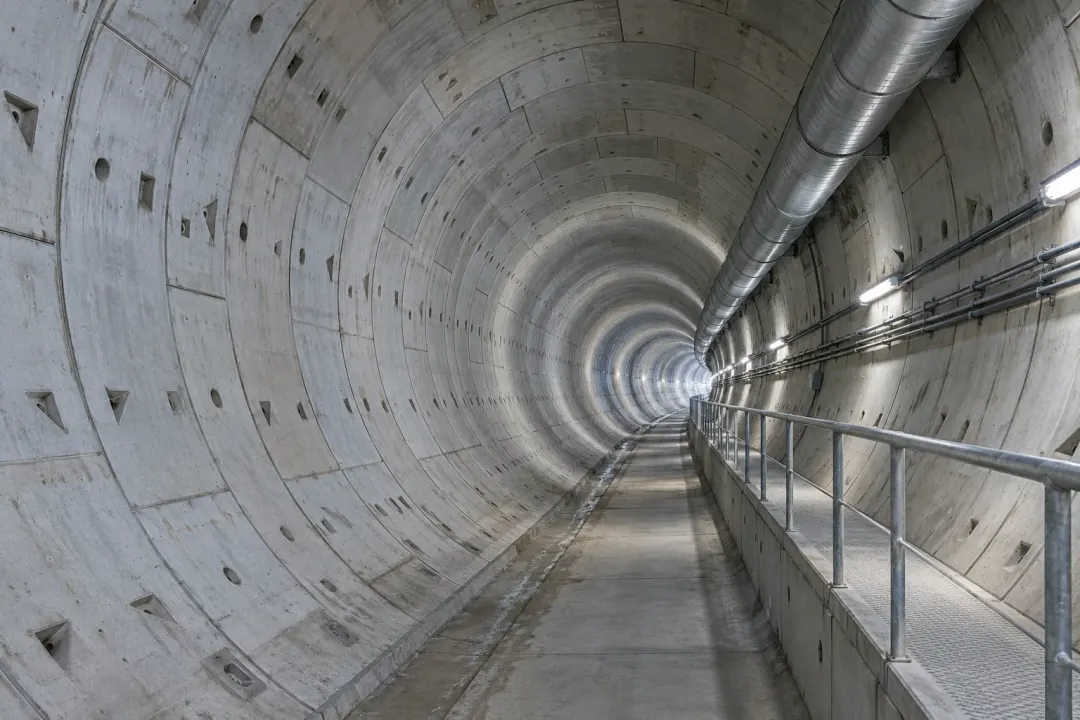
Observe local angular change at defined tunnel lining segments or supports. Link the measurement timeline to excavation, lining work and inspection records so the project team can compare the monitored points across construction stages or periods of ongoing tunnel operation.
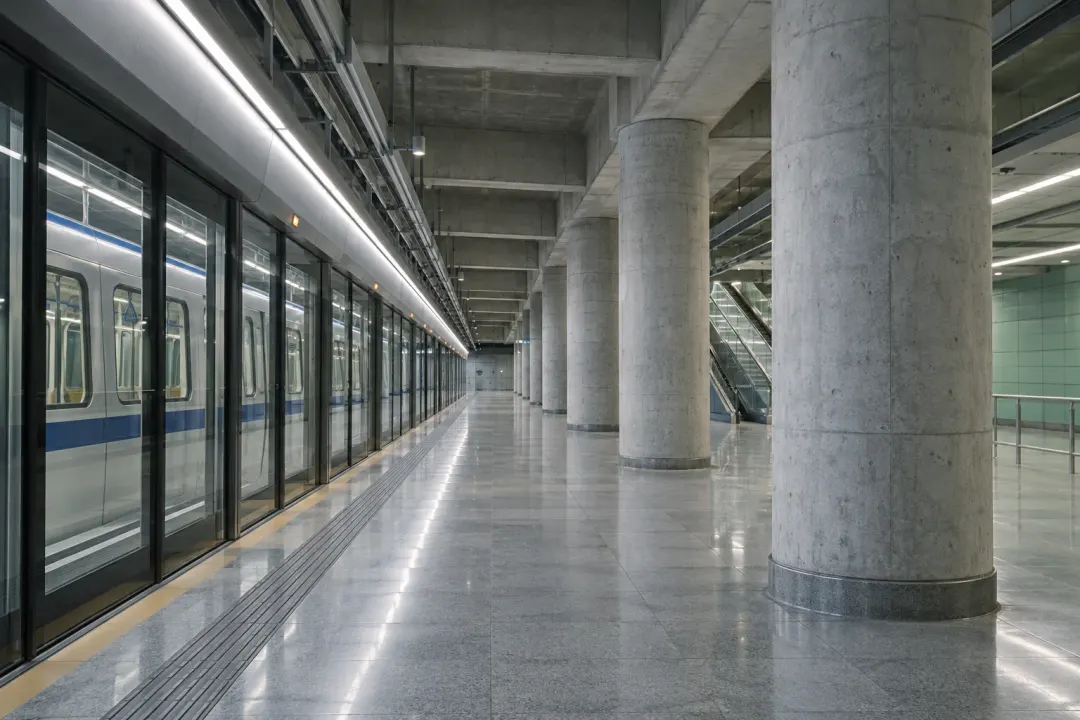
Track inclination at selected metro station columns, tunnel elements or retaining structures. Establish the reference before relevant works and follow the same points through construction or maintenance stages, with readings organised around the access and operating requirements of the network.
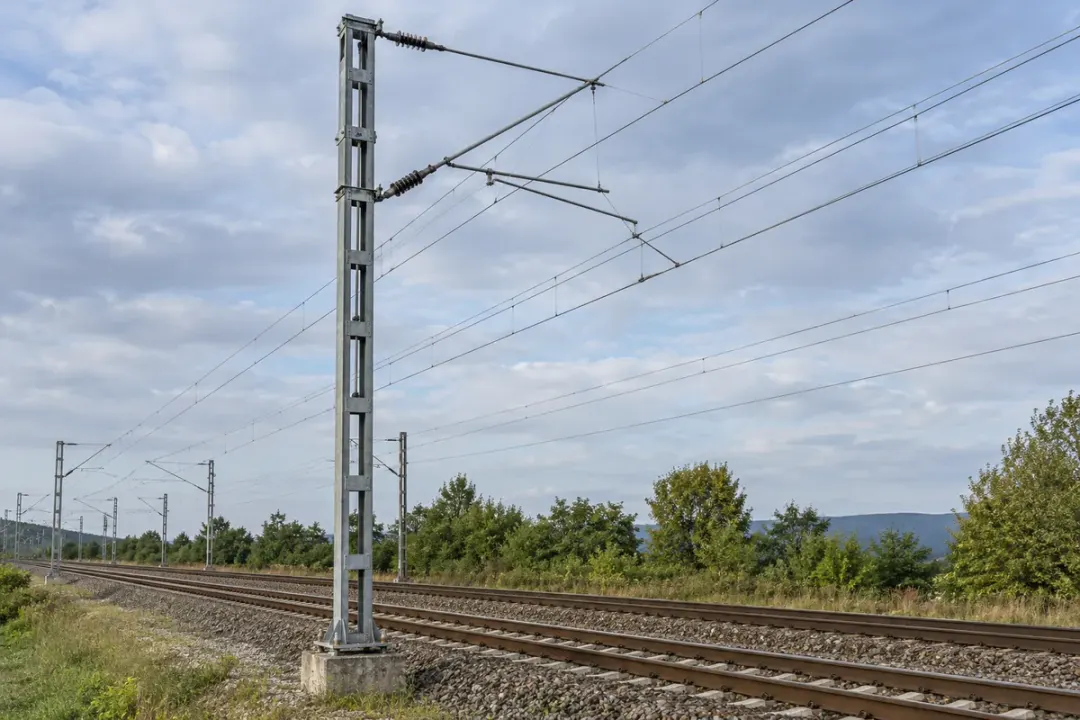
Track slow changes in the inclination of designated catenary support masts. A documented mounting direction and baseline allow teams to compare the same mast across maintenance activities, nearby groundworks and routine inspection rounds. Associate each sensor with the infrastructure asset reference to keep remote angle observations connected to the correct support.
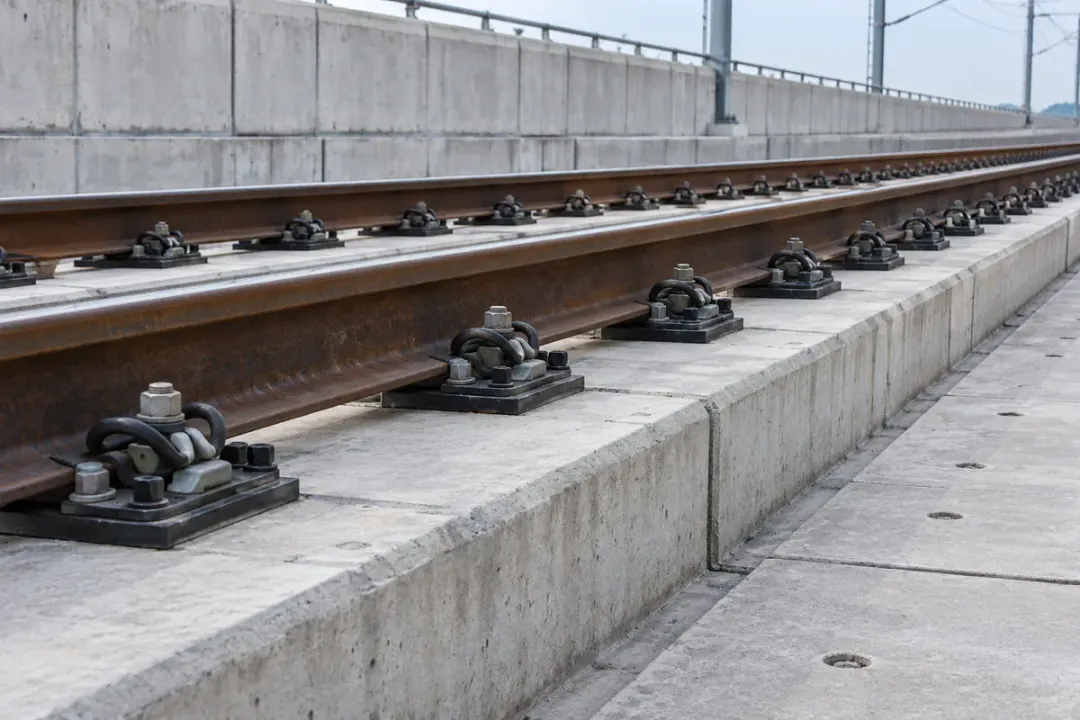
For an engineered monitoring project, record slow angular changes on a designated track-support slab or base element. The railway operator’s approved fixing, measurement axes and reference conditions keep observations comparable across inspection periods. Coordinate acquisition with the project’s operating conditions so engineers can review the static angle trend at each selected point.
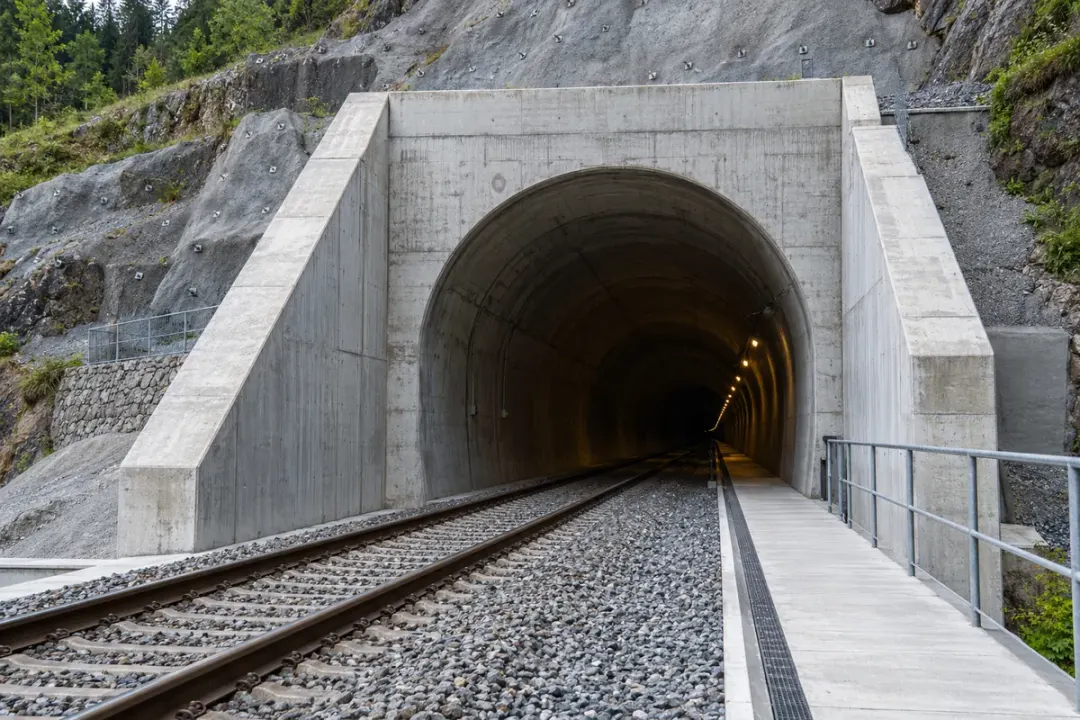
Observe the inclination of selected portal walls, headwalls or engineered support members at a tunnel entrance. A point-specific angle history helps teams compare structural response through staged excavation, changes to temporary works and permanent construction. Review the record alongside the project’s inspections and construction sequence for the corresponding portal element.
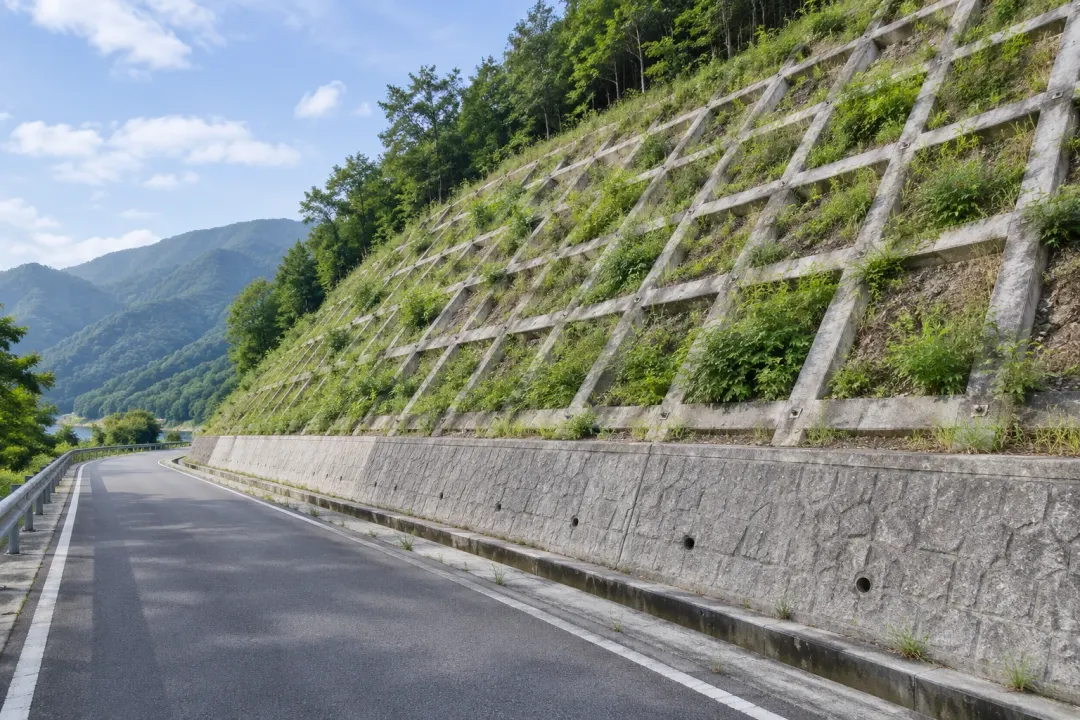
Surface structures on slopes, dams, dikes and reservoir banks
Observe inclination at selected surface monitoring elements or retaining structures on slopes and embankments. Review changes against the baseline alongside rainfall, drainage observations and site inspections to help the project team follow local rotation through seasonal conditions or nearby construction.
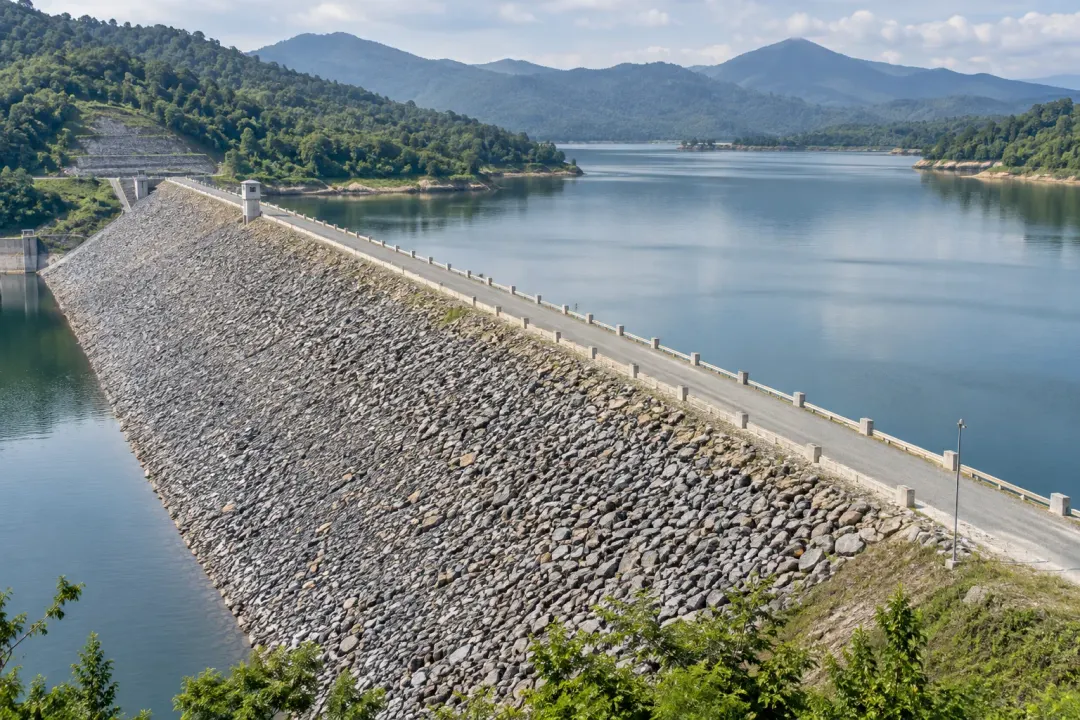
Follow inclination at selected surface structures on sea dikes, dams and reservoir slopes. Compare the angle trend with water levels, rainfall, drainage observations and inspection records to build a consistent record of local rotation through the site’s operating and seasonal conditions.
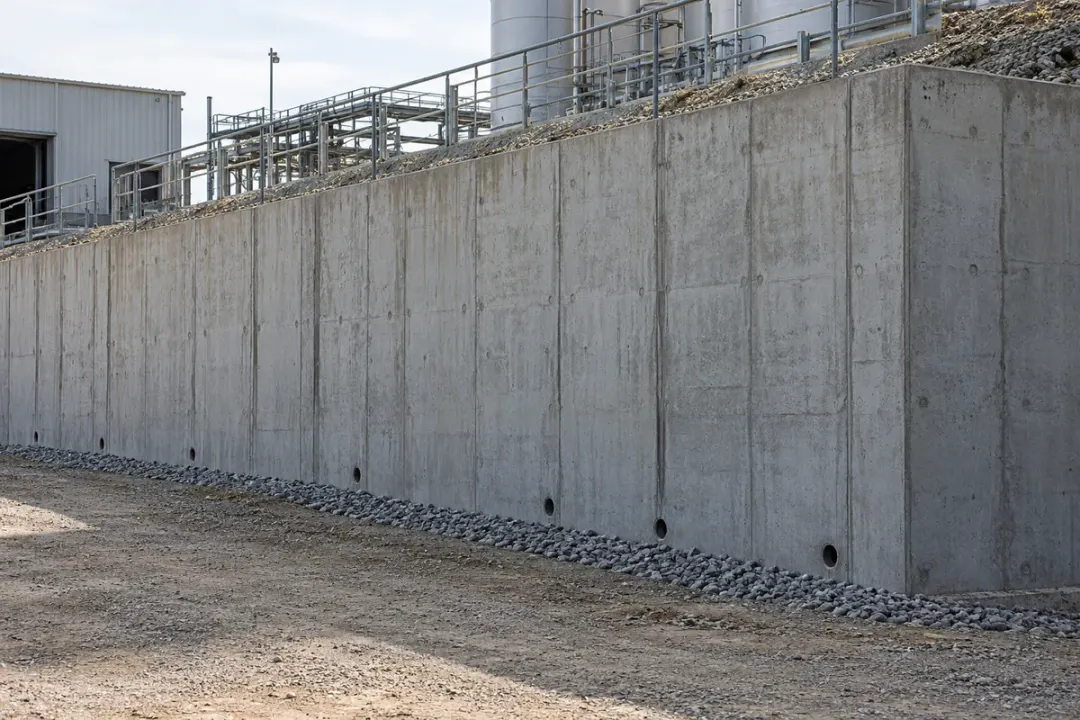
Track the local tilt of retaining walls supporting embankments or industrial platforms. Readings from identified wall sections provide a repeatable angle history during nearby earthworks, changes in loading and maintenance. Use the trend alongside wall inspections and project survey records to help engineers assess where closer examination of the structure is needed.
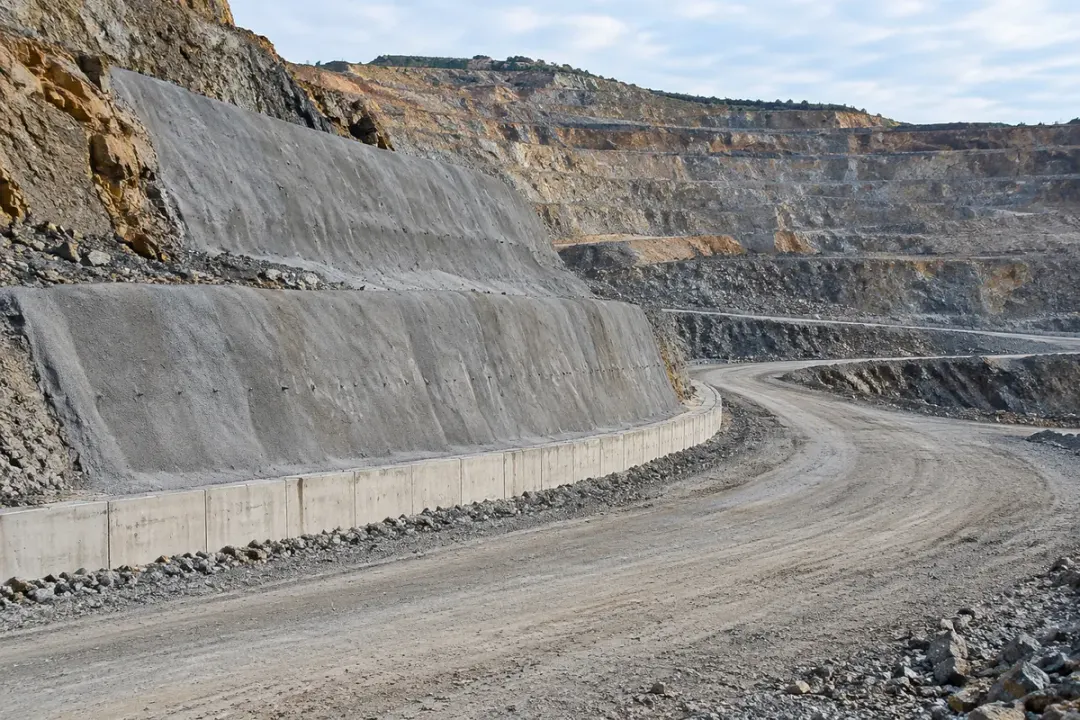
Monitor local angular changes on engineered retaining or facing elements at selected open-pit benches. Clearly identified measurement points help mine teams compare the same structural locations through successive excavation stages and inspection rounds. Pair the angle record with the mine’s separate geotechnical observations to support review of the monitored surface structures.
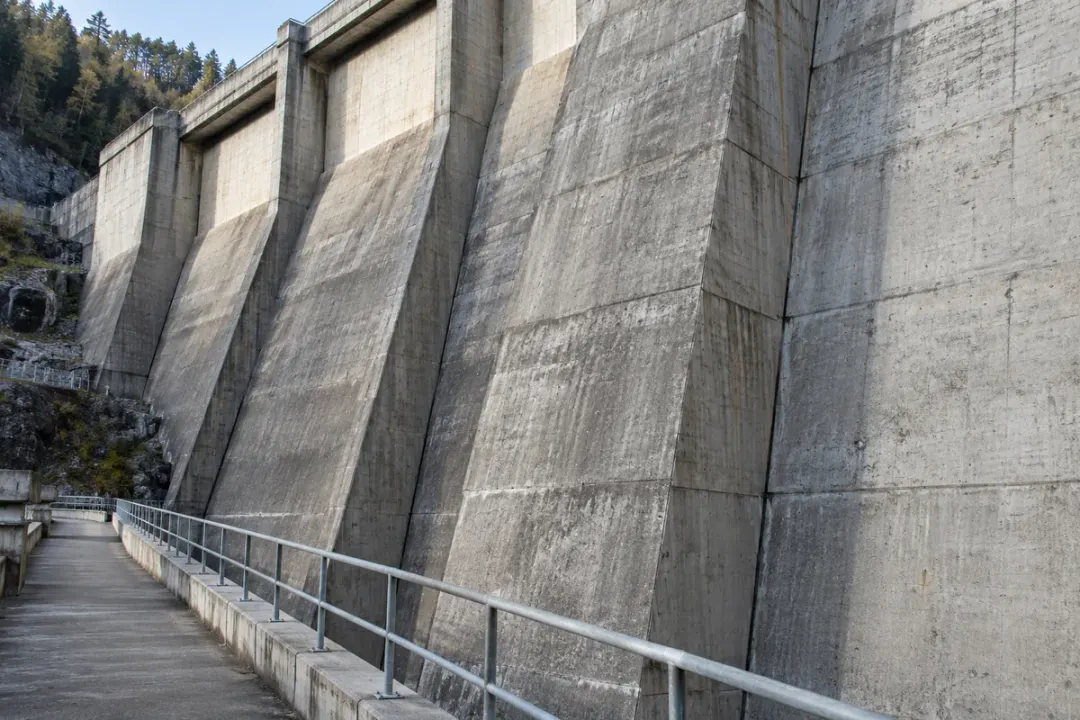
Measure local angle changes at designated surfaces of concrete dam blocks. Consistent measurement axes and a documented baseline help engineers compare individual points across operating periods, maintenance stages and independent survey campaigns. The resulting angle history adds a clearly located observation to the dam’s wider structural monitoring and inspection programme.
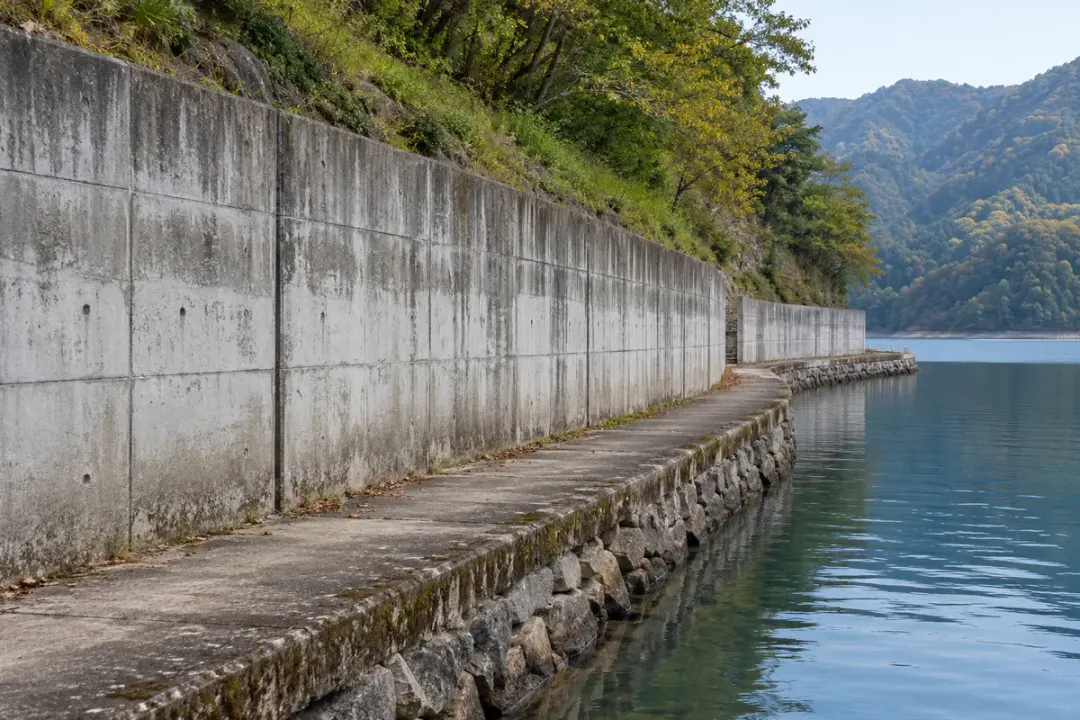
Observe the inclination of selected retaining walls or engineered support elements along a reservoir bank. Identify each point by bank section and structural component, then compare its angle record with inspections, maintenance and reservoir operating records. This helps teams review local structural changes at the monitored shoreline locations over time.
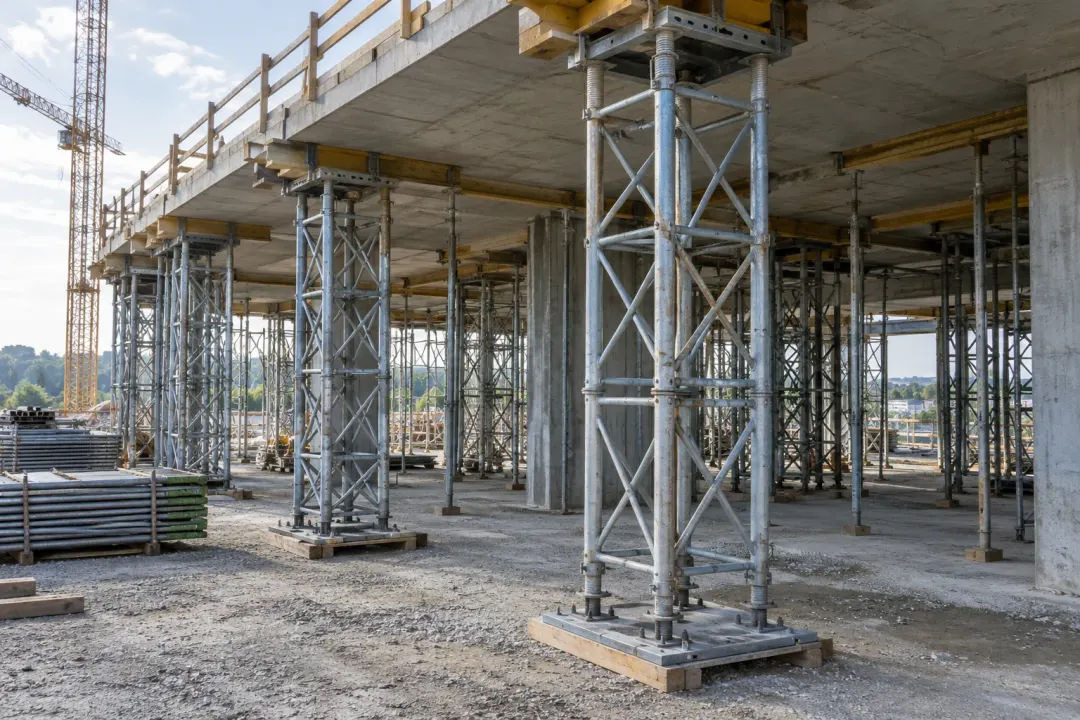
Construction-stage supports, retaining structures and adjacent buildings
Monitor local rotation at selected temporary supports, retaining structures or neighbouring elements as construction progresses. Tie each angle reference to a documented work stage so the team can review changes alongside planned adjustments, loading changes and the temporary-works inspection record.
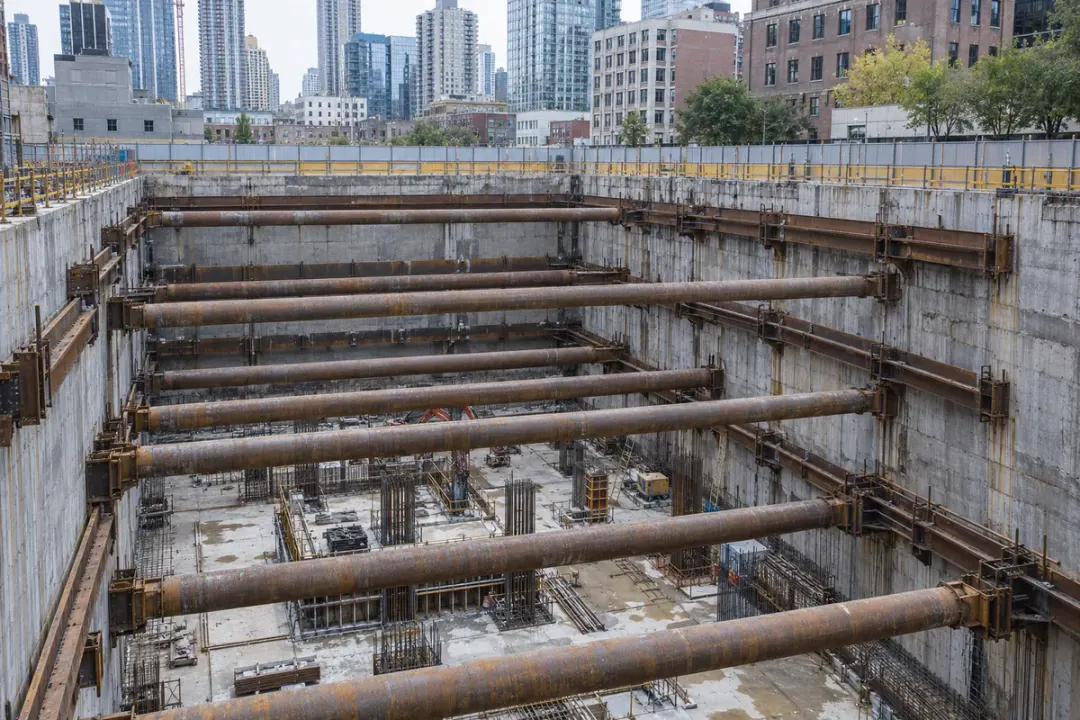
Track local wall rotation at designated retaining-wall points as excavation and support installation progress. Secure each sensor to the selected wall element and record its orientation before the relevant work stage. Relating angle trends to excavation depth, support changes and inspection records helps engineers review how those monitored points respond throughout the construction sequence.
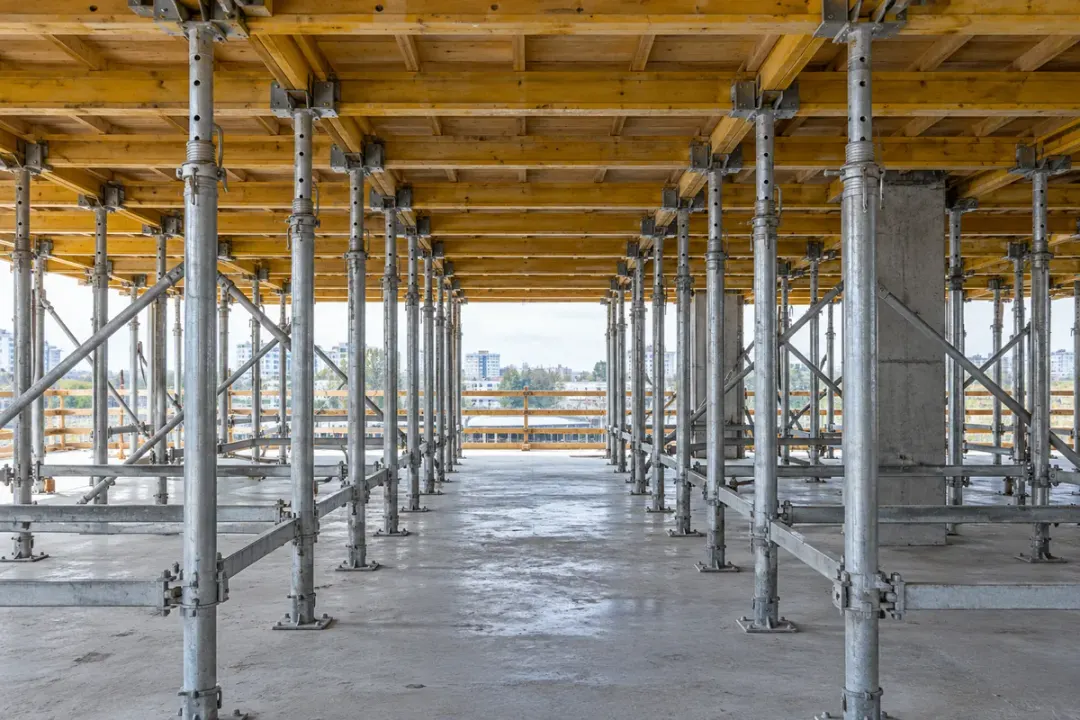
Provide angle records at engineer-selected members of a designed falsework or formwork support system. Establish the point baseline after the agreed assembly checks, then compare observations through planned loading and unloading stages. Linking each reading to a specific member and work stage supports the engineering team’s inspection and review of the temporary works.
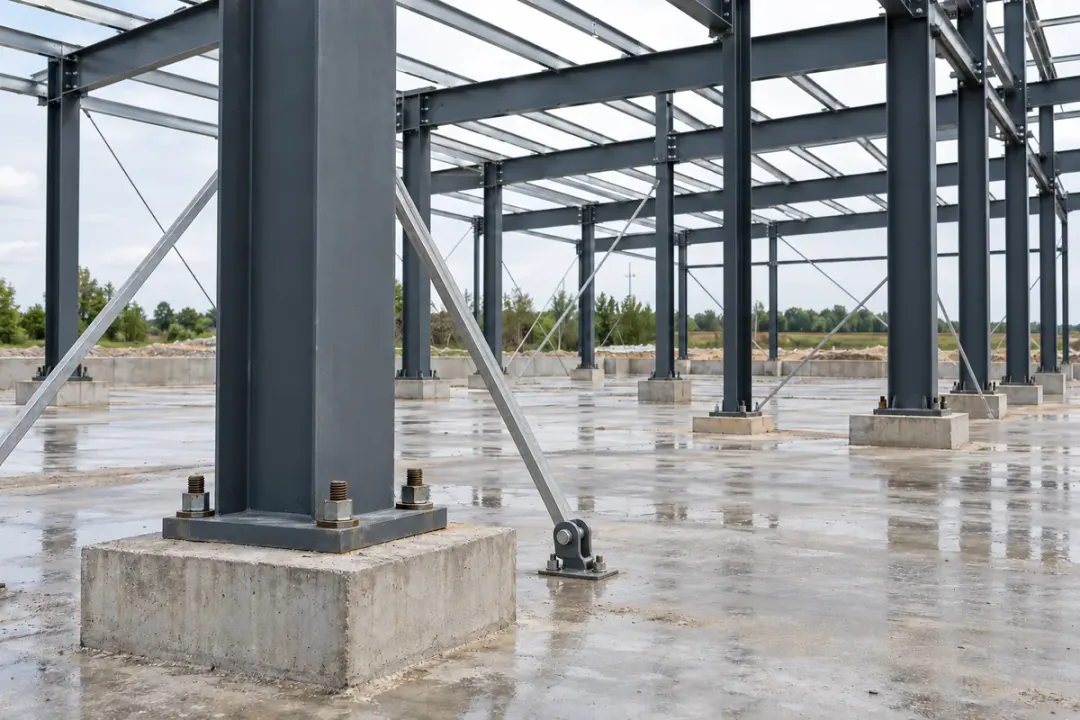
Follow inclination at a designated steel column as erection, temporary bracing and connection work progress. Rigidly mount to the chosen column member and record the baseline at an agreed stage. Comparing point readings with erection logs and independent alignment surveys helps the construction team review gradual angle changes between documented stages of assembly.
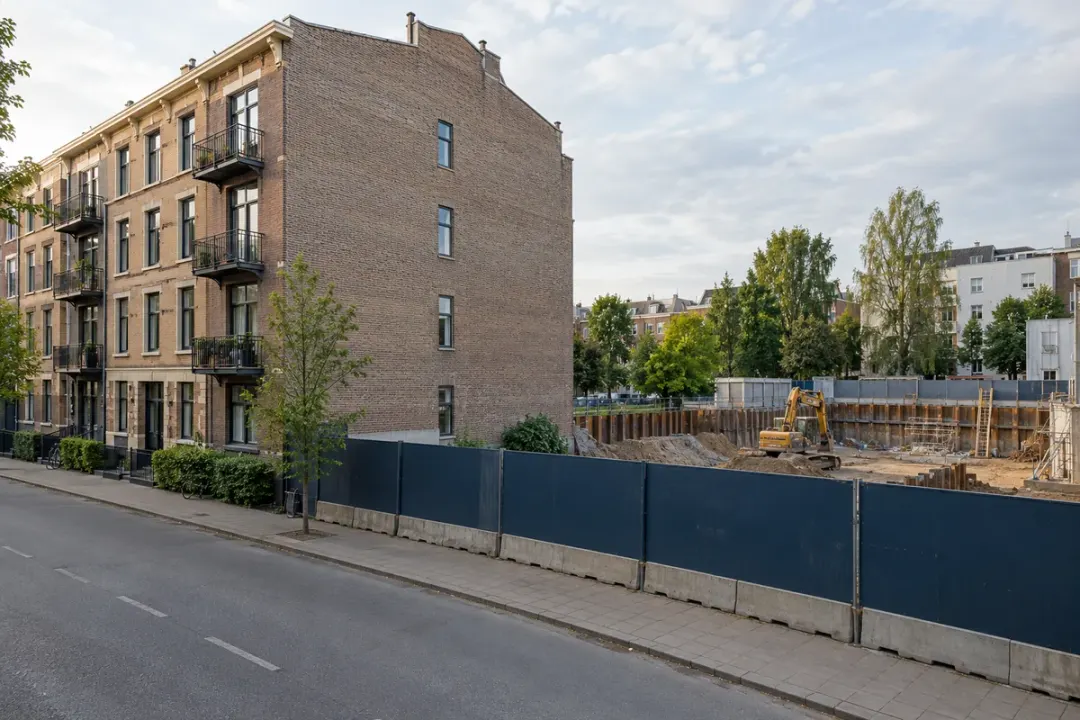
Observe local angle changes at selected building elements beside excavation, tunnelling or other nearby works. Establish a baseline before the relevant construction activity and identify each point in the building record. Comparing trends with the works schedule and independent building inspections helps engineers review changes at the monitored elements as the project advances.
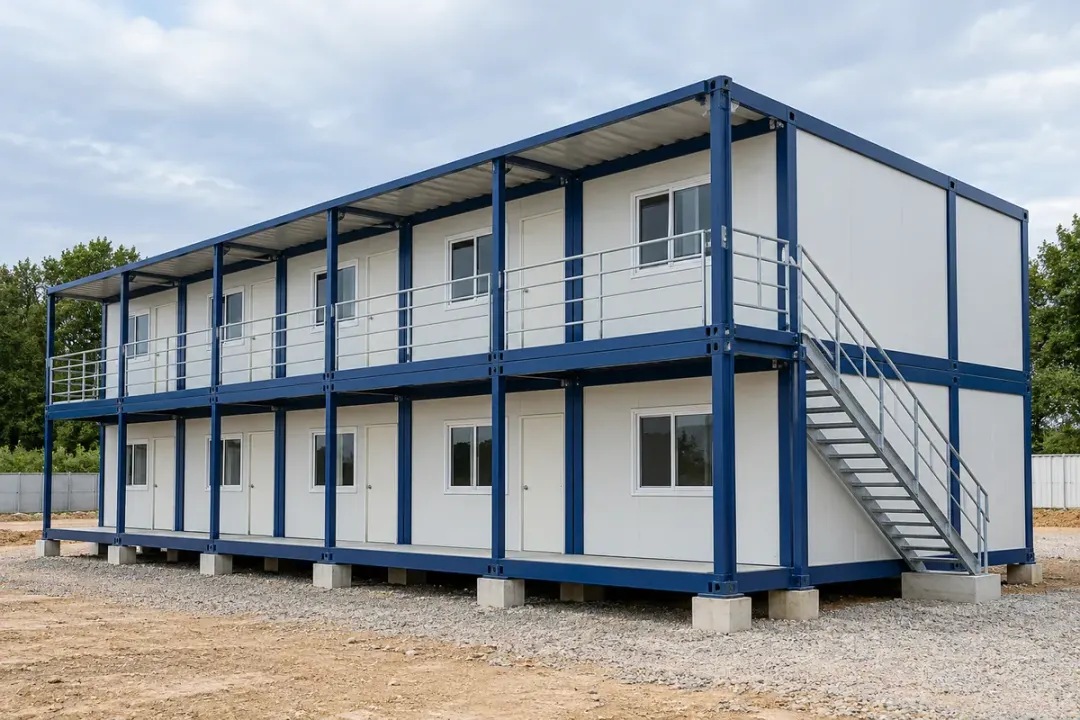
Record inclination at selected rigid frame members of modular site buildings or temporary accommodation. Establish a baseline after positioning and document the supporting arrangement. Comparing point histories with relocation, loading changes and support inspections helps facilities teams review local angle changes during the building’s planned period of use at that site.

Conservation-sensitive structures, damaged buildings and selected trees
Follow gradual inclination changes at agreed points on heritage buildings and ancient pagodas. A documented reference helps conservation teams review trends alongside survey records, weather observations and repair work while keeping the mounting method appropriate for the protected surface.
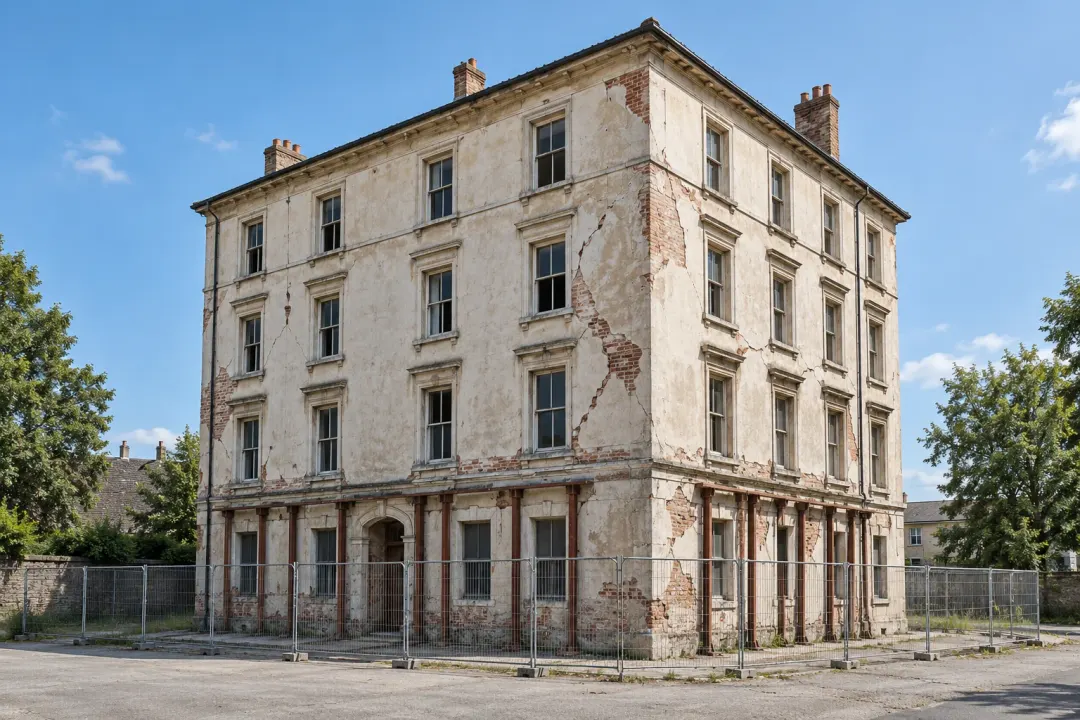
Monitor local rotation at selected structural points on buildings with existing damage or signs of movement. Link angle trends to crack observations, surveys and repair stages so the responsible engineer can review changes during assessment, stabilisation and planned remedial works.

Observe changes in trunk inclination at a defined point on selected urban trees. Compare persistent changes with wind conditions and arboricultural inspection records, while maintaining a documented attachment position that can be checked and adjusted as the tree grows.
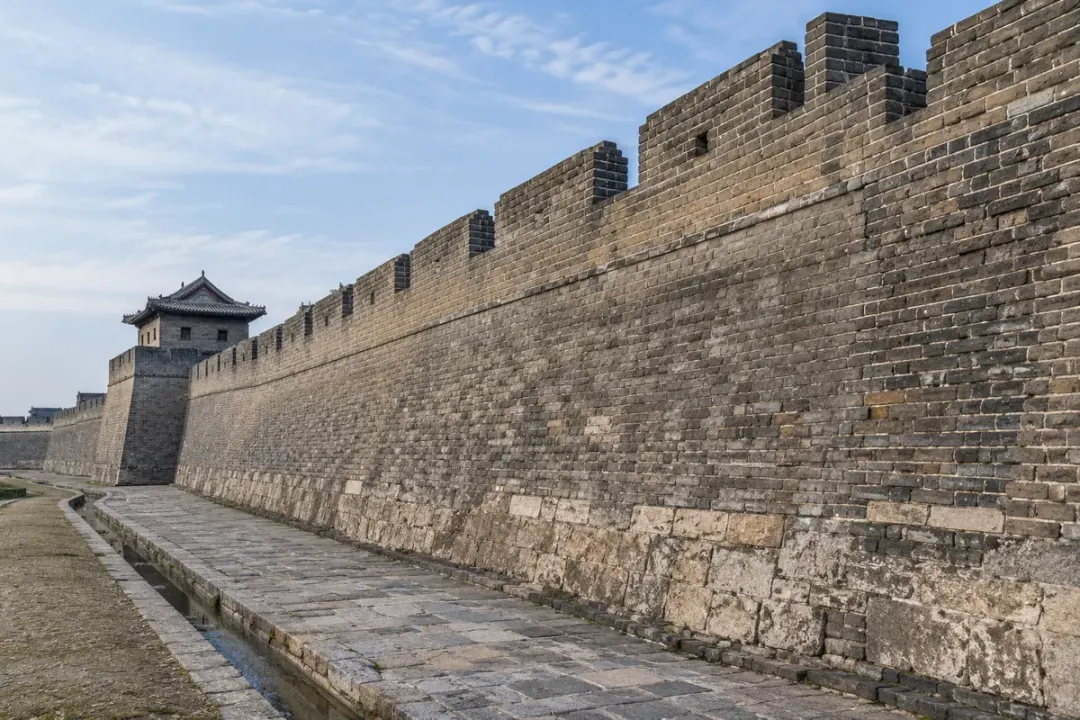
Observe local rotation at defined points on historic masonry walls, city walls or remaining wall sections. Keep the measurement direction and baseline consistent so conservation specialists can compare trends with crack mapping, drainage observations and repair records. Choose mounting locations and reversible attachment methods within the approved conservation plan for the original fabric.

Follow inclination at an identified timber column or beam location in a historic frame. Record the member, mounting orientation and baseline before comparing readings across conservation work or seasonal conditions. The local record helps specialists examine that member's angular changes alongside frame surveys and joint inspections, using an attachment approved for the historic timber surface.

Keep a local trunk-angle record for a selected veteran or heritage tree, with the monitoring point agreed by a qualified tree-care specialist. Compare persistent changes with external wind observations, ground inspections and conservation work. Document the attachment position and schedule checks and adjustments as the tree grows, following the specialist's approved installation and care plan.
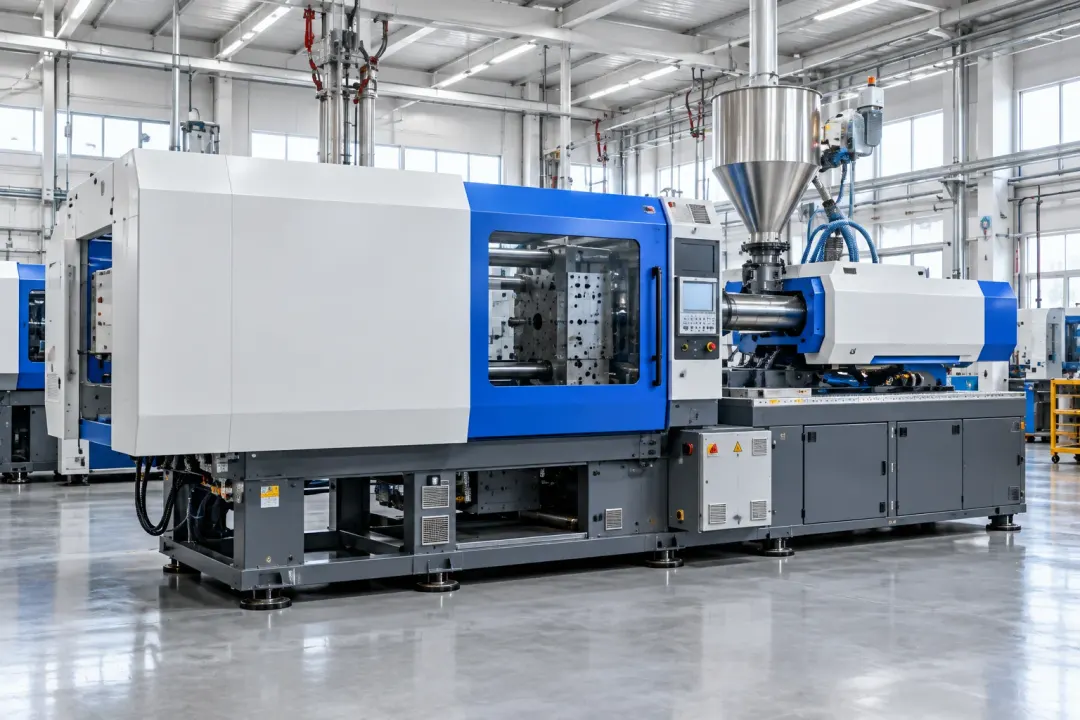
Static orientation of selected machine bases and fixed frames
Assess static inclination and slow orientation changes at selected machine-base or frame locations. For large equipment and injection-moulding machines, compare readings taken in agreed operating states to support levelling checks and review changes after installation, relocation or maintenance.
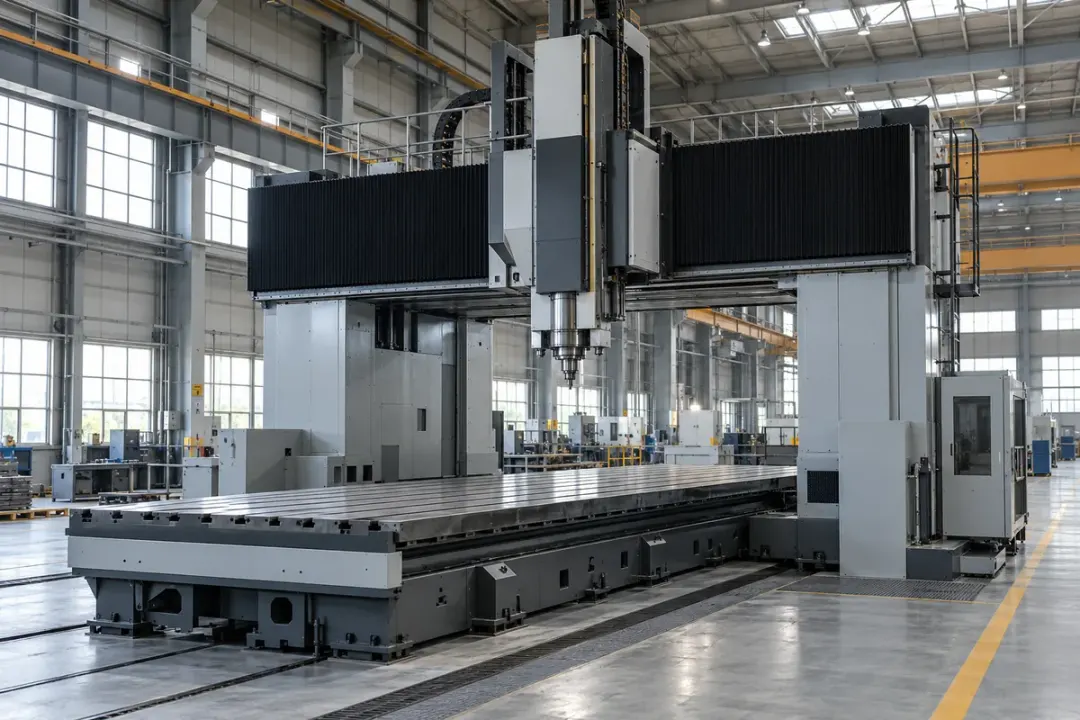
Observe static orientation at defined points on a heavy machine-tool base or supporting frame. Compare readings in agreed stopped conditions, with the same carriage or workpiece arrangement where relevant. Use the angle history alongside the manufacturer's geometry checks to review persistent changes after foundation work, machine relocation or scheduled servicing.
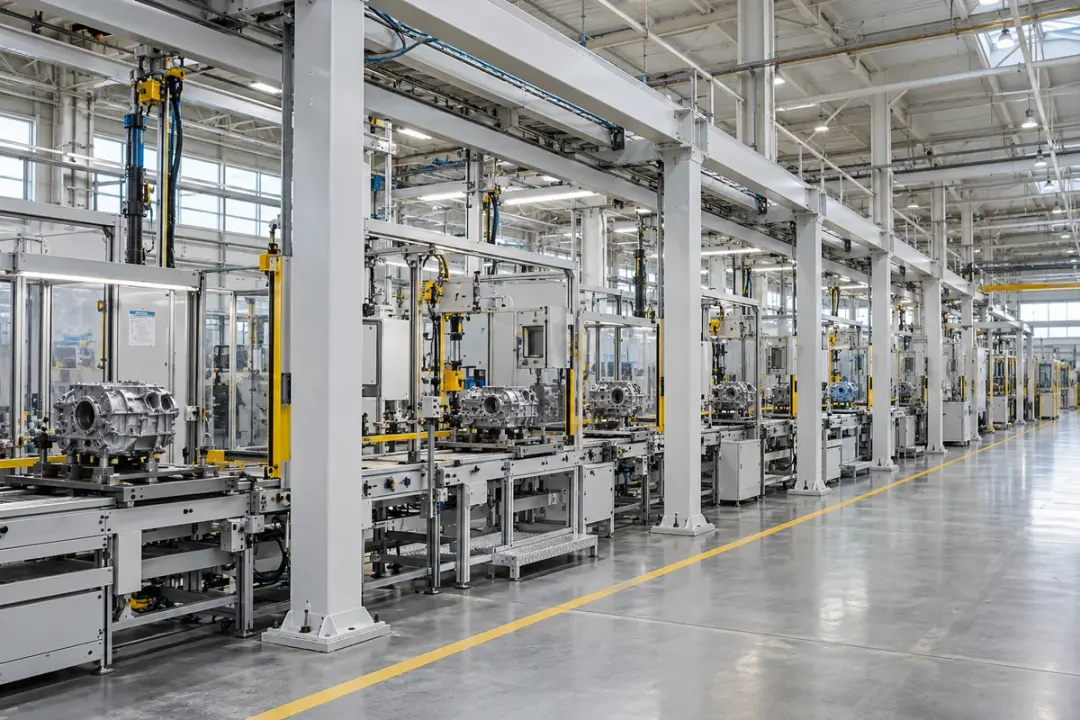
Follow slow inclination changes at selected fixed frames supporting a production line. Give each measurement a station and member reference, and compare it across documented installation or maintenance stages. In agreed stationary conditions, the records help teams review frame orientation after line reconfiguration, support adjustments or works affecting the surrounding floor.
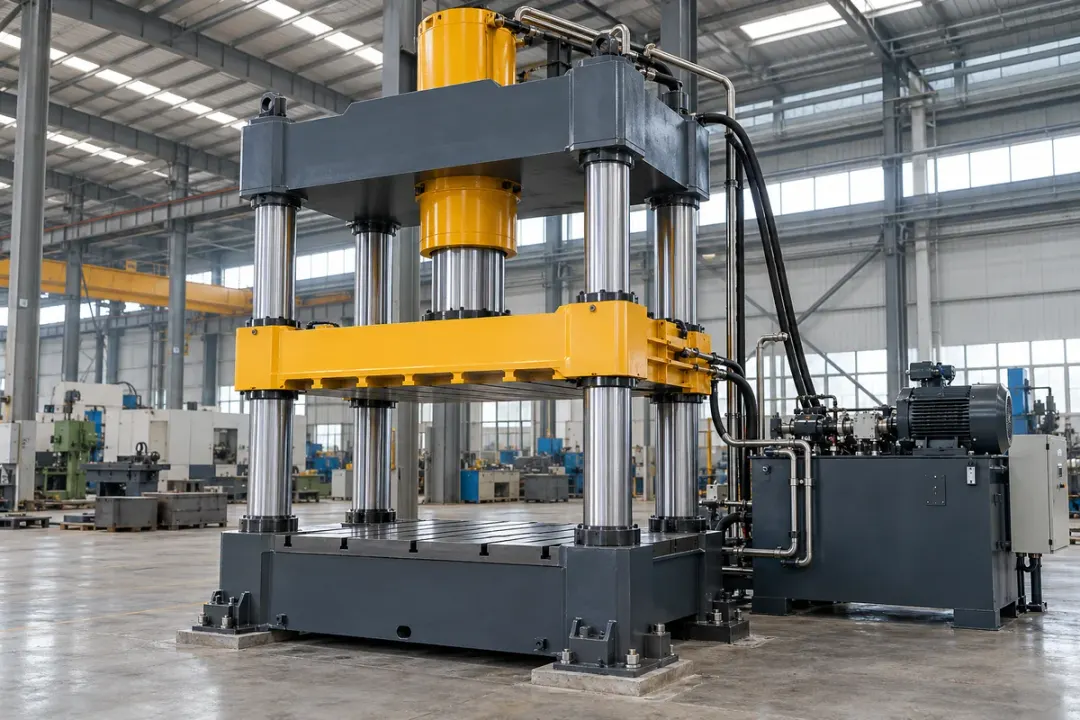
Observe static inclination at approved points on a heavy industrial press base or supporting frame. Compare readings in the same stopped and unloaded reference condition, following the machine supplier's procedures. A documented angle history helps maintenance teams review base orientation after installation, foundation works, relocation or servicing, alongside the press manufacturer's levelling and alignment checks.
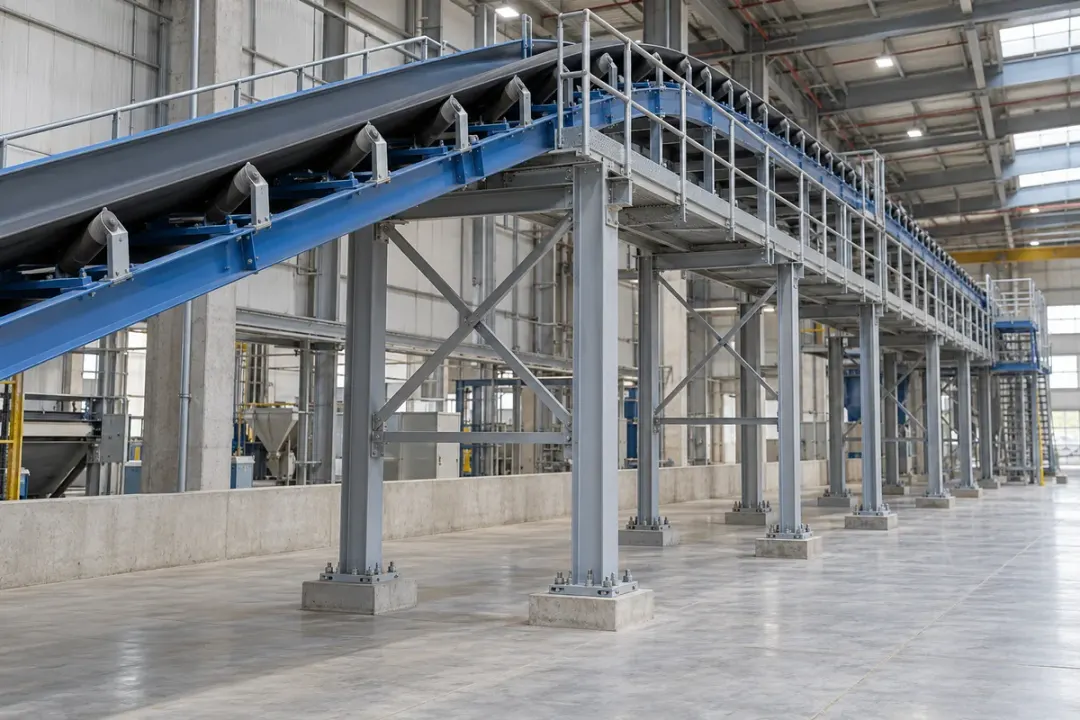
Monitor slow inclination changes at selected columns or frames supporting a fixed conveyor. Identify the conveyor section and structural member, then compare readings under agreed stopped and loading conditions. Use the angle record with support inspections and maintenance history to review persistent changes after conveyor modifications, foundation work, support adjustments or alterations to the material-handling layout.
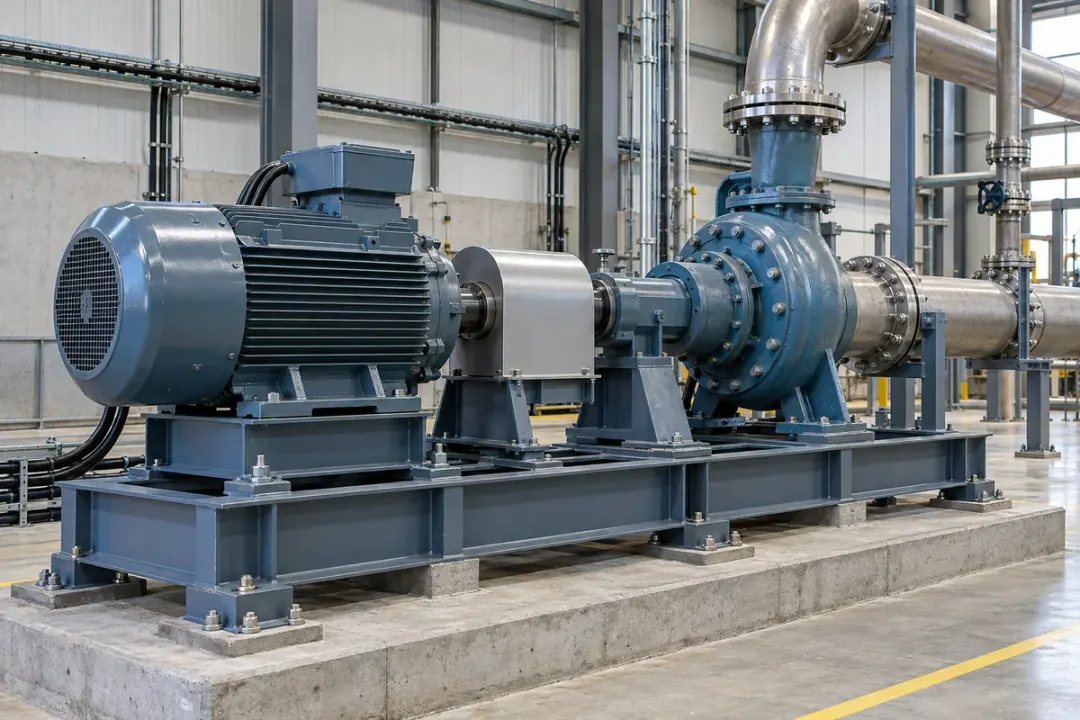
Record static inclination at defined points on a fixed industrial test-rig bed or support frame. Establish the reference with the rig in a documented stationary configuration, and repeat observations with comparable fixtures and loads. The trend helps engineering teams review frame orientation after equipment changes, foundation works or maintenance alongside their existing test-rig alignment and commissioning procedures.
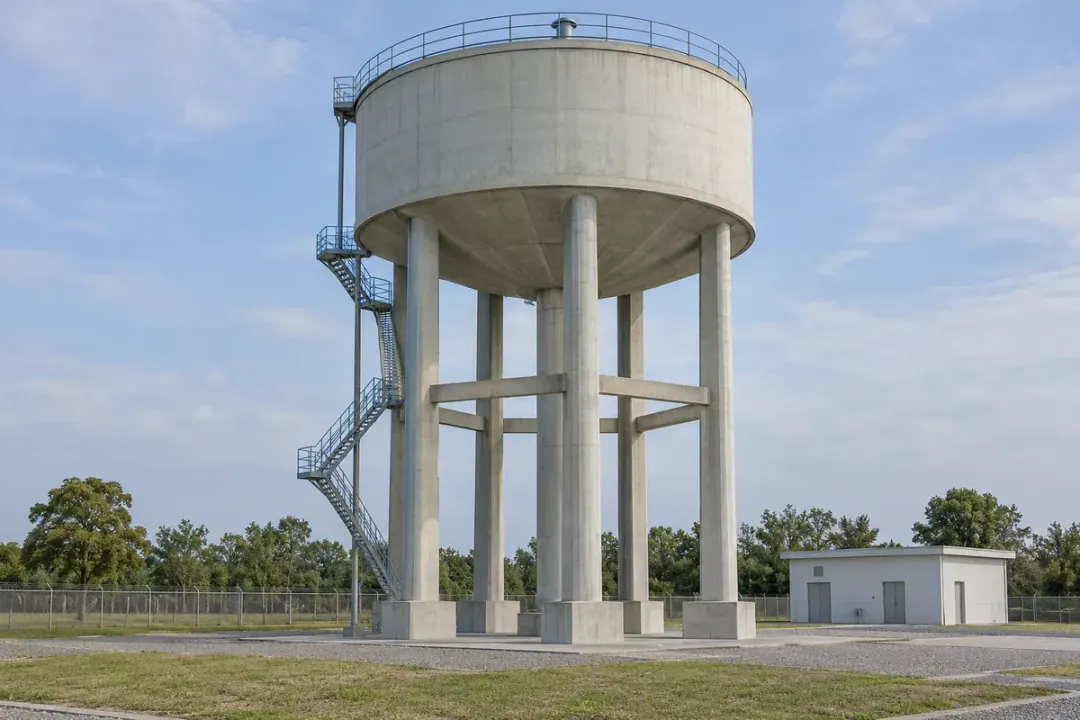
Selected load-bearing supports in energy and utility infrastructure
Monitor inclination at selected columns or other supporting members of an elevated water tank. Connect each reading to the member and mounting height, then review changes with operating water levels, maintenance and survey records. Comparable loading observations help the facilities team distinguish repeatable operating patterns from persistent changes requiring further inspection.
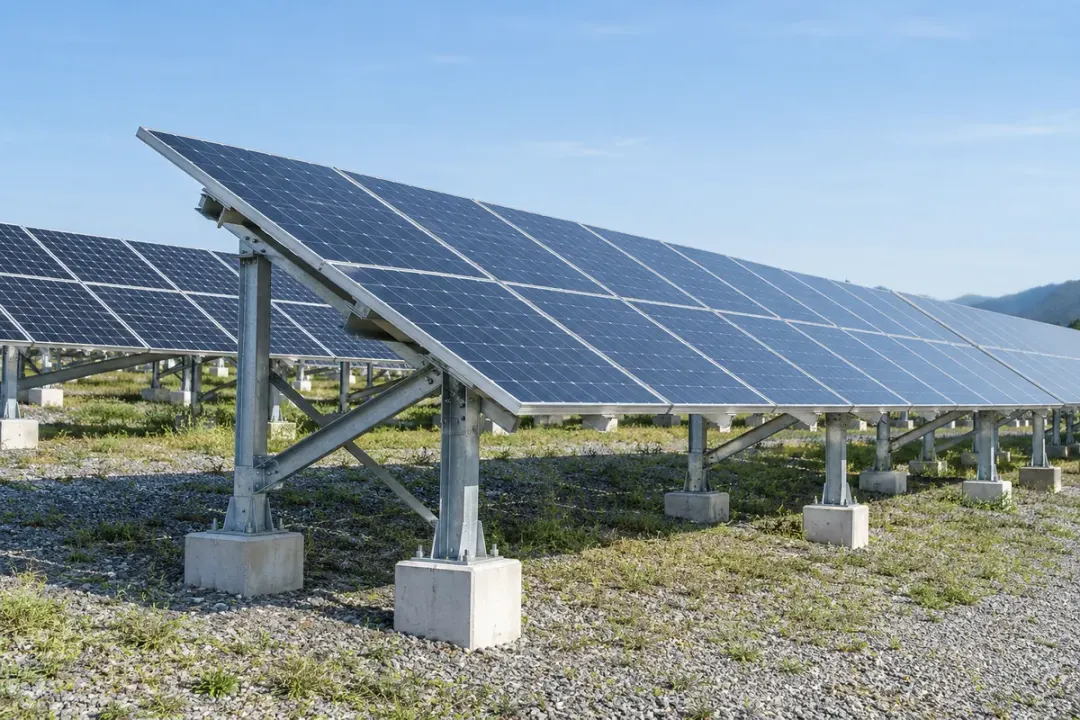
Follow orientation at selected load-bearing members of a fixed photovoltaic support system. Record the reference after installation and compare later angles with maintenance, ground works and weather records. Clearly identify the measured frame so teams can inspect a persistent local change while keeping panel setting and structural assessment within the project's engineering plan.
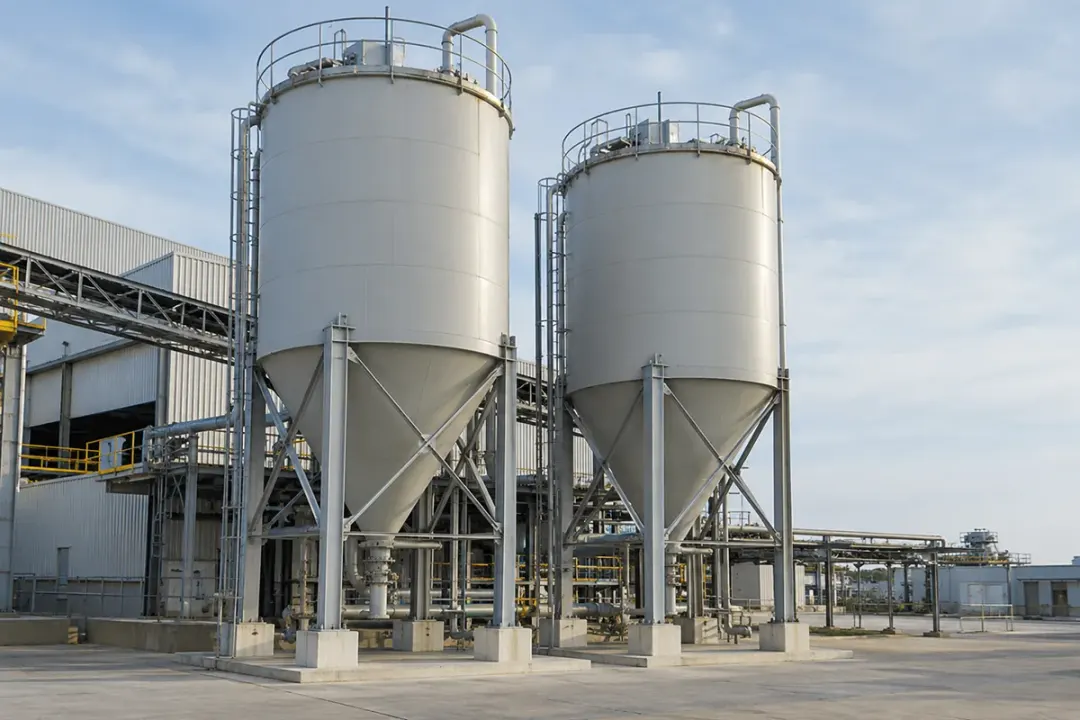
Track local inclination at selected support legs or frames beneath a silo or tank. Relate the point history to documented filling states, maintenance and support inspections. The selected angle record helps engineering teams review a particular member through comparable loading conditions, with vessel geometry and any required deformation measurements addressed by the wider project.
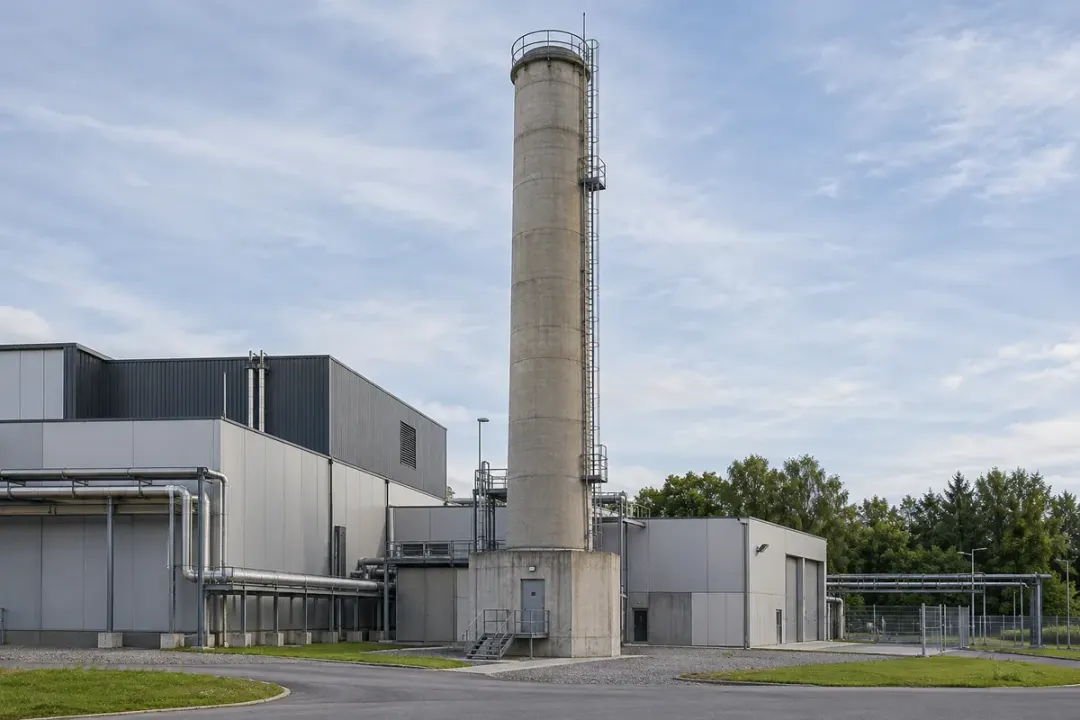
Observe local angular changes at an approved structural location near an industrial chimney base. Keep the measurement tied to that member and reference direction, and review it with thermal operating states, maintenance and survey observations. An accessible fixing outside hot surfaces supports repeatable checks of the selected location over the monitoring period.
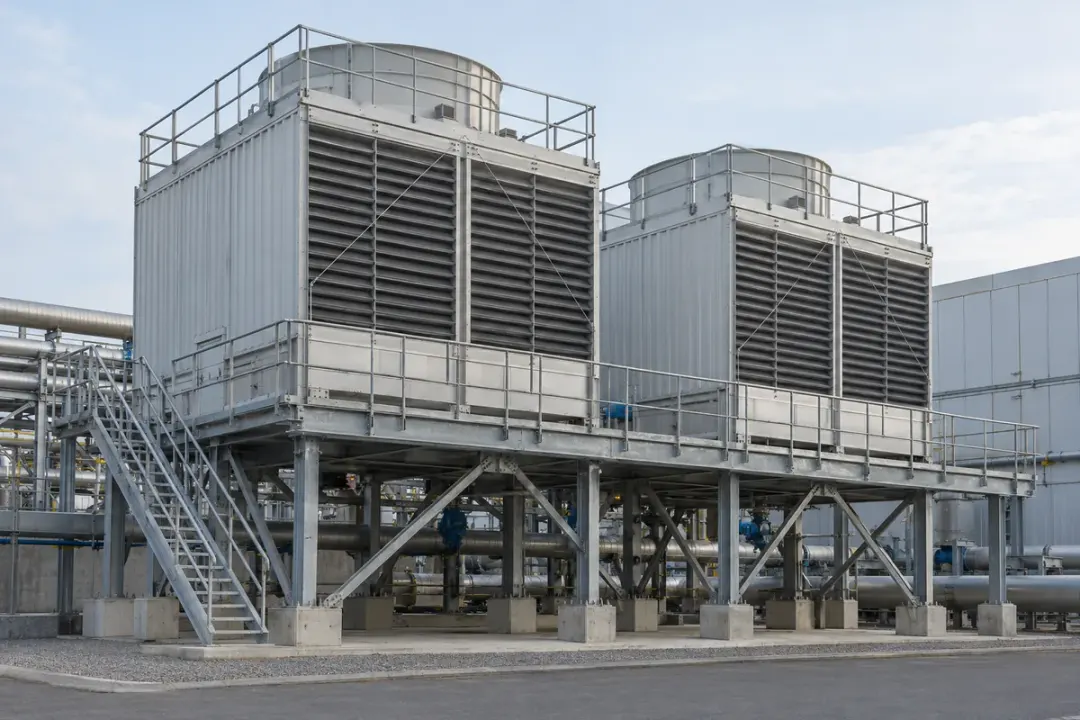
Monitor inclination at selected structural supports beneath an industrial cooling tower. Document the fixing position and compare observations under agreed operating and loading conditions, including relevant fan and water-system states. The resulting trend helps maintenance teams review persistent support changes alongside connection inspections, maintenance interventions and the site's structural monitoring records.
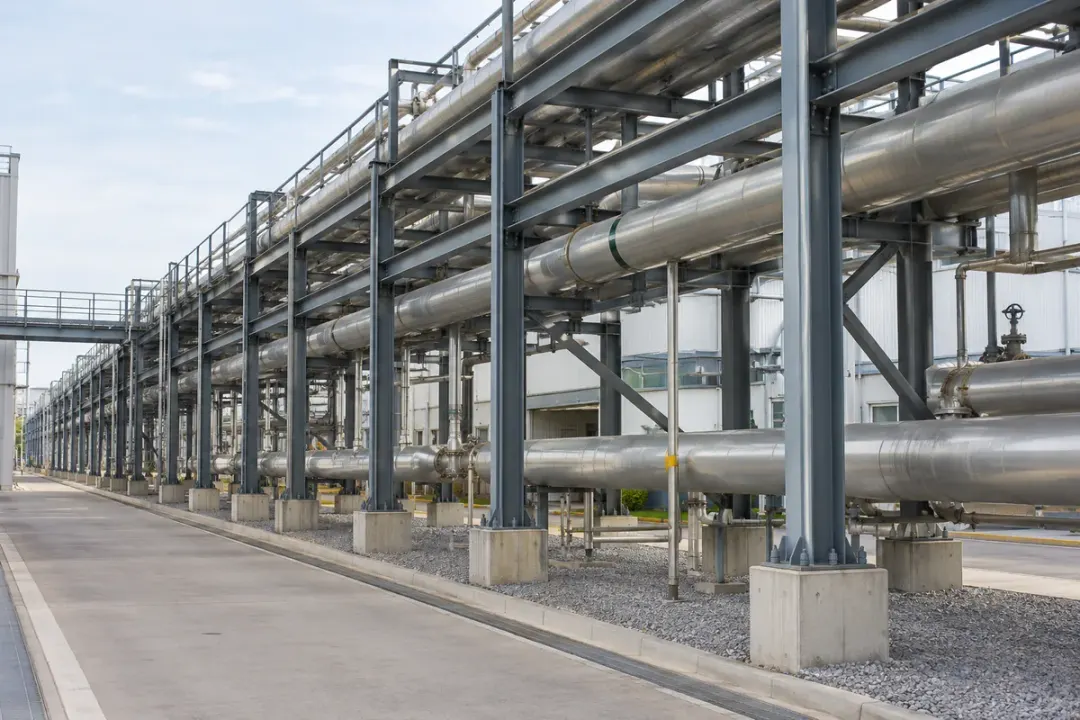
Follow local inclination at selected columns supporting an industrial utility pipe rack. Identify the frame, elevation and mounting direction so readings can be reviewed with pipe modifications, thermal operating states and maintenance records. Use the history to guide inspection of the monitored member after support works or changes to the services carried above it.
SERIES & CONFIGURATIONS
Select a model, then match its measurement grade, enclosure and power configuration to your installation.
These values apply to H310-TS180C configurations. The quotation and configuration list identify the supplied measurement grade, battery, enclosure and wireless option.
Download the H310-TS180C datasheet (PDF) Select a configuration ↓| Tilt Range | −90° to +90° |
|---|---|
| Accuracy | 0.1° / 0.01° / 0.001° (grades per configuration) |
| Resolution | 0.01° / 0.001° / 0.0005° (grades per configuration) |
| Protocol | MQTT |
| Operating Temperature | −40°C to +85°C |
| Storage Temperature | −40°C to +85°C |
| Battery Capacity | 19,000 mAh; 38,000 mAh option |
| Ingress Protection | Metal: IP68 · Plastic: IP66 |
| Installation | Mounting lugs · Pole clamp · Slotted mount |
| Configuration | NFC activation; OTA firmware upgrade |
Asset type, measurement points, expected angle range and the smallest change your project needs to assess.
Country, site temperatures, mounting surface, weather exposure and available network coverage.
Measurement interval, reporting schedule, required notification time and destination platform.
Estimated quantity, sample needs, OEM or branding requirements and deployment schedule.
CONNECTIVITY & INTEGRATION
Choose the wireless route around site coverage, the number of measurement points and the platform receiving your readings.
Cellular configurations connect through a compatible operator. Match regional bands, service availability and coverage at the mounting position to the required reporting and power profile.
LoRa configurations use a compatible receiver or gateway and an onward platform connection. Specify the device protocol and regional radio settings together; a LoRa radio label alone does not establish LoRaWAN compatibility.
For the selected MQTT-capable configuration, agree the endpoint, supported authentication, topic and message format. Check device IDs, angle fields, axis labels, units and timestamps in a sample message, then test the complete path to your platform and notification workflow.
Discuss platform integration ↗ANSWERS FOR YOUR PROJECT
Practical answers for selecting, installing and connecting your wireless tilt monitoring system.
Ask about your project ↗Choose the accuracy grade around the smallest angle change your project needs to assess, the working range and the site temperature. Accuracy describes agreement with a reference; resolution is the smallest reported increment.
H310-TS180C offers accuracy grades of 0.1°, 0.01° or 0.001° and resolution grades of 0.01°, 0.001° or 0.0005°, depending on configuration. Specify accuracy and resolution separately, and request the measurement conditions for the selected grade. This gives you a clear basis for model selection and commissioning.
Compare specifications →Secure the sensor to the element whose angle you want to track, using a mounting method suited to that location. H310-TS180C lists mounting lugs, pole clamps and slotted mounting options. Record the sensor ID, location, axis orientation and initial angle after installation.
Compare later readings with that reference. For example, 0.30° followed by 0.45° represents a +0.15° change on the same axis. Keep a new reference record whenever a sensor is repositioned, and include site conditions when reviewing the trend.
See the monitoring workflow →Choose the radio around coverage, site layout and reporting requirements. Cellular configurations suit locations served by a compatible operator; check regional bands and signal at the mounting point. For NB-IoT, also evaluate operator availability, reporting frequency and the required power profile.
A LoRa configuration needs a compatible receiver or gateway and an onward connection to the platform. Confirm the actual protocol and regional settings, including any LoRaWAN requirement. Share your installation country, number of points and site layout so the complete data route can be specified.
Compare connection routes →H310-TS180C lists MQTT support. For the selected configuration, agree the broker endpoint, supported authentication, topic structure and device identifiers with your platform team. Check a sample payload for angle fields, axis labels, units and timestamps.
A LoRa deployment also needs a compatible receiver or gateway and an agreed onward interface. During commissioning, verify that a reading reaches your platform with the correct device and time, then test the intended notification workflow. Include device-management requirements in the integration brief.
Plan your platform connection →In the H310-TS180C operating profile stated by Hitelecom, the sensor measures once per minute and reports on a four-hour schedule: 240 measurement cycles between scheduled reports. Measurement and reporting are separate parts of the operating profile.
Agree the required report content—such as the latest reading, a summary or individual readings—and confirm the format and retention supported by the selected configuration. If your project needs notifications between scheduled reports, specify that response time and confirm the supported event-reporting behaviour during configuration and commissioning.
View the operating profile →Hitelecom states a typical 10-year service life for the H310-TS180C profile using one-minute measurements and four-hour reporting. Evaluate that figure with the supplied battery capacity, enabled functions, expected signal conditions and site temperature.
Hitelecom also reports laboratory capability exceeding five million measurement cycles. This laboratory statement describes measurement-cycle capability separately from the service-life estimate. For project planning, request the battery configuration and operating assumptions that match your measurement, reporting and notification requirements.
Review the service-life profile →H310-TS180C lists metal IP68 and plastic IP66 enclosure options, with an operating temperature range of −40°C to +85°C. Select the supplied assembly around the actual installation, including water exposure, temperature and mounting access.
For poles or tower members, provide dimensions and the intended fixing position. For walls or equipment frames, a surface photo helps define the bracket arrangement. Include local coverage and any corrosive exposure in the brief so the enclosure, fixing method and wireless position can be reviewed together.
Review enclosure and mounting options →Start with the monitoring plan for the asset. The responsible engineer defines the angle reference and change that should trigger a review; the device and platform configuration determine how the rule and notification are implemented.
Record the measurement point, axis, reference reading, trigger condition, recipient and intended response. Specify the required time from detection to notification, then confirm whether scheduled reporting or a supported event-reporting configuration meets it. Test the complete path during commissioning so the site team knows which asset requires attention and when.
Discuss your monitoring requirements →LET'S TALK ABOUT YOUR PROJECT
Tell us what you need to monitor. We’ll help match measurement performance, connectivity and installation to your project.
sales@hitelecom.cn ↗Your application, installation country and estimated quantity. Add a site photo or platform requirements to your email when available.