

Carbon dioxide
Follow CO₂ changes during occupied periods to support a ventilation review.
Ventilation context
Configured for your building.
Monitor CO₂, temperature, humidity and atmospheric pressure with the Hitelecom H310-AQ series. Add particle, gas, light or motion sensing to support ventilation reviews, room-condition monitoring and specialist indoor projects. Choose the measurement set and connectivity for your installation.
CO₂ · Temperature · Humidity · Atmospheric pressure · Custom sensing
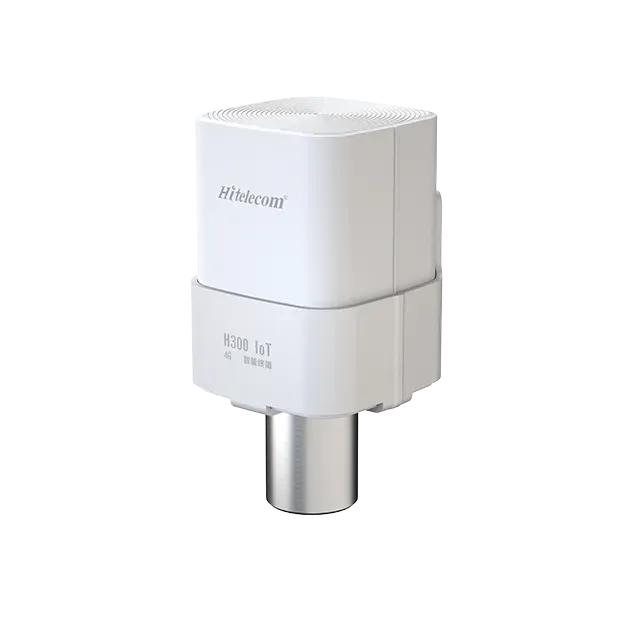
CORE MEASUREMENTS
H310-AQ041 measures CO₂, temperature, relative humidity and atmospheric pressure. Add the measurements your rooms need through a customised H310-AQ configuration.
Follow CO₂ changes during occupied periods to support a ventilation review.
Ventilation contextTrack temperature across rooms and operating hours to review indoor thermal conditions.
Thermal conditionsMonitor moisture conditions in occupied rooms, storage areas and spaces with sensitive contents.
Moisture conditionsRecord ambient air pressure alongside the other environmental measurements.
Barometric contextCUSTOM MEASUREMENTS
Add particles, specific gases, light or motion to the base measurements. Select the options relevant to your space, or tell us what you want to monitor.
Track airborne particle levels for indoor air, dust-entry and filtration-related investigations. Select the particle outputs required for your project.
Add a dedicated formaldehyde measurement for projects involving interior finishes, furniture or refurbishment.
Follow changes in the VOC response around cleaning, materials and room activities. Specify the reported units with the selected configuration.
Measure light at the installation point for lighting reviews, workspaces or collection displays.
Add detected-motion events to the room record for activity-related monitoring.
Add oxygen measurement for a defined laboratory, process or controlled-environment requirement. Select the range and response arrangements for that use.
Need another parameter? Tell us what you want to measure and where the sensor will be installed.
APPLICATIONS
Find a measurement set for the way your space is used. Explore the suggested channels and installation considerations for each application.
Suggested measurements can be added to your selection and edited. Photos are AI-generated application illustrations.
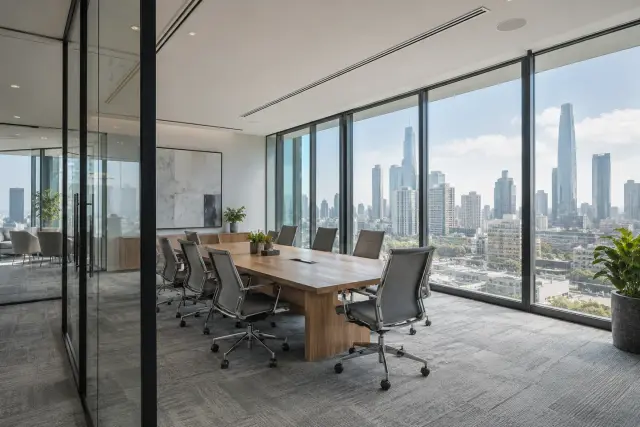 01 / 12
Occupied spaces
Compare CO₂ and room conditions during meetings and normal working hours to help the facilities team review ventilation and comfort.
CO₂ · Temperature · Humidity. Optional: PM2.5, TVOC, light, PIR.
Select representative occupied areas and record meeting times and ventilation settings alongside the measurements.
 02 / 12
Learning environments
Follow classroom CO₂, temperature and humidity through lessons and breaks. Compare rooms to help prioritise ventilation reviews.
CO₂ · Temperature · Humidity. Optional: PM2.5, light, PIR.
Separate teaching rooms and ventilation zones. Add an outdoor particle point when roadside air is part of the investigation.
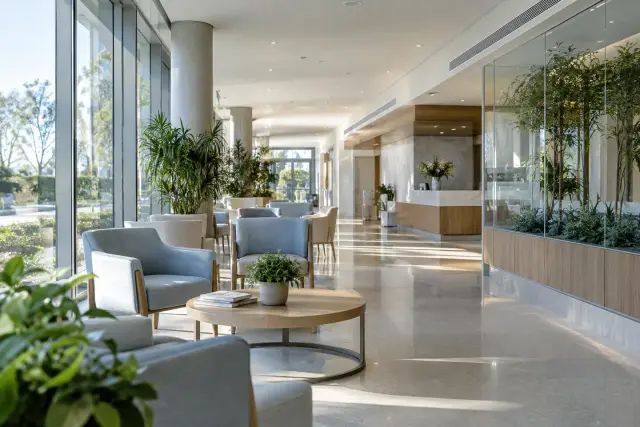 03 / 12
Shared indoor spaces
Track conditions in waiting areas, shared rooms and staff spaces across opening hours and cleaning periods.
CO₂ · Temperature · Humidity. Optional: PM2.5, TVOC.
Use separate points for areas with different air handling or room use.
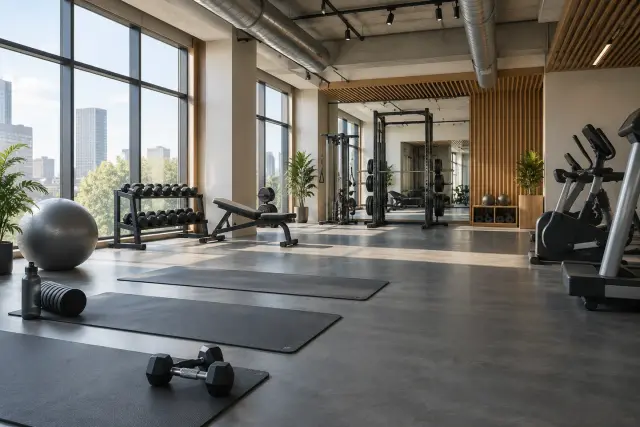 04 / 12
Changing room use
See how CO₂, heat and humidity change during classes and recovery periods. Compare the rooms and session times that need closer attention.
CO₂ · Temperature · Humidity. Optional: PM2.5, TVOC, PIR.
Monitor distinct studios separately and record class schedules. Interpret changes with the activity and ventilation pattern.
 05 / 12
Multiple occupied zones
Compare environmental conditions across shops, shared interiors and operating zones during opening hours and fit-out work.
Temperature · Humidity · CO₂ by zone. Optional: PM2.5, TVOC, light, PIR.
Organise points by occupied zone rather than treating the whole building as a single room.
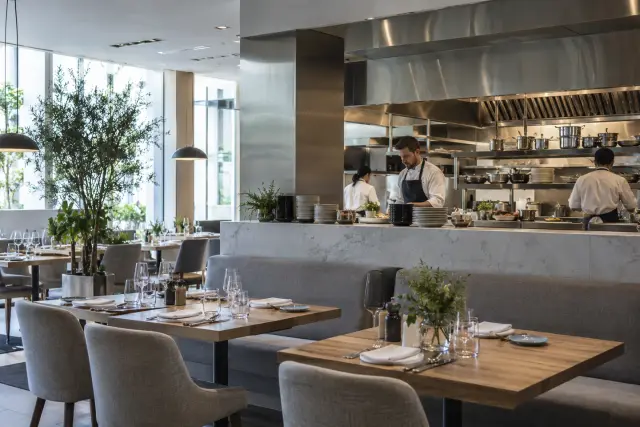 06 / 12
Daily activity signatures
Track particle and room-condition changes around meal service, kitchen activity and cleaning. Use the record to review the dining environment.
CO₂ · Temperature · Humidity. Optional: PM1 / PM2.5 / PM10, TVOC.
Use a representative dining area and a kitchen-to-dining interface point where that comparison serves the project.
 07 / 12
Room air & refurbishment
Follow formaldehyde, VOC and room-condition trends after fit-out, furniture changes or cleaning. Select the channels for the question you need to answer.
Base measurements. Optional: HCHO, TVOC, PM2.5; light and PIR for room-activity requirements.
Record fit-out, cleaning and ventilation periods so readings can be reviewed in context.
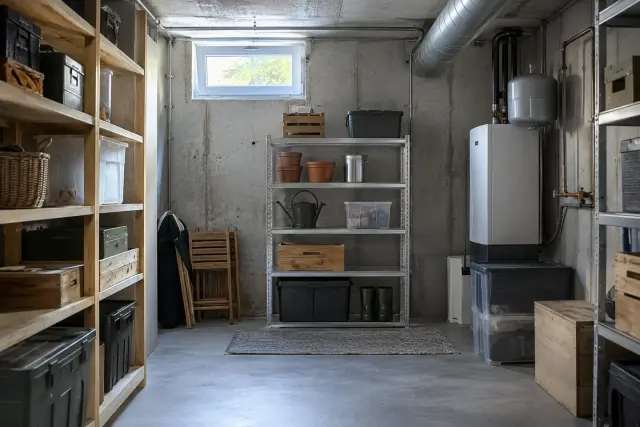 08 / 12
Storage conditions
Monitor temperature and humidity through seasonal changes and ventilation periods, especially in rooms that receive infrequent inspections.
Temperature · Humidity. Optional: PM2.5, TVOC, PIR.
Choose representative storage areas and keep the sensor accessible for inspection and servicing.
 09 / 12
Indoor–outdoor interface
Compare particle and climate conditions near loading doors, storage aisles and occupied work areas. Link changes to door openings and handling activity.
Temperature · Humidity. Optional: PM2.5 / PM10, PIR.
Use separate points for the loading interface and internal storage or work zones.
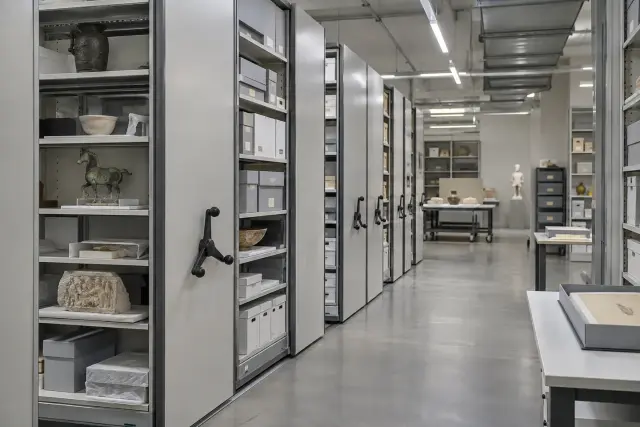 10 / 12
Collection environment
Track temperature, humidity and display lighting against the requirements of the collection. Compare galleries, stores and display zones over time.
Temperature · Humidity. Optional: illuminance, PM2.5 and a named gas requirement.
Define points and review periods around the material, enclosure and room conditions.
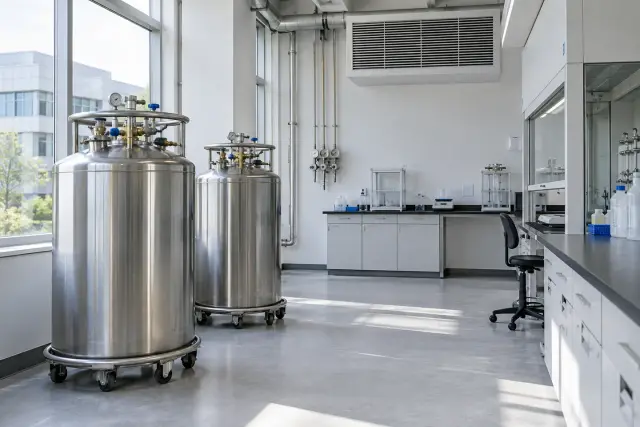 11 / 12
Custom oxygen requirement
Add O₂ where the room process requires oxygen measurement, alongside the environmental channels needed for the installation.
O₂ by requirement; temperature, humidity and CO₂ as relevant.
Specify the process, expected range and sampling location. Include the complete alarm and response requirements when the intended duty calls for them.
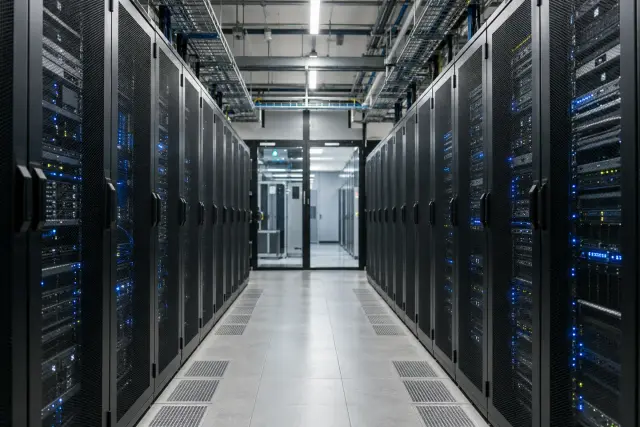 12 / 12
Equipment environment
Monitor temperature, humidity and selected particle outputs around maintenance, building work and access periods. Compare conditions across technical zones.
Temperature · Humidity. Optional: PM1 / PM2.5 / PM10, PIR.
Distinguish room-air points from rack-adjacent or access-area points in the installation plan.
AIR + ENVIRONMENT + ACTIVITY
Review air measurements alongside temperature, humidity, light and detected motion. Comparing the same time period helps your team relate changes to meetings, cleaning, ventilation or access events.
Explore the measurements ↗Plus temperature and humidity
Illuminance and detected motion
INSTALLATION
Start with the rooms, then match the sensing, power and data connection.
Identify the rooms or zones you want to compare and the conditions at each point.
Match sampling, reporting and available power to the selected measurements.
Confirm the network, destination platform and required records for the installation.
REMOTE MONITORING & INTEGRATION
Connect the selected H310-AQ configuration to your monitoring platform. Match the cellular or LoRa route to the installation, and specify MQTT data integration and the alert workflow for the chosen model.
Discuss platform integration ↗The channels selected for each room
Cellular or the specified LoRa and gateway arrangement
Device identity, units, timestamps and data interface
Trend review and configured alerts
SERIES & CONFIGURATIONS
H310-AQ041 provides the four core measurements. Custom H310-AQ configurations add the sensing required for your rooms, with the selected channels and specifications identified in the quotation.
AQ051, AQ061, AQ071, AQ081 and AQ091 illustrate the planned series extension. Each supplied model is paired with its own measurement list and specifications.
BASE CONFIGURATION
CO₂ · Temperature · Relative humidity · Atmospheric pressure
| CO₂ measurement method | NDIR |
|---|---|
| CO₂ range | 400–5,000 ppm |
| CO₂ accuracy | 30 ppm ±3% (0–50 °C, 0–85% RH) |
| CO₂ resolution | 1 ppm |
| Temperature range | −30 to +75 °C (±0.2 °C) |
| Humidity range | 0–100% RH (±1.5% RH) |
| Atmospheric pressure range | 30–120 kPa (±0.1 kPa) |
| Power supply | Battery-powered, 19,000 mAh |
| Battery life | 10+ years (10-minute sampling, hourly reporting) |
| Protection rating | IP65 (indoor unit) |
| Local configuration | NFC power on/off and maintenance setup |
| Firmware updates | Remote one-click OTA via the cloud platform |
| Mounting options | Wall · Pole · DIN rail |
CUSTOM CONFIGURATION
Tell us about the space and the measurements you need. Hitelecom can help match the sensing, connectivity and installation requirements to a suitable configuration.
PM1 / PM2.5 / PM10 · HCHO · TVOC
Illuminance · PIR motion detection
O₂ · Other parameters by discussion
ANSWERS FOR YOUR PROJECT
Answers to help you choose measurements, plan installation and connect your data.
Ask about your project ↗H310-AQ041 measures CO₂, temperature, relative humidity and atmospheric pressure. Custom options include O₂, PM1, PM2.5, PM10, formaldehyde, TVOC, illuminance and PIR motion detection. The selected configuration identifies which measurements are supplied.
Start with the purpose of monitoring. For occupied rooms, consider CO₂ and thermal conditions. For dust or air-entry investigations, add particle measurements. For refurbishment, consider HCHO and TVOC. Light, PIR and O₂ serve additional room or process requirements. Share the application if you need help choosing.
CO₂ readings can help assess ventilation in suitable occupied spaces. Compare readings over time with room use and ventilation settings. This gives the facilities team more useful context than an isolated reading.
They report different particle-size fractions. PM2.5 focuses on fine particles, while PM10 includes a wider size fraction. PM1 adds a finer fraction where required. Select the outputs that match your indoor-air or dust-monitoring question, and use the selected model’s specifications to assess performance.
Choose HCHO when the measurement requirement is formaldehyde. TVOC follows the sensor’s response to a mixture of volatile organic compounds. A refurbishment project may request both for different questions about materials and room activities. Confirm the reported quantity and units for the selected channels.
Illuminance measures light at the installation point. PIR adds detected-motion events within its viewing area. These channels can help relate environmental records to lighting and room activity. Choose the mounting position for the intended coverage; numerical people counting is a separate requirement.
Choose representative room-air locations with access for servicing. For CO₂, HSE recommends head-height placement, away from doors, windows and air supplies, and more than 50 cm from people. Light and PIR also need an appropriate viewing direction. Larger or differently ventilated spaces may need several points.
Platform integration can be specified for the selected configuration. Hitelecom’s product family includes cellular and LoRa options, with MQTT data integration described for supported arrangements. Share the destination platform and deployment region so the model, network path and data interface can be matched.
Sampling is when measurements are taken; reporting is when data is transmitted. Battery life depends on the selected sensors, both intervals, event messages and radio conditions. Request an estimate for the intended configuration and operating profile so the power arrangement matches the project.
Start with the application, country, approximate quantity and measurements you need. If available, add a room plan and your power, network or platform requirements. Hitelecom can use these details to discuss the configuration and quotation with you.
LET’S TALK ABOUT YOUR PROJECT
Share the application, location and measurements you need. We’ll help you explore a suitable H310-AQ configuration and discuss the quotation.
A room plan, site photo or platform requirement can help with the discussion.
Planning an indoor monitoring project?
Talk to Hitelecom.