


A range for your process.
Choose from published full-scale options of 1, 1.6, 3.5, 7, 10, 20, 35 and 100 MPa. Specify the normal pressure and highest expected process pressure together.

Know the pressure. See the operating picture.
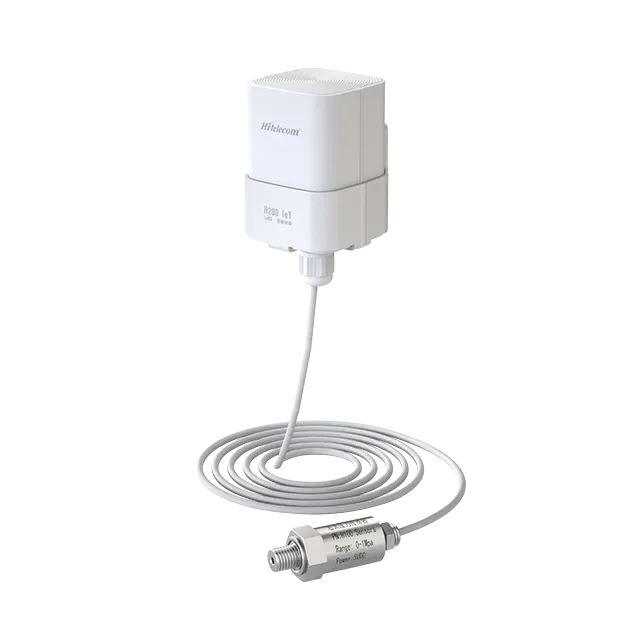
The Hitelecom H Series wireless pressure sensor measures pressure at a selected liquid or gas process connection and sends readings over 4G, NB-IoT or LoRa, depending on the model. Use it to follow water-service, compressed-air and hydraulic pressure with remote records and configured alerts. Select the measurement range, process interface, reporting profile and platform connection around your installation.
KEY FEATURES
Bring readings from pumps, process lines and equipment utilities into a shared view. Match the sensing assembly and reporting profile to the work your team needs to do.
Choose from published full-scale options of 1, 1.6, 3.5, 7, 10, 20, 35 and 100 MPa. Specify the normal pressure and highest expected process pressure together.
Published accuracy is ±0.5% FS, with long-term stability of ±0.2% FS/year. Match the selected span and accuracy to the pressure changes that matter to the project.
The published service-life claim is more than 10 years at one-hour reporting. Define sampling, network conditions, temperature and the maintenance target for the supplied configuration.
A protected wireless housing supports exposed installations. Select the pressure probe, process connection, cable arrangement and enclosure mount for the measurement point.
Select the configured 4G, NB-IoT or LoRa variant for your coverage and infrastructure. Agree the radio, network access and reporting profile as one deployment.
MQTT reporting supports Hitelecom Cloud, customer-cloud or private-platform projects. Agree pressure units, device identification, payload and configured alert rules with your team.
MEASUREMENT & PROCESS CONNECTION
A useful pressure record starts with a clear measurement purpose and a suitable process connection. Define what you want to observe, where the pressure is taken and how the assembly will be installed. The probe form and enclosure arrangement can be configured around the project.
Specify the pressure reference, operating range and change you need to observe. Gauge, absolute, differential and low-pressure tasks call for an appropriate sensing arrangement.
Share the actual liquid or gas, operating and cleaning temperatures, and the existing thread, flange or sanitary connection. The wetted materials and sealing interface are selected around these conditions.
Select the probe, cable and enclosure form around access, temperature, vibration and radio reception. A pressure-port photo or drawing helps the project team identify a practical connection and protected housing position.
Connect the pressure probe through an approved, appropriately rated process port, with isolation or a specialist interface where the project requires it. Secure the wireless enclosure at a suitable position using the selected mount; the enclosure support and the pressure connection have separate roles. The product image shows one probe-and-cable form, with other assemblies considered for the installation.
FROM PRESSURE TO ACTION
Set measurement requirements around the pressure behaviour you need to observe. Set reporting around when the team needs remote updates. Agree the supported sampling and transmission profile, configured alert rules and power plan for the selected sensor and deployment.
Define the medium, pressure reference, span, process connection and installation conditions.
Agree the radio, supported measurement and reporting settings, and NFC commissioning arrangements.
Set up the platform destination, device identifiers, pressure units and MQTT payload for the project.
Check the process reading and network reporting at the installed position, then agree the maintenance and OTA update procedure.
Hitelecom publishes more than 10 years of battery life at one-hour reporting. Establish the service target using the supplied model, sampling workload, transmission profile, temperature and signal conditions; agree the operating profile in the quotation.
APPLICATIONS
Explore eight application groups, from water and factory utilities to process production, agriculture and specialist systems. Each task identifies a useful pressure point, the operating context and the details needed to select the assembly.
8 industry categories 48 pressure-monitoring applications
Application images are AI-generated illustrations of representative installations. The connection, pressure reference and process assembly are selected for your project.
Start at the pressure port. Show us the connection and the space around it, then choose the probe, cable and wireless-enclosure arrangement.
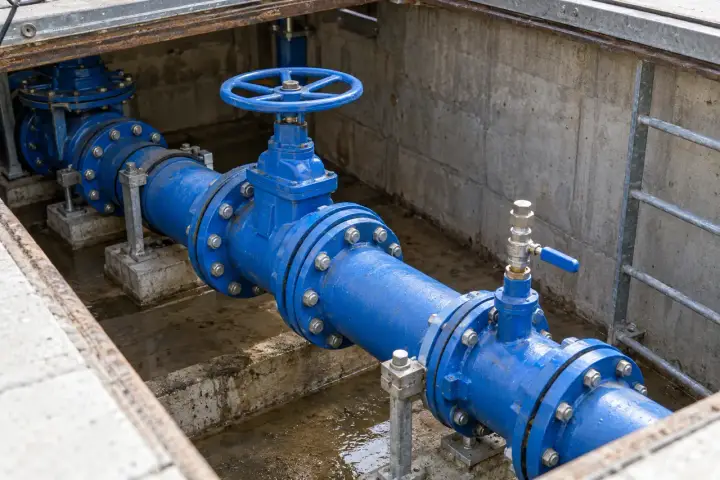
Follow pressure from the supply main to the pump discharge and the point of use. Define the hydraulic zone, installation height and operating state so each reading answers a water-service question.
Monitor pressure at district inlets, network branches and selected service points. A time-stamped pressure history helps water teams compare daytime demand, night-time operation and the effect of planned valve changes. Associate each sensor with its hydraulic zone and elevation, then review readings alongside pump status and the network records used to investigate supply concerns.
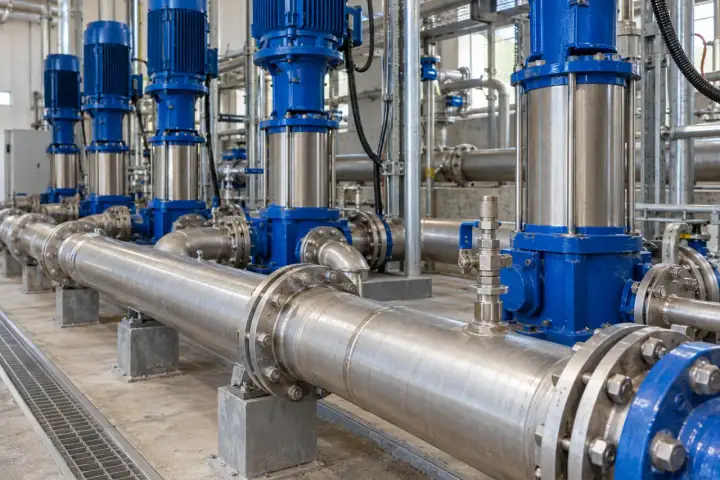
Bring booster discharge pressure into the project dashboard for individual stations or a distributed pump estate. Readings show how delivered pressure changes with demand, pump staging and the selected operating schedule. Where the project needs suction and discharge information, define a measurement point for each side and review the pressure records together with the pump controller data.
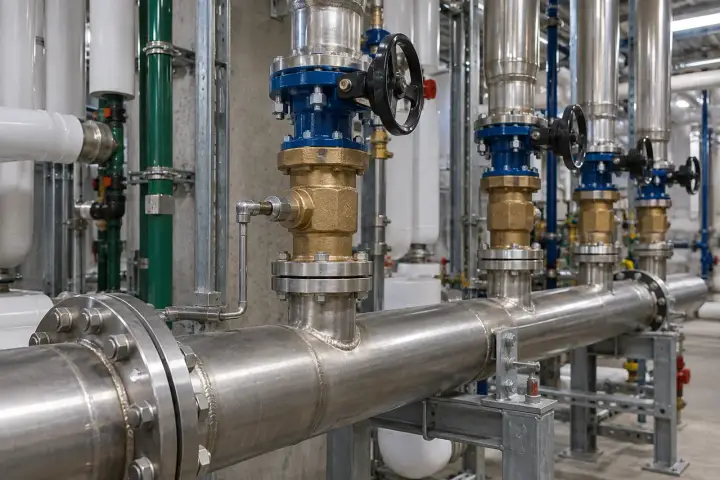
Monitor selected domestic-water risers, booster outlets and downstream pressure-reducing valve zones in high-rise buildings. Clear zone and floor identifiers make pressure history useful to facilities teams responding to service enquiries or checking a planned adjustment. Choose representative points within each zone and relate the readings to installation height, supply arrangements and periods of building demand.
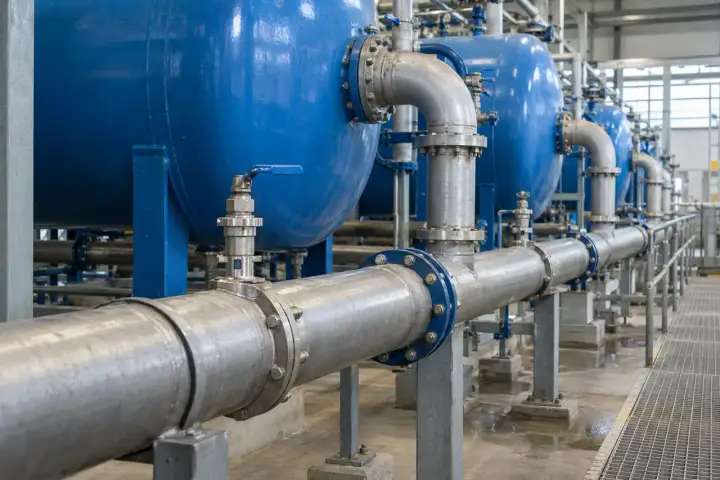
Monitor inlet and outlet pressure around selected filters or treatment stages. Readings taken in a defined operating state support comparison between filtration runs and planned backwash cycles. When both sides are instrumented, the project can calculate a pressure difference using matched readings and process context. Name each point by filter train and connection position so the history stays clear.
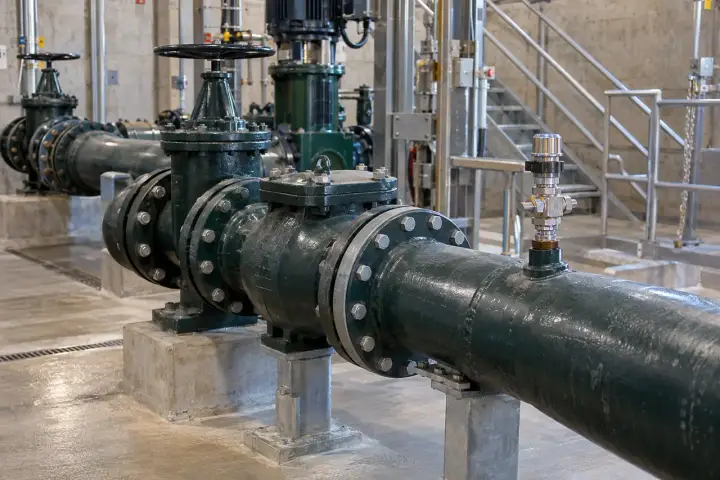
Monitor discharge pressure at wastewater lift stations and transfer pumps to give maintenance teams a clearer record of each station’s operating conditions. Pair the pressure history with pump running status and known valve settings when reviewing a service event. Select a process connection suited to solids, fouling and cleaning access so the measurement point remains practical over the maintenance cycle.
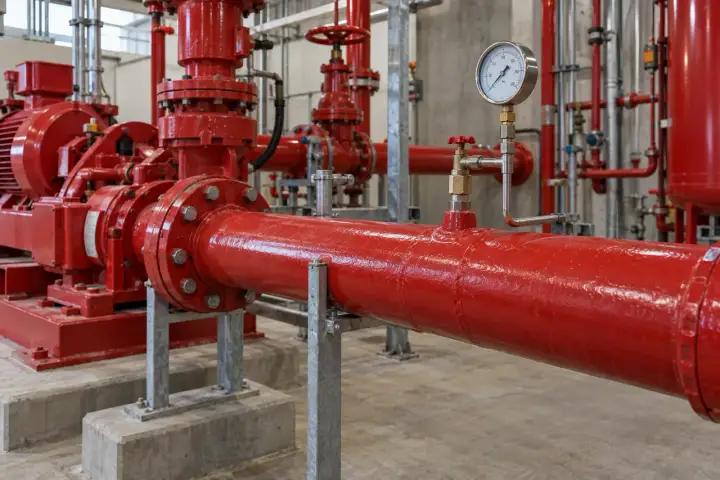
Collect pressure readings from selected fire-water pump discharge and supply-line test points for facilities maintenance and scheduled checks. Identify the installation, test condition and observation period so technicians can compare like-for-like records over time. Integrate the monitoring data with the site maintenance workflow while retaining the approved fire-system controls and inspection procedures specified for the installation.
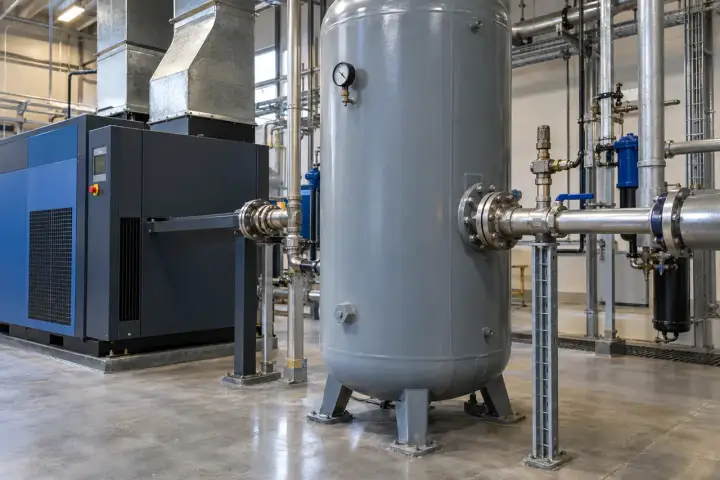
Give utility teams and production engineers pressure visibility at the receiver, distribution main and machine inlet. Select points that distinguish supply conditions from the pressure delivered to a working line.
Monitor receiver outlet pressure to understand the air available to the factory as compressors load, unload and respond to demand. A clear pressure record helps utilities teams compare shifts, planned operating changes and machine-start periods. Match observations to compressor status and receiver identification, then choose a reporting profile that gives the required operating picture without collecting unnecessary updates.
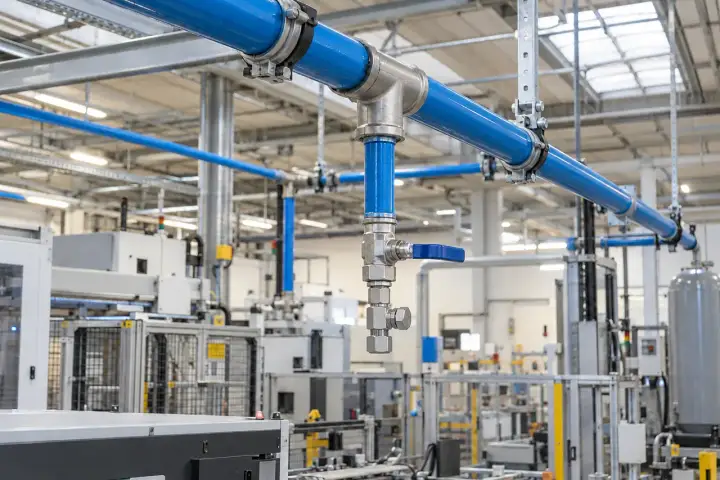
Place measurement points on selected compressed-air branches and service drops to compare the pressure delivered around the factory. Review readings during known production states, especially where several lines share the same supply. Identify each sensor by distribution branch and location so utility teams can relate pressure changes to plant demand, valve changes and planned network work.
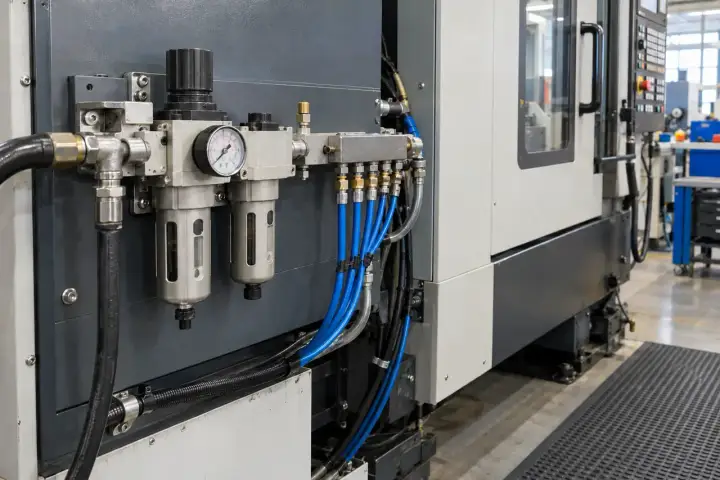
Monitor air pressure at the approved service point feeding a machine-tool pneumatic circuit. The record gives technicians a reference for air supply during tool changes, cleaning operations and other defined machine states. Connect it with the machine identifier and relevant controller events so service teams can review what was delivered at the inlet when a supply question arose.
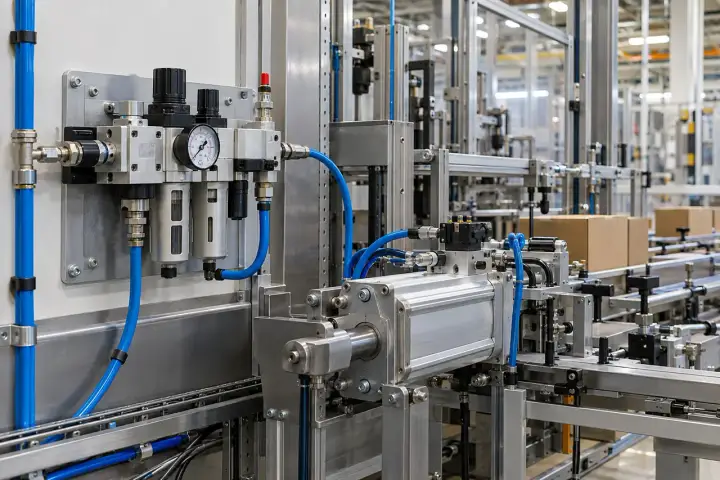
Monitor the regulated air feed to packaging equipment using the line’s approved pneumatic service point. Compare pressure records between production runs, product changeovers and simultaneous line operation. Keeping the measurement close to the selected manifold helps engineers understand the supply condition serving that section of the line and plan further investigation with the machine’s operating data.
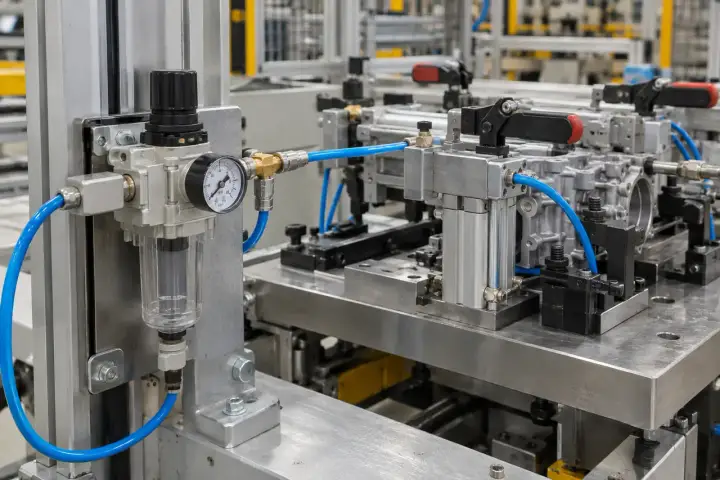
Monitor regulated pneumatic pressure feeding an assembly clamp or fixture using its approved service port. Record the pressure in a defined held state or at the observation interval selected for the process, and keep the fixture identifier with each reading. The resulting history supports supply-pressure review during setup, product changes and planned fixture maintenance.
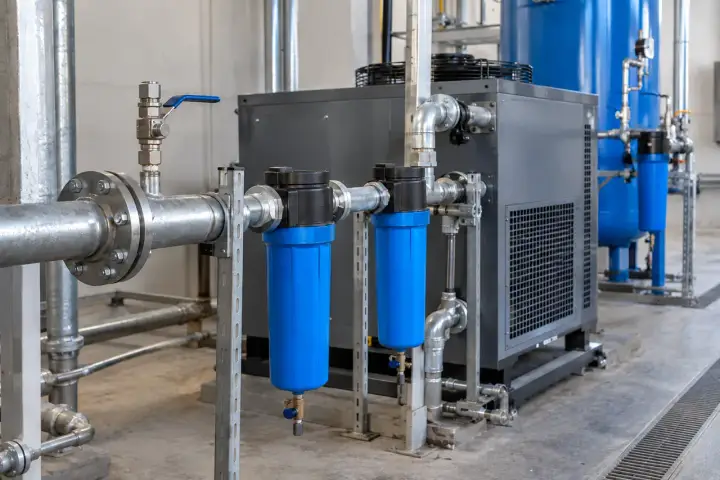
Monitor pressure before and after selected dryers, filters or air-treatment assemblies. Compare readings under a known flow and operating condition, with point names that clearly identify the inlet and outlet. Matched observations support a project pressure-difference calculation and give utilities teams a useful operating record to review alongside service intervals, bypass settings and compressor data.
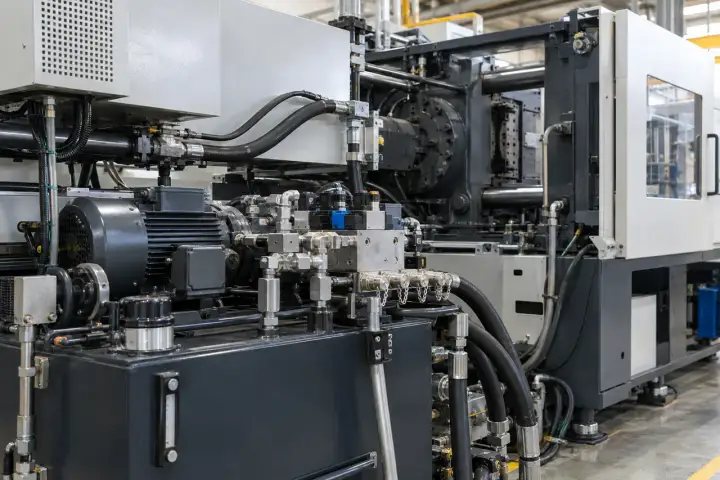
Bring hydraulic pressure readings from power units, selected circuits and lubrication supplies into the same project view. Choose an approved measurement port, oil-compatible materials and a range suited to the circuit.
Monitor an approved pressure point on an injection-moulding machine’s hydraulic power unit or selected supply circuit. Periodic readings and defined hold-state observations create a pressure history for setup and maintenance review. Identify the circuit and machine state with the record, and specify the required measurement response where the project also needs detail from shorter process events.
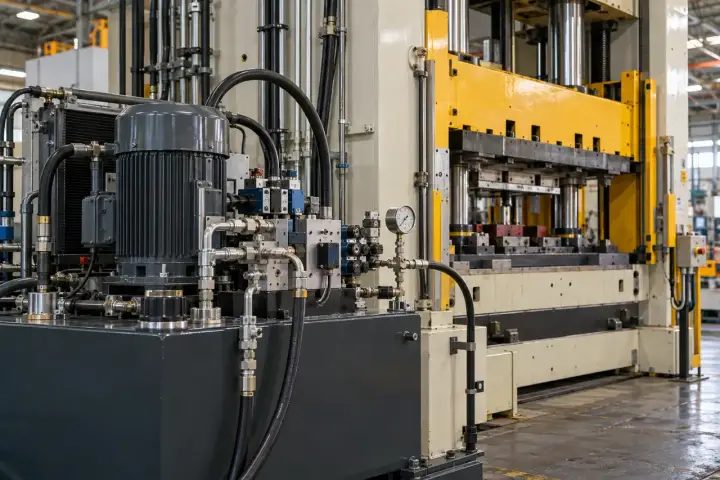
Monitor a selected supply or hold-pressure point on a metal-forming press through an approved hydraulic connection. Keep the tooling setup and operating state with the pressure record so maintenance and production teams can make meaningful comparisons. Specify the observation timing around the process question, whether the project needs periodic operating records or a dedicated measurement arrangement for short events.
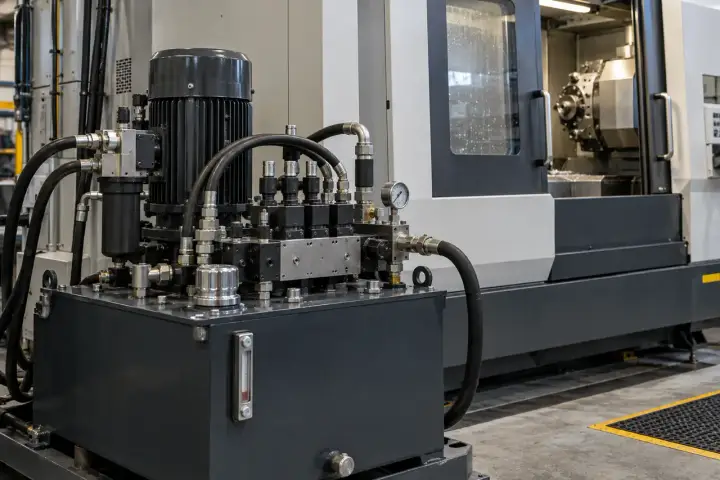
Monitor the hydraulic supply serving machine-tool functions such as clamping, workholding or auxiliary actuation. A named circuit and defined observation state let technicians compare pressure history during setup and maintenance. Use the approved power-unit or manifold test point, and match the sensor range and fluid interface to the circuit rather than transferring a specification from another machine.
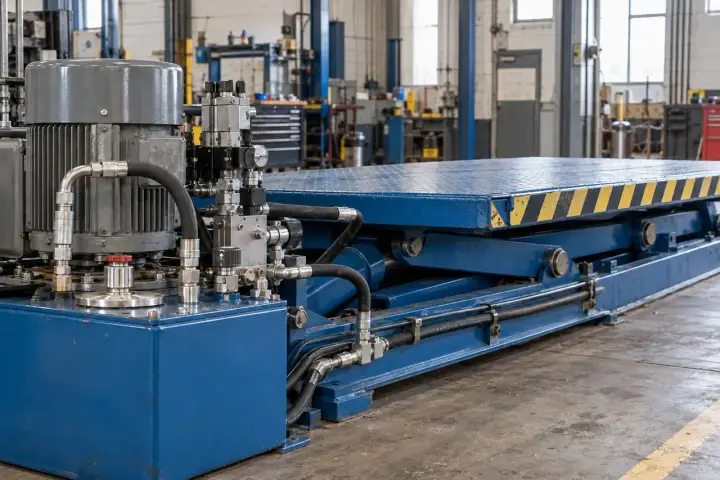
Monitor an approved hydraulic pressure point on a lift or scissor platform for a defined maintenance or operating observation. Record platform position, load condition and the selected circuit with the readings so comparisons have a clear context. Choose a protected service connection on the power unit or manifold and integrate the information into the equipment’s maintenance workflow.
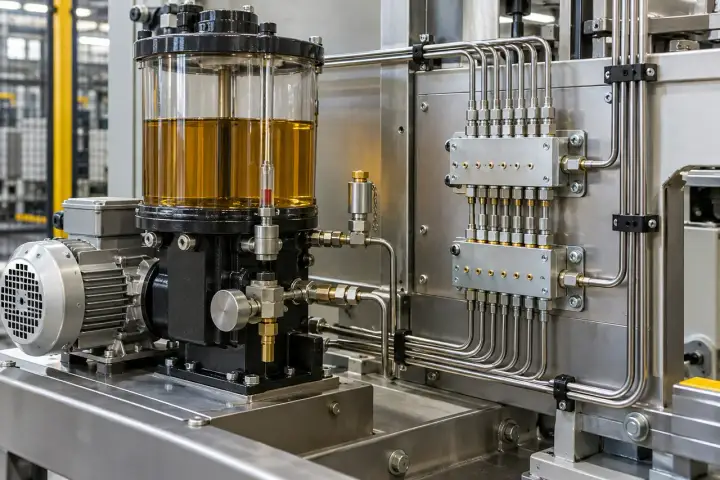
Monitor pressure at a selected central lubrication pump outlet or distribution manifold. Time-stamped readings help maintenance teams review the recorded supply condition during a known lubrication cycle and compare it with the controller’s operating record. Select the measurement interface for the lubricant’s viscosity and service temperature, and identify the pump or distribution section represented by the point.
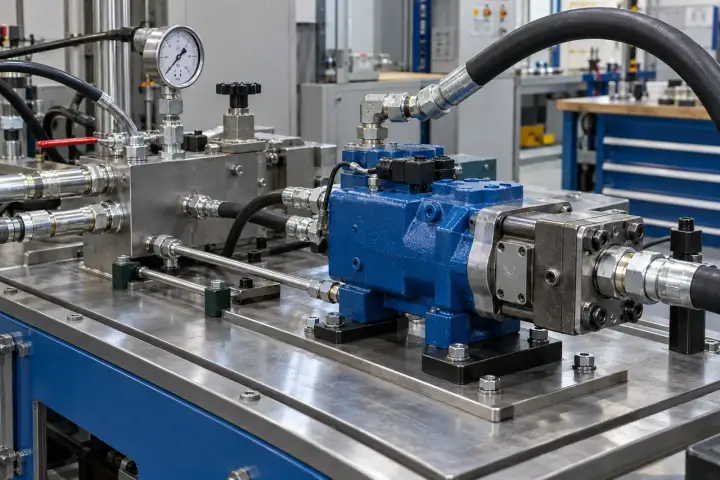
Use a rated test-manifold connection to collect pressure readings during hydraulic component evaluation. Define the test stage, hold duration and observation rate so the data answers the planned validation question. Associate each record with the assembly and test run, and select a suitable reference instrument and calibration arrangement for the acceptance criteria used by the engineering team.
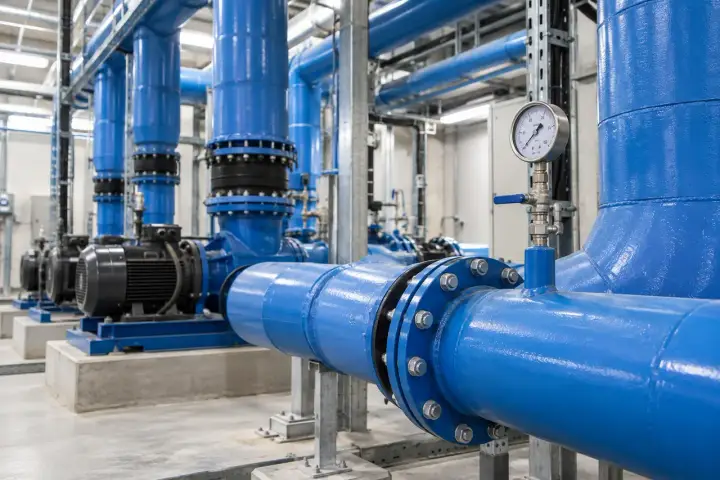
Monitor water-side pressure across plant rooms, cooling branches and specialist thermal systems. Identify the circuit and pressure reference first, then select the connection and measurement range for the installation.
Monitor pressure at selected chilled-water pump manifolds and distribution connections. Relate the history to pump operation, valve position and the cooling-demand period being reviewed. Where the project instruments supply and return, matched readings can support a pressure-difference calculation for that named section of the circuit, helping facilities teams assess operating conditions during balancing and maintenance.
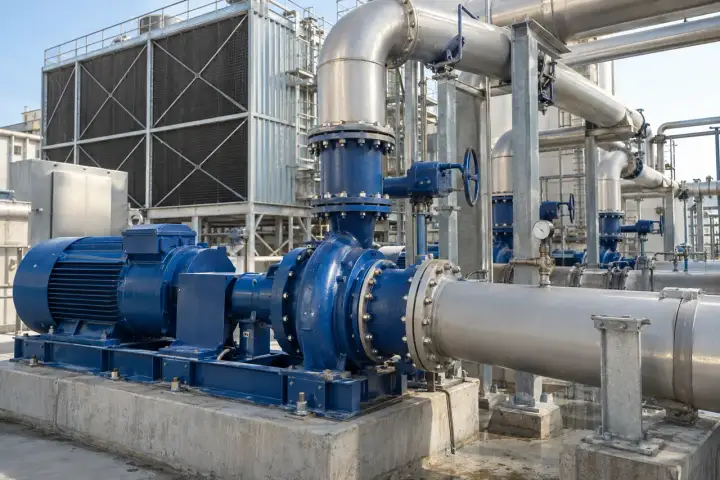
Monitor pressure at selected condenser-water pump discharge and circulating-loop service points. Clear point identification lets facilities teams compare readings with pump stages, tower operation and maintenance changes. Choose a process connection suited to the circulating water and treatment regime, then define the observation schedule around the operating periods the team needs to review.
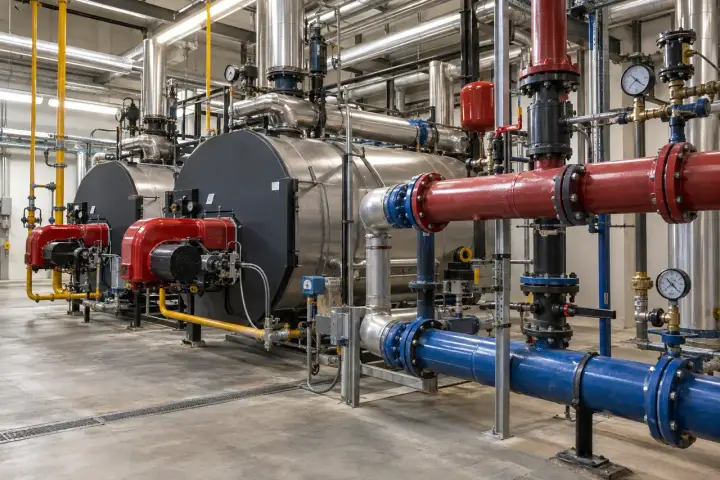
Monitor pressure at selected hot-water heating manifolds, pump connections or distribution branches. Compare the record with plant schedules, temperature changes and planned valve adjustments using clearly named circuit points. Specify the pressure connection and thermal arrangement for the water temperature at the instrument, and select reporting periods that reflect the building’s occupied and setback operation.
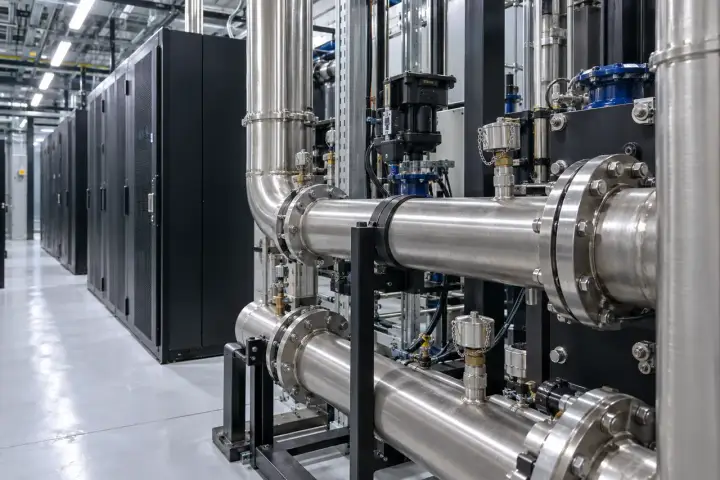
Monitor approved service points on a data-centre coolant distribution unit or selected rack-cooling loop. Identify the loop, supply or return side and operating state so facilities teams can compare readings during commissioning and planned load changes. Match the interface to the coolant chemistry and connector specification, and define how pressure records join the site’s existing facilities platform.
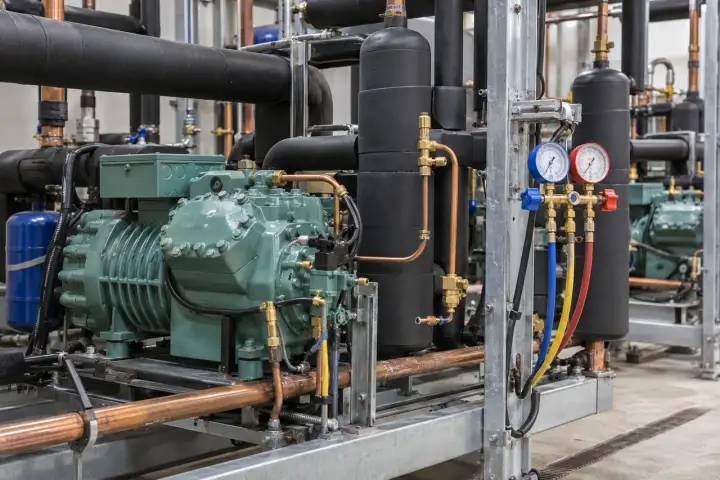
Monitor a selected refrigeration or heat-pump service point with a configuration designed for the refrigerant, pressure envelope and connection. Keep the circuit and operating state with the readings to support service review and comparison across planned operating conditions. Confirm the sealed interface, installation procedure and thermal arrangement with the equipment requirements when defining the monitoring installation.
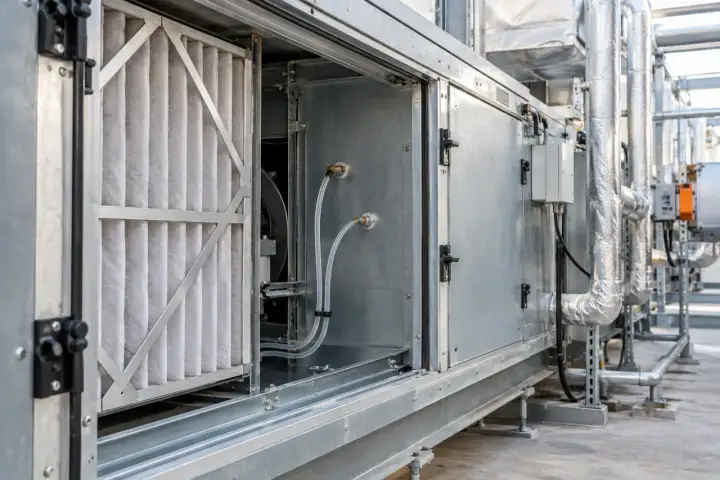
For air-handling and ventilation projects, specify a suitable low-range or differential-pressure configuration for duct static pressure or an air-filter section. Define the sampling taps and tubing arrangement for the measurement reference being used. Relate the recorded pressure to fan speed and the selected operating condition so facilities teams can review the air system during commissioning and service.
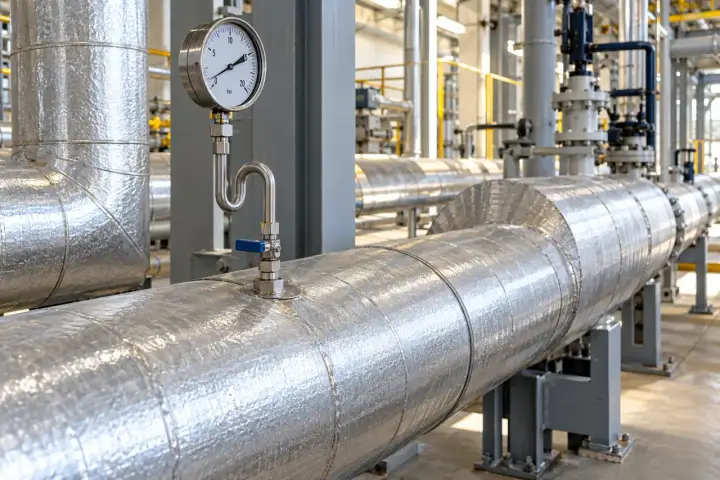
Keep pressure information available across steam, heating, fuel and generation utilities. Specify the medium, temperature, pressure range and site approvals for the selected process connection.
Monitor a selected steam-header service point using a pressure configuration and thermal interface suited to the installation. Define the isolation, cooling or diaphragm arrangement so the instrument sees the intended pressure within its approved operating conditions. A named header and operating-state record give utility teams useful context for comparing steam-supply pressure during planned production periods.
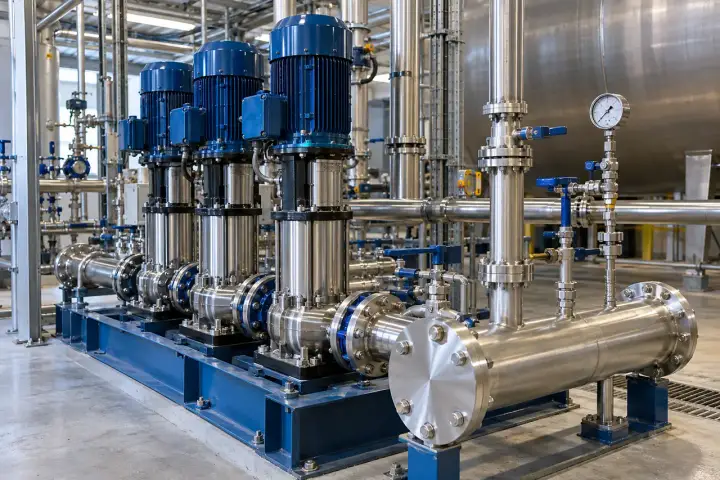
Monitor pressure at selected boiler feedwater pump discharge or feed-line service points. Associate readings with pump stage and the operating period being reviewed so utilities teams can compare supply conditions through the boiler schedule. Select the rated connection, pressure range and thermal interface for the feedwater system, and plan calibration and maintenance access within the plant procedure.
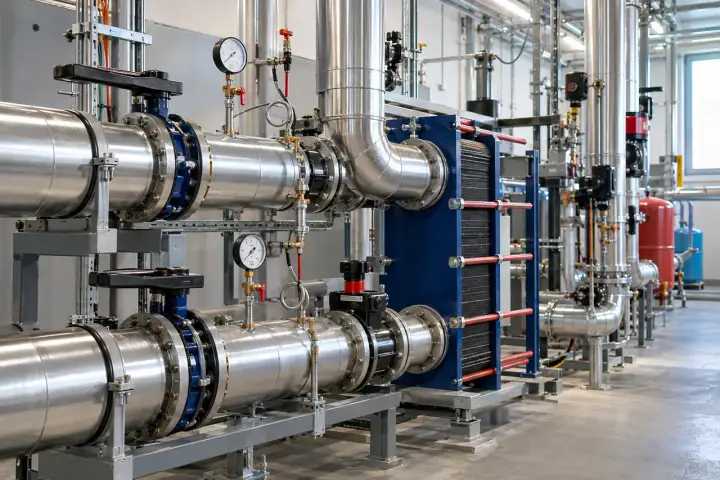
Monitor selected primary and secondary circuit service points at district-heating substations. Clear circuit and connection identifiers let operators compare records across buildings and review planned pump or valve changes. Select a process interface for each circuit’s temperature and water chemistry, and define matched observation times where the project compares inlet, outlet or supply-and-return pressure.
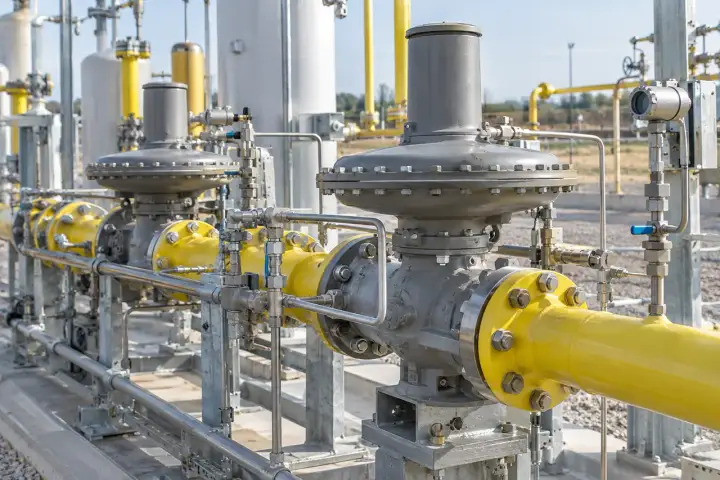
For fuel-gas utility projects, select a pressure-monitoring configuration matched to the gas, regulator station and site approval requirements. Identify the upstream or downstream service point and its normal operating range. Pressure records can then be reviewed with regulator settings, demand periods and maintenance events, giving the utility team a clear history for that defined part of the installation.
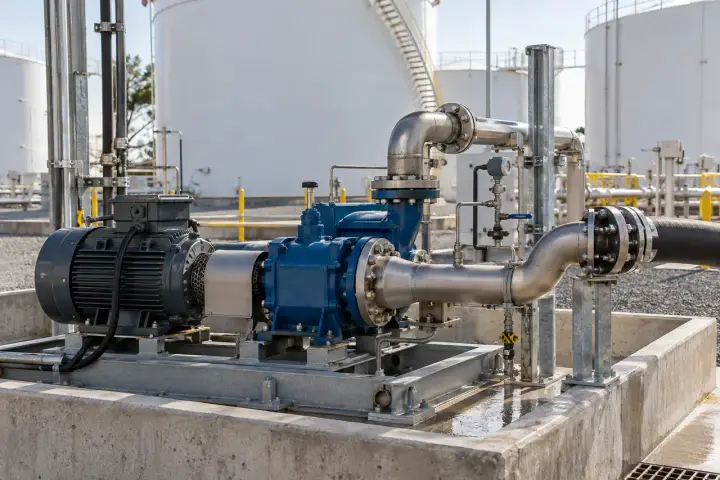
Monitor selected fuel-transfer pump discharge or utility-line pressure with a configuration suited to the fuel and installation. Relate the record to transfer periods, valve settings and the named pump or tank connection. Specify wetted-material compatibility, pressure range and site approvals at project selection, then choose a reporting schedule that suits the transfer and maintenance workflow.
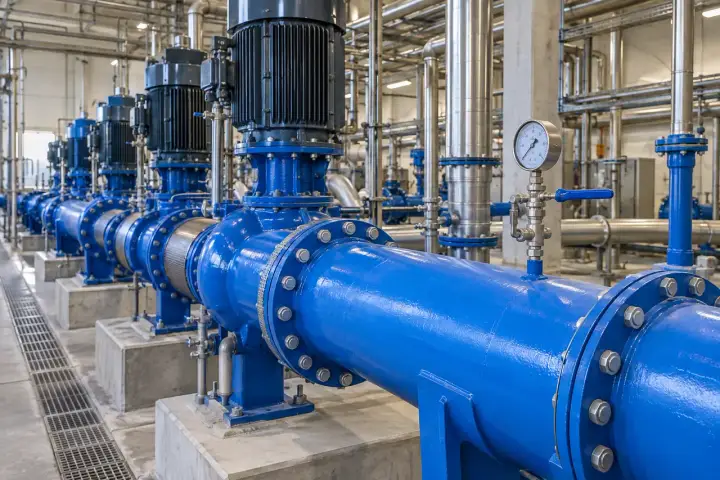
Monitor pressure at selected auxiliary cooling-water pumps and service manifolds in generation facilities. Name each point by circuit and connection position so operators can compare the history with pump status and the plant operating schedule. Select the process materials and environmental arrangement for the water circuit, then connect the pressure records to the project’s utility-monitoring platform.
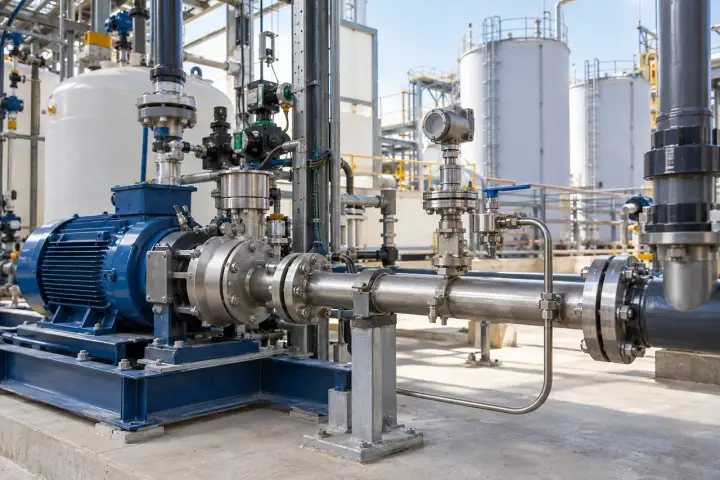
Put pressure readings beside the process stage they describe: transfer, filtration, cleaning or dispensing. Match the wetted materials, connection and maintenance approach to the process and its cleaning requirements.
Monitor a named chemical-transfer or dosing-pump pressure point with wetted materials and a process interface selected for the medium. Relate readings to the transfer stage, pump setting and operating period so process teams can compare supply conditions. For media requiring a separated interface, define the diaphragm arrangement and service procedure as part of the project specification.
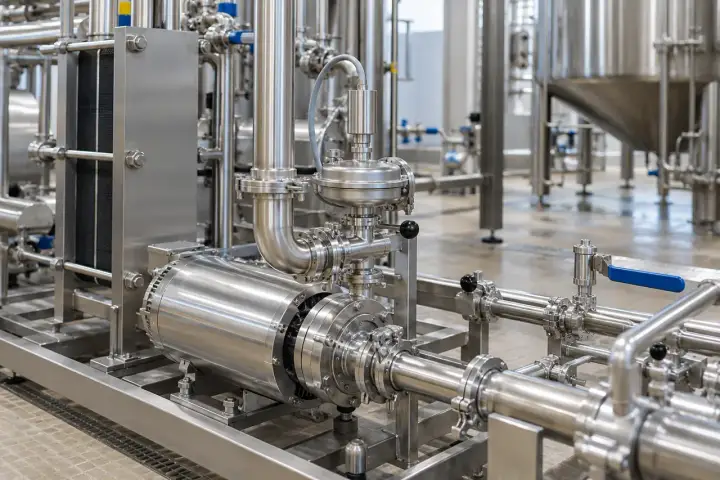
Monitor pressure at selected food or beverage transfer stages with a process configuration chosen for the product and hygiene requirements. Identify the line and operating stage with the readings to support comparison between production runs. Specify the sanitary connection, wetted materials and cleaning conditions with the process team so the pressure installation fits the line’s established maintenance approach.
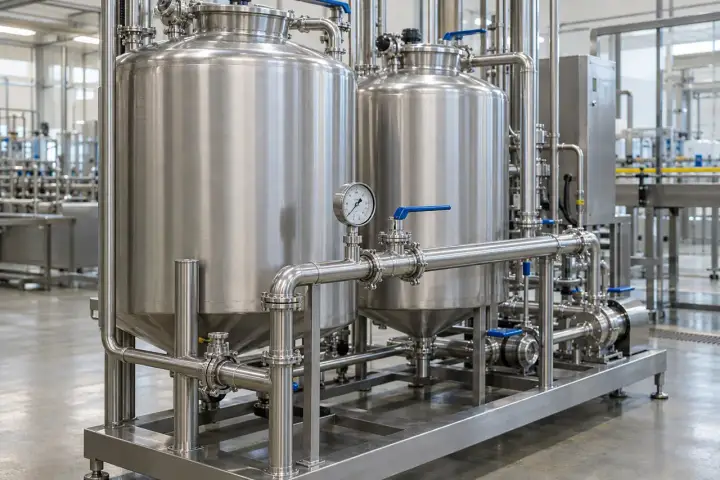
Monitor selected clean-in-place supply or return pressure points with an interface suited to the cleaning media and temperature. Associate the readings with the named circuit and cleaning stage so engineering teams can compare planned runs. Define the hygienic connection and cleaning compatibility alongside the required observation interval and the records used by the site’s process-control system.
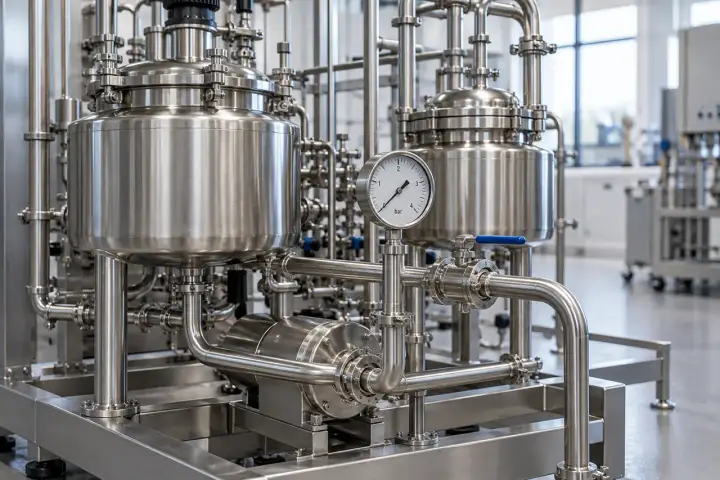
Monitor a selected pilot-process or laboratory fluid-system pressure point with a configuration suited to the medium and project documentation. Link each reading to the skid, experiment or defined process stage. Agree the pressure range, instrument uncertainty, calibration records and sanitary interface where required, so the resulting data supports the engineering or research question being evaluated.
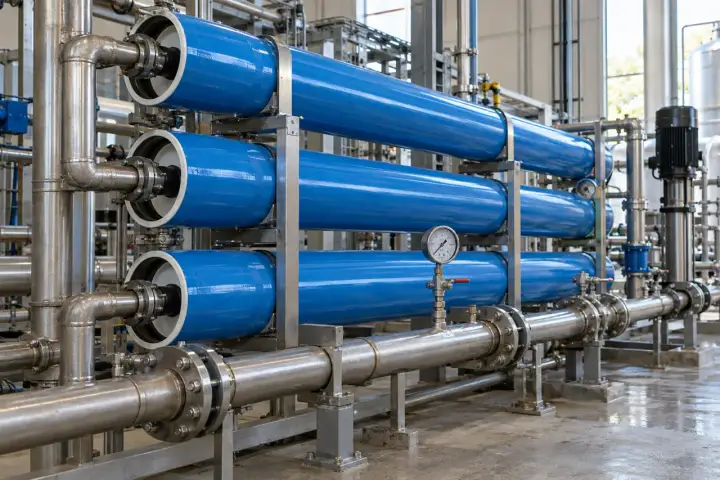
Monitor pressure on selected filtration or membrane-skid inlet and outlet manifolds. Relate the readings to the process stage, pump operation and the relevant flow record so engineers can compare conditions across runs. Where both sides are instrumented, define matched observations for a pressure-difference calculation and select materials and connections for the feed, concentrate or filtrate being measured.
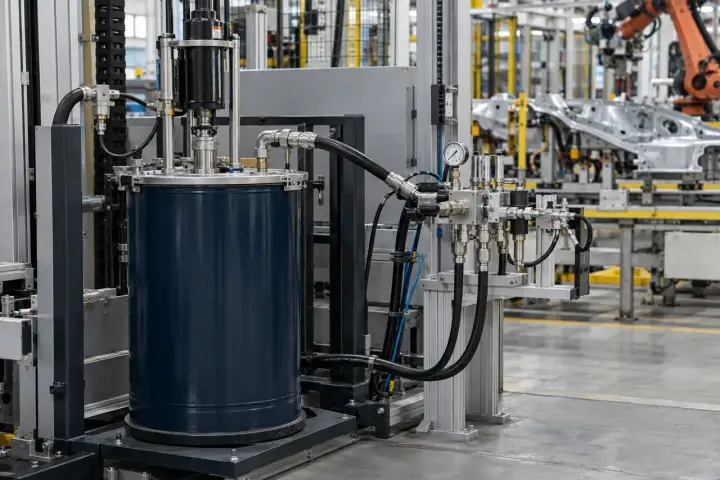
Monitor a selected coating or adhesive feed-pressure point using the dispensing system’s approved connection. Keep the material, recipe and operating stage with the pressure record for setup and maintenance comparison. Match the interface to viscosity, chemical compatibility and cleaning practice, and specify the required observation response around the delivery event the engineering team needs to review.
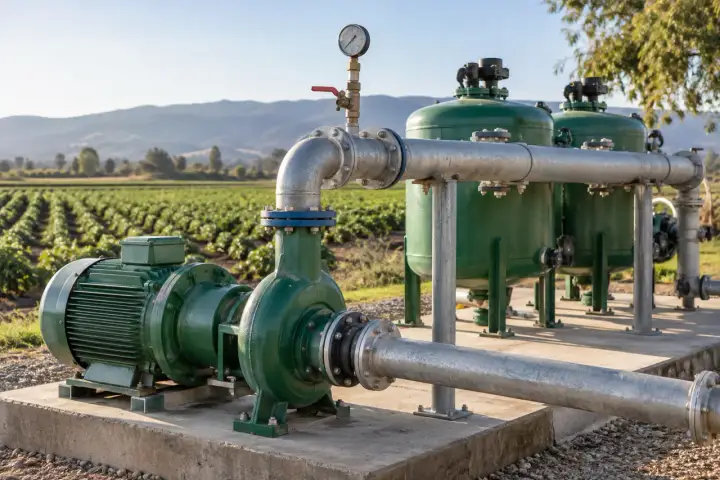
Understand the pressure available at irrigation headworks, growing zones and farm water systems. Relate readings to pump operation, valve schedules and the part of the network being served.
Monitor pressure at the irrigation pump discharge, filter assembly or delivery header. Relate the history to pump operation, filter-service periods and the irrigation zones being supplied. Named headworks points give growers and irrigation teams a useful reference when comparing scheduled runs and reviewing supply conditions before adjustments to valves, pump settings or the distribution network.
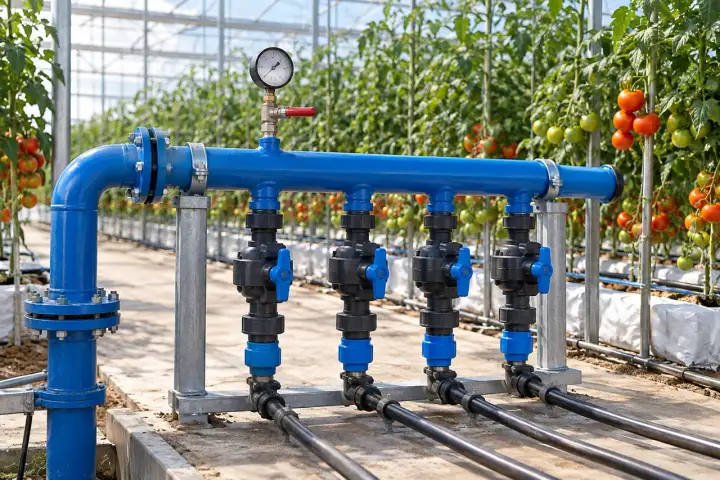
Monitor pressure at selected greenhouse irrigation headers or zone manifolds. Associate the readings with the crop area and valve schedule to compare the supply condition delivered during a planned watering run. Select representative points near the zone supply and define the pressure range, water chemistry and observation timing for the irrigation system used by the grower.
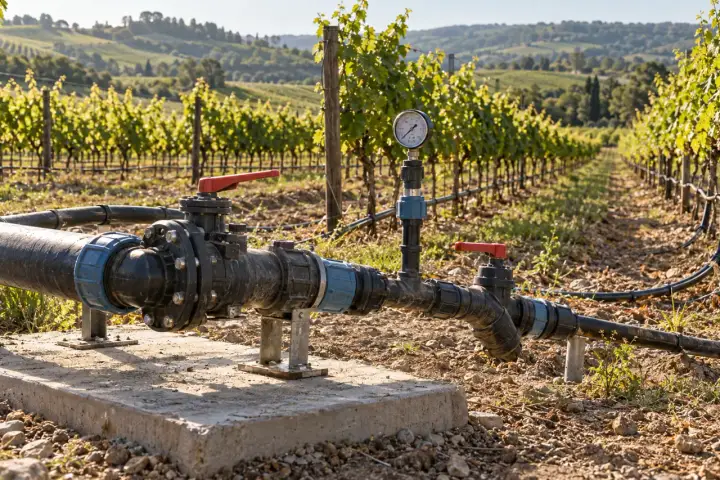
Monitor selected supply manifolds and representative drip-network branches across an orchard or vineyard. Keep the block and elevation with each point so the team can compare pressure under the same irrigation schedule. Relate observations to valve settings, operating zones and the system’s design targets when reviewing delivery conditions or planning network adjustments.
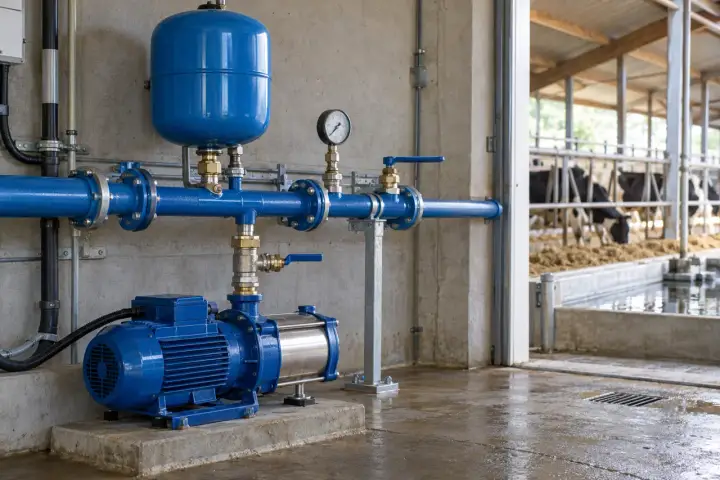
Monitor selected farm-water pump outlets and distribution headers serving livestock drinking-water systems. Pressure history gives farm teams a record of supply conditions through daily demand periods and planned maintenance. Identify the building or group served by each connection, and review the readings with pump status and local checks when investigating a water-service enquiry.
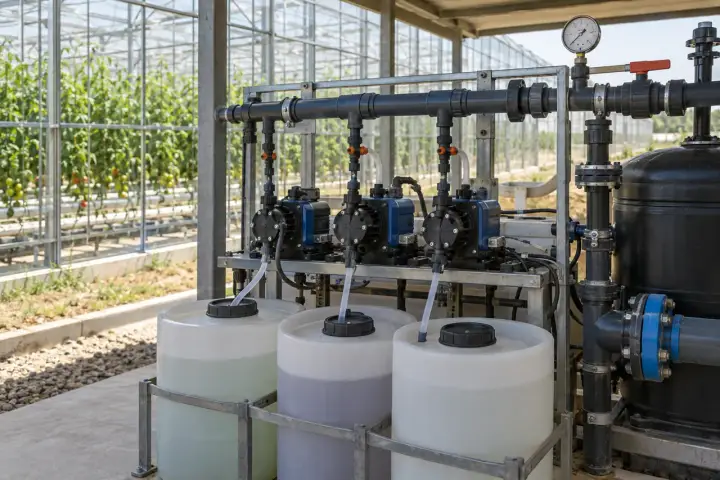
Monitor selected water-feed, mixing or dosing-manifold pressure points on a fertigation system. Associate readings with the nutrient recipe, irrigation zone and operating stage so the grower can compare run conditions. Choose the pressure interface for the solution chemistry and cleaning practice, and define observation timing alongside the dosing controller and irrigation records used by the project.
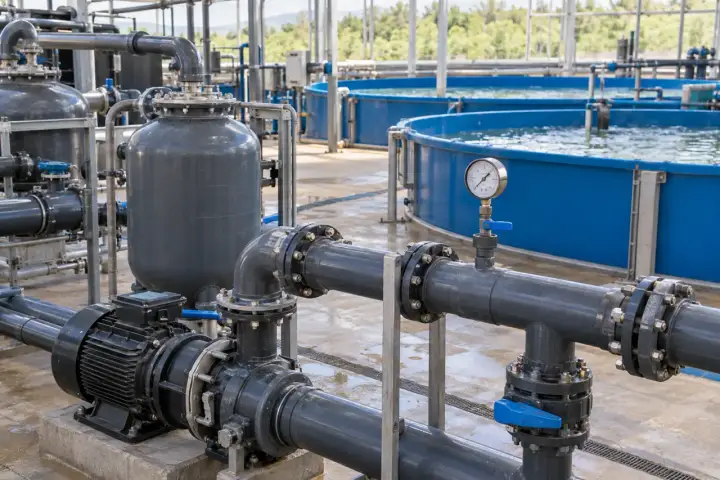
Monitor selected circulation-pump outlets and filtration manifolds in recirculating aquaculture systems. Name each pressure point by treatment stage and tank loop so operators can compare records during pump changes and planned servicing. Select the wetted materials for fresh or salt water and relate the observations to operating schedules and the water-flow information available for the system.
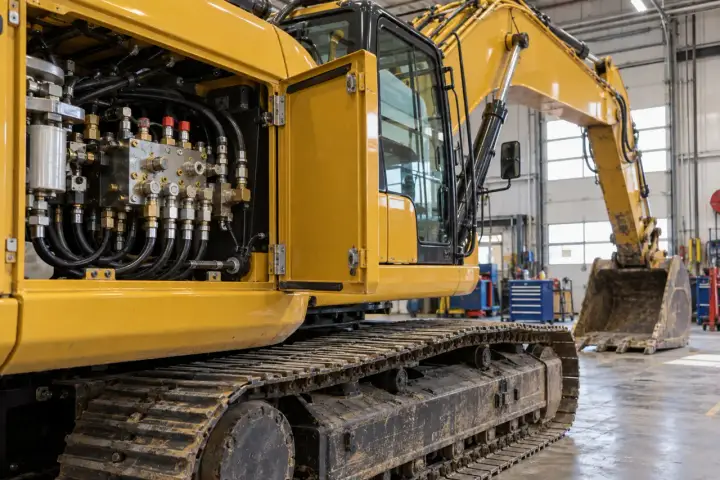
Extend pressure visibility to equipment that changes location and to defined test installations. Establish the measurement point, test duration or operating duty, and the reporting needs of the project team.
Monitor an approved hydraulic test point on mobile construction or service equipment during a defined operating or maintenance observation. Link the pressure record to the machine, circuit and test state so engineers can compare results across service visits. Specify the pressure range and measurement response for the task, with a protected connection arrangement suited to the equipment environment.
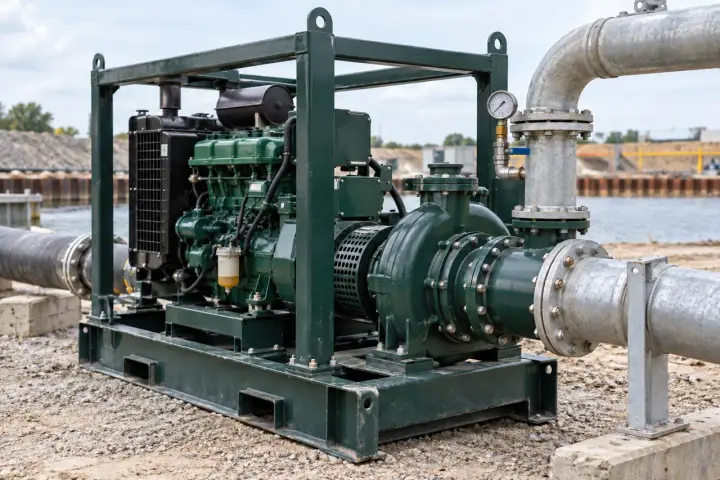
Monitor discharge or selected service-line pressure on portable pump and utility skids deployed between sites. Associate readings with the skid identifier and current installation so service teams can review the conditions of each deployment. Choose a supported connection within the equipment frame, and define the range, medium and reporting schedule for the duty being performed.
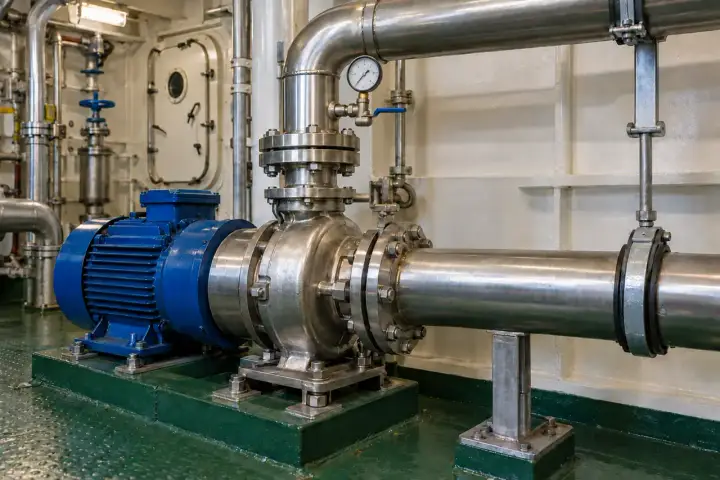
Monitor selected fresh-water or auxiliary-water pump and manifold pressure points on a commercial vessel. Identify the onboard circuit and operating state so marine engineering teams can review comparable records through service periods. Select the interface for water chemistry, vibration and the marine environment, and define how readings are recorded and transferred within the vessel’s communications arrangement.
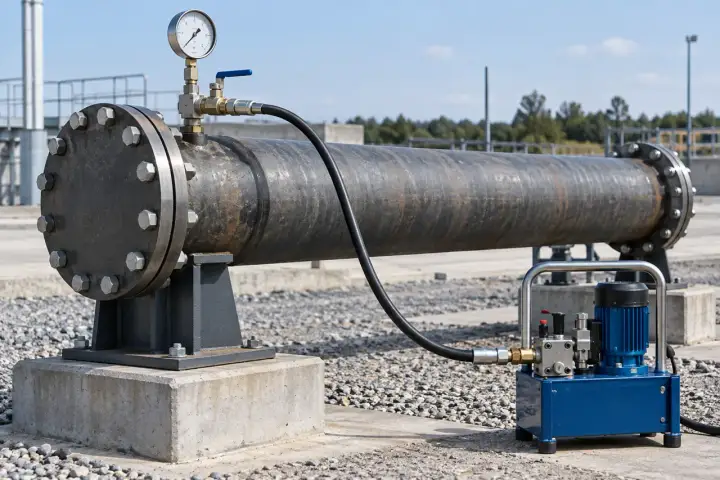
Collect pressure readings during an engineered pressure-hold test on an isolated pipeline section. Identify the section, test medium, hold period and ambient conditions with the record. Select the measurement range, observation interval and calibrated reference arrangement to suit the agreed commissioning procedure, giving the project team a clear record to review with its acceptance criteria.
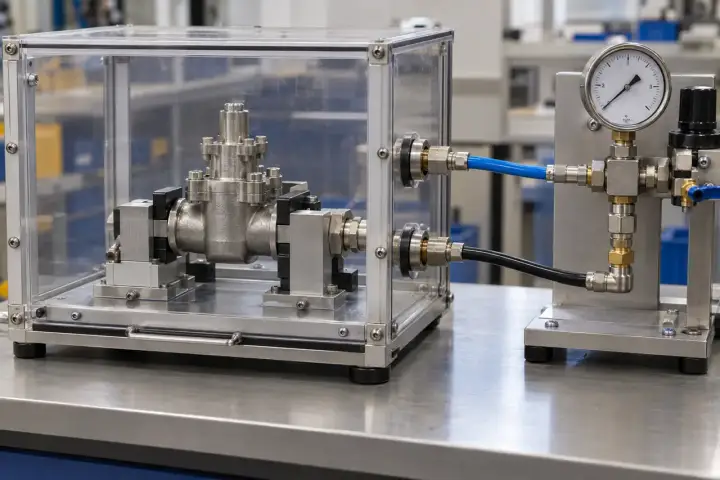
Collect pressure readings from a rated test manifold during a defined product pressure-hold or seal-test stage. Link the data to the assembly, recipe and test run so quality and engineering teams can review comparable records. Specify the pressure range, observation response and calibration arrangement around the procedure and acceptance criteria used by the production test station.
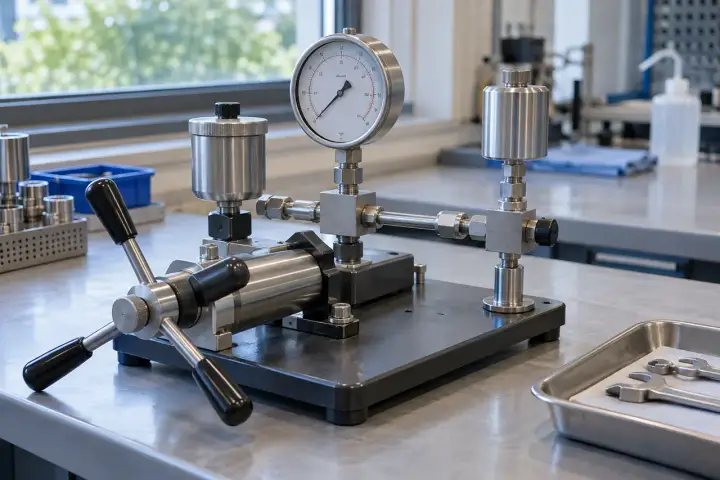
Collect readings from a rated laboratory pressure manifold for defined component, material or process studies. Record the test configuration, medium and stage with the data so results can be compared across experiments. Select the span, observation rate and calibrated reference instrument around the uncertainty and timescale required by the study, then agree a suitable data-export or platform interface.
SERIES & CONFIGURATIONS
H200, H300 and H500 are published H Series pressure-sensor model identifiers. Specify the pressure assembly and wireless configuration together, using the supplied model datasheet for the final selection.
Use the selected 4G Cat.1 variant with operator coverage at the installed point. Match regional bands, SIM service and the reporting profile to the deployment.
Discuss 4G ↗Use the selected NB-IoT variant where the operator supports the installed location. Agree network access and update requirements for the measurement point.
Discuss NB-IoT ↗Use the selected LoRa variant with the agreed gateway and network architecture. Confirm the radio protocol and data path for your own site or platform.
Discuss LoRa ↗| Family model identifiers | H200 / H300 / H500 |
|---|---|
| Available measuring ranges | 0–1 / 0–1.6 / 0–3.5 / 0–7 / 0–10 / 0–20 / 0–35 / 0–100 MPa; select one range for the supplied configuration. |
| Pressure unit reference | 1 MPa = 10 bar ≈ 145 psi. |
| Published accuracy | ±0.5% FS; high-precision customization available. |
| Annual stability | ±0.2% FS/year; a separate metric from measurement accuracy. |
| Published overload limit | ≤2 × full-scale pressure; specify expected process peaks with the selected range. |
| Wireless options | 4G Cat.1 / NB-IoT / LoRa, by model and supplied variant. |
| Data protocol | MQTT; agree the selected wireless data path and platform interface. |
| Power and service-life profile | Battery powered. Published design claim: more than 10 years at 1-hour reporting. Actual life depends on sensing workload, reporting, network conditions, temperature and battery configuration. |
| Enclosure protection | IP68 as listed in the family datasheet. |
| Operating environment | −20°C to +80°C; process-medium temperature specified separately. |
| Storage environment | −20°C to +85°C. |
| Local configuration | NFC activation, onboarding and maintenance configuration. |
| Remote firmware service | OTA upgrades via the configured platform. |
| Housing installation | Mounting lugs, pole clamp or slotted mount, by supplied configuration. |
| Customization | Measurement range, process thread, pressure probe, cable and wireless/reporting configuration on request. |
APPLICATION-LED CUSTOMIZATION
Start with the medium and the pressure point. Specify the range, connection and probe arrangement together, then select the terminal, wireless path and platform integration.
Specify the span, accuracy target and gauge, absolute or differential requirement for configuration review.
Share the medium, temperature, wetted-material, seal and thread requirements, including any cleaning or site documentation.
The illustrated remote-probe assembly is one configuration. Match the sensing form, cable length and terminal mount to the pressure point.
Agree supported sample/update settings, model and radio, OEM identity and the customer or Hitelecom platform connection.
Share normal pressure, expected peaks, pressure reference, medium and the smallest change you need to observe.
Confirm thread or interface, wetted materials, medium temperature and the available probe, cable and housing positions.
Choose the wireless variant, supported sampling and reporting settings, pressure units and destination platform.
CONNECTIVITY & INTEGRATION
Send pressure records to Hitelecom Cloud or an agreed customer or private platform through MQTT. Configure thresholds around the selected process point and define who stores history, evaluates alerts and notifies the team. Payload fields and integration details are agreed for the deployment.
Associate each pressure point with its pipe, pump or equipment record. Review readings, timestamps and the agreed trend history, then configure thresholds and notification recipients.
Bring pressure into your own operations view. Agree the MQTT endpoint or selected network integration, authentication, payload and engineering units with your platform team.
Review a sample message against a reference reading at commissioning. Confirm the unit, scale and timestamp, then test the agreed alert and notification path with the team responsible for the installation.
Discuss platform integration ↗ANSWERS FOR YOUR PROJECT
Practical answers for selecting the measurement, connection, reporting profile and platform integration.
Ask about your project ↗Start with the normal operating pressure, the highest expected process pressure and any pump or valve transients. Published full-scale options are 1, 1.6, 3.5, 7, 10, 20, 35 and 100 MPa. Select a range that covers the process while providing the measurement performance you need around normal operation. Send those operating values with your enquiry so the range and any required pressure protection can be specified together.
Gauge pressure compares the process with local atmospheric pressure and is commonly used for water, air and hydraulic supply monitoring. Absolute pressure uses a vacuum reference. Differential pressure measures the difference between two points, such as across a filter. Tell us which reference your process requires, together with the range and application, so the appropriate sensing configuration can be confirmed.
Suitability depends on the medium, its temperature, the wetted materials, seals and process connection. Share the liquid or gas, concentration where relevant, working temperature, port thread and available installation space. Hitelecom can then confirm a suitable configuration and connection. For viscous, crystallising or hygiene-sensitive media, include the cleaning method and any diaphragm or sanitary-connection requirement in the specification.
FS means full scale. At ±0.5% FS, a 0–1 MPa range corresponds to ±0.005 MPa, while a 0–10 MPa range corresponds to ±0.05 MPa under the stated accuracy conditions. The published ±0.2% FS/year stability describes change over time; it is a separate specification. Compare accuracy, temperature conditions and the selected range against the smallest pressure change that matters to your application.
Choose around coverage at the installed position, update requirements and your network ownership. For 4G or NB-IoT, confirm the operator service, supported bands and SIM arrangement. For LoRa, agree the gateway, protocol and platform path used by the supplied device. A commissioning check at the actual mounting location helps establish a practical reporting profile before wider deployment.
Set sampling around the pressure changes you want to observe, and reporting around when the team needs to act. Share the normal process cycle, required alert timing and access for battery maintenance. The sensing workload, transmission frequency, signal conditions and temperature all affect the power plan. Hitelecom can help match the supported sampling and reporting settings to that operating profile.
Specify the range, measurement reference, required acceptance tolerance and any certificate or traceability requirement. Set a verification schedule using the process importance, operating conditions, previous results and your quality system. For an existing installation, include recent comparison readings if available. Discuss the required test record and commissioning checks with Hitelecom so documentation can be agreed before delivery.
The published pressure-sensor specification uses MQTT, with reporting to Hitelecom Cloud, a customer cloud or a private platform. Share the destination, broker access requirements, device identifiers, pressure units and required alert rules. Agree the payload and the responsibility for evaluating thresholds, storing history and notifying users so the sensor data fits your existing workflow.
LET'S TALK ABOUT YOUR PROJECT
Tell us the medium, working pressure and installation. We’ll help match the range, sensing assembly, wireless connection and platform to your project.
sales@hitelecom.cn ↗A pipe schematic, pressure-port photo or equipment drawing helps us understand the connection. Include your working temperature, update requirements and destination platform.