


80,000-reading memory
Onboard storage keeps readings with the logger throughout the recording task.

H100 SERIES · LOCAL DATA LOGGING
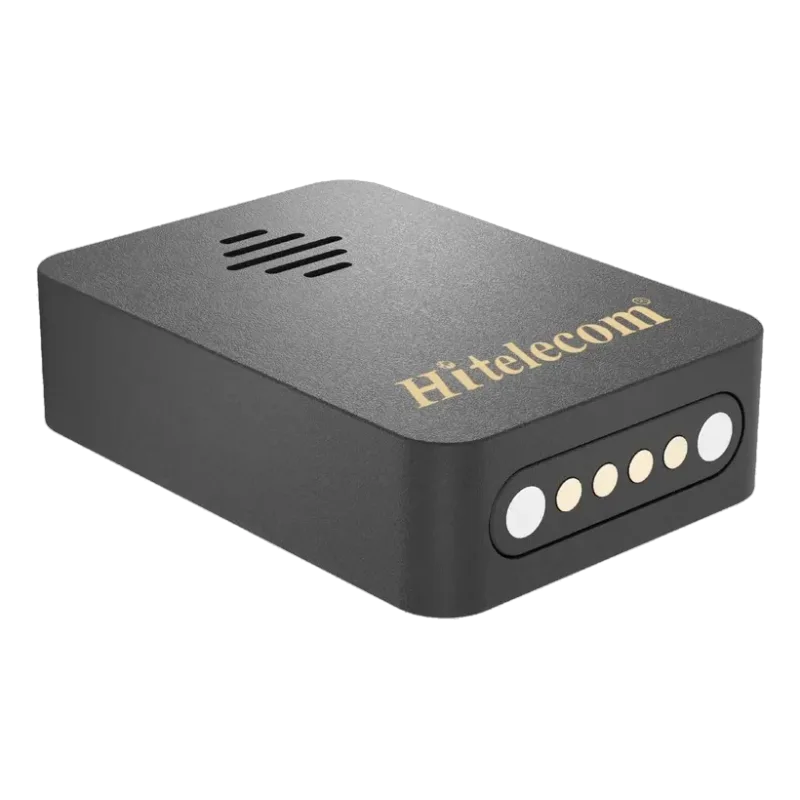
The Hitelecom H100 records temperature and relative humidity at a collection interval you can set for your project. Connect by USB to retrieve records in free local PC software, review the curves and export PDF or CSV files for shipment checks, storage reviews and your records.
KEY FEATURES
Record temperature and relative humidity locally, then retrieve the data with PC software when your recording period is complete.
Onboard storage keeps readings with the logger throughout the recording task.
Set the data collection interval to suit your storage, transport or observation task. Readings are stored with timestamps.
Published typical accuracy: ±0.2°C for temperature and ±2% RH for relative humidity.
Retrieve data via USB, inspect the curves and export PDF/CSV files locally.
A protected housing for storage and transport recording applications.
A non-replaceable battery supports standalone operation. Match the recording plan to confirmed runtime.
TEMPERATURE · RELATIVE HUMIDITY · LOCAL RECORDS
Use the record to understand what happened at the logger's location.
Review changes during transport or storage.
See humidity alongside temperature for a fuller environmental record.
Compare the recorded timeline with handling and inspection notes.
Retrieve the history in PC software when the logger is accessible.
Keep the sensing openings exposed to the air you want to record. Secure the logger at an approved location, clear of the object itself, direct sunlight and unintended heat sources. For packed goods, record the air within the selected packaging space and keep a separate note of the crate or shipment identity.
SET UP · RECORD · READ OUT
Set the data collection interval to match the changes you want to observe, then plan the recording period and retrieval date. H100 stores a local history that you can compare with handling, room-operation and shipment notes after downloading.
Set your preferred data collection interval through the supported NFC configuration app. Verify the clock and recording settings before placing H100.
Secure the logger at the location you need to assess. It stores temperature and humidity readings with timestamps.
Connect via USB, read the records in free PC software, review the curves and save PDF/CSV exports.
Non-replaceable battery. Match the selected recording profile and expected operating conditions to the planned task duration.
APPLICATIONS
Explore 55 temperature and humidity recording tasks across collections, laboratories, sensitive materials, semiconductor shipping and indoor operations. Each application identifies where to record, how long to observe and how the retrieved history supports your team.
9 industry categories 55 recording tasks
Photos illustrate recording environments. Select placement and operating conditions for the supplied configuration.
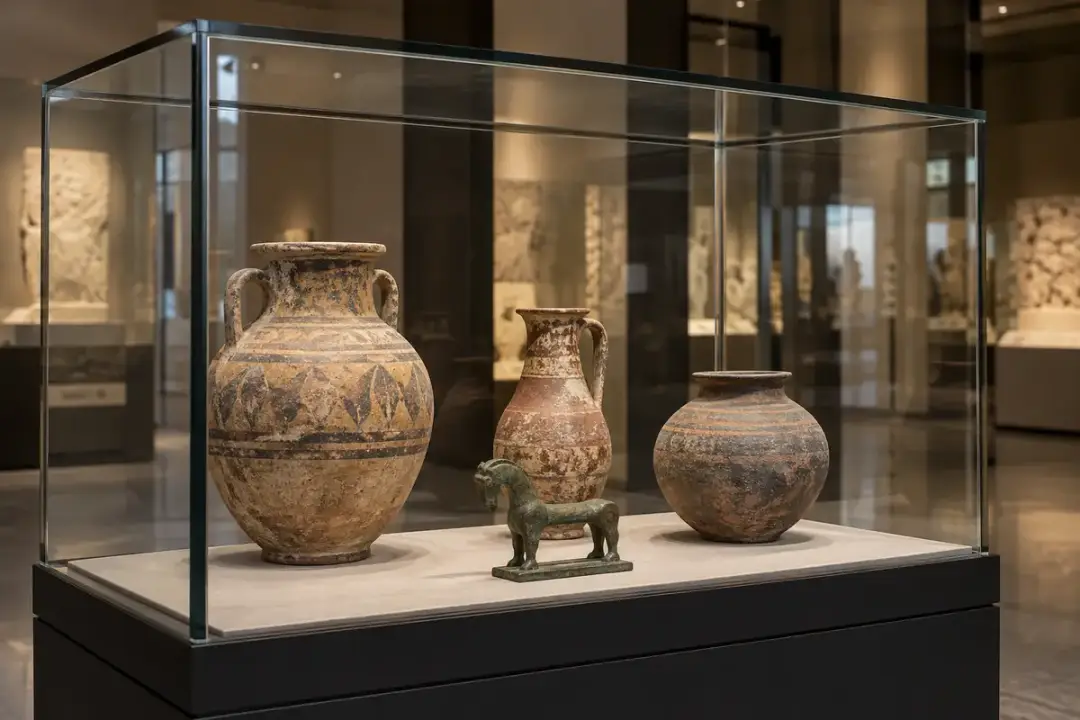
Build a history of the air surrounding collections, from public galleries to enclosed cases. Review downloaded records against the conservator’s material-specific objectives and exhibition schedule.

A loan exhibition needs a record of the environment experienced during installation, public opening and overnight closure. Place identified loggers beside collection zones to reveal differences that a single wall reading can miss. Retrieve the onboard records into local PC software at agreed checkpoints, then compare daily variation with the lender’s conditions and the gallery’s operating notes before planning adjustments for the next exhibition.
A room can appear stable while the air inside a showcase follows a different pattern. Record the case microclimate and a nearby room reference through openings, lighting schedules and buffer maintenance. After retrieval, the paired time series helps conservators assess how effectively the enclosure moderates room changes and decide when seals or passive humidity buffers deserve inspection. Use the recorded history to plan case maintenance and review the enclosure strategy for future displays.
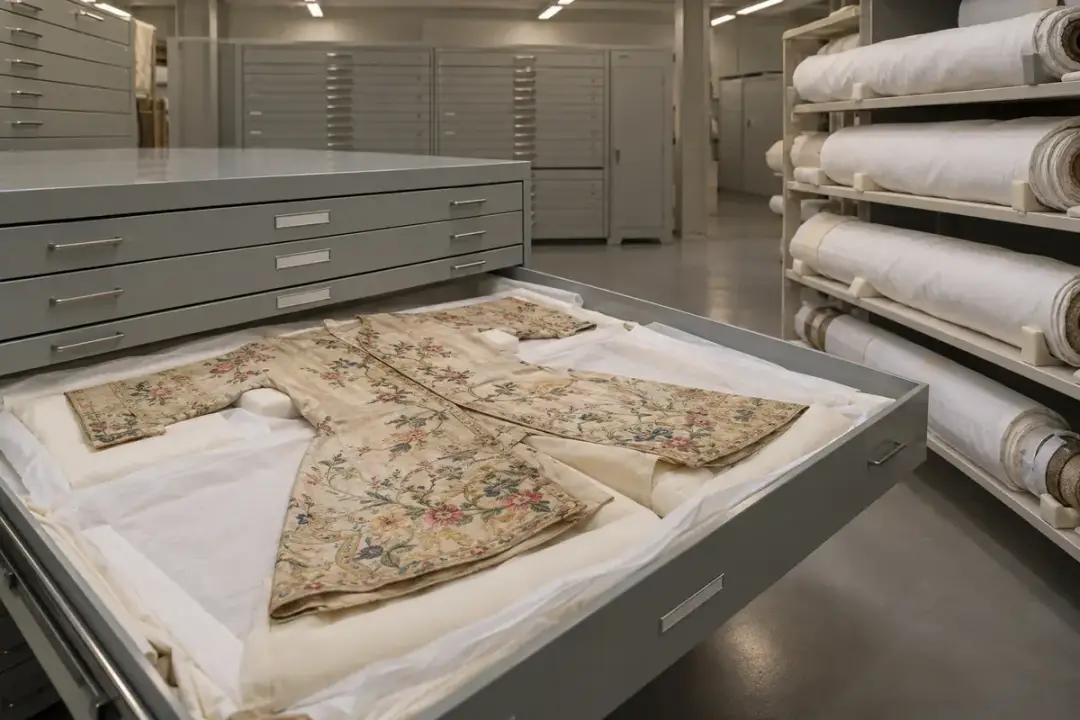
Costumes, flags and rolled fabrics may occupy different shelf levels and cabinet types within the same store. Log the surrounding air to compare seasonal changes, room edges and storage furniture before reorganizing vulnerable items. Downloaded records help the collections team distinguish a persistent location problem from a short handling event and assess changes to the room. Interpret the history alongside collection inspections and the storage plan for particularly sensitive textiles.
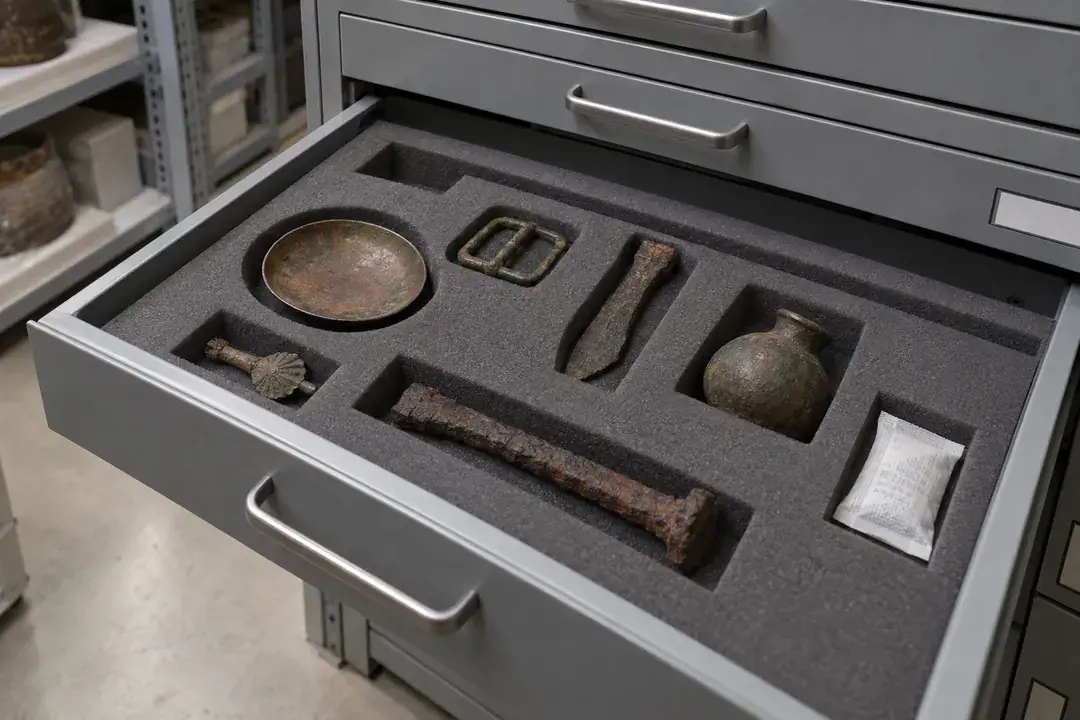
Archaeological metal collections often require a different humidity strategy from neighboring organic objects. Use a logger to document cabinet air through desiccant servicing and routine access, with a separate room record when useful. Review the retrieved history against the conservator’s chosen limit for the particular objects. The resulting comparison can guide cabinet maintenance and storage allocation alongside object-condition inspections and the conservator’s material-specific storage plan.
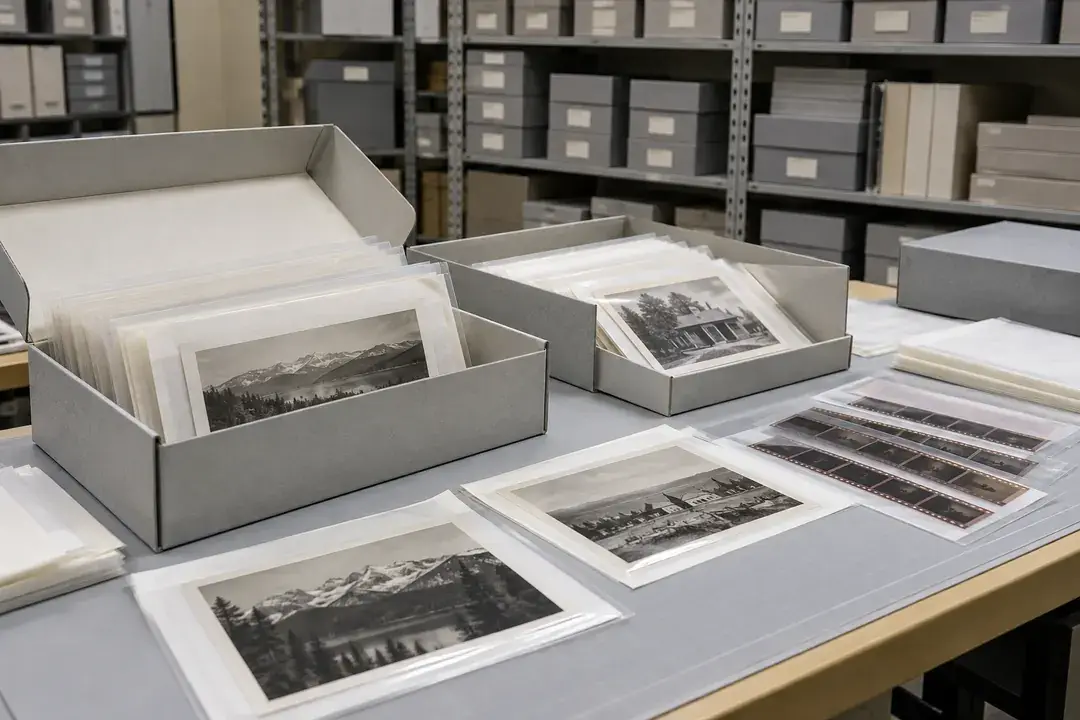
Photographic collections contain different processes and supports, so a room history is more useful when linked to the actual holdings. Log air beside representative storage boxes and note retrieval or acclimatization periods. After downloading, compare conditions across room locations and operating seasons to support a preservation review. Where cooled storage is involved, confirm the logger configuration and allowable conditions before deployment and keep the study focused on air measurements.
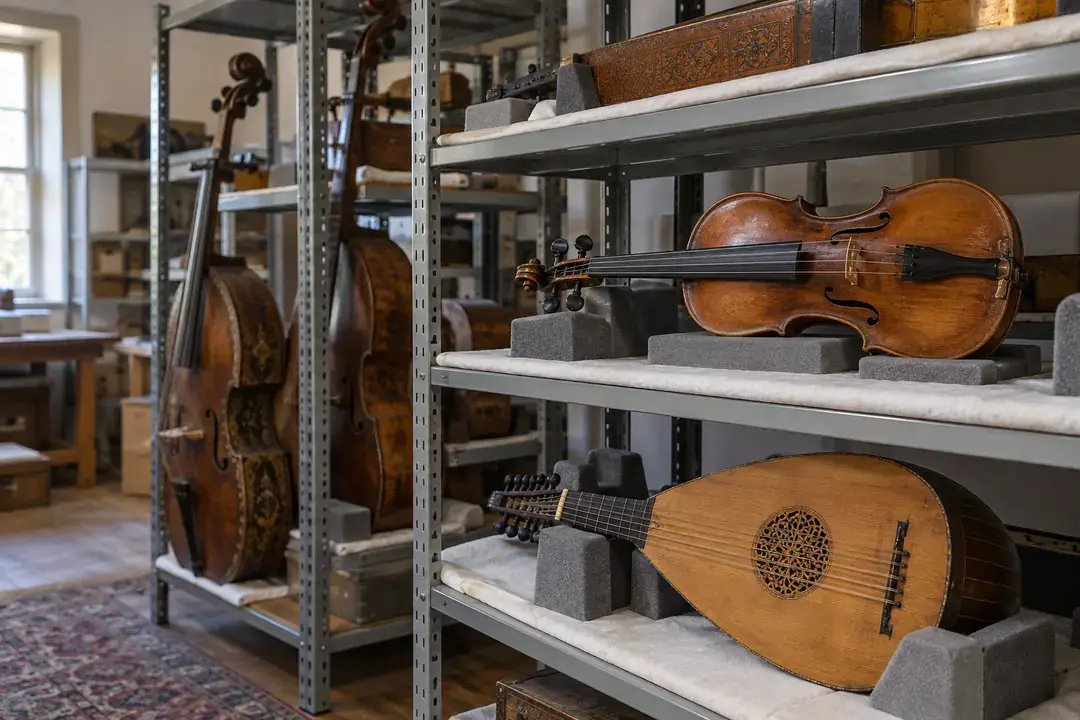
Wooden furniture and musical instruments can experience different air conditions in a store, rehearsal room or display area. Build a temperature and humidity history at the locations used for storage and handling, then review it after retrieval with the conservator’s notes. The records show when the surrounding environment changes, helping the team review room allocation and acclimatization practices alongside object inspections and the conservator’s material-specific handling guidance.
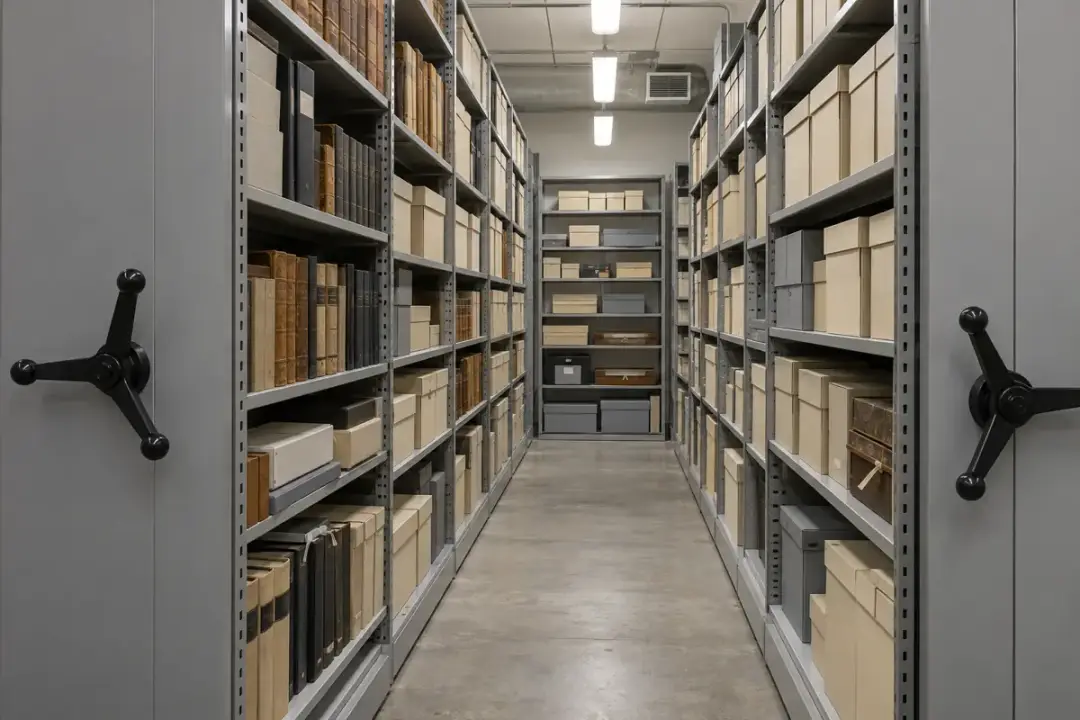
Document room and enclosure conditions where records are stored, consulted and digitized. Link each downloaded history to a location so preservation decisions reflect the places material actually occupies.
Dense archive shelving can conceal differences between aisles, outer walls and upper storage levels. Use several identified loggers to establish a time-based picture through occupied hours, weekends and seasonal changes. Retrieve their records on a planned route and compare locations in local PC software. The evidence helps archivists prioritize storage improvements and assess changes to ventilation or room use alongside an inspection of boxes and building conditions.
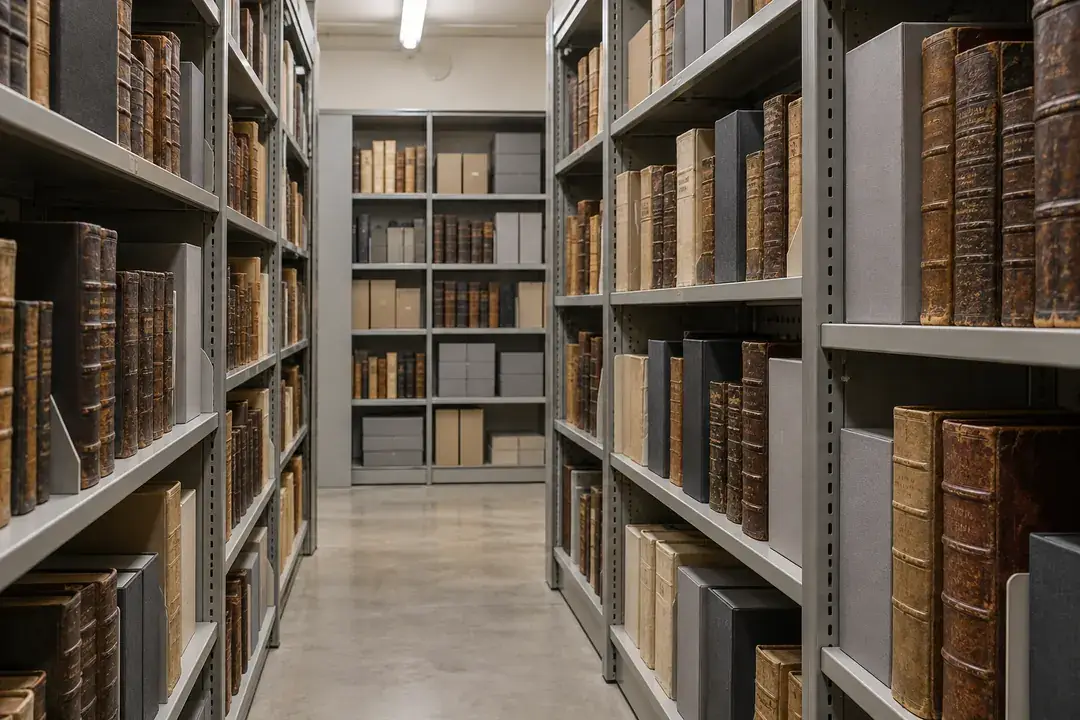
A rare book vault needs a history that covers its quieter periods as well as daily access. Log representative storage air over a full operating cycle and note door openings, maintenance and unusual occupancy. After scheduled retrieval, use the records to review the consistency of the vault environment and any persistent shelf differences. Pair this environmental evidence with the condition and enclosure needs of the books when selecting preservation actions.

Consultation exposes a record to a different space from its usual store. Capture reading-room conditions during occupied sessions and compare them with the collection’s storage environment after downloading both records. Time notes from staff help identify whether changes coincide with opening hours, heating schedules or events. Use the paired room histories to review material-transfer routines, consultation arrangements and the timing of collection access alongside the library’s handling guidance.
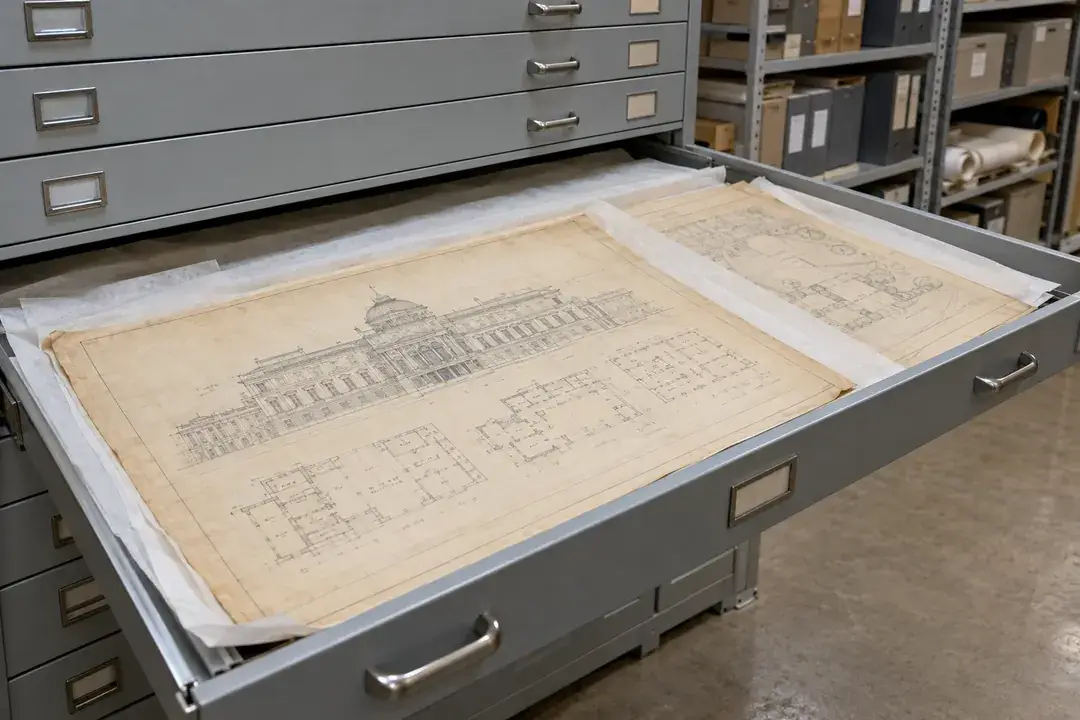
Large drawings and maps may occupy flat cabinets along a wall, creating a distinct storage environment within the archive room. Record air inside a representative cabinet and nearby room air to understand that particular storage location. Review the downloaded comparison through seasonal changes and frequent drawer access. The history supports decisions about cabinet placement and handling schedules, while the material’s condition and construction determine the appropriate preservation criteria.
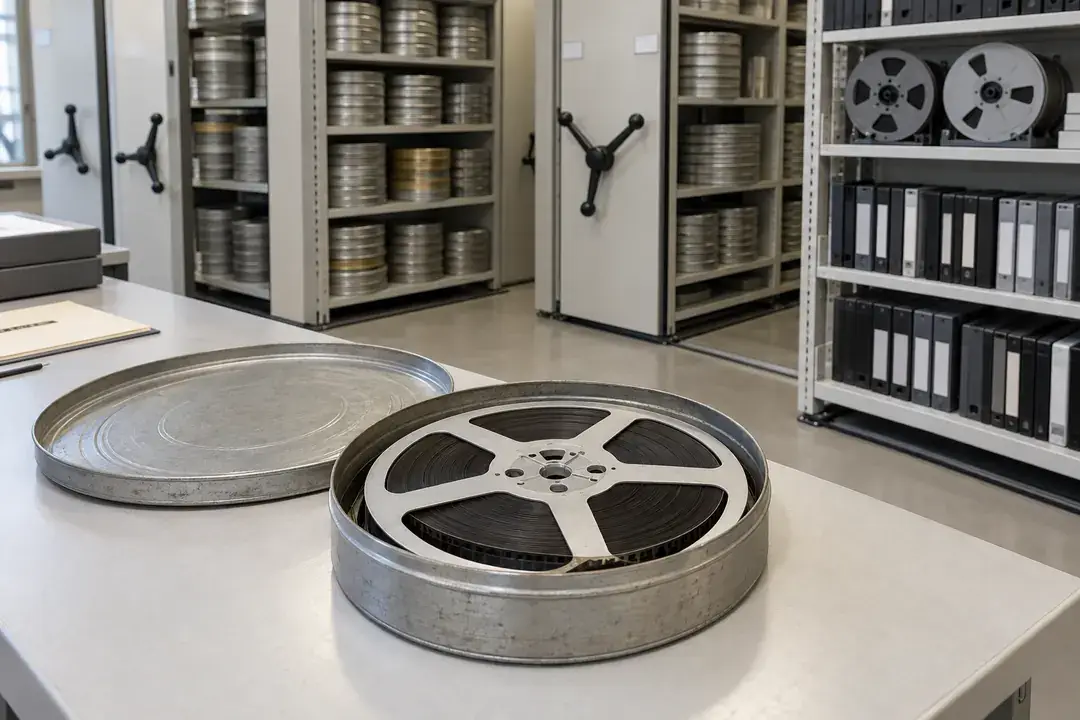
Tape, film and other audiovisual holdings need preservation objectives matched to their individual formats, supports and enclosure arrangements. Log the air in the selected storage zone and any room used for access or acclimatization. Once data is retrieved, compare the locations and the periods when materials move between them. Confirm logger suitability for cooled storage before use and retain separate handling records for the media themselves.
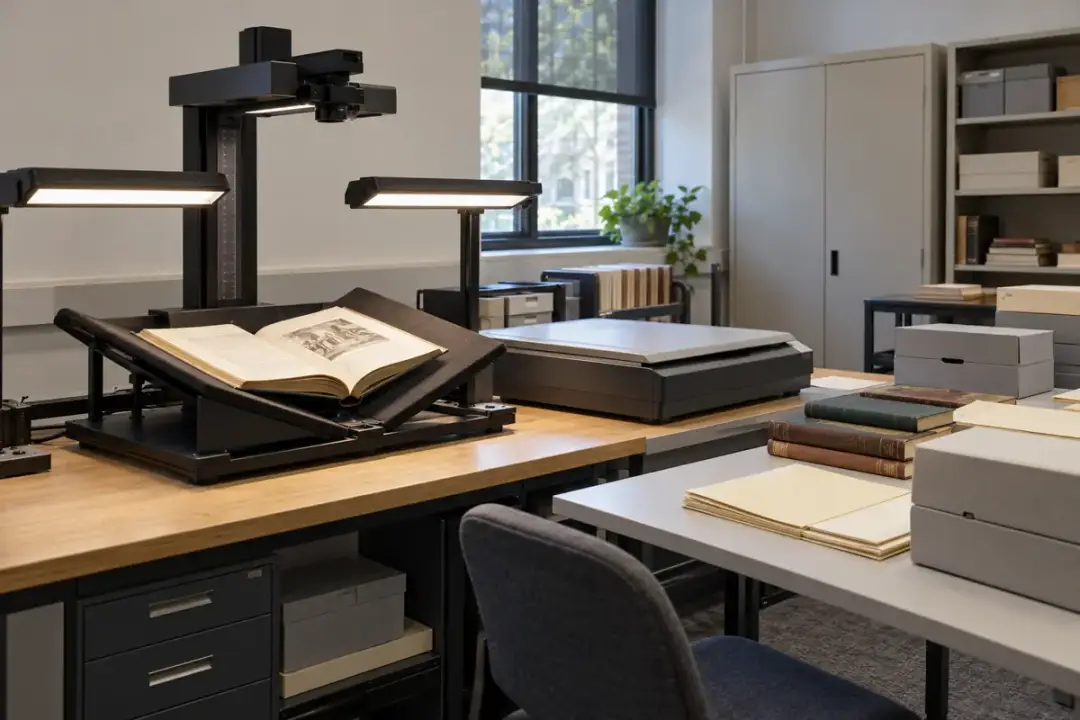
Digitization brings collection materials into rooms with scanners, workstations and changing occupancy. Record the air around the staging and scanning areas across a typical production schedule. After retrieval, compare working sessions with idle periods and the archive store to identify environmental changes relevant to material handling. Use the history alongside job and handling notes to review staging times, transfer routines and room arrangements for the next digitization campaign.
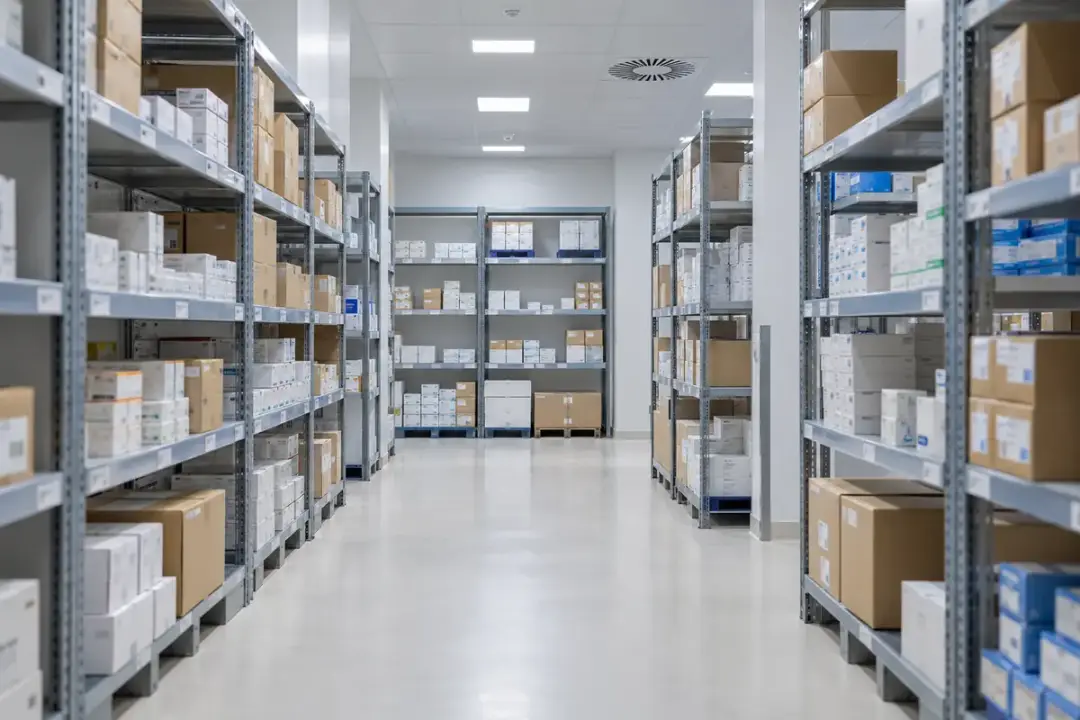
Create location-linked records for medicine and supply storage. Review data after retrieval against product instructions and the facility’s procedures, with suitability confirmed for each deployment.
A pharmaceutical warehouse can have local environmental differences across its storage heights, rack positions and activity zones. Deploy identified loggers through a documented mapping campaign, then retrieve the stored records for local PC review. Compare warm and cool locations across normal loading and operating cycles to support decisions about storage allocation and routine measurement positions. Study criteria, calibration and data-review responsibilities belong to the facility’s quality procedure.

Medicine stockrooms can change when doors open frequently, room use expands or building heating schedules shift. Keep an onboard environmental record at representative shelves, then download it at the facility’s planned review interval. The history allows staff to assess sustained departures and repeated daily patterns against the instructions for stored products. Recordkeeping supports the stockroom procedure, while decisions about affected medicines remain with the responsible healthcare team.
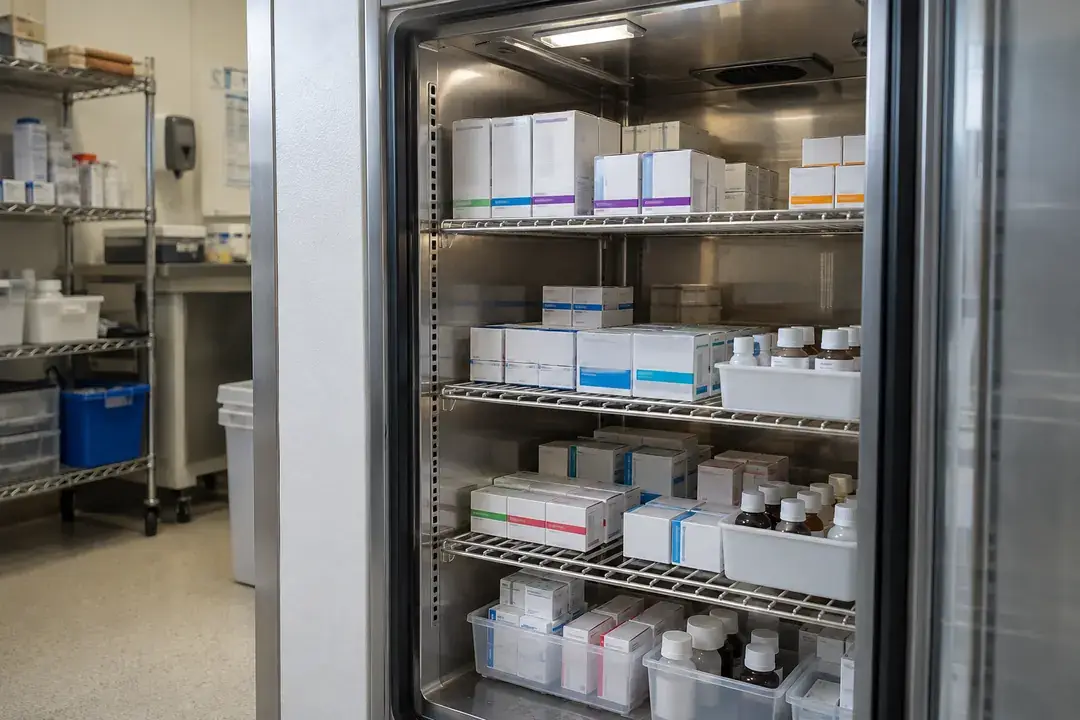
An independent air study can help a facility understand differences between refrigerator shelf positions and the timing of door-opening events. With the logger configuration confirmed for the cabinet conditions, collect onboard records at agreed positions and review them in local PC software after retrieval. Compare the study with loading and access notes. These are cabinet-air measurements; product-temperature decisions and required routine supervision follow the facility’s separate procedures.
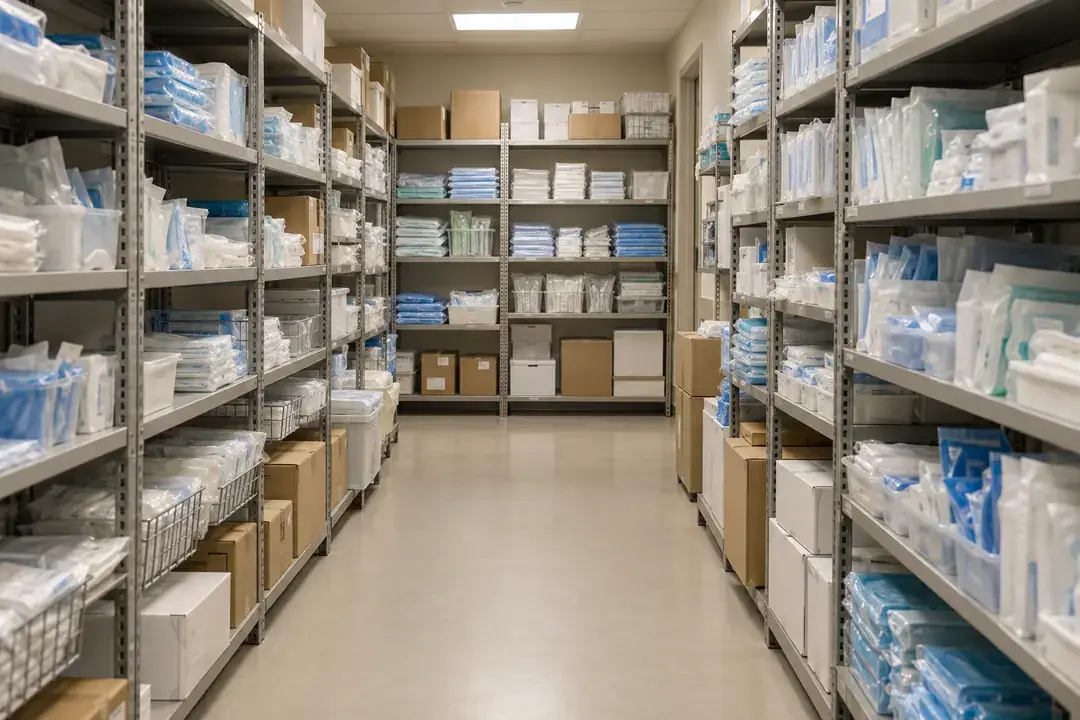
Sterile supply storage needs attention to the room environment as well as packaging integrity and handling. Record temperature and relative humidity near representative shelving through access, cleaning and HVAC schedules. Following retrieval, review sustained environmental departures with the facility’s storage procedure and inspection notes. Use the recorded air history alongside packaging inspections and handling notes to support storage investigations, housekeeping decisions and a review of the department’s environmental procedure.
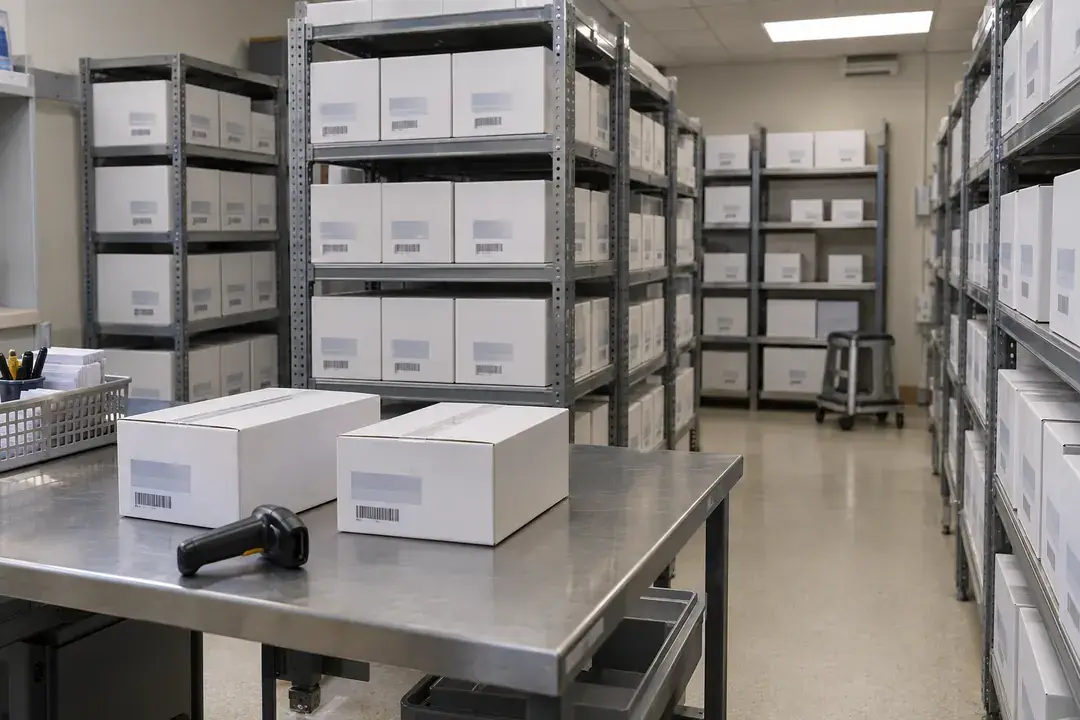
Investigational materials may occupy a dedicated depot, quarantine bay or dispatch staging area with different activity patterns. Establish a separate air record for each relevant location and retain the association between logger ID and study area. After scheduled PC download, the team can compare storage and staging periods against the protocol and labeled conditions. Use the location-linked history alongside handling and inventory records to support the depot’s documented environmental review and investigation process.
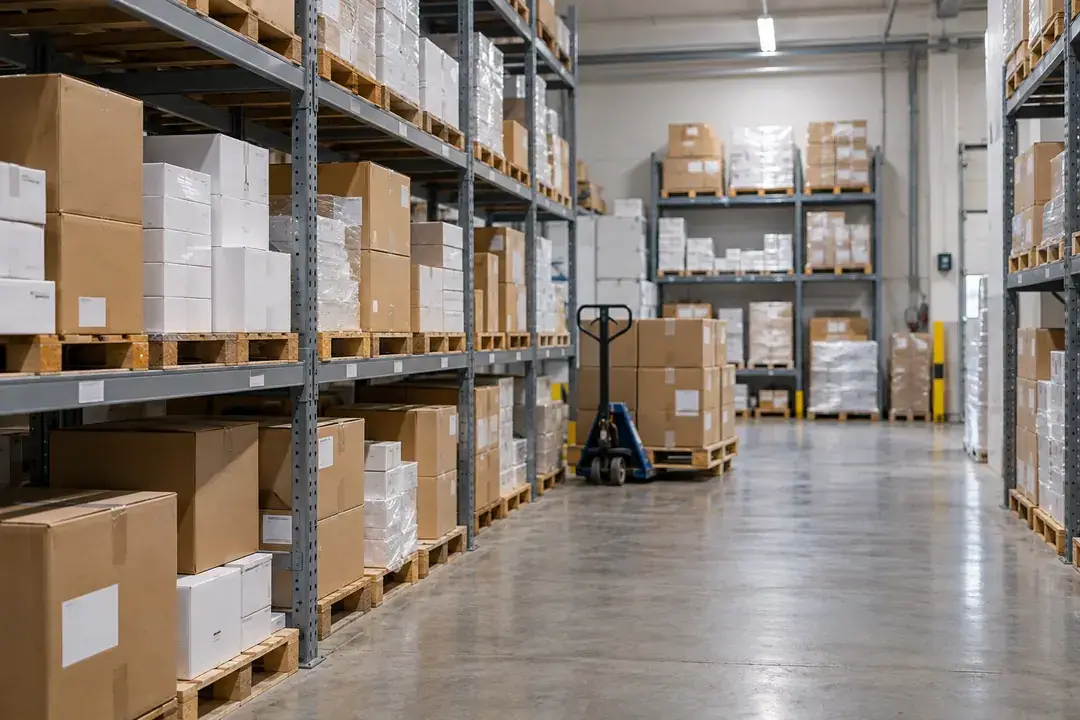
Medical devices and consumable kits can have manufacturer-specific storage requirements that differ between product lines. Record the air around representative inventory and goods-receipt staging positions without opening packaging. At retrieval, compare the history with the relevant instructions and the facility’s receiving notes. Use the evidence alongside packaging inspections and receiving records to guide shelf allocation and investigate environmental departures within the facility’s storage procedure.
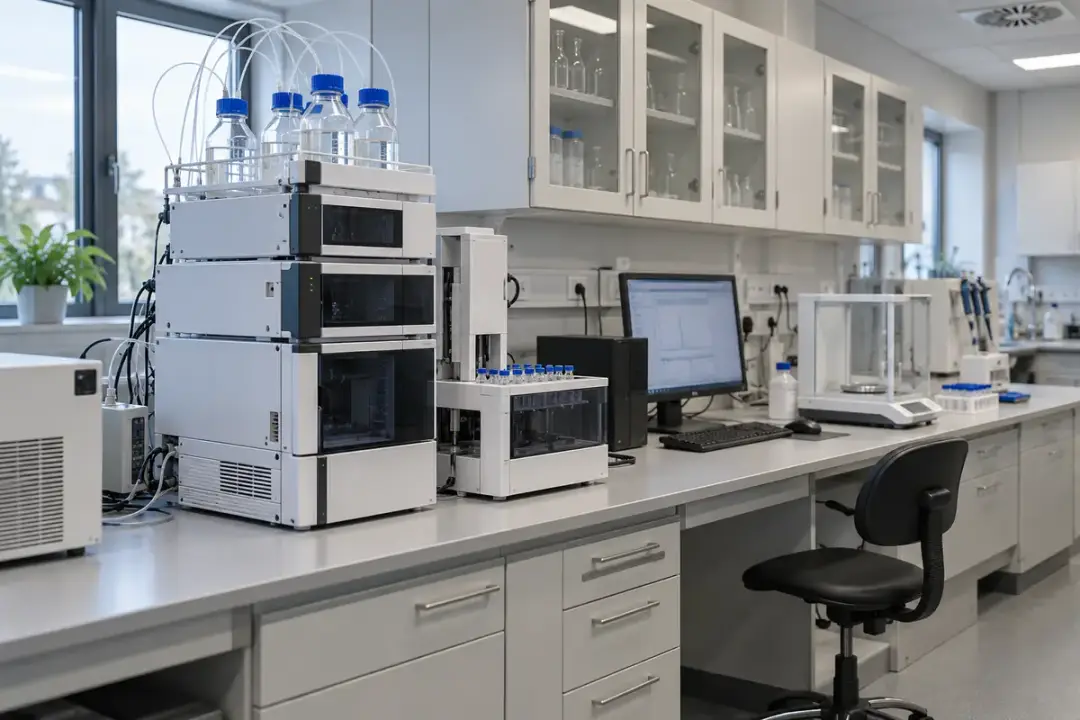
Associate laboratory work with a recorded ambient history. Use identified locations and aligned timestamps to investigate room variation and document the conditions around research and measurement activities.
Instrument rooms can vary as equipment runs, occupancy changes and building systems switch schedules. Log representative room air through routine analytical work, then download the record and align it with instrument and batch notes. This helps the laboratory investigate whether environmental changes coincide with shifts in results or operating behavior. Interpret the air history alongside instrument checks, batch observations and method requirements to focus the investigation and plan a useful follow-up study.
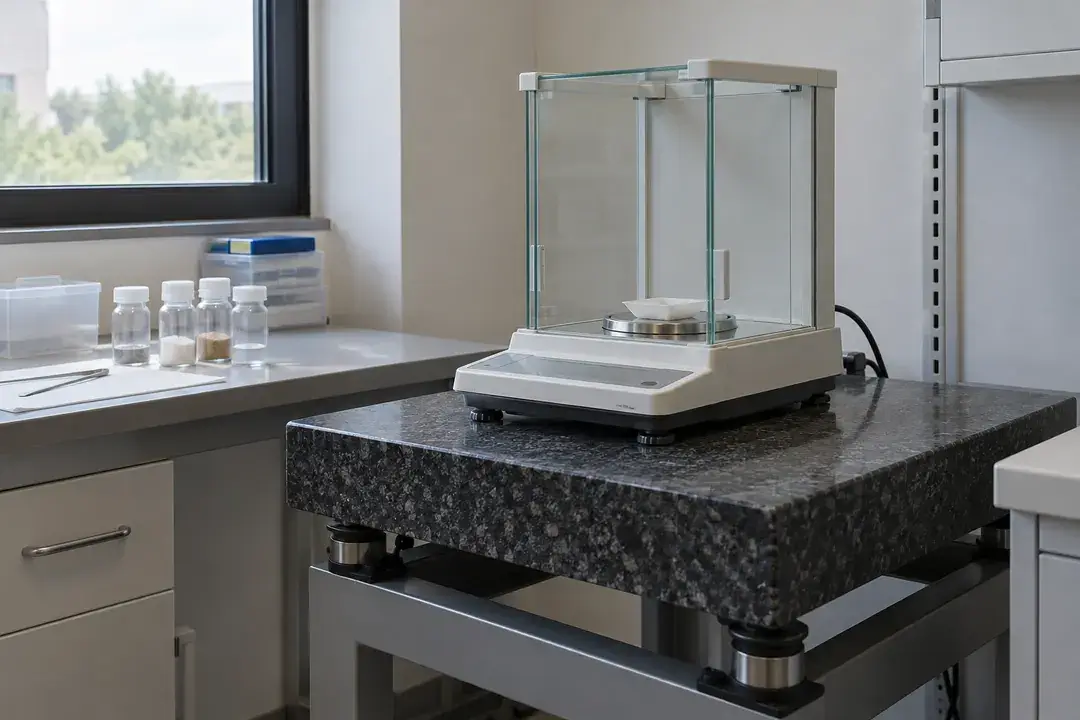
A weighing room benefits from a history of the ambient conditions surrounding its work, especially when measurements span changing room schedules. Record air temperature and relative humidity near the weighing area without disturbing the balance or its enclosure. After retrieval, compare the record with weighing sessions and check-standard observations to support an investigation of variability. Use the recorded environment alongside balance checks and method requirements to review the consistency of weighing conditions and scope further investigation.
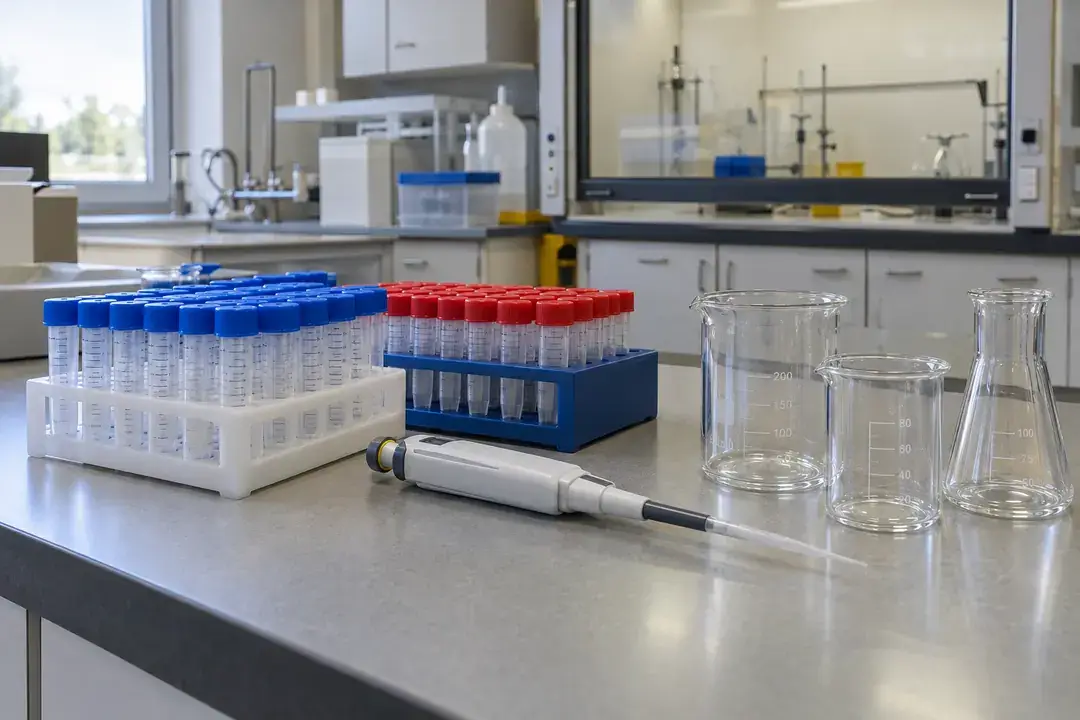
Samples may spend time in a preparation room before reaching an instrument or a controlled store. Record ambient conditions around the designated staging area and keep a separate timeline of preparation and holding steps. After PC download, the laboratory can review whether different work sessions experienced comparable room conditions and investigate unusual periods. Interpret the recorded air history with preparation notes, holding times and method requirements to document the conditions surrounding each selected work session.
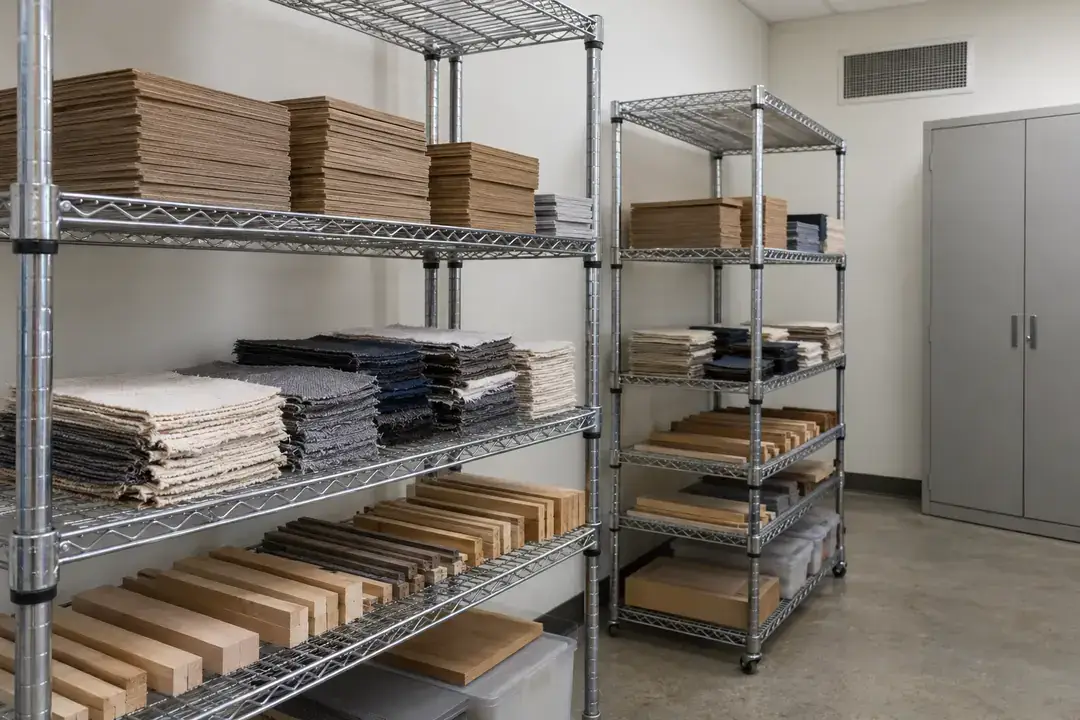
Physical testing often depends on the atmosphere in which specimens are conditioned before measurement. Place identified loggers around the conditioning workspace to document air conditions during each planned conditioning period. Review the retrieved time series with the method, specimen locations and transfer times to assess consistency between runs. Interpret the recorded atmosphere with the method’s conditioning duration, specimen preparation notes and acceptance checks to support a well-documented testing campaign.
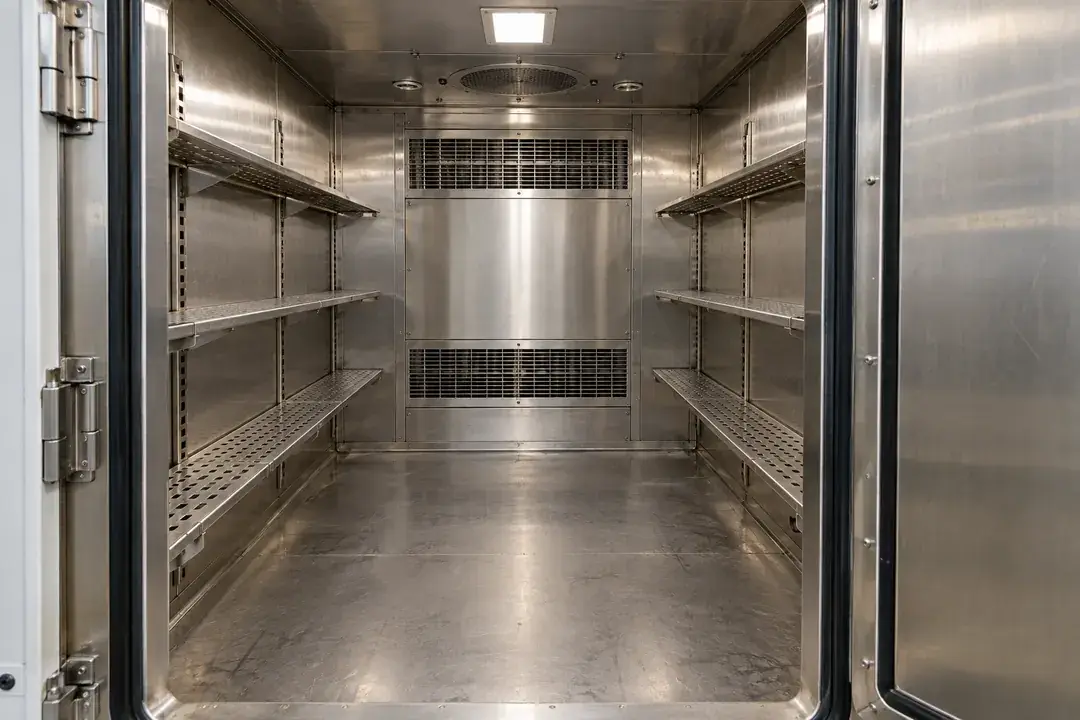
A controlled chamber may have a different air profile at the door, center and specimen positions. Where the confirmed logger configuration is suitable for every study condition, record these positions during a defined chamber campaign. Download the onboard data after the run and compare spatial variation and recovery with operating notes. This is a supporting air-mapping study, with chamber qualification, acceptance criteria and any required reference instrumentation determined by the project.
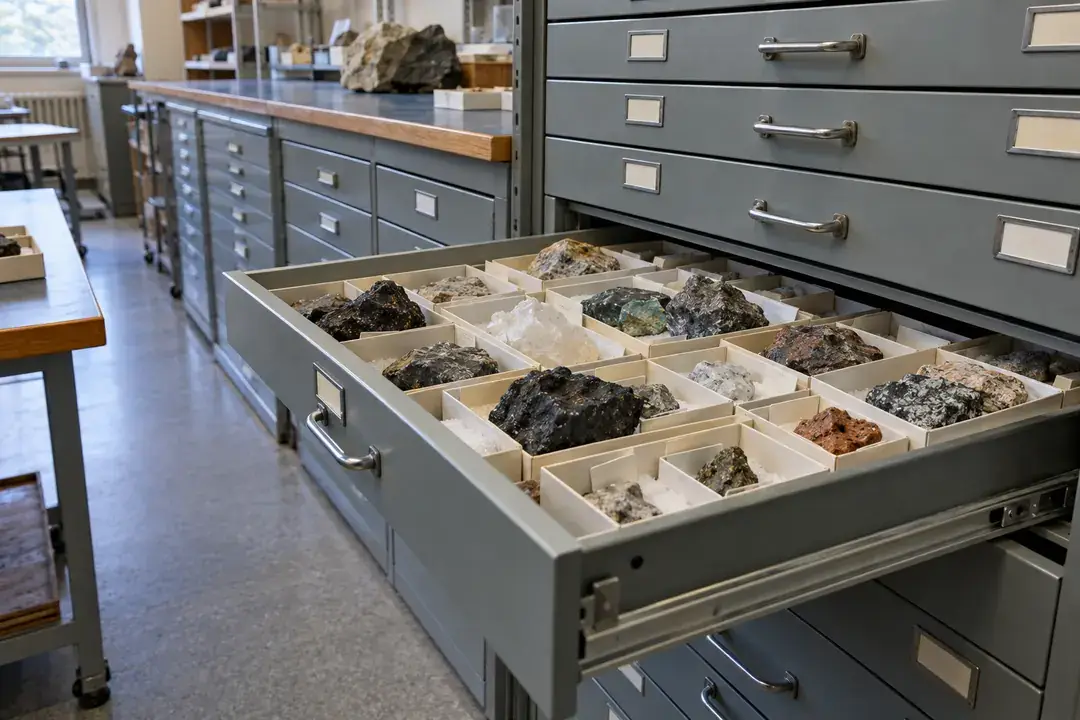
Retained research specimens can remain on shelves long after the experiment that produced them. Create an ambient record for the storage zones actually used, linking each logger to a room and shelf position. On retrieval, compare conditions with the project’s storage instructions and dates of access or maintenance. The history helps researchers document specimen handling context and review room choices alongside the project’s condition checks and storage assessment.
Review the air history around ingredients, finished goods and indoor handling areas. Use product-specific conditions, hygiene-approved placement and planned retrieval to support each storage investigation.
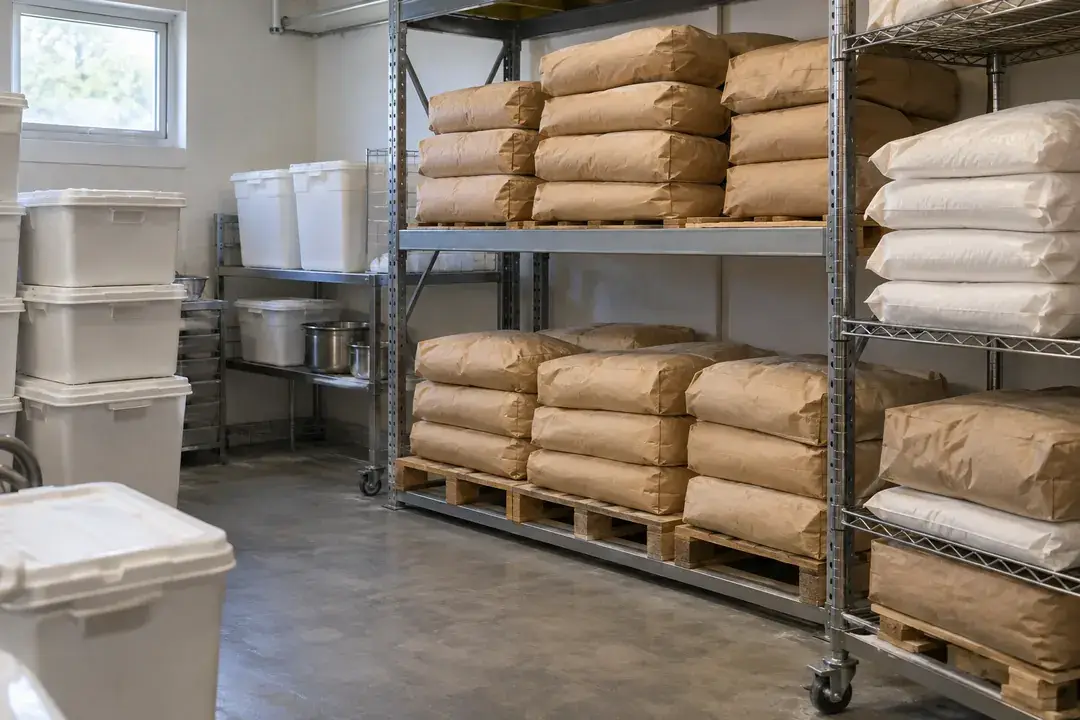
Flour, grains and packaged dry ingredients may sit near entrances, outer walls or upper racks with different ambient conditions. Record representative storage air through receiving and picking cycles, then download the data for a location-by-location review. Compare persistent differences with the ingredients’ storage instructions and inspection notes to guide stock placement. Interpret the surrounding-air history alongside packaging inspections, stock checks and supplier guidance to review the storage environment for each ingredient category.
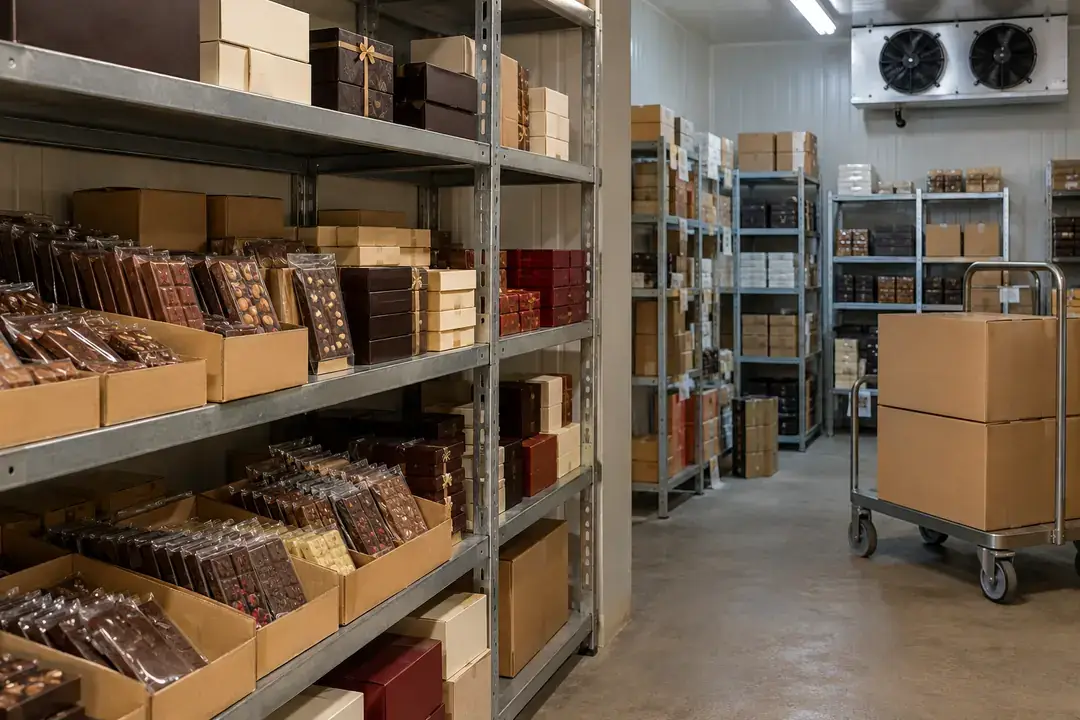
Chocolate storage is sensitive to the pattern of temperature changes and the surrounding humidity, especially when goods move between cooler and warmer spaces. Log the storage air and a designated handling area through normal dispatch cycles. After retrieval, compare the records with handling notes and the manufacturer’s guidance to review room consistency and transfer practices. Use the ambient history alongside product inspections, packing notes and supplier instructions to assess storage consistency and the timing of indoor transfers.
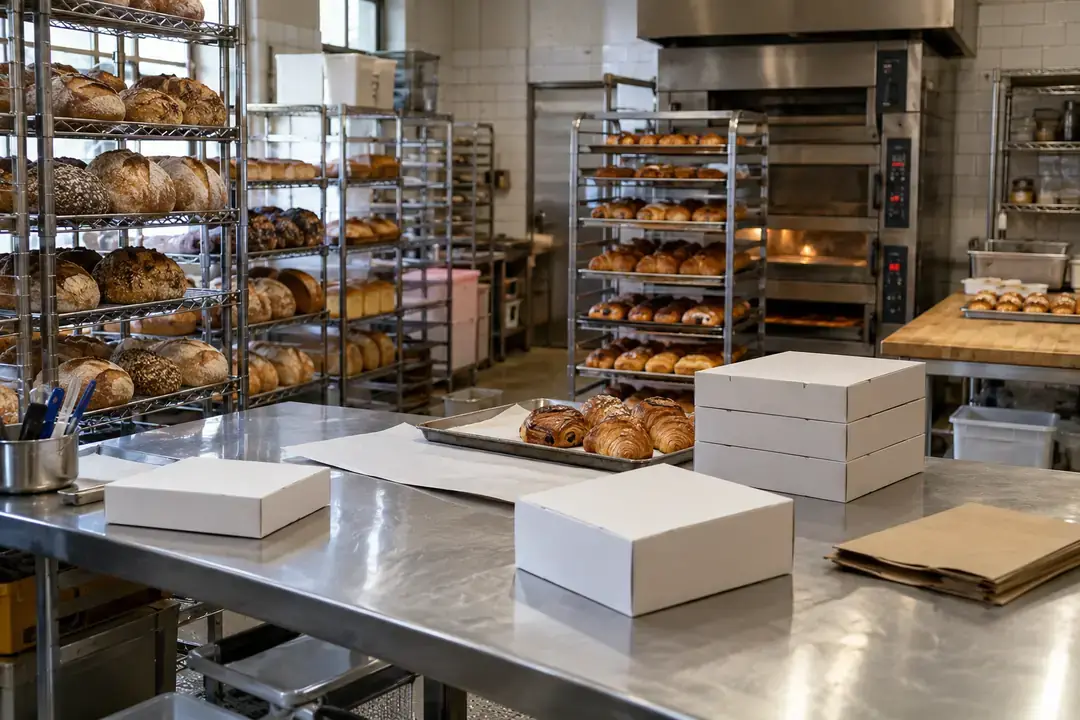
A bakery’s preparation and packing areas experience different equipment schedules and occupancy from its ingredient store. Log the air around ingredient staging and finished-product packing during typical shifts, then download the records and compare work periods. The history can help investigate environmental consistency when room schedules or layouts change. Use the ambient history alongside shift records, product checks and handling instructions to assess room consistency and review the timing of staging and packing.
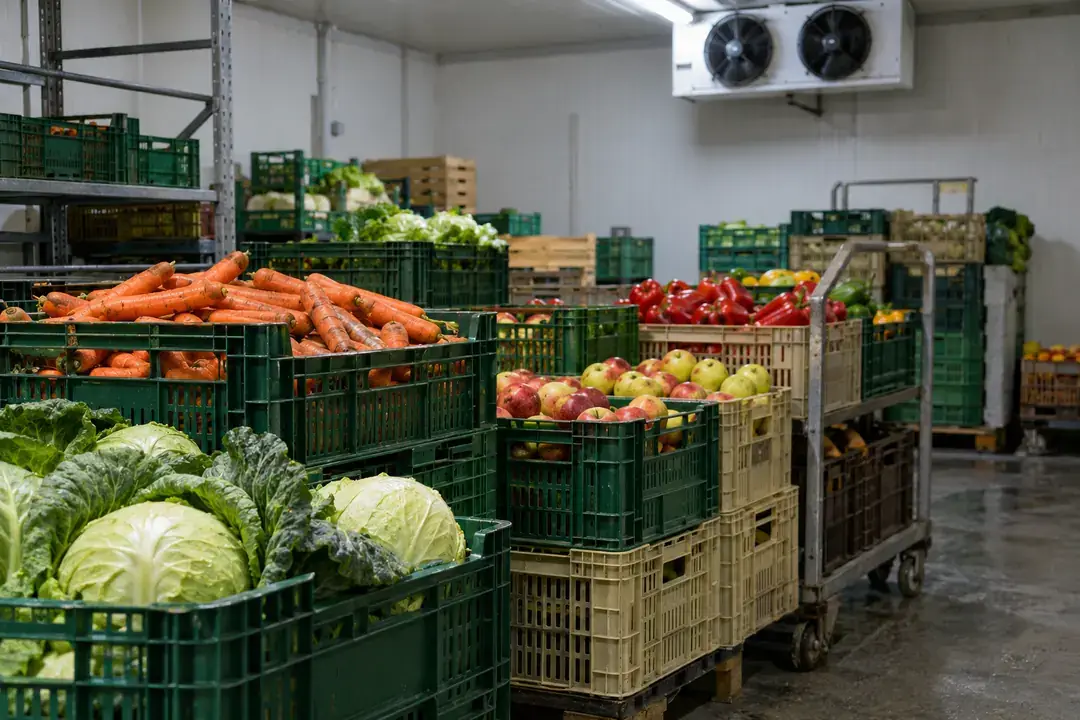
Different fruits and vegetables require different storage conditions, so produce-room records should identify the commodity and the zone being studied. Log surrounding air near representative crates and compare it with access and loading notes after PC download. The history helps review room consistency and airflow-related location differences. Confirm logger suitability for the room’s conditions, then interpret the record using the commodity’s storage requirements, inspection findings and documented handling routine.
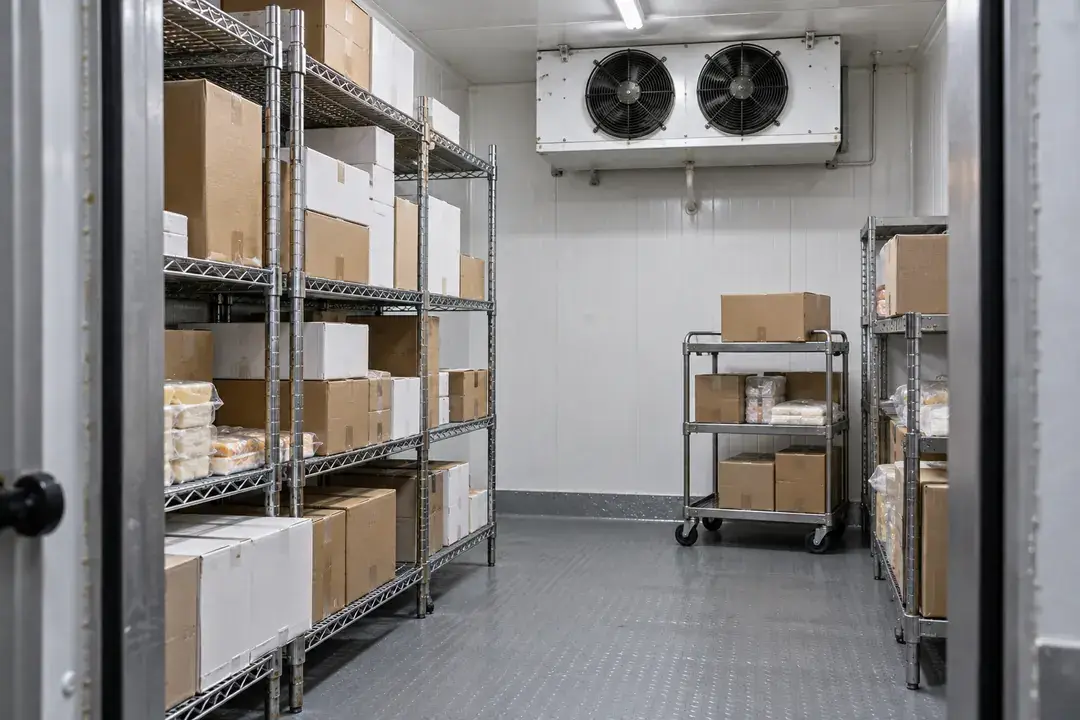
A chill room’s storage air can differ between racks, door areas and circulation paths. Deploy loggers only after confirming suitability for the planned conditions, then record a defined period of loading, access and cooling cycles. Review the retrieved data with the site’s handling notes to assess location differences and recurring excursions. Interpret the mapped air history alongside food-temperature checks, access notes and the facility’s storage procedure to guide the room investigation.
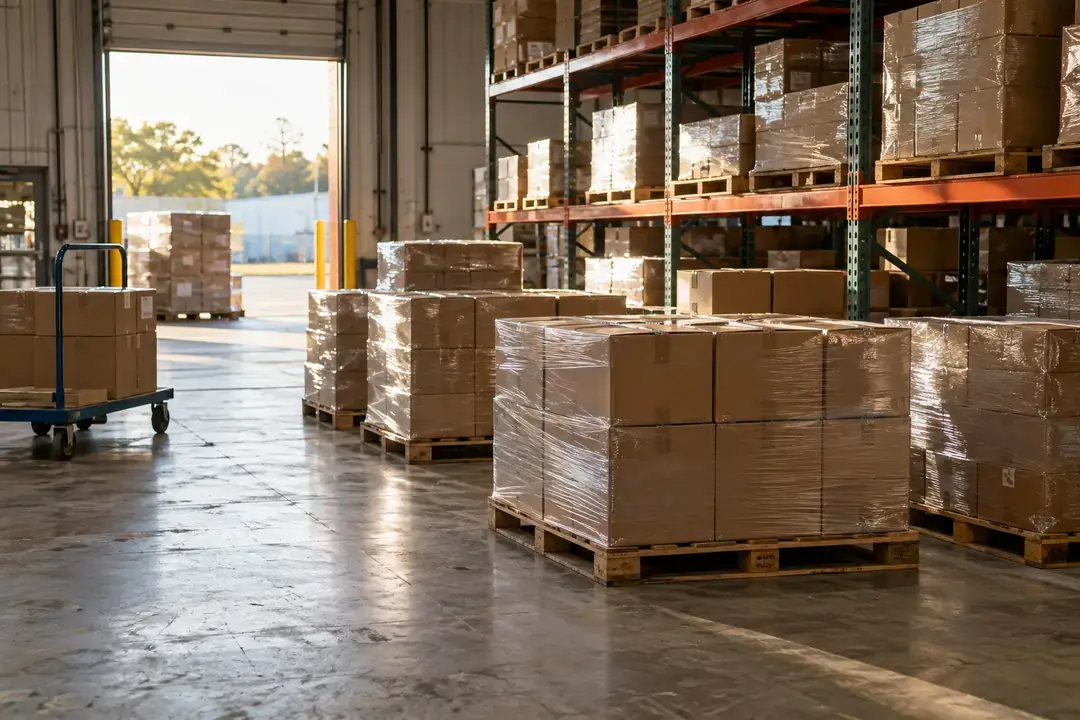
Finished packaged foods may wait in an indoor warehouse and a dispatch staging area before leaving the site. Keep separate air records for these locations and link them to the relevant production and dispatch periods. After local PC retrieval, compare the history with labeled storage instructions to review allocation and staging practices. Use the environmental history alongside packaging inspections, product checks and dispatch notes to review storage consistency for the identified finished-goods categories.

Capture ambient histories around IT equipment and high-value components. Compare downloaded location records with equipment requirements and work schedules to support environmental investigations.
Rack inlet air provides a more relevant temperature reference for air-cooled IT equipment than a distant room wall. Position identified loggers at selected inlet locations and heights for a scheduled survey, then retrieve the histories into local PC software. Compare spatial differences across a normal load cycle with equipment requirements and facilities notes. Use the recorded inlet-air history alongside equipment observations and facilities records to review cooling consistency and identify locations for further investigation.
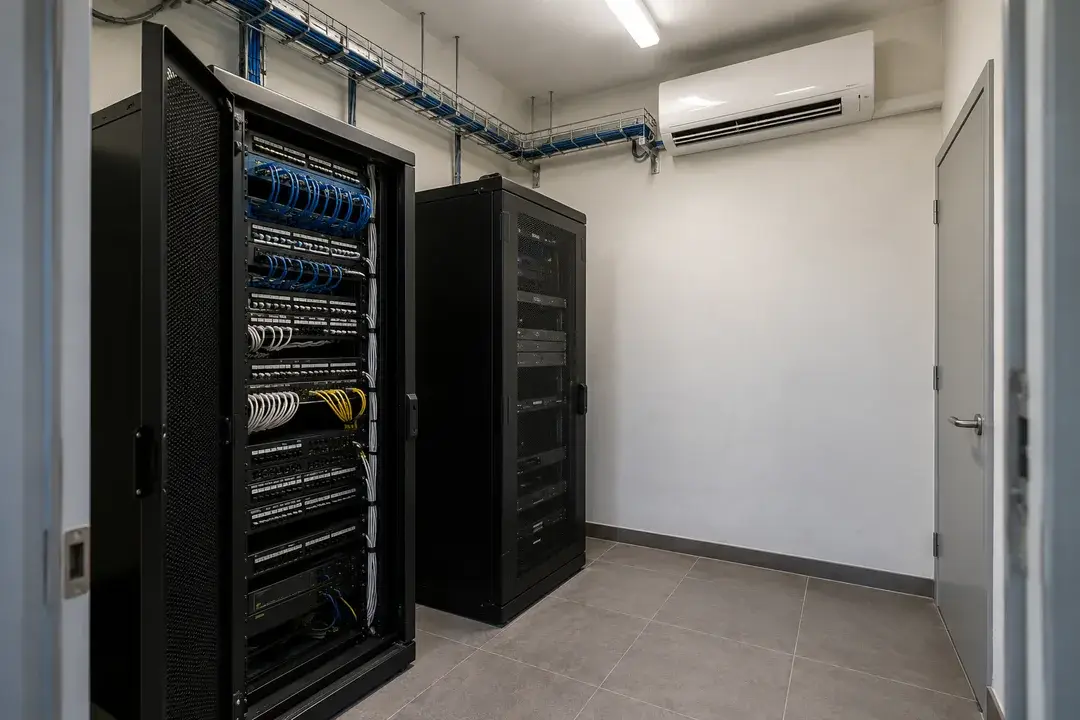
A small server room may share a building’s daytime cooling schedule while equipment runs through the night. Record representative equipment-area air over occupied and unoccupied periods, then download the history to review the actual pattern. Compare changes with cooling schedules, door access and equipment requirements to plan a room assessment. Use the scheduled air-history review to identify recurring room patterns, focus maintenance investigations and assess the conditions experienced by equipment between retrieval visits.
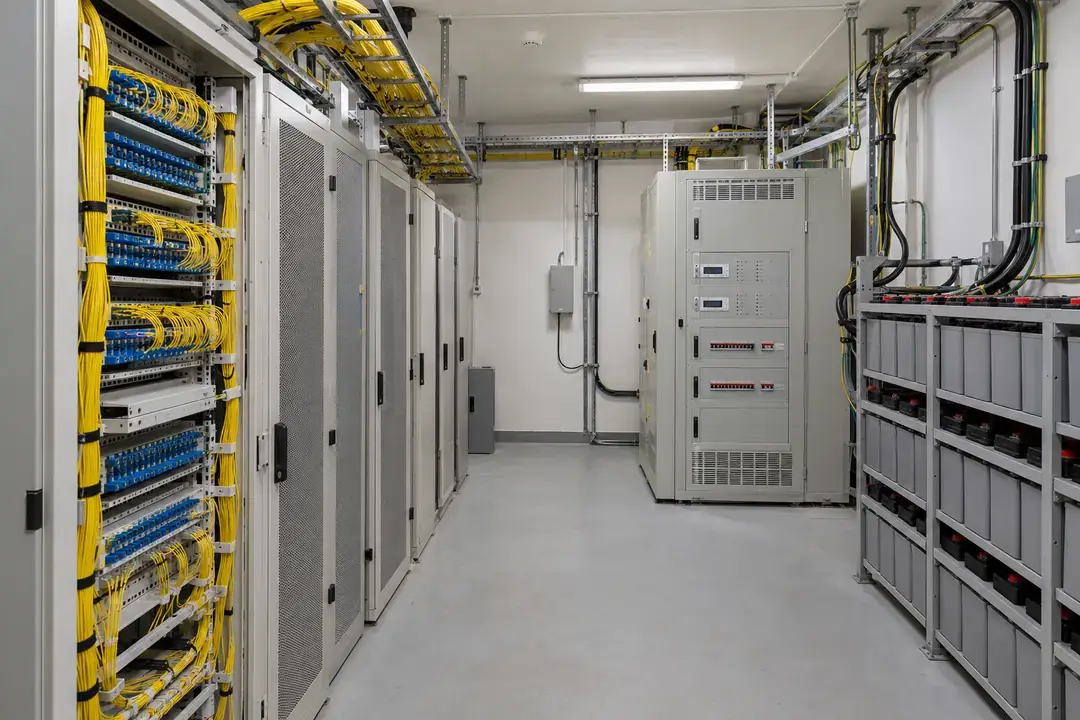
Telecom equipment rooms can contain cabinet rows with distinct air paths and different access routines from the rest of a building. Collect an onboard temperature and humidity history at representative equipment locations over a defined service cycle. After retrieval, compare cabinet-area conditions with the room reference, facilities notes and equipment instructions. Use the standalone record alongside cabinet-service notes and room schedules to assess placement, compare environmental zones and plan the next facilities review.
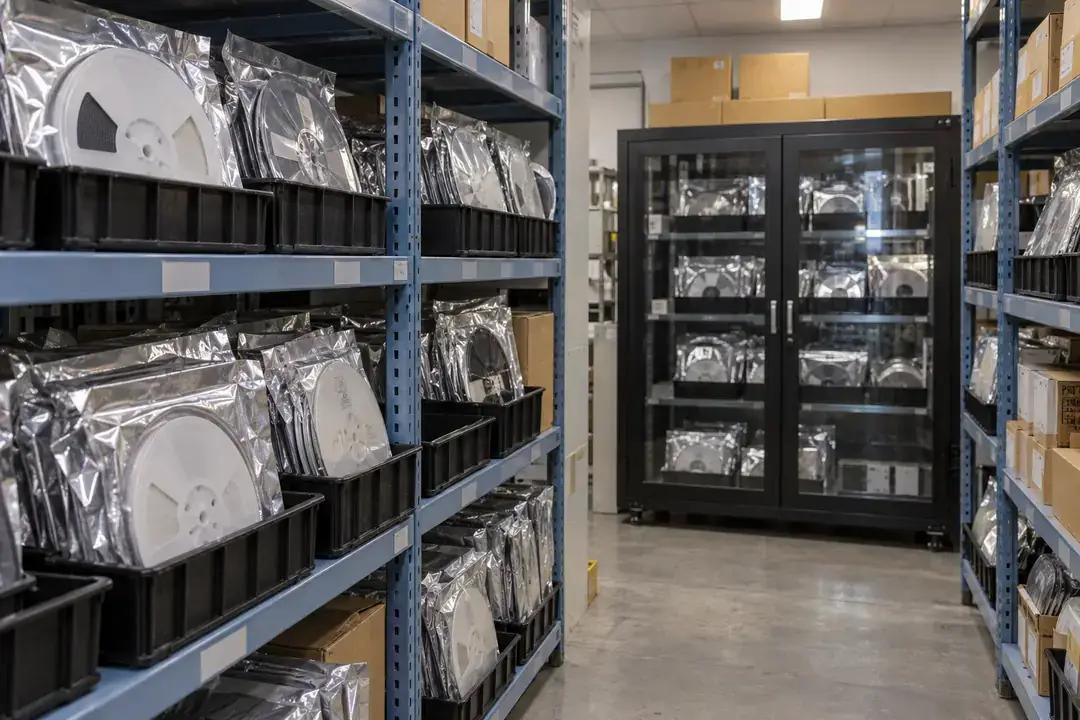
Moisture-sensitive components rely on product-specific packaging and handling practices as well as their warehouse environment. Log ambient air around identified component storage zones and indoor issue areas, then review the downloaded history alongside inventory and handling records. The comparison helps investigate location differences and periods outside the chosen storage criteria. Keep the logger outside moisture-barrier packaging and interpret its ambient history alongside packaging checks, humidity indicator observations and the site’s component-handling records.
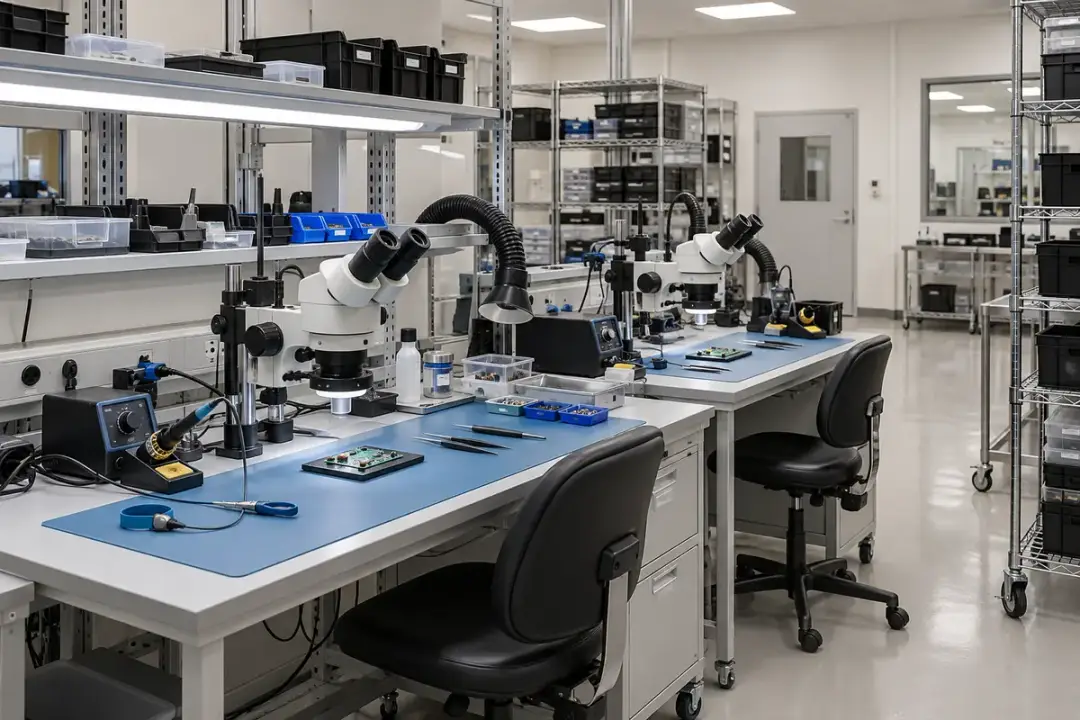
Assembly areas can experience different ambient patterns during staffed shifts, machine operation and overnight shutdown. Record temperature and relative humidity beside representative work zones and compare the local downloads with production and room-operation notes. This provides context when reviewing environmental consistency or material-handling conditions across shifts. Interpret the room-air history alongside shift records, material issue times and the site’s handling procedures to assess consistency across work zones and production periods.
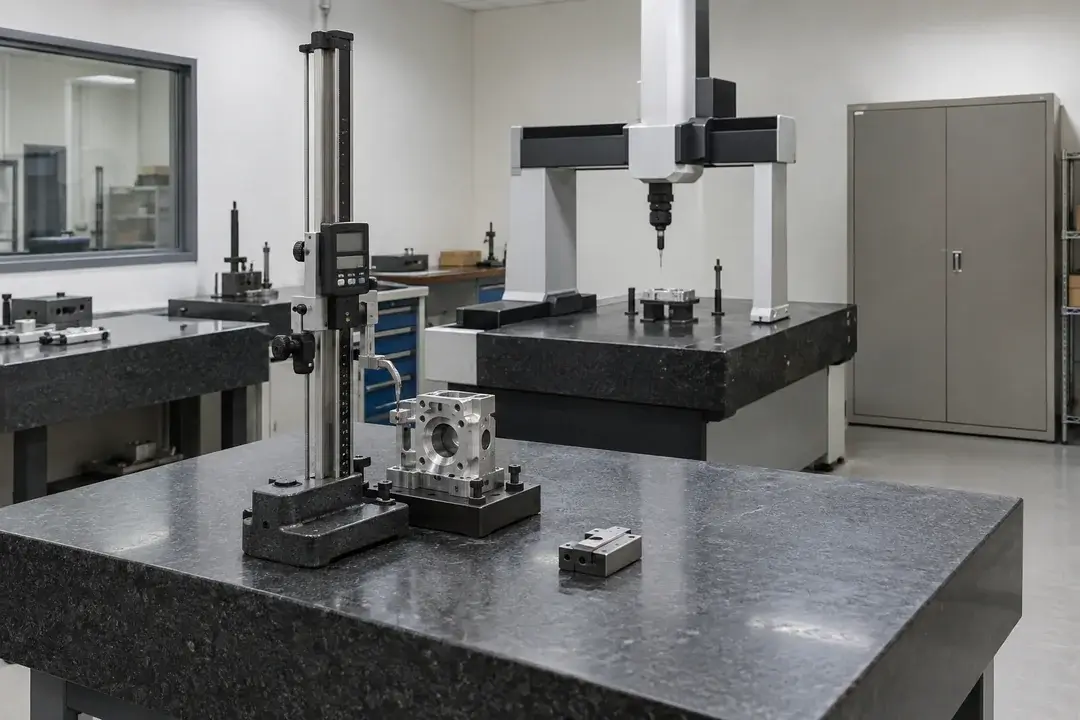
Precision measurement spaces need environmental records that can be related to the work performed there. Record ambient temperature and relative humidity near representative measurement positions and retrieve the histories for comparison with work and check-standard records. The evidence helps investigate daily variation, spatial differences and the effect of room-operation changes. Use the recorded room context alongside instrument checks and method requirements to review measurement conditions and define a focused follow-up investigation.
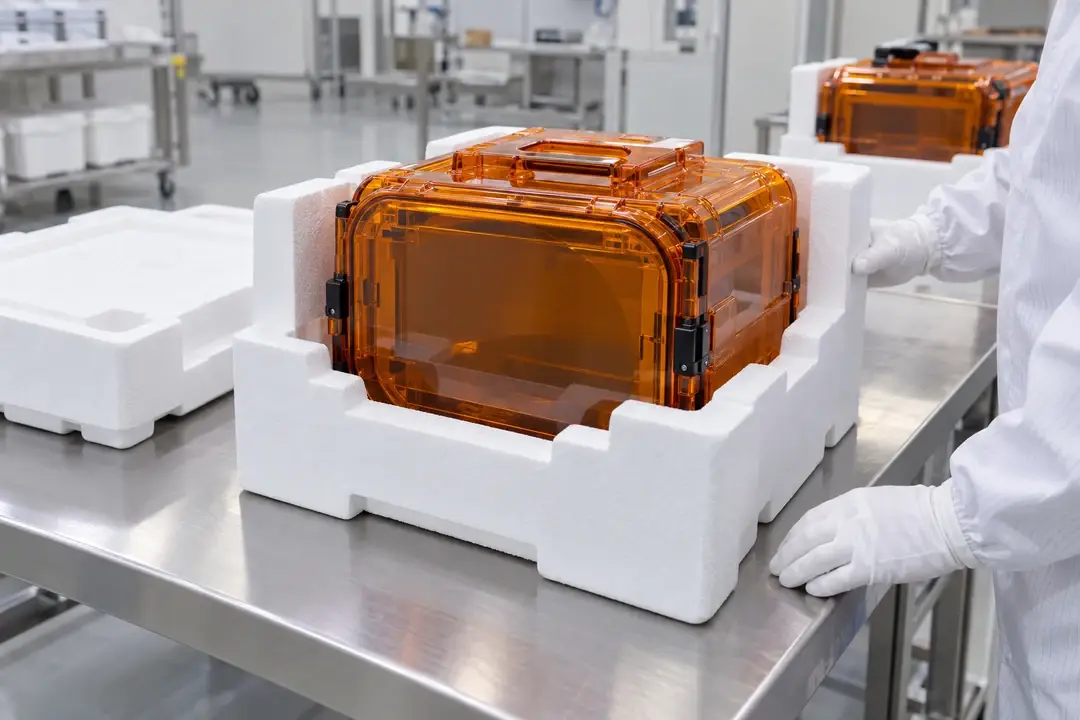
Semiconductor wafer and chip shipments need records tied to packing, courier handoff and receipt. Secure an identified logger in customer-approved outer transport packaging, adjacent to the sealed wafer carrier or packaged chip goods, to record surrounding air throughout the journey. Retrieve the onboard history into local PC software on arrival and compare it with handover timestamps and shipment criteria. Follow the customer’s cleanliness and packaging controls, preserving carrier sealing and separation from wafer-contact areas.
Document the air conditions around materials whose storage and preparation depend on temperature or humidity. Interpret each history with supplier instructions and the material’s own quality checks.
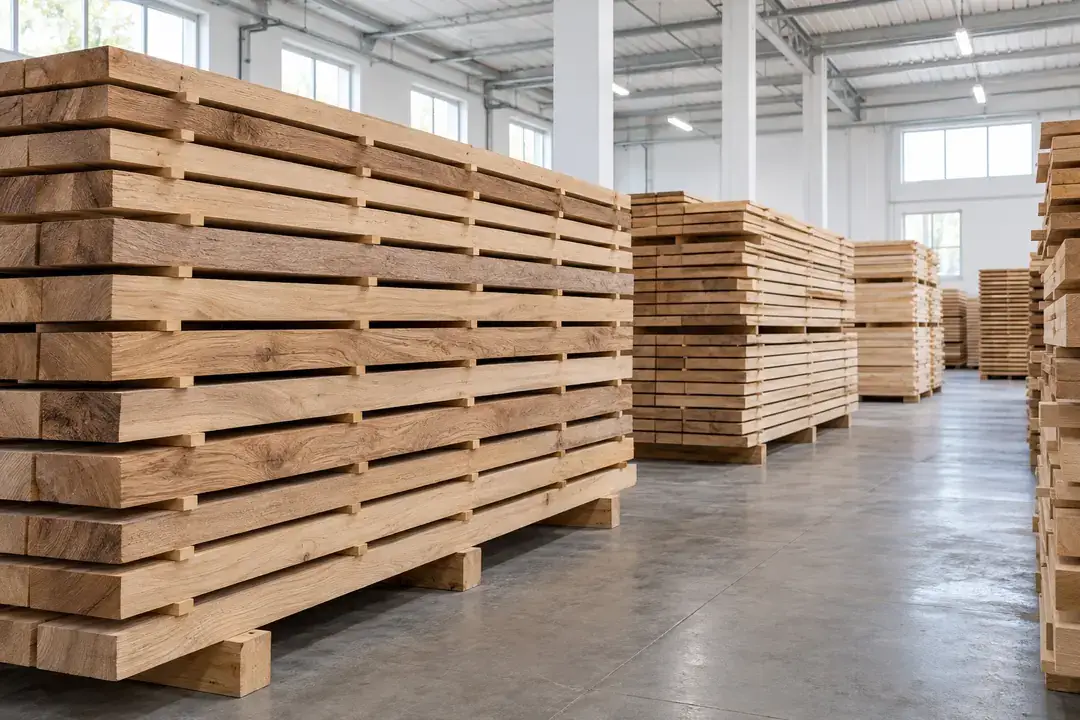
Wood components exchange moisture with their surroundings, so storage and acclimation spaces deserve a location-specific air history. Log representative rack positions and the production staging area through the intended holding period. After retrieval, compare the records with the material’s handling plan and separate moisture measurements to review consistency before use. Interpret the recorded exposure conditions alongside material moisture checks, holding times and the wood-handling plan to assess consistency across stacks and preparation periods.
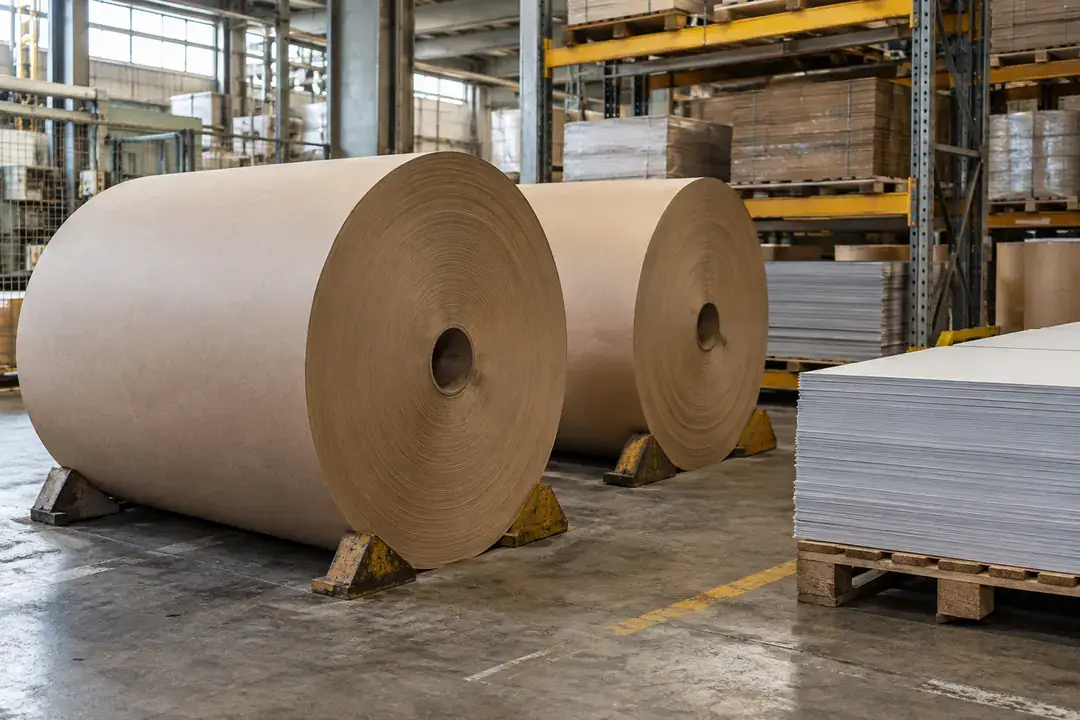
Paper and board testing or conversion can involve a defined conditioning atmosphere before work begins. Record the air around the designated material holding positions and relate each history to the relevant batch or test campaign. After local PC retrieval, compare conditions across positions and conditioning periods with the selected method. Use the recorded atmosphere alongside the method’s conditioning requirements, material checks and test notes to document consistency between batches and preparation periods.
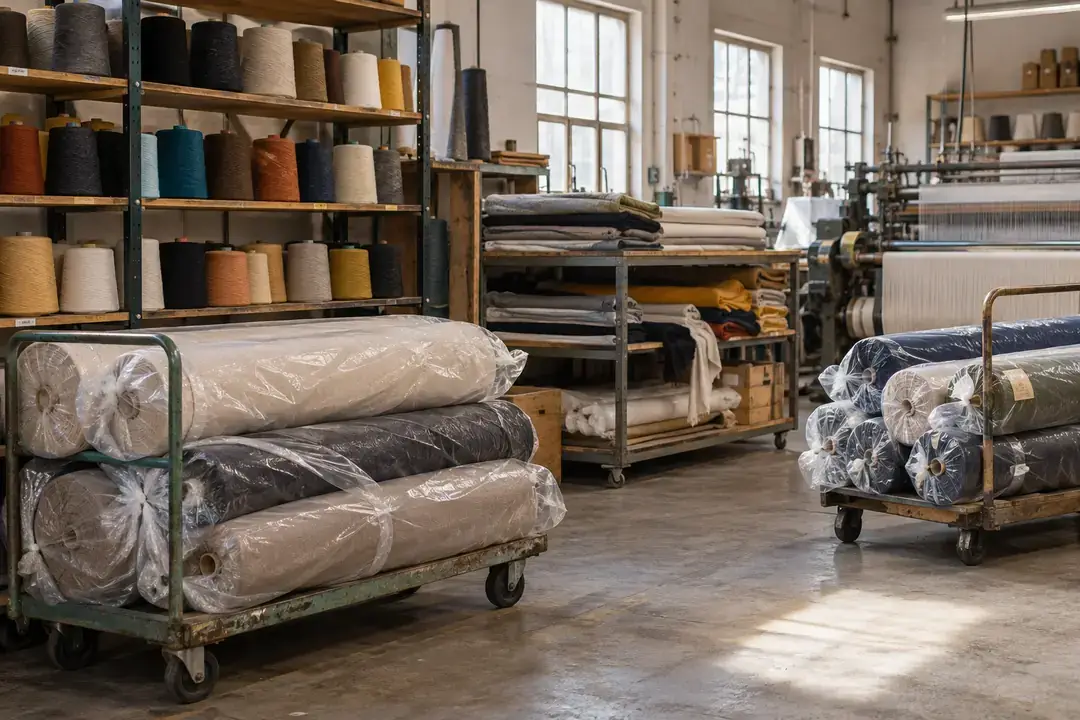
Textile testing and preparation can require a defined atmosphere, while yarn and fabric stores may follow separate supplier conditions. Log the air in the selected work and holding zones through representative shifts or conditioning periods. Download the records to compare consistency between positions and campaigns. Interpret the recorded atmosphere with the selected method’s conditioning duration, material checks and preparation notes to review consistency before testing or use.
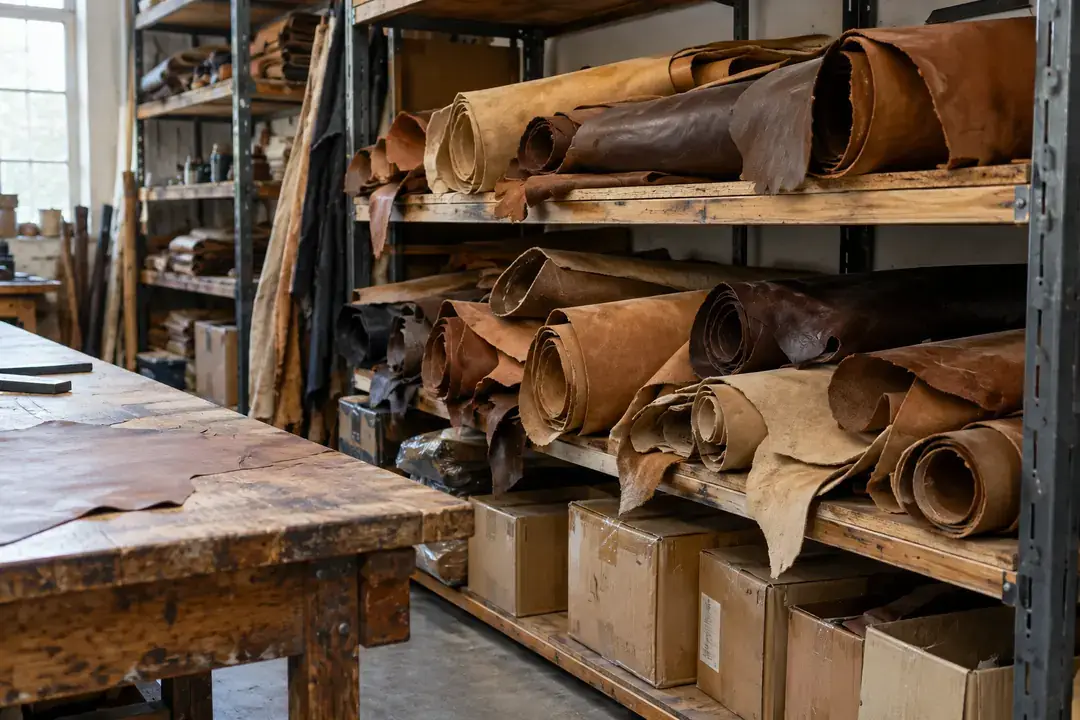
Leather goods, skins and leather components can occupy storage and preparation spaces with different environmental histories. Record air near representative stock and handling locations, then retrieve the time series for review with supplier instructions and material inspections. The comparison helps identify persistent room differences and periods requiring further investigation before high-value material is used. Interpret the recorded air conditions alongside material inspections and supplier guidance to review stock placement, handling periods and the environment surrounding particularly sensitive goods.
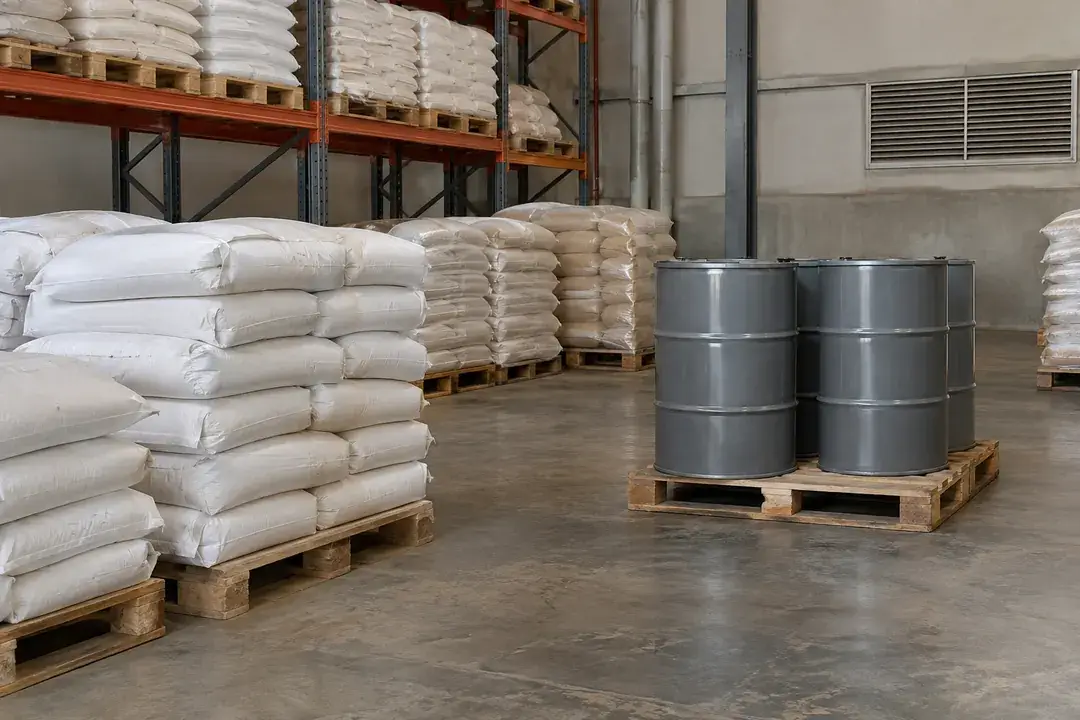
Packaged powders and specialty raw materials may have tightly defined storage instructions that differ between suppliers. Log the ambient air around selected inventory and indoor dispensing staging positions, then review the downloaded history with the material instructions and handling records. This provides context for investigating environmental variation without opening sealed containers. Interpret the surrounding-air history alongside material checks, packaging inspections and dispensing records to review storage consistency for each identified raw-material category.
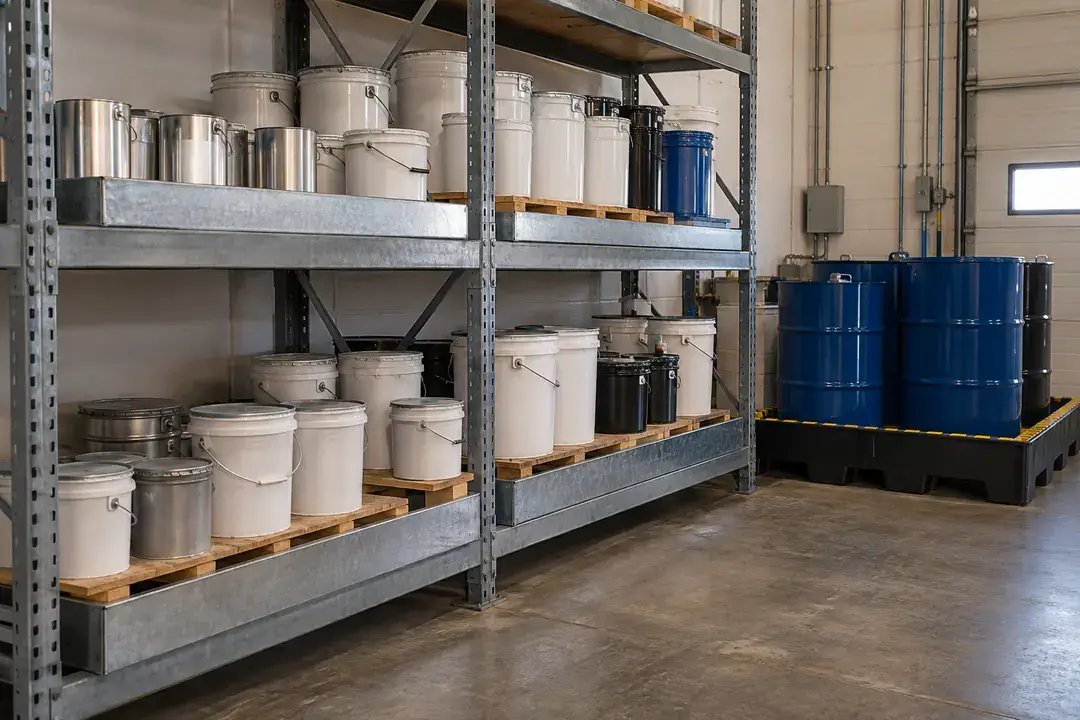
Adhesives, tapes and resins can carry product-specific storage instructions and shelf-life conditions. Collect an ambient history for the inventory room and any indoor material staging area, keeping loggers outside unopened packaging. After retrieval, compare the record with the relevant technical data and issue dates to review room consistency. Use the ambient history alongside packaging inspections, inventory dates and product instructions to assess consistency across storage positions and material-staging periods.
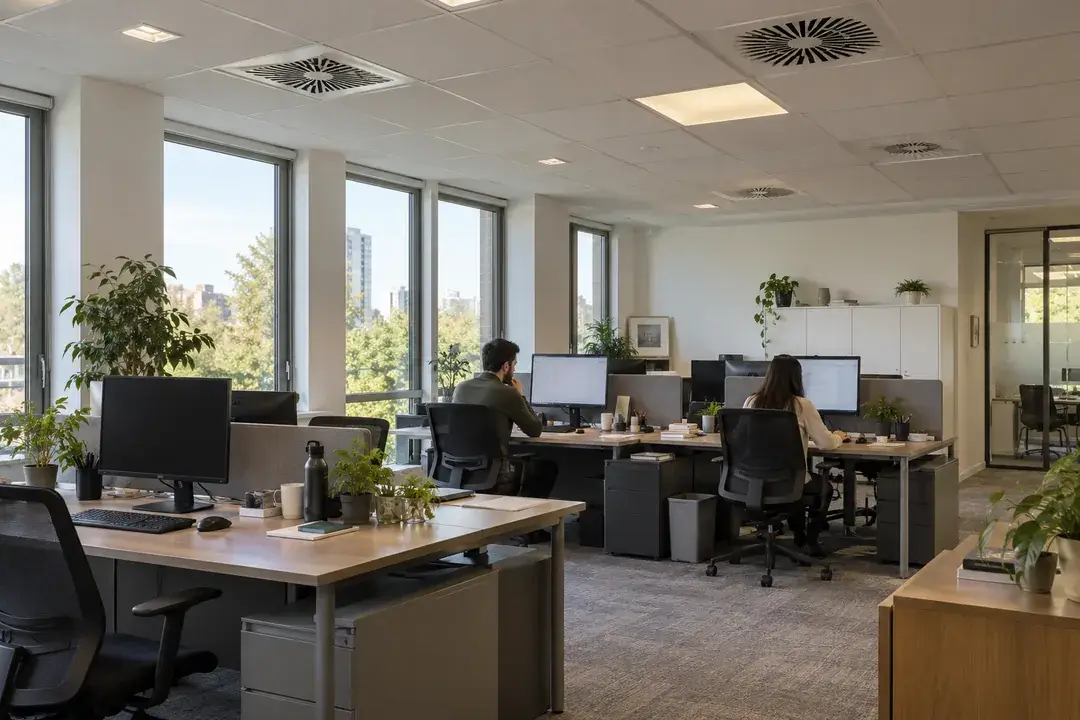
Run planned indoor studies to understand room schedules, location differences and changes after building work. Download the records for comparison with operating notes and on-site inspection findings.
Office environmental surveys often focus on particular working hours, room locations and changes in building schedules. Log air temperature and relative humidity in representative occupied zones through working days, nights and weekends. After retrieval, compare the histories with occupancy and HVAC schedules to support a facilities review. Use the recorded temperature and humidity patterns alongside room observations, occupant feedback and operating notes to compare locations and define the next facilities assessment.

Classrooms can follow different environmental patterns during lessons, evenings and school holidays. Place identified loggers in selected rooms and record the air through a representative timetable. Once retrieved, compare room histories with heating schedules, occupancy and known moisture observations to help the facilities team prioritize further inspection. Use the recorded indoor history alongside room inspections, occupancy notes and operating schedules to compare classrooms and plan a focused facilities review.
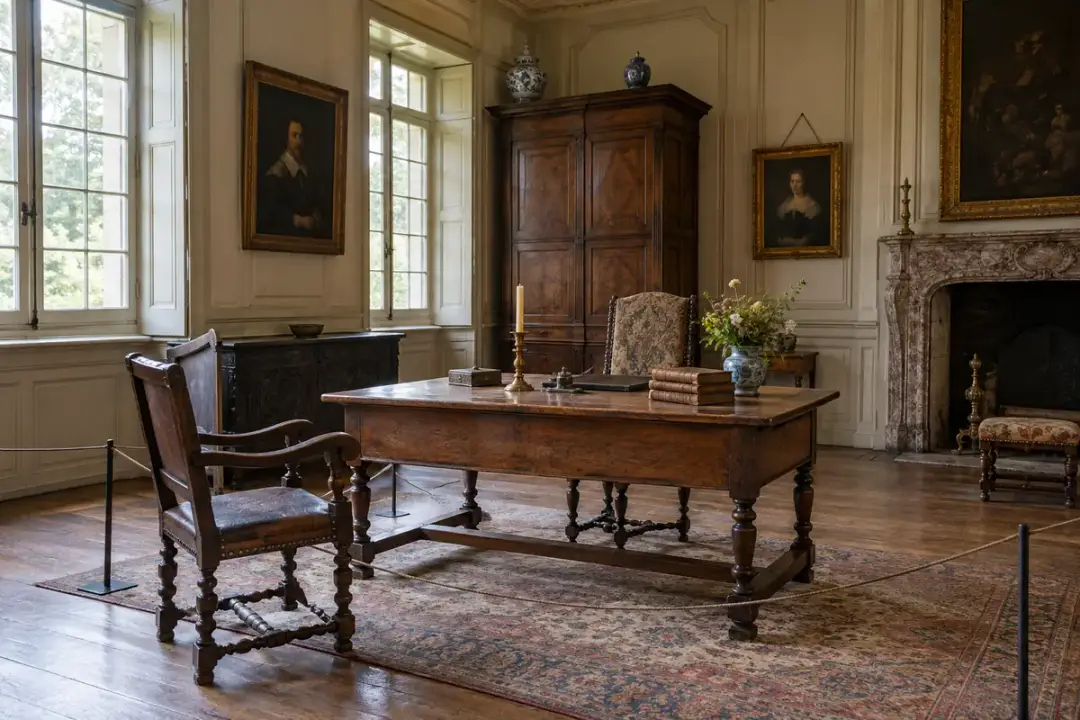
A vacant or seasonally opened building can experience changing indoor conditions between visits and across different heating or occupancy periods. Record indoor air at representative rooms and collection-use areas over the planned survey period, then retrieve the histories for review with weather and operating notes obtained separately. The comparison supports decisions about room use and seasonal management. Interpret the room histories alongside building inspections, maintenance findings and the intended use of each space to plan the next seasonal review.
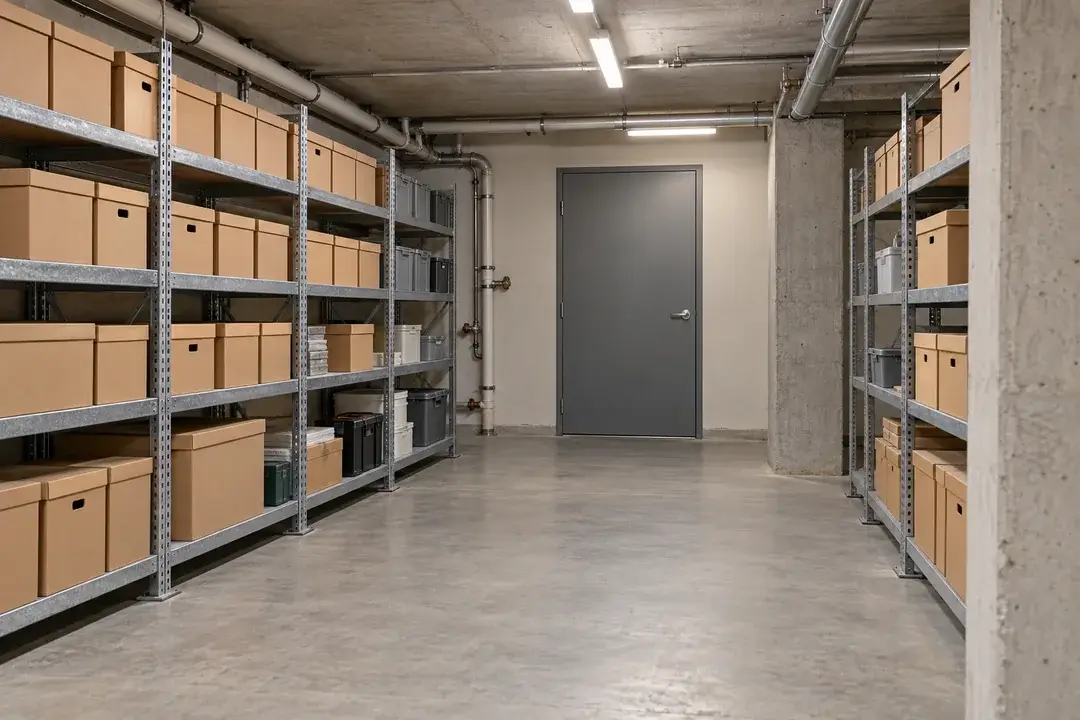
Damp-prone rooms may have local air conditions that differ from the rest of a building. Log air temperature and relative humidity near the area of concern and at a room reference without touching wet surfaces. After retrieval, compare the histories with inspection and maintenance notes to identify when elevated humidity persists. Use the recorded air history alongside building inspections and maintenance findings to focus further investigation and assess the pattern around the locations of concern.
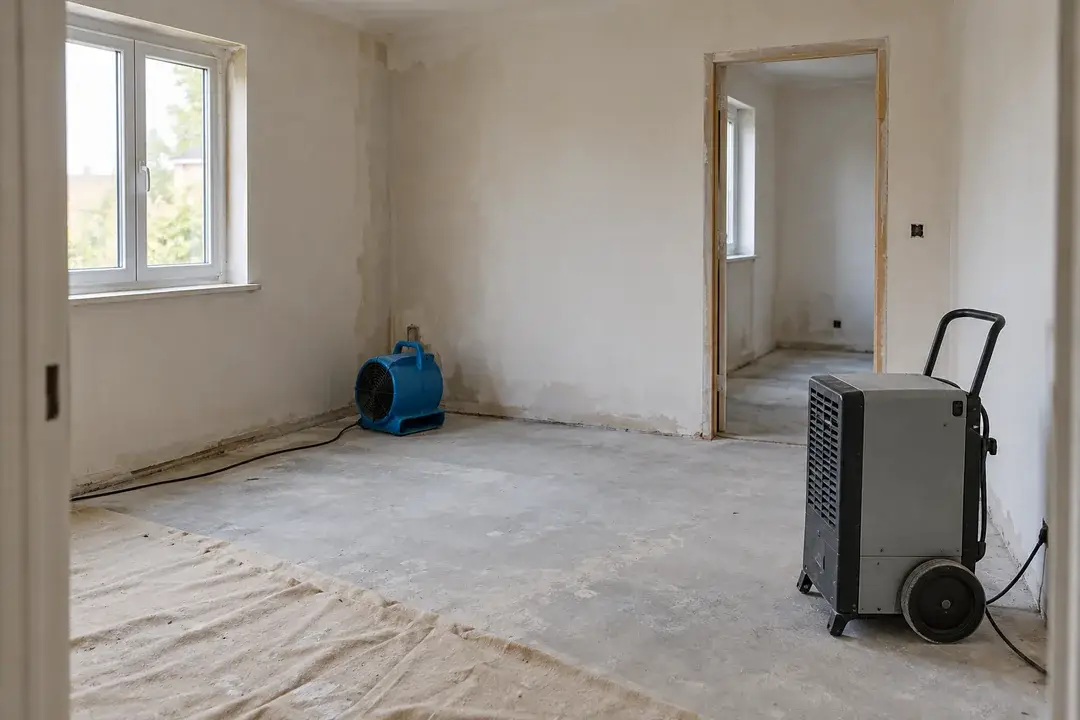
After renovation or remedial work, room air conditions can change as ventilation and drying equipment operate. Record temperature and relative humidity at representative indoor positions before and after planned operating changes. Review the retrieved histories with work logs and separate material-moisture checks to assess how the room environment developed. Use the recorded room history alongside material checks, inspection findings and work milestones to review the drying process and plan the next project assessment.
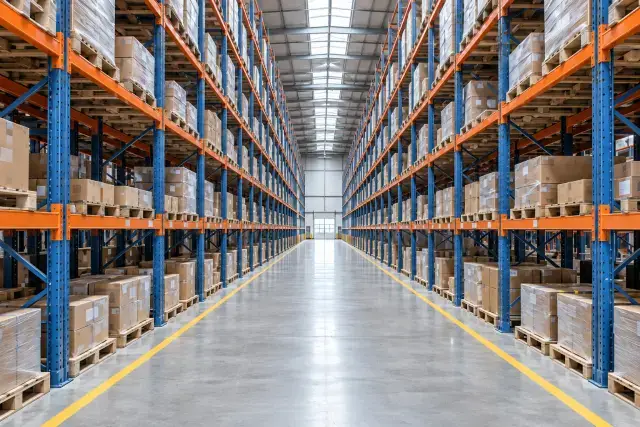
A high-bay warehouse can have different air histories at floor picking height and upper storage levels. Deploy identified loggers at a planned set of heights and indoor zones through normal shifts and closure periods. After download, compare the records with loading, door and HVAC notes to review the usable storage environment. The survey supports decisions about goods placement and further building investigation using the specific requirements of the stored materials.
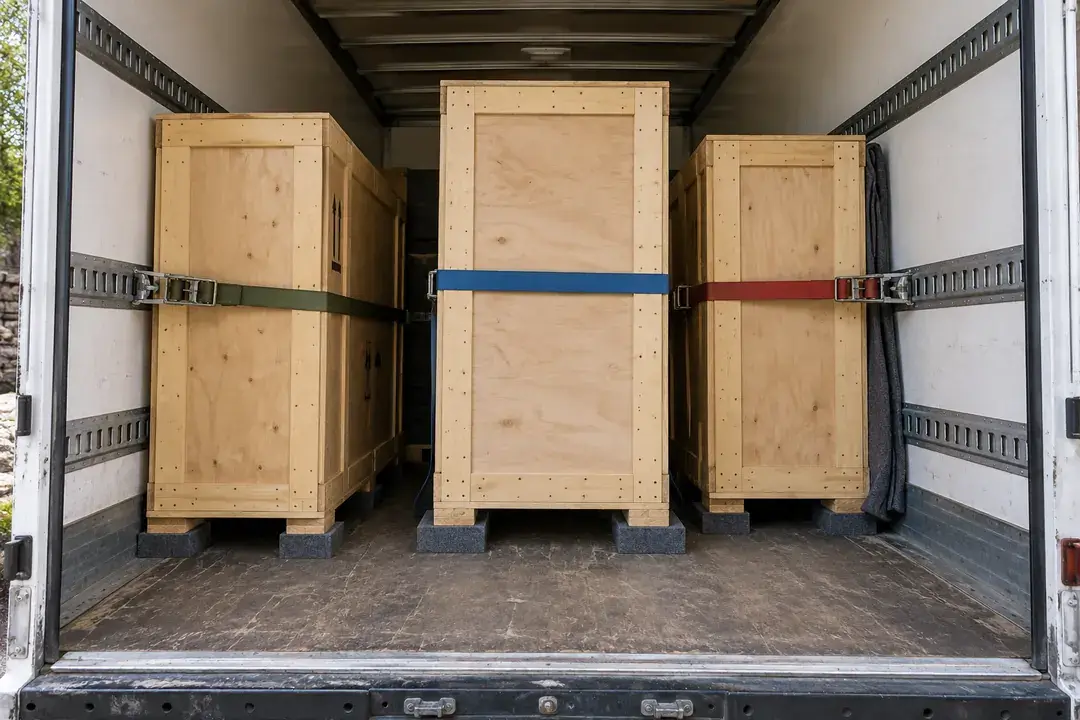
Retain a packaged-air history from packing through receipt and acclimatization. Download at destination or return to compare environmental exposure with the conservator’s transport plan and handover notes.
A museum loan can pass through packing, indoor holding, travel and destination receipt before the crate is opened. Secure an identified logger in the approved crate air space to keep one onboard history through those stages. After retrieval at the agreed handover, download the data into local PC software and compare it with journey notes and the lender’s conditions. The record documents packaged air exposure, while condition inspection addresses the object itself.
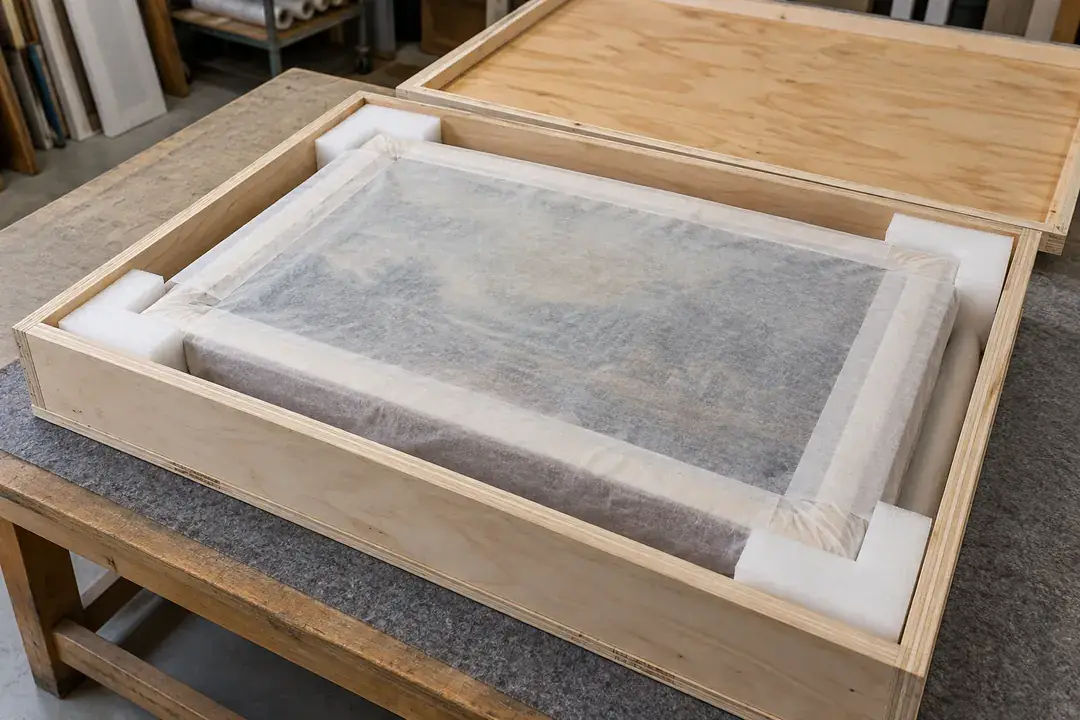
A framed painting’s packing and transport plan should reflect its materials and construction. Record air within the approved protective enclosure through indoor staging, movement and destination acclimatization, without attaching the logger to the painting. After retrieval, compare the history with the conservator’s criteria and opening notes to review the journey. Interpret the recorded conditions with the packing and handling log and the conservator’s transfer criteria to document the environment experienced within the protective enclosure.
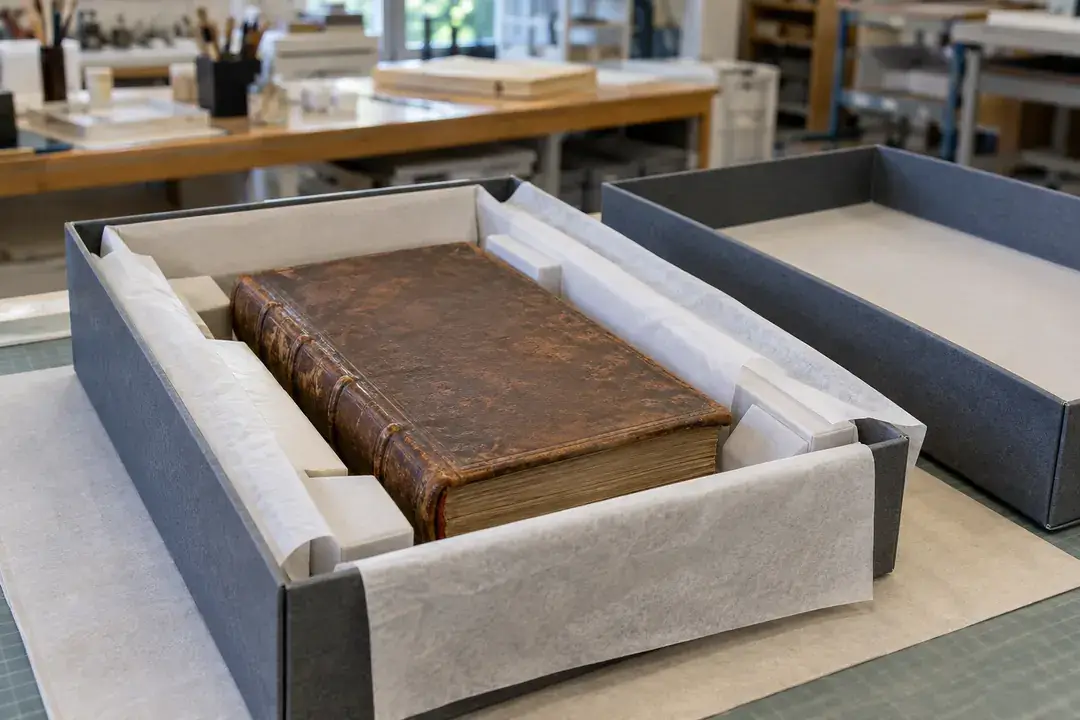
Manuscripts and rare books may move in protective cases before entering a temporary display or study room. Keep a packaged-air record across indoor preparation, travel, receipt and the conservator’s chosen acclimatization period. Following retrieval, compare the downloaded history with the loan’s environmental conditions and handling timeline. Use the evidence alongside enclosure and document inspections to review the transfer procedure and document the environmental transition under the conservator’s handling guidance.
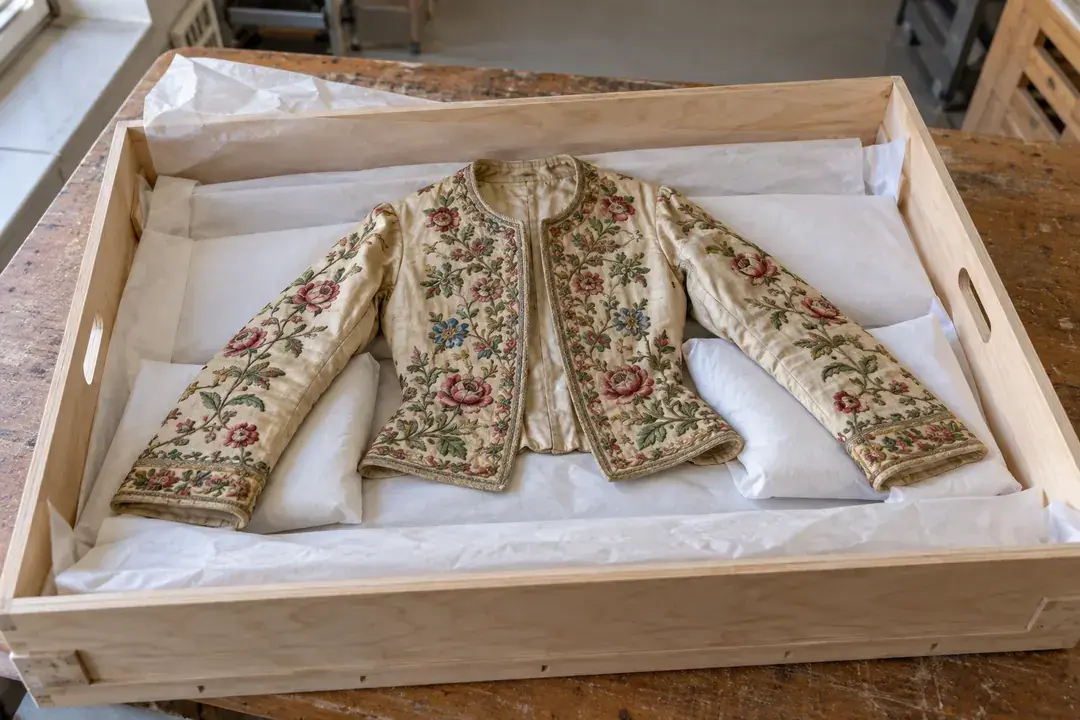
Textile loans can spend time packed flat or supported on a transport form before installation. Record air within the approved transport enclosure and retain notes for packing, indoor holding and destination opening. Download the logger after the agreed stage to review environmental changes against the conservator’s requirements and the exhibition timeline. Interpret the packaged-air history alongside support checks, handling notes and the conservator’s loan criteria to document conditions through the planned transfer stages.
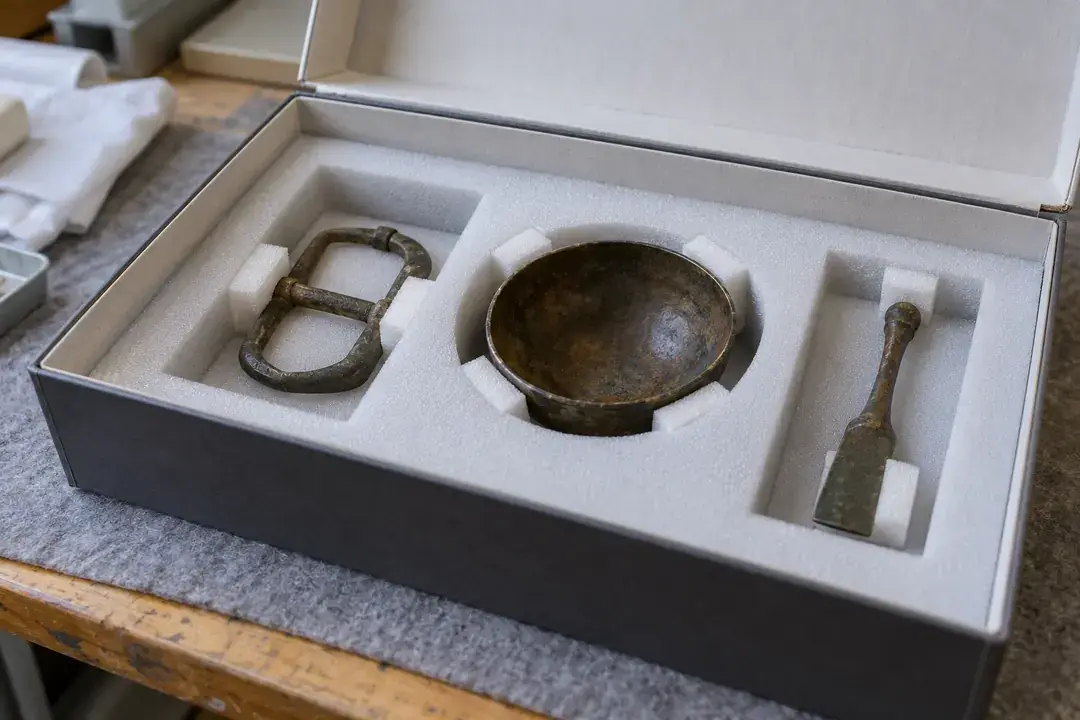
A transfer of archaeological metals may rely on a humidity strategy different from a mixed collection shipment. With the conservator’s approved packaging, record the enclosure air during indoor preparation, travel and receipt without changing the protective arrangement. Review the locally downloaded history against the chosen criteria and service notes for any passive buffer. Interpret the enclosure-air history alongside object inspections, buffer-service notes and the conservator’s transfer criteria to review the documented environmental exposure during the journey.
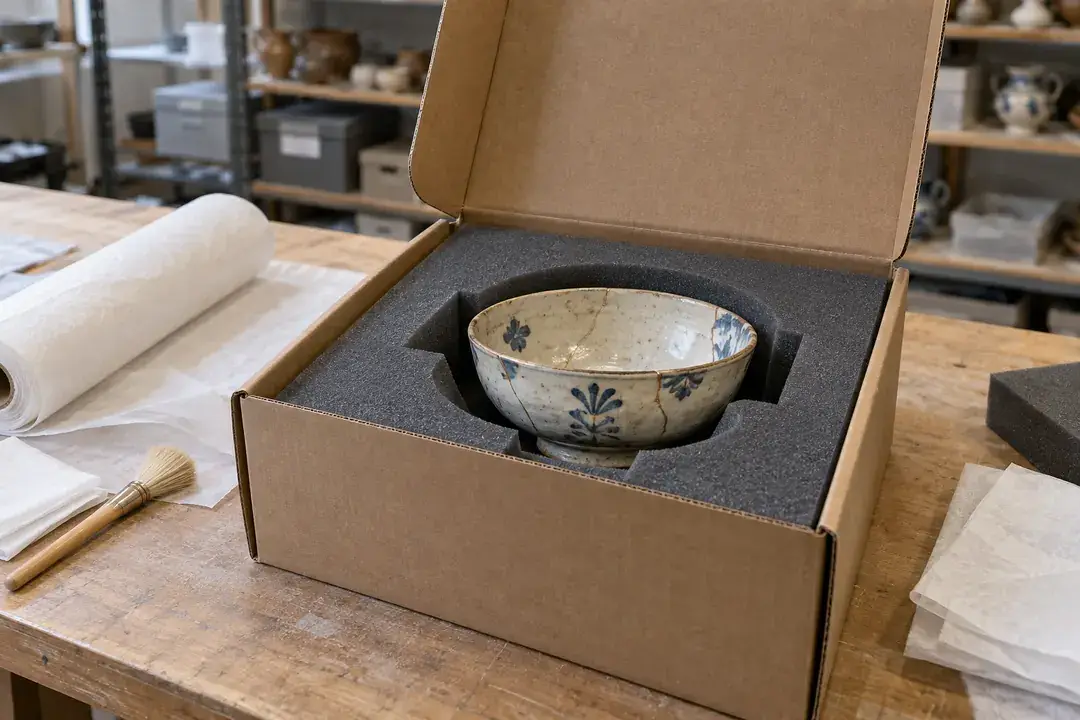
Returning an object from a conservation studio introduces a transition between treatment-space conditions, packaging and its home environment. Record approved crate air through packing, travel and the planned indoor acclimatization period, then retrieve the history for local PC review. Compare it with the conservator’s return instructions and receipt notes to document that transition. Use the recorded transition alongside receipt inspections and the conservator’s follow-up notes to review acclimatization and plan the object’s return to its designated storage or display space.
H100 DATA LOGGER
H100 combines temperature and humidity recording with a customizable data collection interval and local PC retrieval. Share the environment, recording period and download plan so we can confirm the configuration for your project.
Set the data collection interval for the pace of your application. H100 keeps time-stamped temperature and humidity records onboard for USB retrieval and review in free local PC software.
| Product model | H100 |
|---|---|
| Recorded parameters | Temperature and relative humidity |
| Storage capacity | 80,000 readings |
| Typical temperature accuracy | ±0.2°C |
| Typical humidity accuracy | ±2% RH |
| Recording history | Time-stamped readings |
| Configuration | NFC app; compatible Android / iOS device |
| Data retrieval | USB connection to local PC software |
| PC software | Free; curve analysis and PDF/CSV export |
| Battery | Non-replaceable battery; confirm runtime for the recording plan |
| Protection | IP55 |
| Installation | Standalone, hanging or adhesive |
| Temperature / humidity ranges | Confirm for the selected configuration |
| Data collection interval | User-configurable to suit the recording task; confirm supported settings for your project |
| Stored-reading counting | Confirm the counting convention for the supplied configuration |
| PC operating system / USB requirements | Confirm with Hitelecom |
Share the room, packaged goods or transport route, expected conditions and number of recording points.
Choose your data collection interval, required duration, retrieval date and temperature and humidity performance.
Confirm H100 sensing requirements, mounting, computer environment, calibration documents and quotation.
LOCAL SOFTWARE & DATA RETRIEVAL
Connect the logger by USB and retrieve the stored data in local PC software. Review temperature and humidity curves, then export PDF or CSV files for your own records.
Temperature and humidity records stay on the device during logging.
Connect to your computer when you need to retrieve the recording.
Download records, analyse curves and export PDF or CSV files.
Connect the logger to your computer by USB when you are ready to retrieve the records.
Use the local PC software to retrieve the temperature and humidity records stored on the device.
Review the recorded curves and analyse how conditions changed during the recording period.
Export PDF or CSV files for your project records and further review.
Identify the logger, recording position, recording interval and required period. Share your computer environment with us so the local software requirements can be confirmed for your project.
Discuss PC software requirements ↗ANSWERS FOR YOUR PROJECT
Practical answers about local recording, PC retrieval and selecting the right configuration.
Ask about your recording project ↗H100 records temperature and relative humidity over time, with a timestamp for each reading. Use it to review conditions during transport or storage of sensitive goods, including food, heritage objects, packaged semiconductors and other temperature- or humidity-sensitive products.
Connect the logger to your computer via USB and retrieve the records in Hitelecom's free local PC software. The software supports curve analysis and PDF/CSV export, so you can review the history and save files for your own records.
Tell us your PC operating system when enquiring so we can confirm the software version and USB requirements.
Configure H100 using the supported NFC app on a compatible Android or iOS device. The data collection interval is customizable, so set it for your application and verify the clock and recording settings before deployment.
NFC is used for configuration in this workflow. Recorded data is retrieved through USB in local PC software.
It records temperature and humidity locally in its onboard memory. Data retrieval uses a USB connection and local PC software, so the recording workflow operates independently of a network connection.
Choose this workflow for a history that your team collects on site or after a journey. The product has no wireless data upload or remote alert service.
Yes. The H100 data collection interval is customizable. Choose an interval that captures the changes relevant to your storage, transport or observation task. The onboard capacity is 80,000 readings; total recording duration depends on the interval and how the supplied configuration counts stored readings.
Share your preferred interval and required recording period with Hitelecom. We can confirm the available settings and help plan USB retrieval for your project.
Place it where the conditions you want to assess occur, and secure it so it stays in that position. For general ambient records, avoid unintended influence from heat sources, direct sunlight or contact with a very hot or cold surface.
In a large room or uneven load, use several locations or a mapping study to understand differences across the space. Keep a note of each logger's location so the exported history has context.
The logger has a non-replaceable battery. Confirm expected runtime for your selected configuration and plan recording and retrieval around the intended deployment.
Include the recording interval, operating temperature and task duration in your enquiry. For another deployment, save the existing records and check that the remaining battery life covers the next task.
The published typical accuracy is ±0.2°C and ±2% RH. Choose a measurement range that covers the lowest and highest conditions expected during your task, and define the accuracy you need at the relevant operating points.
Send those conditions with your enquiry so Hitelecom can confirm the H100 sensing range and accuracy for your application.
State the temperature and humidity points you need checked, the required certificate or traceability, and your recalibration policy when enquiring. Hitelecom can confirm the available documentation for the selected configuration.
For controlled processes, keep the relevant calibration documents with the logger identity and exported records as part of your own quality procedure.
Share the application, expected temperature and humidity conditions, preferred collection interval and required recording period. Include the number of recording points, approved placement, local PC environment and any calibration-document requirements.
For a shipment, add the journey stages and planned USB readout at arrival. For a room or storage study, include a location plan and retrieval schedule. Hitelecom can then confirm the H100 configuration and prepare a quotation.
LET'S PLAN YOUR RECORDING PROJECT
Tell us where you need to record temperature and humidity, how often you need a reading and how long the recording should run. We’ll help confirm the H100 configuration and local PC software requirements.
sales@hitelecom.cn ↗A room plan, storage description or transport procedure helps identify the recording point. Add your required interval, recording period and computer environment.