


Find the asset you need
Use location information to find the equipment, carrier or case needed for the next job. Positioning detail is specified for the asset and its working area.

Know where assets are. Keep work moving.
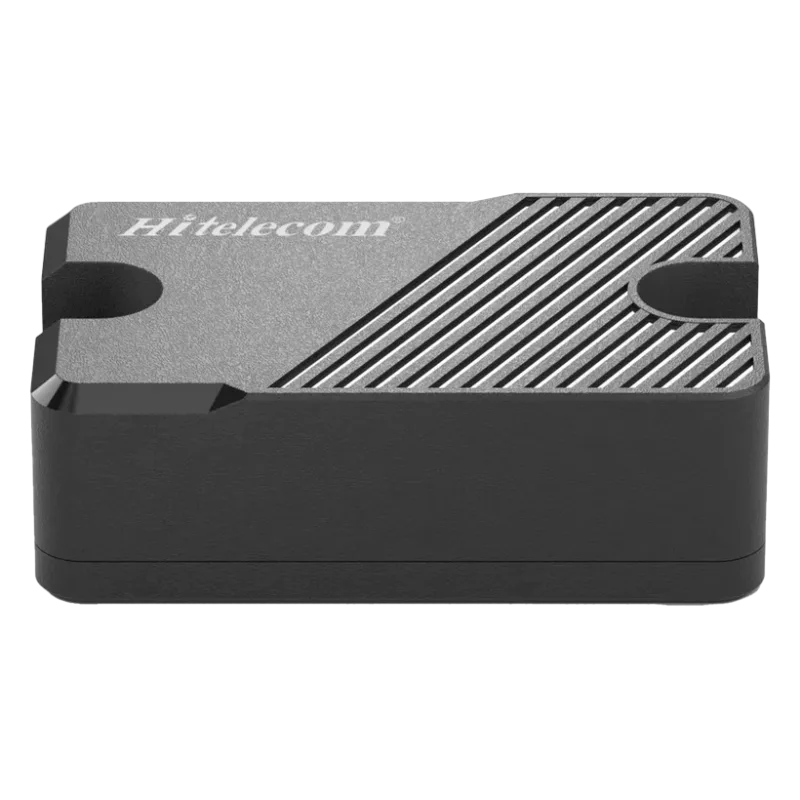
The Hitelecom H300 (4G) and H500 (NB-IoT) asset tracking sensors help teams locate equipment, reusable packaging and cargo between sites. Use location reports to plan collection, return and the next deployment. Choose the model around coverage and reporting needs, then match the positioning method, power, mounting and platform connection to the asset.
KEY FEATURES
Give dispatch, rental and logistics teams a location record they can act on. Build the installation and reporting profile around the assets they manage.
Use location information to find the equipment, carrier or case needed for the next job. Positioning detail is specified for the asset and its working area.
Two radio models for different deployments. Choose using operator support at your sites and route stages, together with the reporting schedule you need.
Geofence or movement events can be specified where an alert helps the team arrange collection, check a site transfer or follow up a deployment.
Connect equipment or carrier identity to location reports. Add the platform maps, timestamps and history needed for collection and return planning to the project scope.
Select the enclosure around dust, rain, cleaning and handling exposure. The supplied specification identifies its protection rating and installation conditions.
Stored equipment and assets in transit need different update schedules. Match the power arrangement to that schedule, maintenance access and the target service interval.
Plan activation and device-to-asset identification so installers connect each tracker to the correct unit. Local setup options, including NFC, are specified where required.
Use an equipment frame, a protected recess or a transport-case bracket. Choose attachment hardware with room for normal handling, access and reception.
POSITIONING & CONNECTIVITY
The useful position depends on the job: an outdoor yard, a customer site or a particular indoor zone. GPS or BeiDou, cellular location and local indoor systems are project options; select the approach around the required detail and the places the asset moves.
For outdoor yards and transport stages, consider a satellite-positioning design using GPS or BeiDou where included. A protected mounting point still needs suitable antenna exposure, especially around metal equipment or shipping cases.
Cellular LBS, where included, can support an approximate site-level position. Its usefulness depends on the available operator service and the detail the team needs, so check it at the actual holding sites.
A building zone, aisle or equipment bay needs a project-specific indoor design. BLE, Wi-Fi or another local arrangement is reviewed with its infrastructure and integration, rather than inferred from the cellular radio model.
Choose a protected frame, recess or carrier bracket that leaves normal handling and service access clear. Check attachment retention and reception on the actual asset, then confirm that reports reach the intended platform at representative sites and route stages.
FROM LOCATION TO RESPONSE
A trailer at a customer yard needs a collection plan. A test instrument needs to reach calibration. A crate pool needs to come back before the next season. Give each tracked asset an identity and an update schedule that helps the responsible team do that job.
Connect the tracker to the equipment, case or carrier ID so the team can find the correct asset.
Send the required location reports through the selected H300 4G or H500 NB-IoT service. Set the update schedule around storage, transfer and collection.
Use the location information to arrange pickup, assign a transfer or return the asset to its pool. Platform history and alerts are included where specified.
More frequent positioning and reports generally use more energy. Set an update schedule that serves the job, then assess the power arrangement against operating temperatures, network service and maintenance access. The selected model’s supplied specification sets the basis for the service-interval estimate.
APPLICATIONS
Find practical tracking jobs for equipment, reusable assets and cargo. Each task shows what the team needs to find or collect, where a tracker could fit and which deployment details matter for the proposal.
8 industry categories 48 asset tracking tasks
AI-generated application illustrations show representative asset environments.
Candidate mounting points must leave handling and service access clear. Confirm the attachment with the asset owner and check retention and reception on the actual unit.
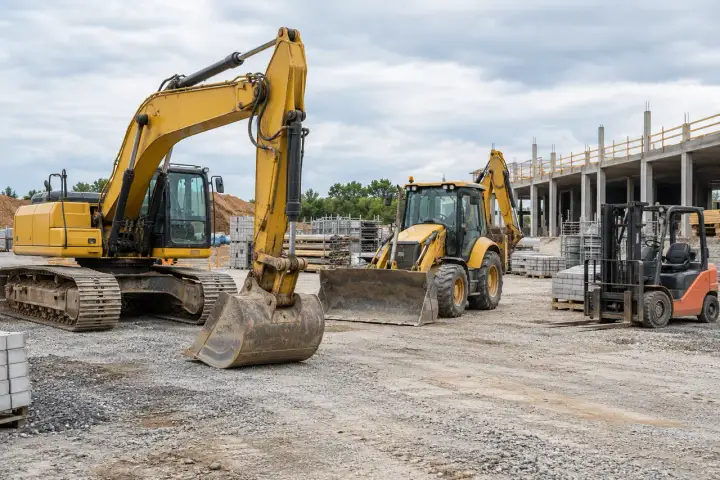
Find machinery held across projects, farms, contractor yards and workshops. Use the equipment identity and location information to organize collection, assign the next site and return seasonal assets to storage.
An excavator left at a finished site can hold up the next project. Find which site or yard holds each machine, arrange its collection and assign transport from the equipment record. This is particularly useful when subcontractors share a regional fleet.
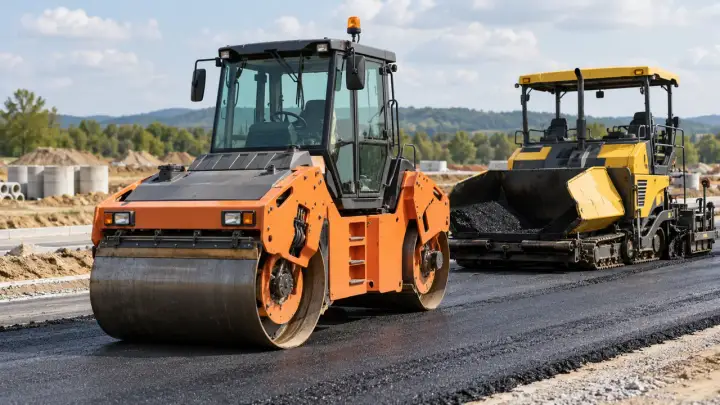
Roadwork crews move through short contracts while equipment may stay behind for collection. Locate the roller or paver assigned to the next job, check its holding area and arrange pickup before the transport booking, using location information alongside the project schedule.
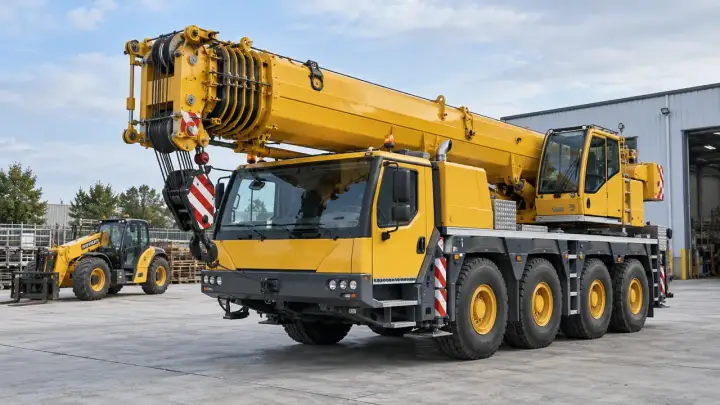
A crane allocated to a new project may still be at the previous site or a service yard. Locate the unit tied to that booking and organize its transport with the project team, keeping equipment identity connected to the assignment rather than relying on separate telephone updates.
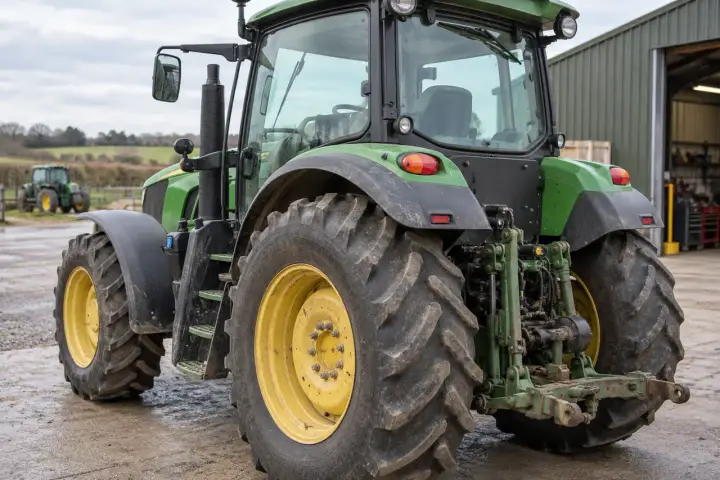
A tractor shared by farms can change holding sites several times during a season. Find the unit assigned to the next farm, organize collection and keep the owner’s equipment list up to date as the tractor passes between contractor yards, farms and workshops.
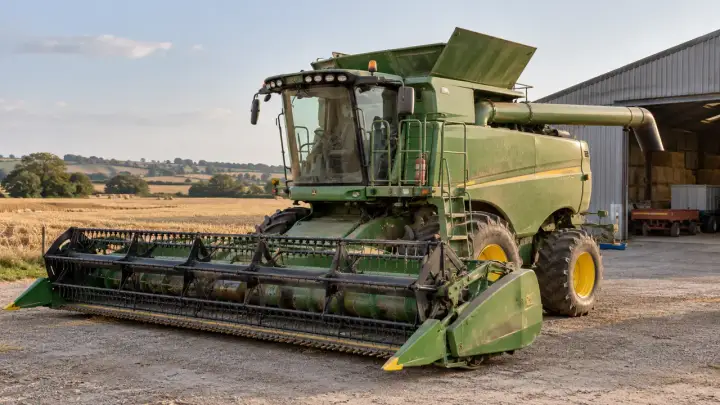
Harvesters are transferred between farms as the regional season progresses. Locate each unit at the end of an assignment, book collection for the next farm and bring it back to the correct depot for storage or servicing when the season finishes.
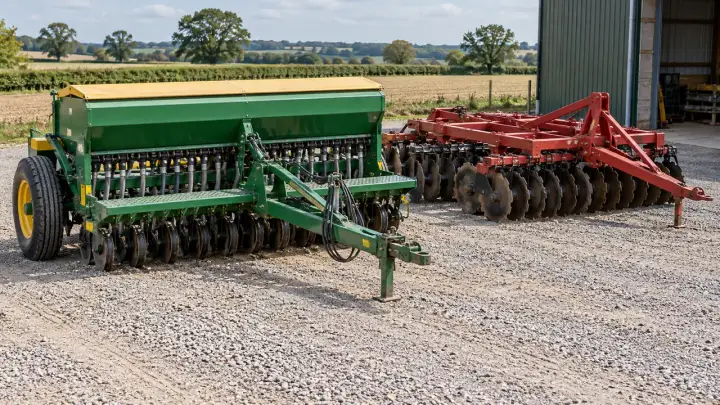
A seeder or sprayer may be left in a field after the tractor returns to the yard. Give the detachable implement its own asset identity, find where it is held and arrange collection when another farm or contractor needs the same attachment.
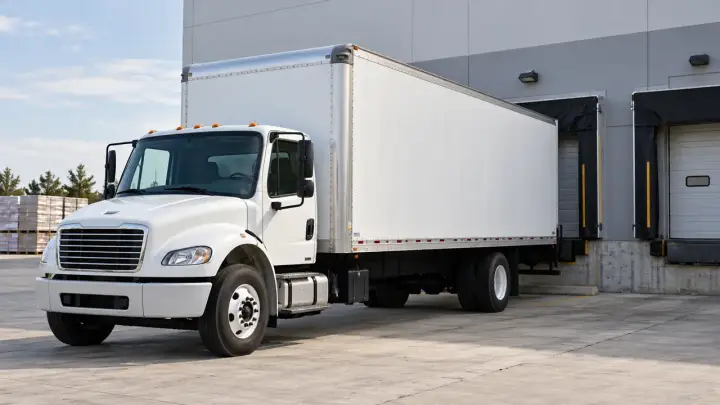
Locate the trailer, container, body or carrier required for the next collection. Keep the transport asset separate from the vehicle or load that happens to move it, with reporting planned for covered route stages.
A fleet vehicle may be at a customer dock, a regional depot or a service workshop when another team needs it. Use location reports with the vehicle assignment record to find the truck and arrange a clear transfer between the teams responsible for it.
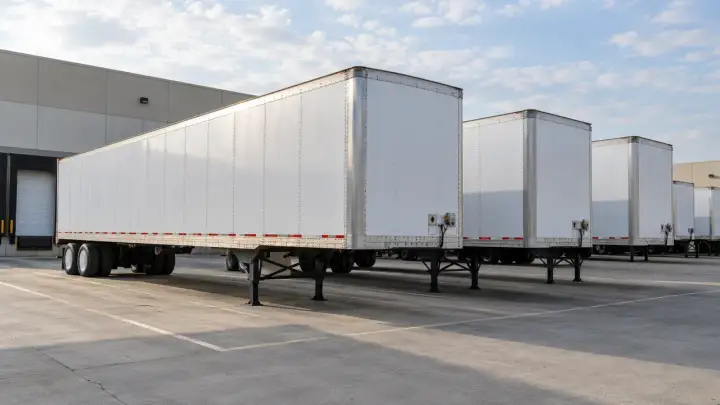
A trailer can sit at a customer yard after the tractor and driver have left. Locate the trailer itself, match it to the collection list and send the next tractor to the appropriate holding site. Independent trailer records help keep the pool circulating between customers and depots.
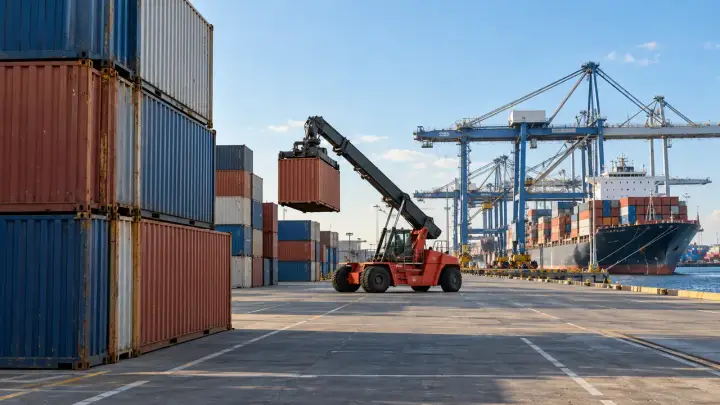
A container may pass through several terminals and depots before collection. Locate it at the covered stages of the route, give the haulier the correct holding area and connect the container number to the transport record. Sea-voyage requirements are handled separately from terrestrial port reporting.
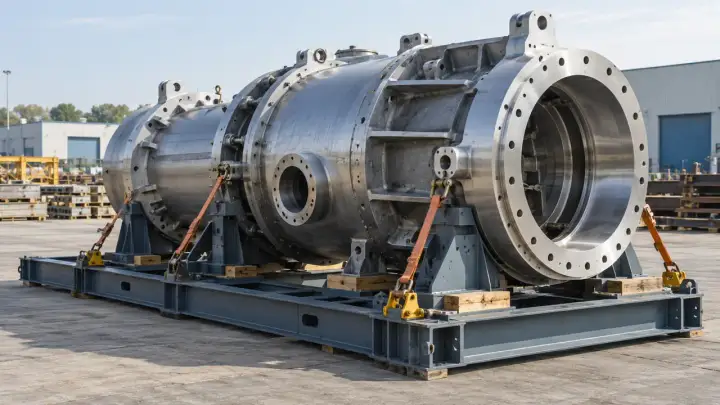
A fabricated component may wait at several staging yards before the project is ready to unload it. Track the transport frame or enclosure, find the holding site and arrange the next delivery with the receiving team, keeping the load identity attached to its shipping record.
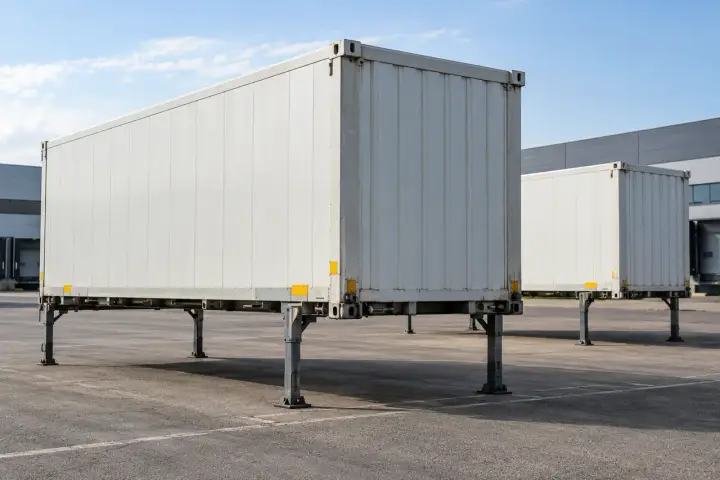
A swap body can remain with the customer while its carrying vehicle moves to another job. Locate the detached body, arrange pickup after unloading and return it to the depot that needs it next. The body keeps its own identity across different vehicle assignments.
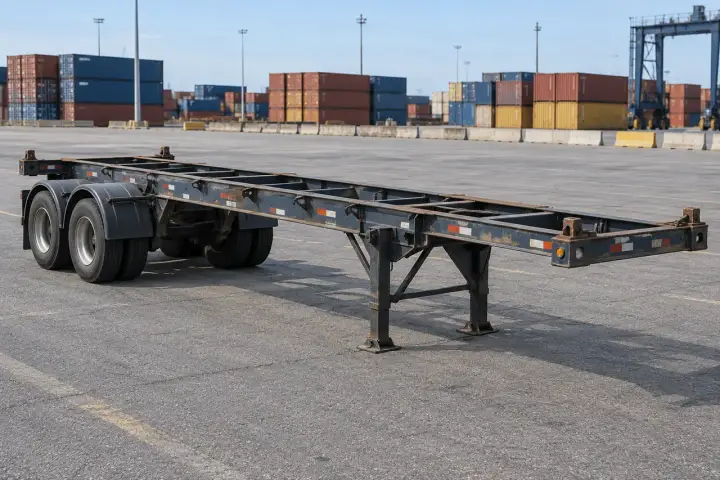
An empty chassis may be held by a road carrier, an inland depot or a port operator. Locate the chassis needed for a planned container collection and arrange its return or transfer, without treating the truck or the container as the identity of the frame.
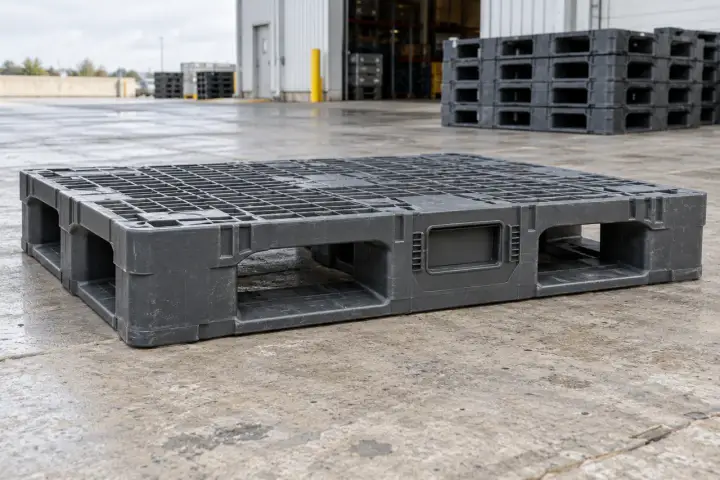
Bring pallets, crates, cages and reusable carriers back into the pool. Choose the unit worth tracking, protect the mounting through handling and cleaning, and specify any additional condition measurements for the job.
Higher-value pallets can remain with customers after the goods have been unloaded. Track selected units to find the sites holding returnable stock, group collection into useful loads and bring the pallets back before the next packing cycle. This suits pools where individual pallet recovery matters.
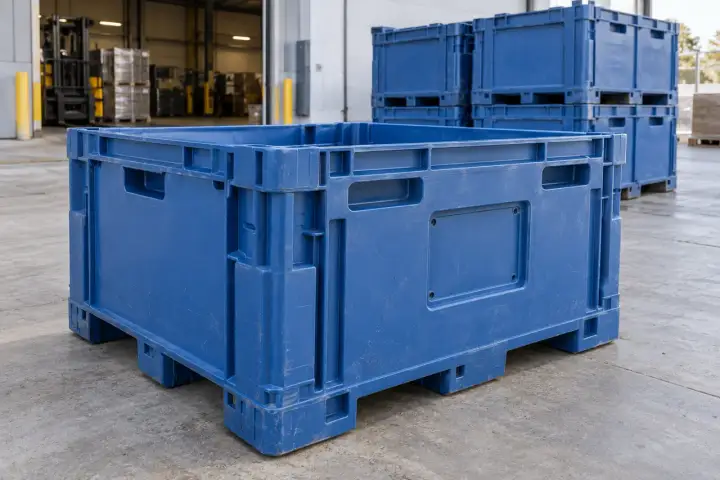
Crate pools spread across customers during a busy delivery season and may return slowly afterward. Find where selected crates are held, plan recovery by partner site and return them for cleaning and reuse, so the next season starts with the containers the packing team needs.
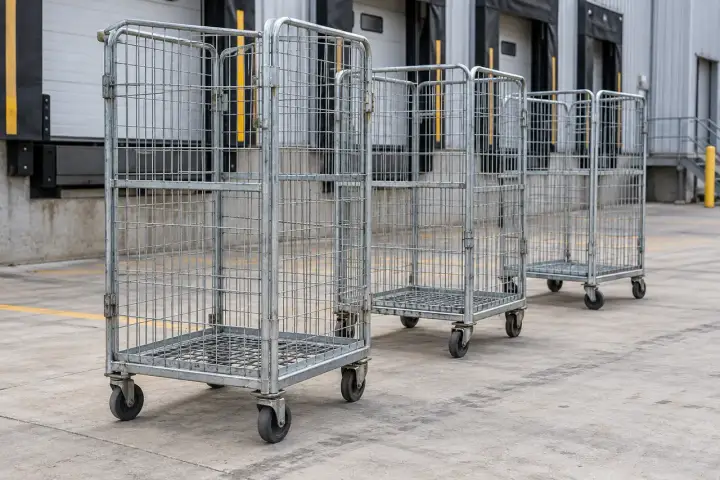
Delivery cages are easy to leave at the receiving site when the vehicle is already on its next round. Locate tracked cages, add the holding sites to the collection plan and return the pool to the distribution center before the next busy delivery period.
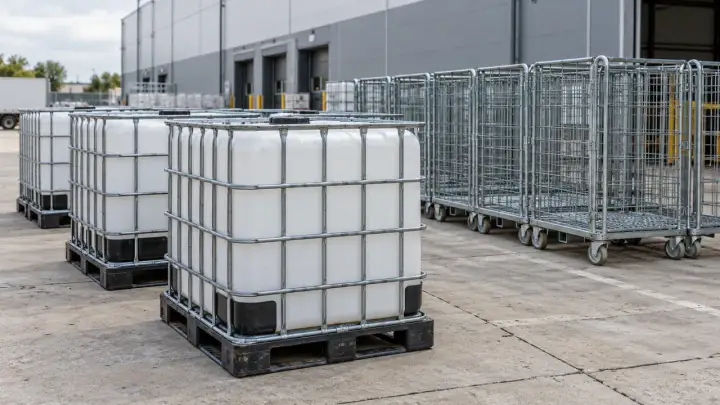
An IBC may need to go from the customer to a cleaning partner before it can be filled again. Find the tracked unit, organize its next collection and keep its identity connected to the product flow, including containers held across several regional customers or facilities.
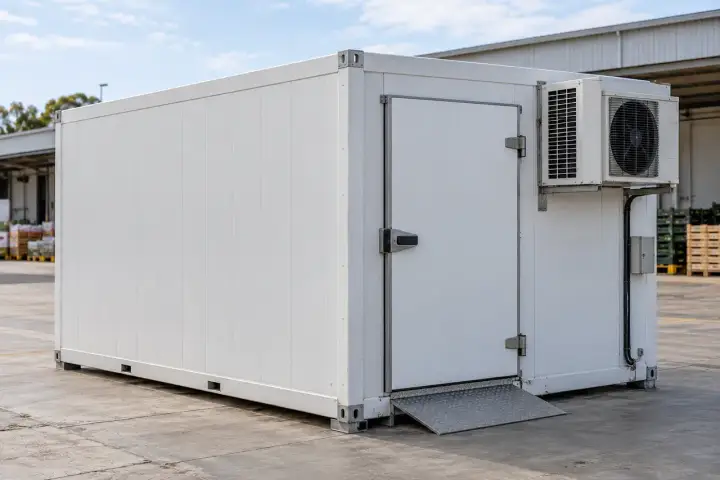
A mobile cold room may serve a seasonal packing site, a temporary facility or a distribution overflow area. Locate the unit when that assignment ends, arrange collection and move it to the next customer. Temperature or equipment-status measurements can be included in a separately specified project design.
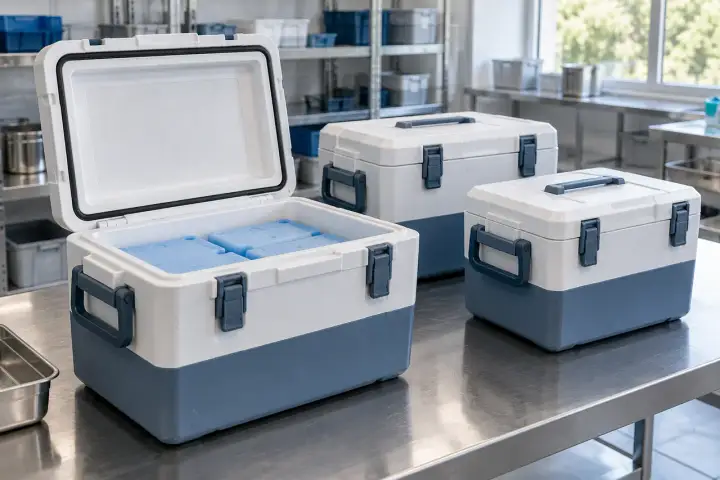
An insulated box may pass from the packing team to a carrier and then remain at the receiving facility. Find selected carriers along the covered route, arrange collection after delivery and return them for the next shipment, with any temperature requirement specified alongside location reporting.
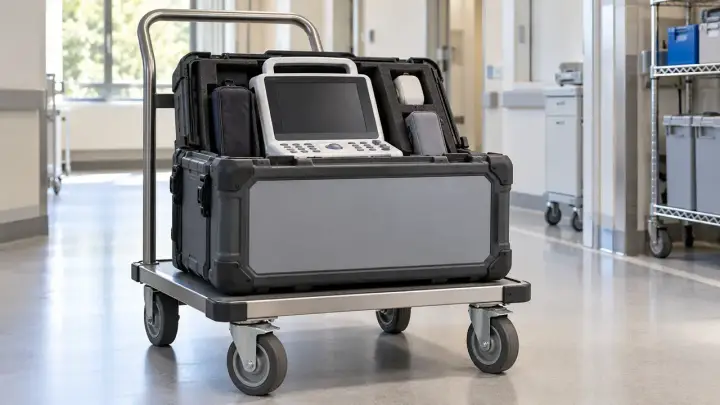
Find the protective case or carrier needed for calibration, delivery, exhibition or repair. Keep it linked to the valuable item inside, with access and any condition measurements suited to the shipment.
A portable diagnostic device may be shared by clinics, outreach teams and a service center. Find the dedicated transport trolley or case carrying it, organize collection for the next facility and keep the device identity linked to that carrier. The mounting must preserve normal equipment access.
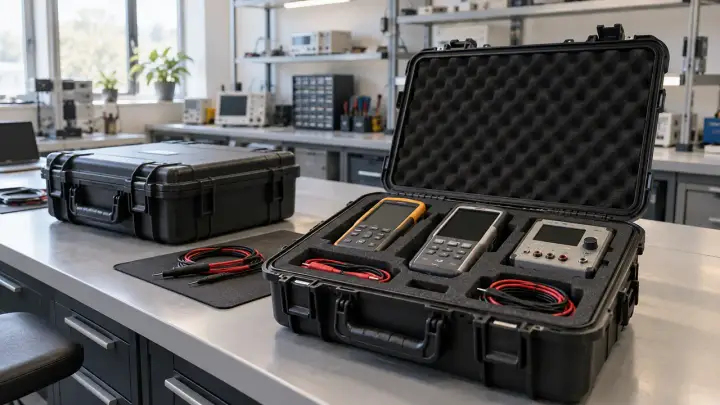
An instrument due for calibration may still be with a project team or a customer. Locate its carrying case, arrange collection for the calibration provider and return the set before the next booking. Link the case to the instrument record so similar test kits are not confused.
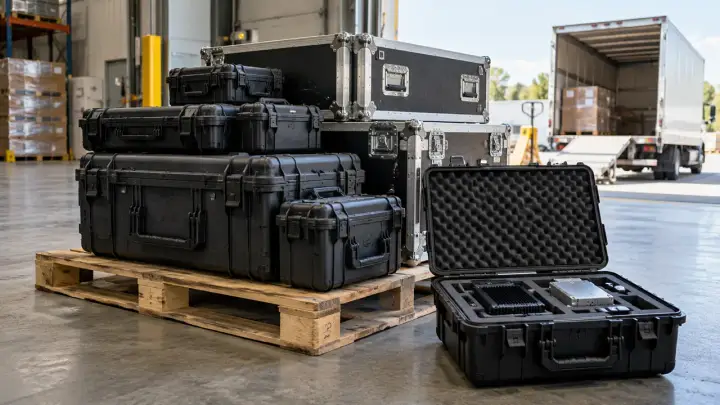
Deployment equipment may wait at a distribution hub while the installation site prepares to receive it. Locate the selected shipping cases, confirm the holding point for collection and organize delivery for the booked receiving slot. Plan tracker retrieval when the equipment is unpacked or the case returns.
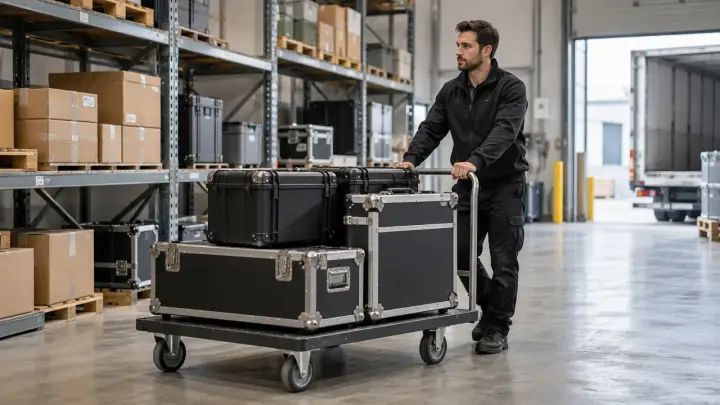
Valuable merchandise may move through a specialist carrier, temporary storage and an event or retail site. Locate the approved transport case at covered collection points and use the consignment record to arrange the next transfer. Access to shipment information stays with the authorized parties managing it.
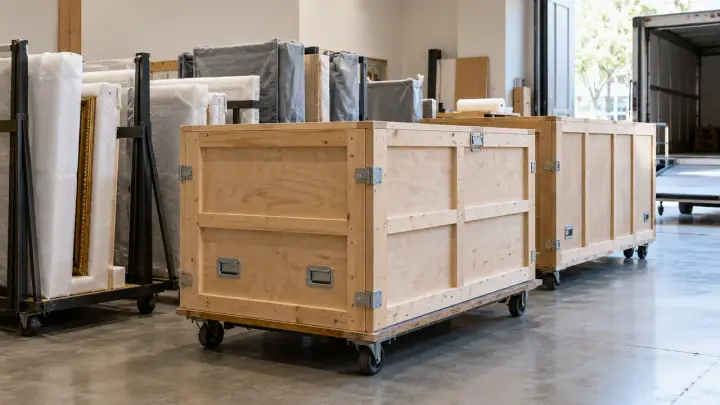
An exhibit crate may travel from storage to conservation and then to an exhibition venue. Locate the carrier at covered transport stages, organize receiving and return collection, and connect the crate to the collection record. Packaging and any environmental measurements must suit the conservation requirements.
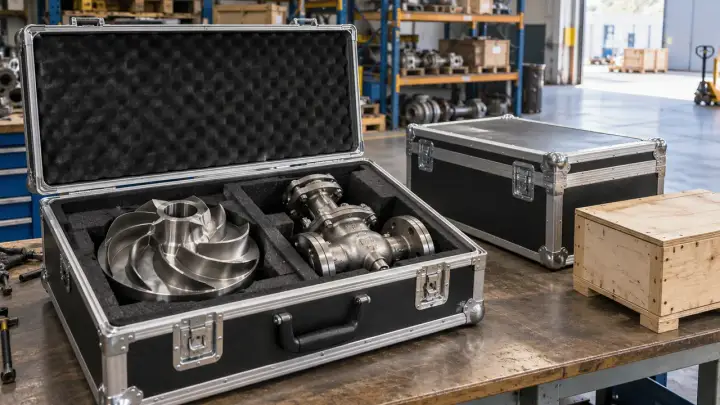
A replacement part may pass through a supplier and regional depot before reaching the repair site. Locate its shipping case at covered stages, organize collection for the planned repair and connect the shipment to the work order. Arrange tracker recovery after the part has been delivered.
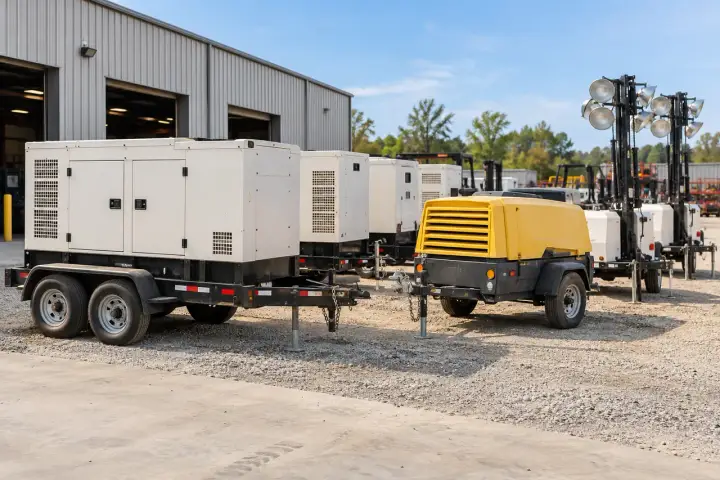
Collect the equipment when the contract or job ends. Locate units held by customers, return them to the right depot and find service kits that need replenishment before the next assignment.
A generator may remain on a finished project while the rental team is arranging several returns. Find the unit assigned to that customer, group collection by site and bring it back to the correct depot. Use the contract and asset records together to prepare the next rental.
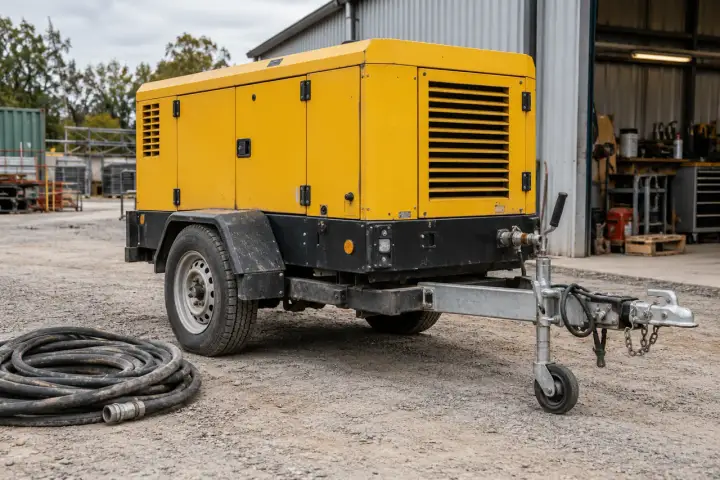
The crew may finish before the portable compressor is collected from the site. Locate the rented unit, match it to the pickup list and arrange its return for the next booking. Keeping each compressor tied to its own asset record helps branches collect the correct unit.
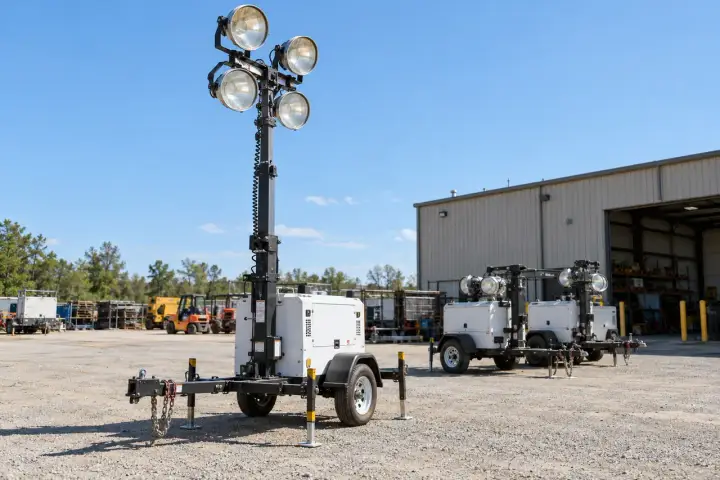
Light towers can be spread around a roadwork area, construction site or event ground. Locate the tracked units when the assignment closes, organize collection across those positions and return the set to the rental depot. Keep the tower identifiers connected to the customer’s equipment list.
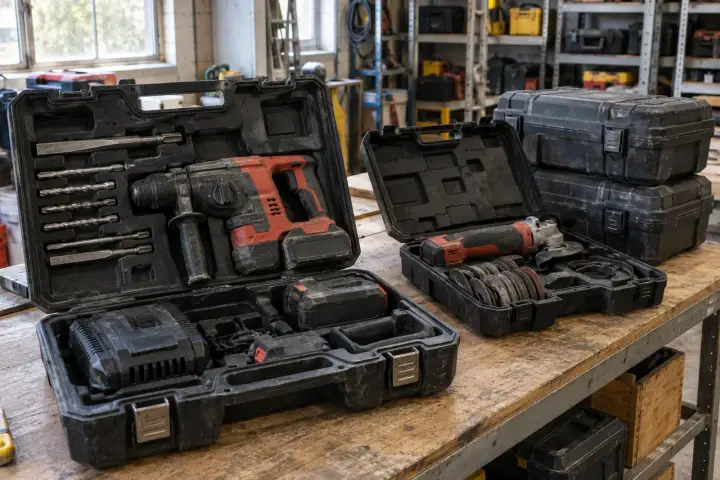
A specialist tool set may travel as one case through a branch, contractor and customer site. Locate the case due for return and arrange collection before its next booking. Track the kit as a complete asset, with a separate inventory process for the tools inside it.
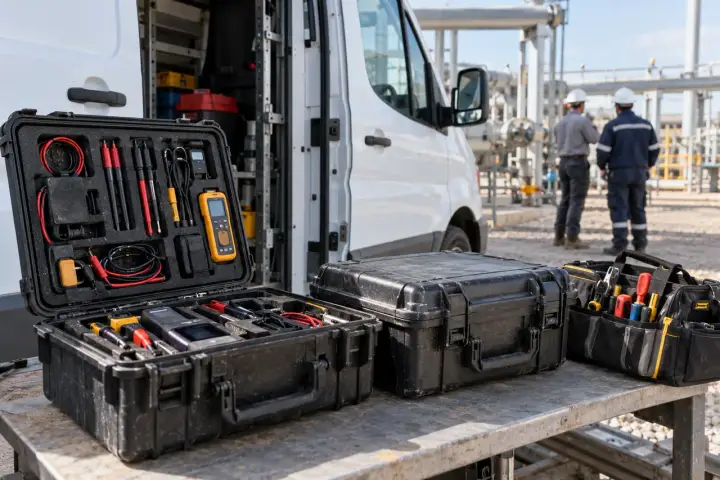
A service kit may stay at a regional store or customer facility after the job has finished. Locate the case assigned to that work order, arrange replenishment at its holding site and return it to the depot when needed. Keep kit identity connected to the parts record.
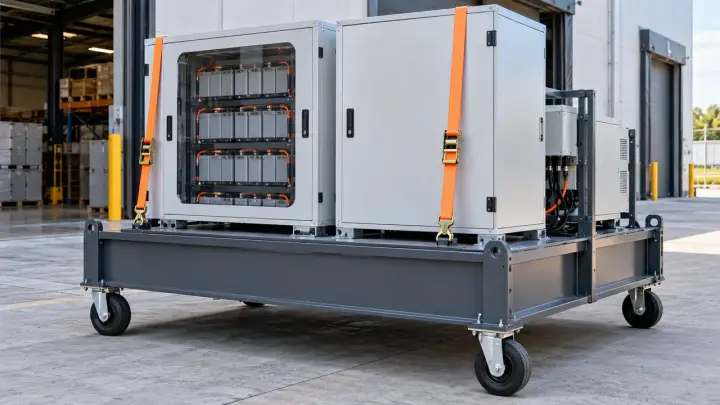
A mobile battery platform may be deployed at an event, temporary facility or remote worksite. Locate the unit when its assignment ends, arrange transport to the next customer or regional depot and keep the platform identity connected to the booking. Equipment-status integration is specified separately if needed.

Find fleet vehicles for service and portable equipment for collection after an assignment. Preserve normal use and rapid access while keeping each vehicle or case connected to its asset identity.
Fleet e-bikes may be held by local teams, partner operators or workshops when a collection round is planned. Locate the bikes on the service or storage list, organize pickup and return them to the appropriate base, keeping each bike’s identity through changes of partner or operating region.
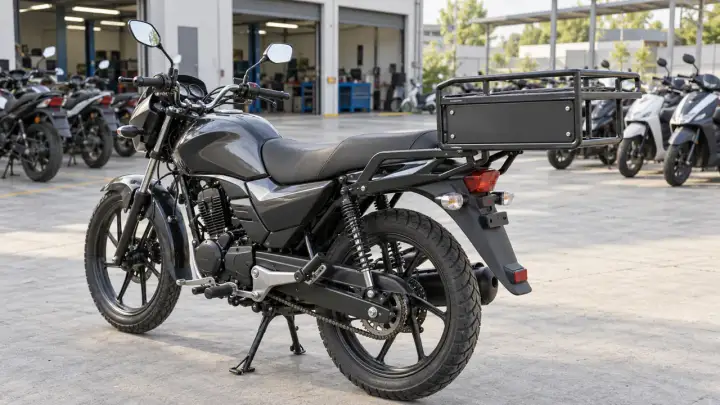
A motorcycle or scooter may need to move from a partner’s operating base to a workshop or another branch. Locate the assigned unit and organize collection using the fleet record. Use a dedicated external rear carrier bracket, separate from engine and control components.
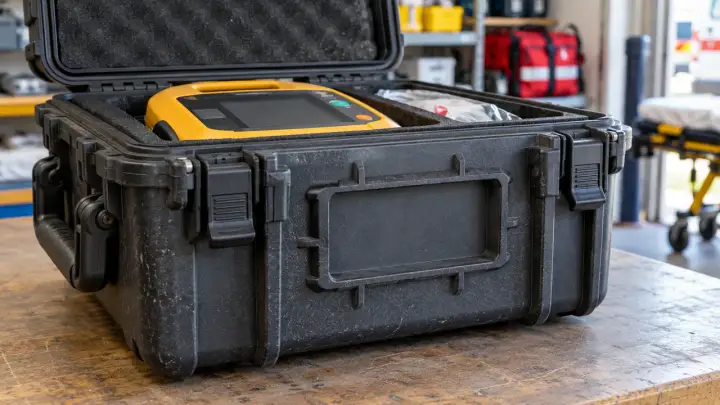
A portable AED kit may be issued to an event team or temporary facility and then need to return to shared storage. Locate its dedicated transport case, arrange collection and return the identified kit to the correct base, preserving immediate access to the medical equipment.
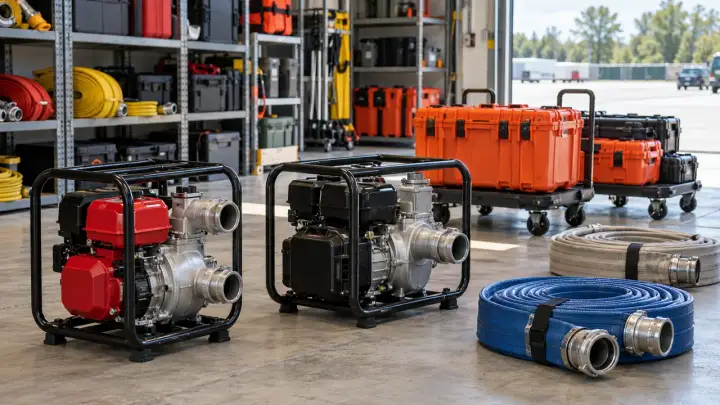
A rescue equipment case may be left at a training ground or temporary field base after the team’s assignment. Locate the shared kit, organize collection and return it to the store that issues the next deployment. Use the case identifier to distinguish similar sets across regional teams.
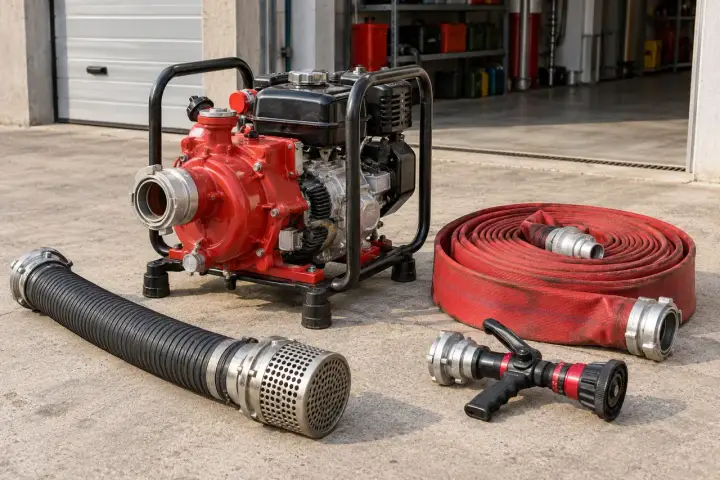
Portable hose kits and firefighting support equipment may be shared between stations and training sites. Locate the identified case or unit after the assignment, arrange collection and return it to the correct station. Clear asset identity helps the stores team distinguish equipment issued to different teams.
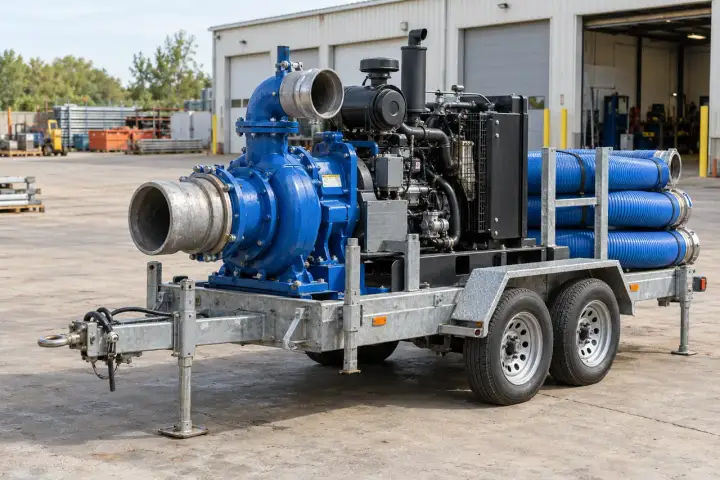
A mobile pump may remain at a temporary drainage or flood-control site after its assignment ends. Locate the identified unit, arrange collection and move it back to shared storage or the next planned deployment. Use the asset record to send the correct transport team to its holding area.
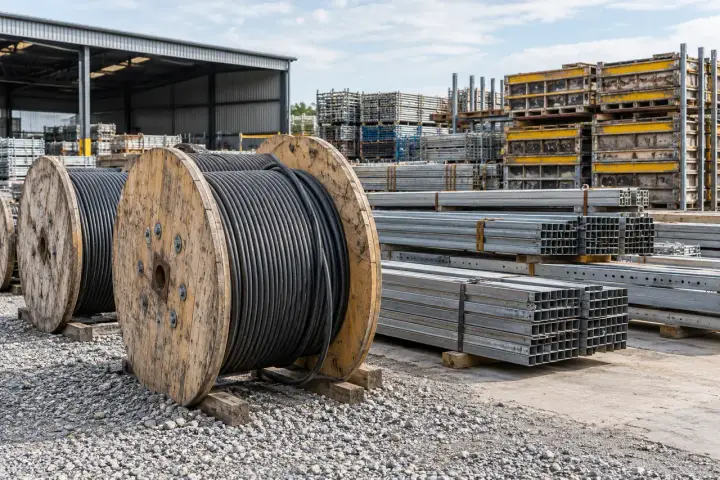
Find cable drums, material carriers and specialist equipment assigned to a project. Mount to protected frames or reusable carriers so handling remains clear through storage, lifting, delivery and return.
The cable installation crew needs the correct drum at the right staging point. Locate the identified drum or its assigned transport stand, arrange delivery against the material list and collect the reusable carrier when installation is complete. Keep the drum linked to the cable batch and project package.
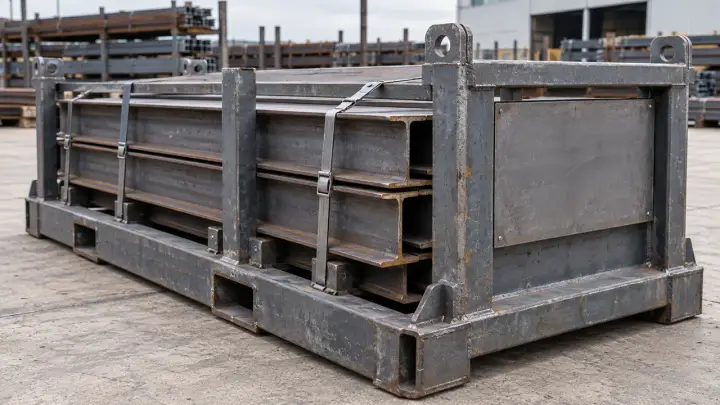
A steel batch may travel between fabrication, storage and the installation site on a reusable cradle. Locate that carrier, match its identity to the material batch and arrange the next delivery or return. Mount the tracker on the dedicated cradle rather than directly on bare steel sections.
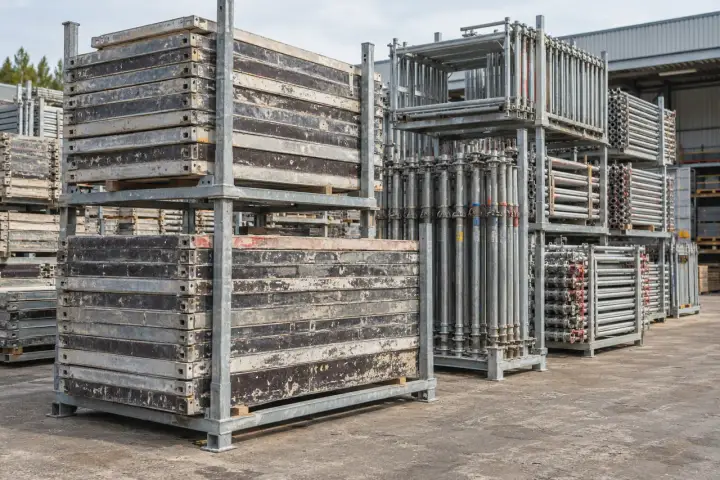
Formwork and scaffolding can stay behind when a construction phase ends. Locate the tracked rack or set, arrange collection from the site and return it to the yard that supplies the next contract. Keep the set record separate from the inventory of individual panels or components.
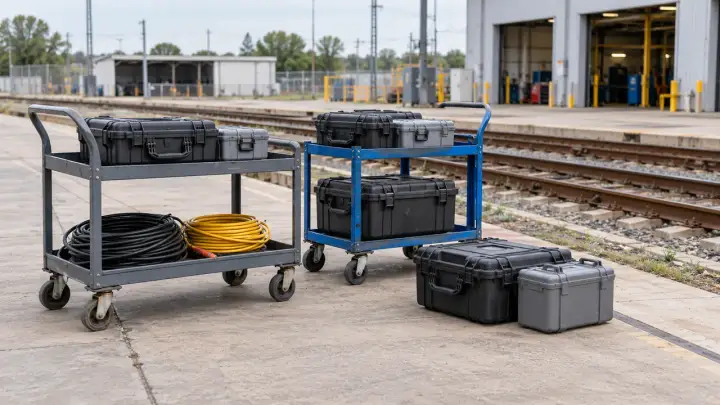
Portable railway service equipment may be shared across depots, contractor yards and trackside work areas. Locate the unit or case assigned to a completed work package, arrange collection and return it to the correct depot before the next job. Keep its identity connected to the equipment issue record.
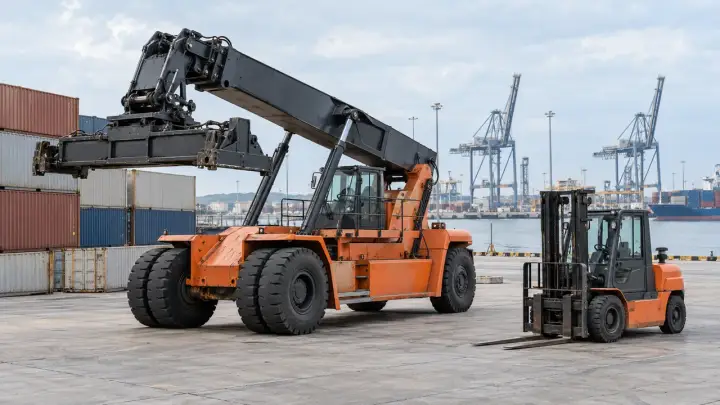
Handling assets may be held in different terminal areas or maintenance yards when another team needs them. Locate the identified unit within the port’s covered operating areas and arrange a transfer or service collection. Use asset identity to distinguish equipment shared between terminal operators and service providers.
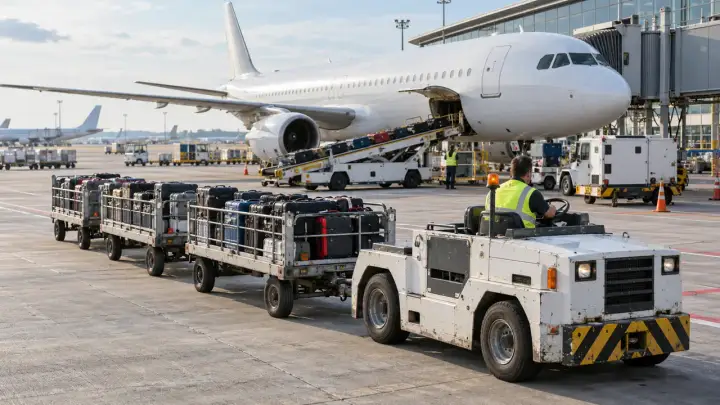
An airport tug or baggage asset may be at another terminal, a storage zone or a maintenance area. Locate the unit assigned to a transfer request and arrange collection with the responsible service team. Keep the asset identifier consistent when equipment passes between ground-service providers.
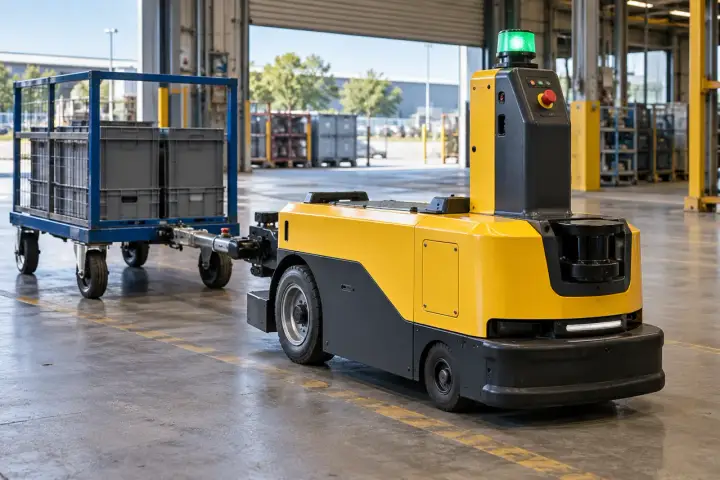
Get equipment and tooling back to the plant that needs it. Track individual assets or their designated transport frames and cases through site transfers. Include a local indoor positioning design when finding a building zone or storage bay is part of the project.
AGVs move between manufacturers, receiving plants and service centers before returning to production. Associate the tracker with the AGV’s unit ID and use configured location reports to coordinate delivery, collection and reassignment. Match coverage and reporting to each transfer route. For indoor zone finding, include the building layout and local positioning requirements in the project.
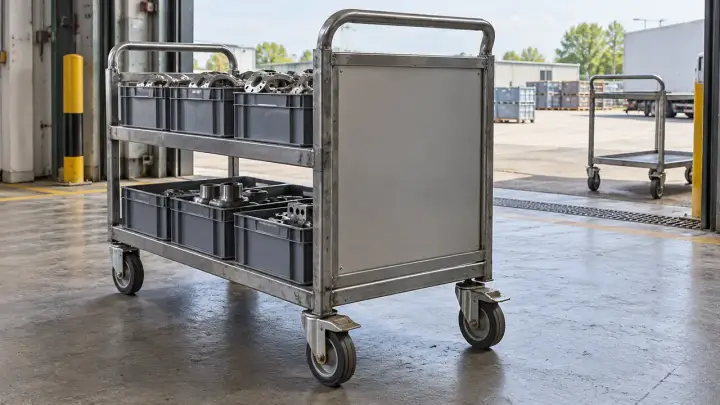
Trolley pools can spread between loading bays, production buildings and supplier collection points. Locate the tracked trolley needed for a pickup and return it to the appropriate pool. Outdoor transfer reporting and any indoor finding are specified around the actual route through the buildings.
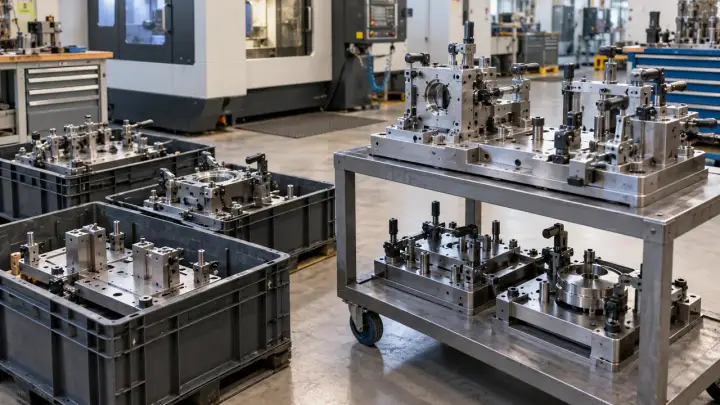
A jig or fixture may be at a subcontractor or repair workshop when production needs it back. Locate its carrying frame or case, arrange collection and return the identified tooling to the required plant. Specify indoor finding where the relevant storage bay forms part of that workflow.
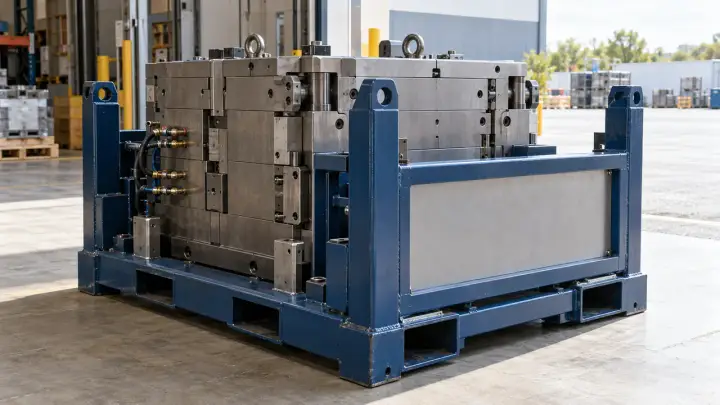
A mould moves between the toolmaker, production, storage and specialist repair on a dedicated protective transport frame or in a crate. Locate that carrier, link it to the tooling record and arrange collection for the next site. Keep the attachment clear of the mould’s precision surfaces.
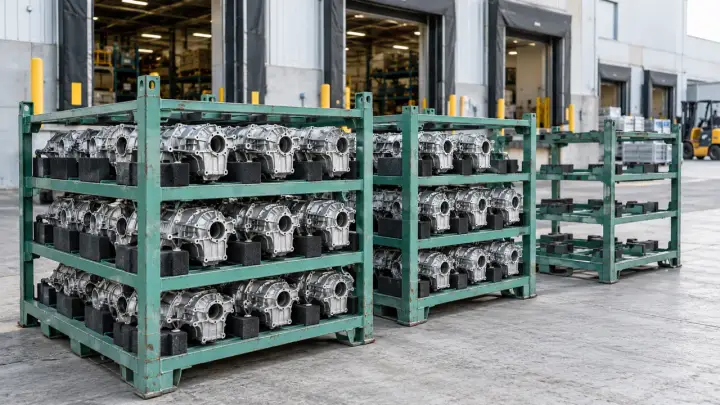
Dedicated component racks often return empty through a different process from the parts they delivered. Locate tracked racks at supplier or plant collection points, group the return load and bring the carriers back for the next production shipment. Specify indoor finding where warehouse zones matter to collection.
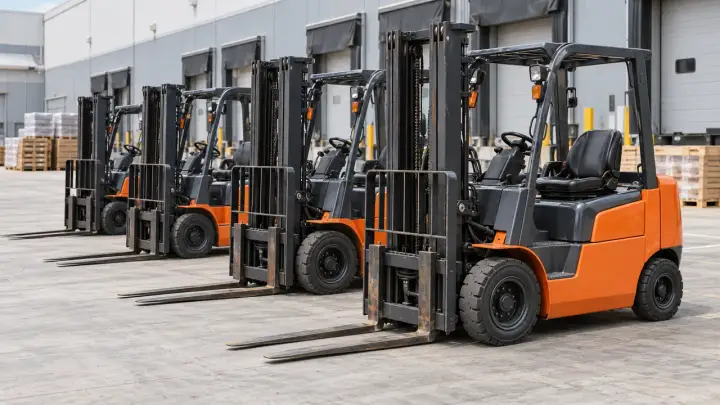
A forklift scheduled for transfer may be at a factory yard, rental partner or service workshop. Locate the unit on the transfer list and arrange collection to the required site. Use its fleet identity through the move, with indoor finding specified separately where the holding area is inside a building.
SERIES & CONFIGURATIONS
Choose H300 for 4G or H500 for NB-IoT. We match the device configuration to your asset, operating region and reporting requirements, including the attachment and platform connection.
4G asset tracking for your equipment, reusable packaging and cargo project. Match the modem, SIM service and reporting profile to the places your assets travel.
Discuss H300 ↗NB-IoT asset tracking for a deployment served by compatible operators. Match local service, SIM arrangements and update requirements across every site or route stage.
Discuss H500 ↗| H300 connectivity | 4G |
|---|---|
| H500 connectivity | NB-IoT |
| Location requirement | Outdoor coordinates, approximate site location or a project-specific indoor positioning design |
| Deployment region | Countries, operator coverage, modem bands, SIM service and any roaming arrangement |
| Reporting profile | Storage intervals, transfer updates and required event notifications |
| Power and maintenance | Target service interval, operating conditions and access for maintenance |
| Mounting and exposure | Device dimensions, available space, attachment, antenna clearance and site conditions |
| Platform integration | Hitelecom Cloud or customer platform; agreed message fields, endpoint and authentication |
PROJECT-SPECIFIC SENSING
Add the measurements your project needs to the agreed device configuration, from transport conditions to handling events and indoor location zones.
For selected cold-chain, pharmaceutical, storage or museum transport conditions.
For a defined orientation or vibration objective on sensitive equipment and cargo.
For a project-specific opening event, light measurement or enclosure arrangement.
For defined indoor zones or finer location detail with an agreed local infrastructure.
Asset or carrier ID · Available mounting space · Handling and return process
Sites and routes · Update requirements · Service interval · Additional sensing
H300 4G or H500 NB-IoT · Operator service · Platform fields and recipients
CONNECTIVITY & INTEGRATION
Bring location reports into the asset records your team already uses. A Hitelecom Cloud or customer-platform connection can be reviewed for the project, including asset IDs, data fields and access. MQTT is considered where included in the integration design.
Connect the asset identity to its reported locations and timestamps. Review history, define geofences and agree who receives the configured alerts.
Review the message format and connection path with your platform team. Match the supplied data fields to dispatch, asset management or transport records.
Agree coordinates, timestamp and positioning method in a sample message, together with the status fields available in the supplied configuration. Validate a complete journey from the mounting point to the intended platform and recipients.
Discuss platform integration ↗ANSWERS FOR YOUR PROJECT
Practical answers for model selection, mounting, location detail, reporting and the data connection your team needs.
Ask about your project ↗H300 uses 4G; H500 uses NB-IoT. Choose between them using the operator service available at your deployment sites and route stages, then review modem bands, SIM arrangements, roaming and the required update schedule. For moving or cross-border assets, validate service across the route. Positioning, power and platform functions are agreed for the selected configuration.
Indoor finding needs a design matched to the required detail: a building, zone, aisle or equipment bay. Buildings, metalwork and covered storage affect reception. For finer indoor positions, a project-specific BLE, Wi-Fi or other local system needs supporting infrastructure and integration. Check that design against the actual mounting point and the locations where the team needs to find the asset.
More frequent positioning and reports generally use more energy. Choose the update schedule that helps the team collect, transfer or return the asset, then assess power against network service, operating conditions and maintenance access. The battery-life or service-interval estimate should state the selected configuration and the reporting profile it is based on.
Request geofence and movement alerts when they will help the team act on a site transfer or deployment. The supplied tracker and platform scope must include the required events. Specify the boundary, update schedule, timing, recipients and follow-up action, then check that the resulting notification meets the job’s needs under the site’s coverage conditions.
Use attachment hardware that fits the asset: a frame bracket, protected recess or case pocket may be appropriate, with magnet, screw or strap arrangements considered for the project. Keep lifting paths, stacking faces, closures and service access clear. Check retention and reception on the actual unit, and specify the cleaning, temperature or chemical exposure the enclosure must accommodate.
Check operator service for the selected radio in every country and route stage, including modem bands, SIM arrangements and roaming. H300 uses 4G; H500 uses NB-IoT. Port and inland reporting depends on terrestrial service. For offshore stages, any additional connectivity or recording system needs a separate confirmed design and specification before it is included in the proposal.
A connection to your own platform is a project option. Share the asset records and location fields the team needs, together with the endpoint, access and notification requirements. MQTT can form part of the agreed integration where included. A sample message and a complete data-path check establish how reports will appear in your dispatch, asset-management or transport workflow.
Yes. Hitelecom offers OEM/ODM review around the asset and its deployment. Photos or drawings help establish available space, attachment, handling, power and connectivity needs. Additional temperature, humidity, tilt or light-based opening measurements can be scoped where useful; the proposal identifies the included channels, performance and platform connection for the supplied configuration.
LET'S TALK ABOUT YOUR PROJECT
Tell us what moves, where it travels and how often you need an update. We’ll help match the tracker, attachment, reporting profile and platform to your project.
sales@hitelecom.cn ↗An asset photo, route outline or sample platform message helps us understand the installation. Share the additional conditions you want to monitor, if applicable.